






The Nxeon Blog
Guides for people who run their own servers.
Straight-talking tutorials and comparisons on VPS hosting, game servers, Linux and security. No fluff, just what actually works. 346 guides from the team that runs the servers.
Search results
30 guides for “control panel” in Game servers · Clear search
How to Host a Create Mod Minecraft Server
The Create mod adds mechanical contraptions and automation. Here's how to host a Create-based server on Linux, solo mod or full pack.
How to Enable Crossplay on a Minecraft Server with Geyser
Geyser lets Bedrock players (phone, console) join your Java server. Add Floodgate and they don't even need a Java account.
How to Add Mods to a Minecraft Server (Forge & Fabric)
Once Forge or Fabric is installed, this is how you actually add, update, and troubleshoot mods on a Minecraft server without crashes.
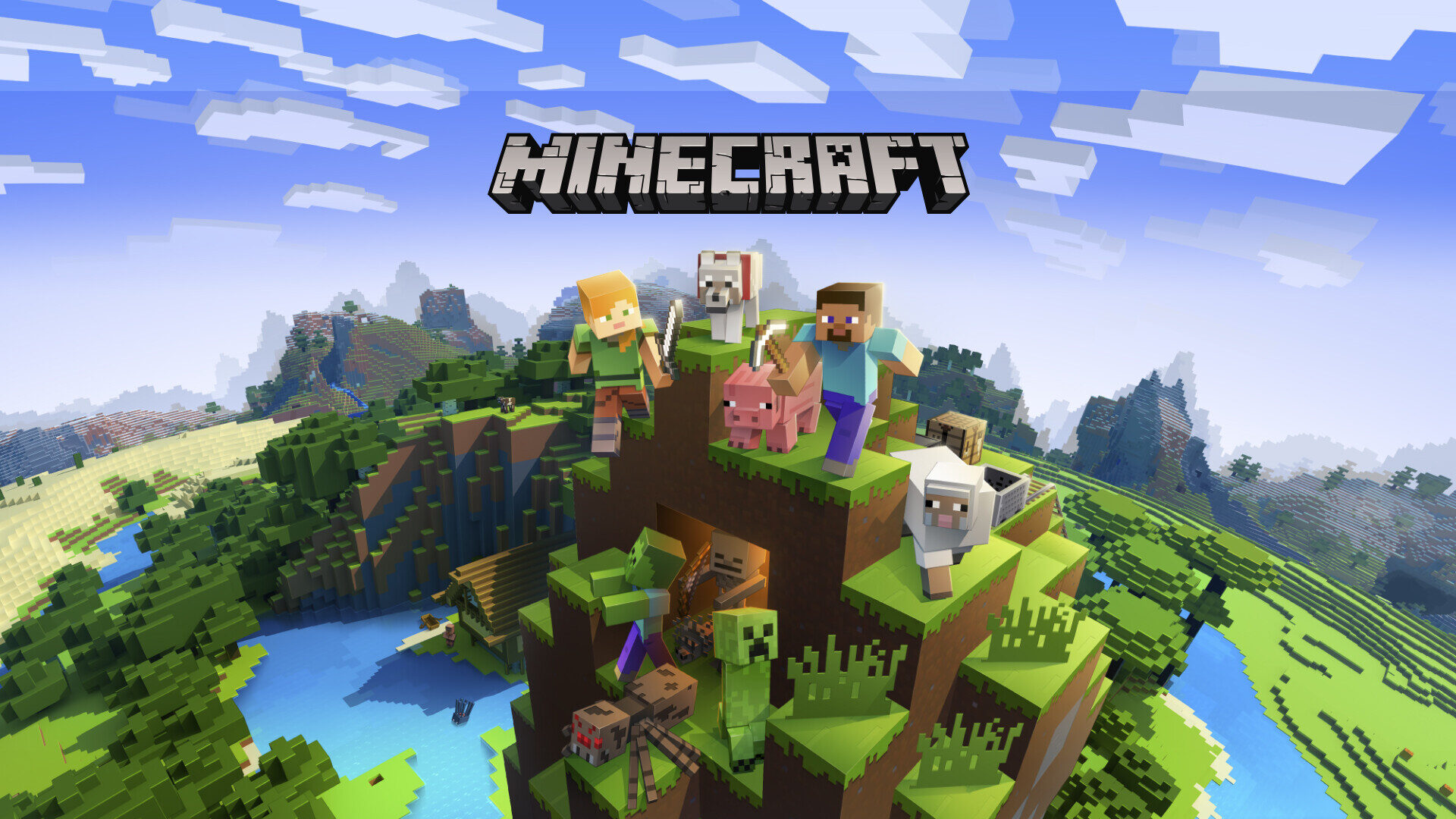
Customizing your game server: configs, mods, and performance
A deployed game server is just the start. Here's how to customize configs, add mods and plugins, tune performance and manage files on your Nxeon game server.
VPS vs Dedicated Game Server Hosting: Which Should You Pick?
One-click game panels are easy but limited; a VPS gives you root and flexibility. Here's how to choose between a dedicated game host and a VPS.
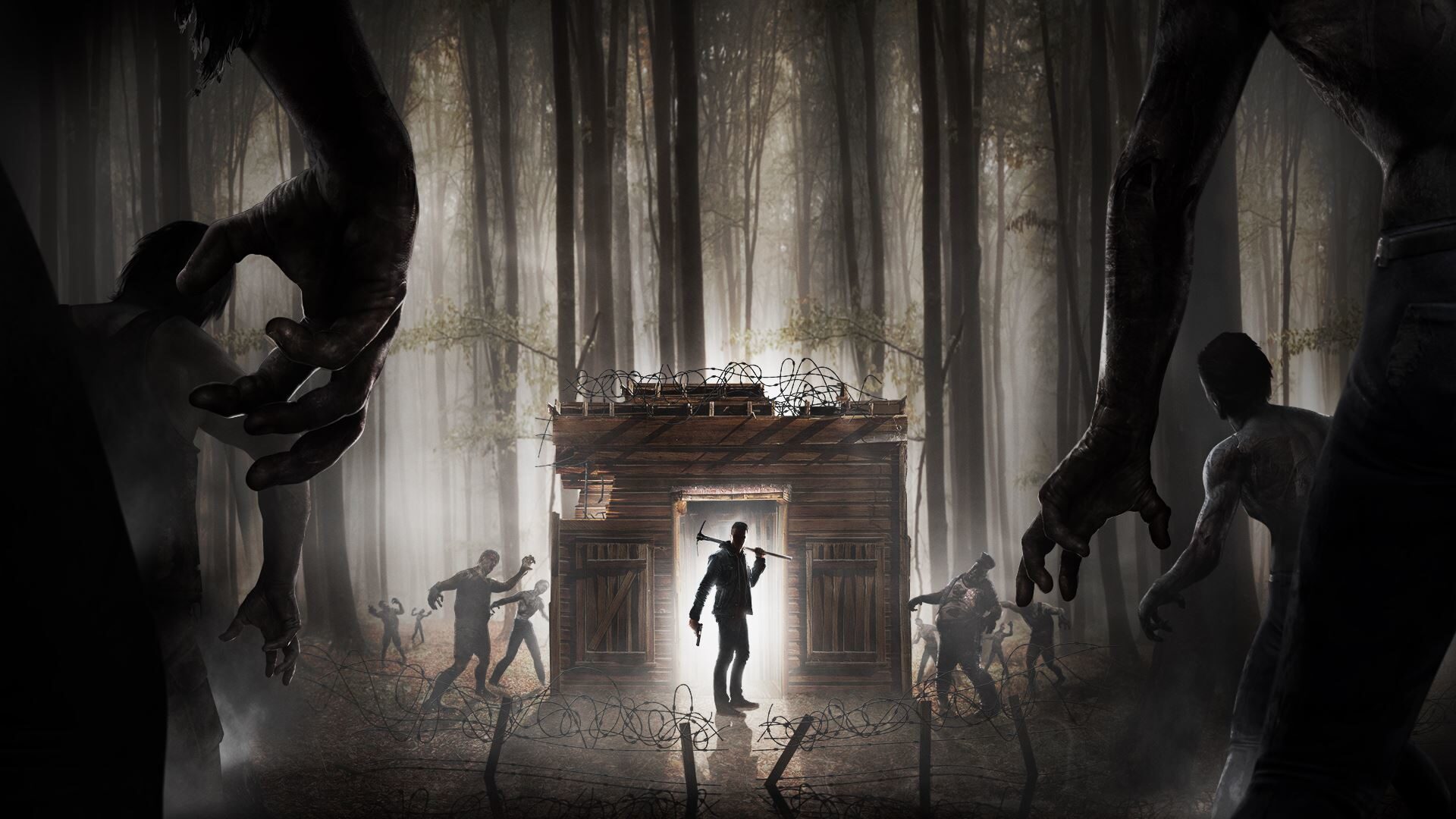
How to Set Up a 7 Days to Die Server
Survive the horde together on your own 7 Days to Die server. Install via SteamCMD, edit serverconfig.xml and open the ports for co-op survival.
Deploy your first server in under a minute.
Creating an account is free and takes no card details. Every guide here runs on a Nxeon VPS or game server.