






The Nxeon Blog
Guides for people who run their own servers.
Straight-talking tutorials and comparisons on VPS hosting, game servers, Linux and security. No fluff, just what actually works. 346 guides from the team that runs the servers.
Search results
80 guides for “root” in Game servers · Clear search
Rust Server Admin Commands and Wipe Management
Run your Rust server like a pro. The essential RCON and console commands for admin, moderation and scheduling map wipes players actually turn up for.

The Best Valheim Server Mods (and How to Install Them)
Level up your Valheim server with BepInEx mods — quality-of-life, bigger builds, more storage and server-wide tweaks, plus how to keep clients in sync.

How to Host a Minecraft Modpack Server (Forge & Fabric)
Run a modded Minecraft server for CurseForge or Modrinth packs. Install Forge or Fabric, match versions, allocate RAM and open the port.
How to Back Up Your Game Server (Automatically)
Never lose a world again. Set up automated, off-server game server backups with a cron job, tar and rotation — plus how to test a restore.
The Best Minecraft Server Plugins (and What They Do)
The essential Paper/Spigot plugins for any Minecraft server — permissions, land claims, anti-grief, performance and admin tools worth installing first.
How to Reduce Minecraft Server Lag
Fix low TPS and stutter on your Minecraft server. Practical fixes: Paper, Aikar's flags, view-distance tuning, chunk pre-gen and spark profiling.

How to Set Up a V Rising Dedicated Server
Rule the night on your own V Rising server. Install via SteamCMD, tune the PvP and game settings JSON, and open the UDP ports.

How to Set Up an Enshrouded Dedicated Server
Host a persistent Enshrouded world for up to 16 players. Install with SteamCMD, edit the JSON config and open the UDP ports.
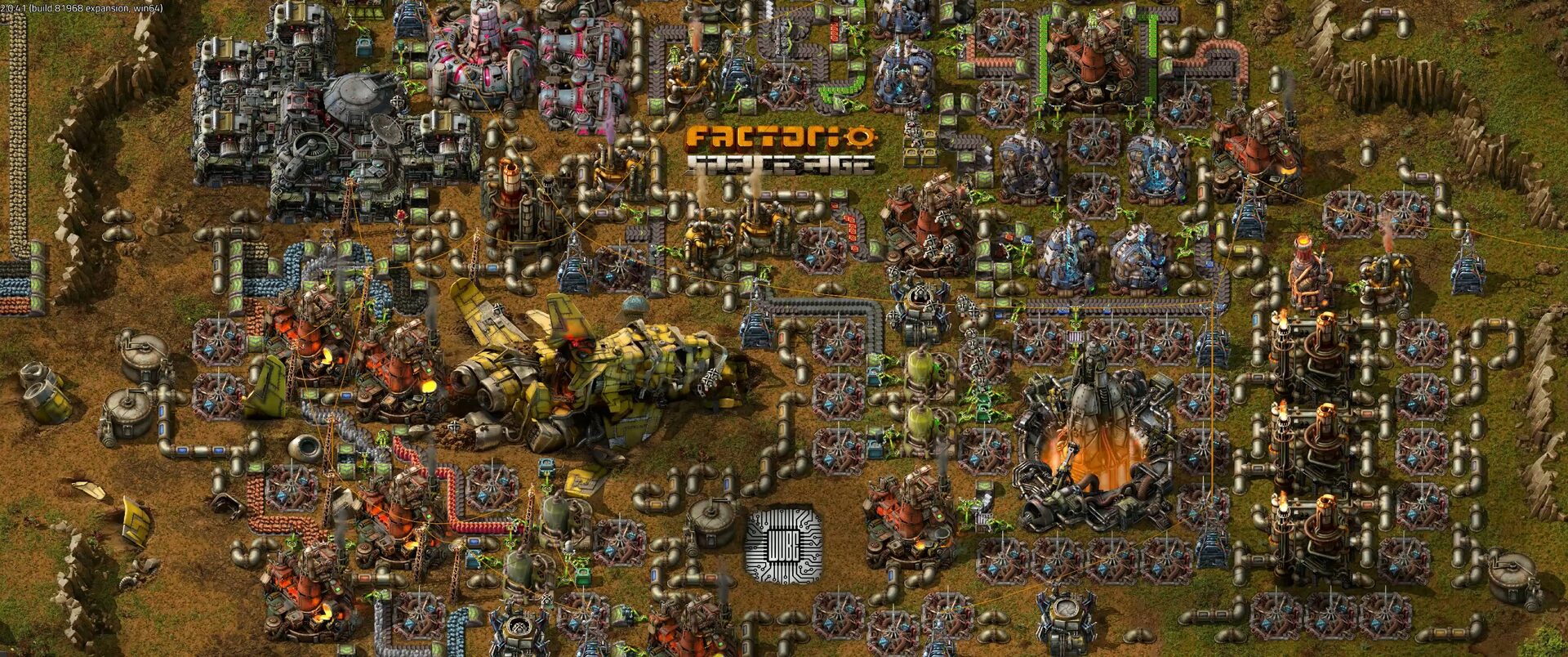
How to Set Up a Factorio Server
Run a lightweight, always-on Factorio server for your megabase. Install the headless server, load a save and open UDP port 34197.

How to Set Up a Satisfactory Dedicated Server
Keep your factory running 24/7 with a Satisfactory dedicated server. Install via SteamCMD, claim it in-game and open the UDP ports.

How to Set Up a Project Zomboid Server
Build a persistent Project Zomboid world for your survivors. Install with SteamCMD, set the memory and admin password, and open port 16261.

How to Set Up a 7 Days to Die Server
Survive the horde together on your own 7 Days to Die server. Install via SteamCMD, edit serverconfig.xml and open the ports for co-op survival.
Deploy your first server in under a minute.
Creating an account is free and takes no card details. Every guide here runs on a Nxeon VPS or game server.