






The Nxeon Blog
Guides for people who run their own servers.
Straight-talking tutorials and comparisons on VPS hosting, game servers, Linux and security. No fluff, just what actually works. 346 guides from the team that runs the servers.
Search results
71 guides for “version” in Game servers · Clear search
The Best Valheim Server Mods (and How to Install Them)
Level up your Valheim server with BepInEx mods — quality-of-life, bigger builds, more storage and server-wide tweaks, plus how to keep clients in sync.
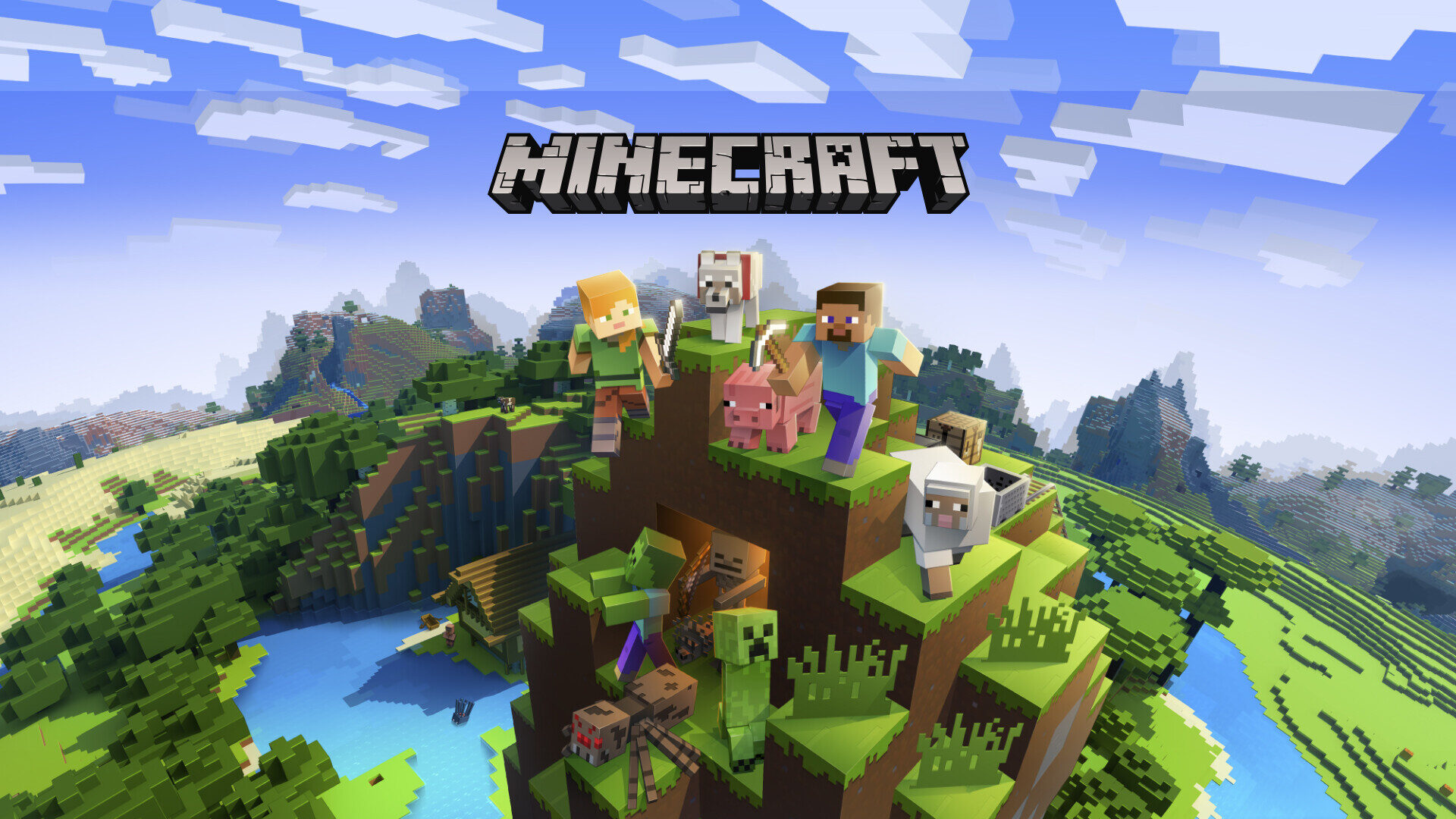
How to Host a Minecraft Modpack Server (Forge & Fabric)
Run a modded Minecraft server for CurseForge or Modrinth packs. Install Forge or Fabric, match versions, allocate RAM and open the port.
The Best Minecraft Server Plugins (and What They Do)
The essential Paper/Spigot plugins for any Minecraft server — permissions, land claims, anti-grief, performance and admin tools worth installing first.

How to Set Up a V Rising Dedicated Server
Rule the night on your own V Rising server. Install via SteamCMD, tune the PvP and game settings JSON, and open the UDP ports.
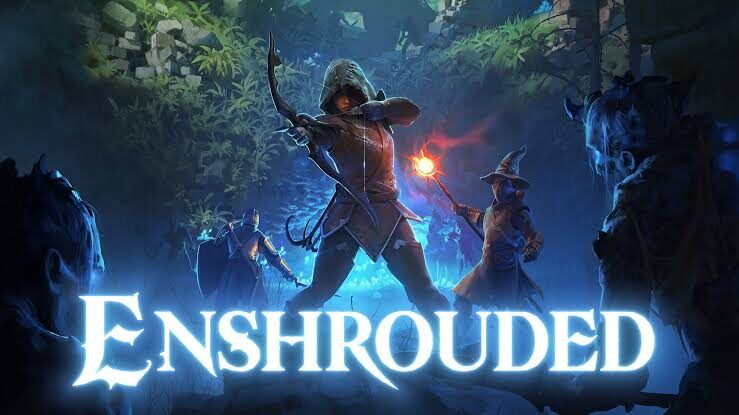
How to Set Up an Enshrouded Dedicated Server
Host a persistent Enshrouded world for up to 16 players. Install with SteamCMD, edit the JSON config and open the UDP ports.
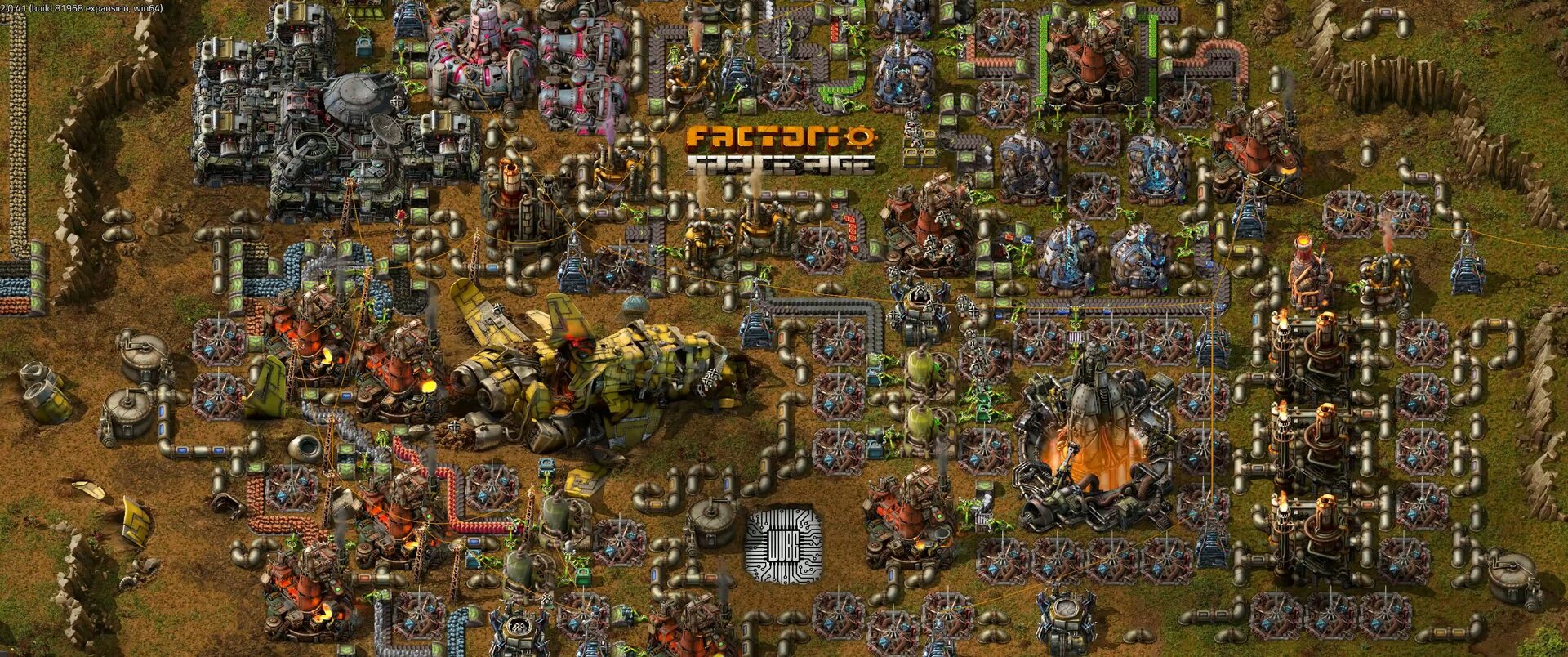
How to Set Up a Factorio Server
Run a lightweight, always-on Factorio server for your megabase. Install the headless server, load a save and open UDP port 34197.

How to Set Up a Terraria Dedicated Server
Keep your Terraria world online for friends around the clock. Install the dedicated server on Linux, configure serverconfig.txt and open port 7777.

How to Set Up a Palworld Dedicated Server
Host a persistent Palworld world for up to 32 players. Install via SteamCMD, tune the game settings and open UDP port 8211.
How to Set Up a Valheim Dedicated Server
Keep your Viking world alive 24/7. Install a Valheim dedicated server on Linux with SteamCMD, set a password and open the UDP ports.
How to Set Up a Minecraft Bedrock Server
Run a dedicated Minecraft Bedrock server so friends on phones, consoles and Windows can all join — install, configure and open UDP port 19132.
How to Set Up a Minecraft Java Edition Server
A step-by-step guide to running your own always-on Minecraft: Java Edition server on a Linux VPS — from Java to Paper, ports and 24/7 uptime.
Deploy your first server in under a minute.
Creating an account is free and takes no card details. Every guide here runs on a Nxeon VPS or game server.