






The Nxeon Blog
Guides for people who run their own servers.
Straight-talking tutorials and comparisons on VPS hosting, game servers, Linux and security. No fluff, just what actually works. 346 guides from the team that runs the servers.
Search results
9 guides for “24/7” in Game servers · Clear search
Best tModLoader Mods for Terraria (2026)
The best tModLoader mods for Terraria in 2026: Calamity, Thorium, Magic Storage, Recipe Browser, Fargo's, Boss Checklist, and The Stars Above.
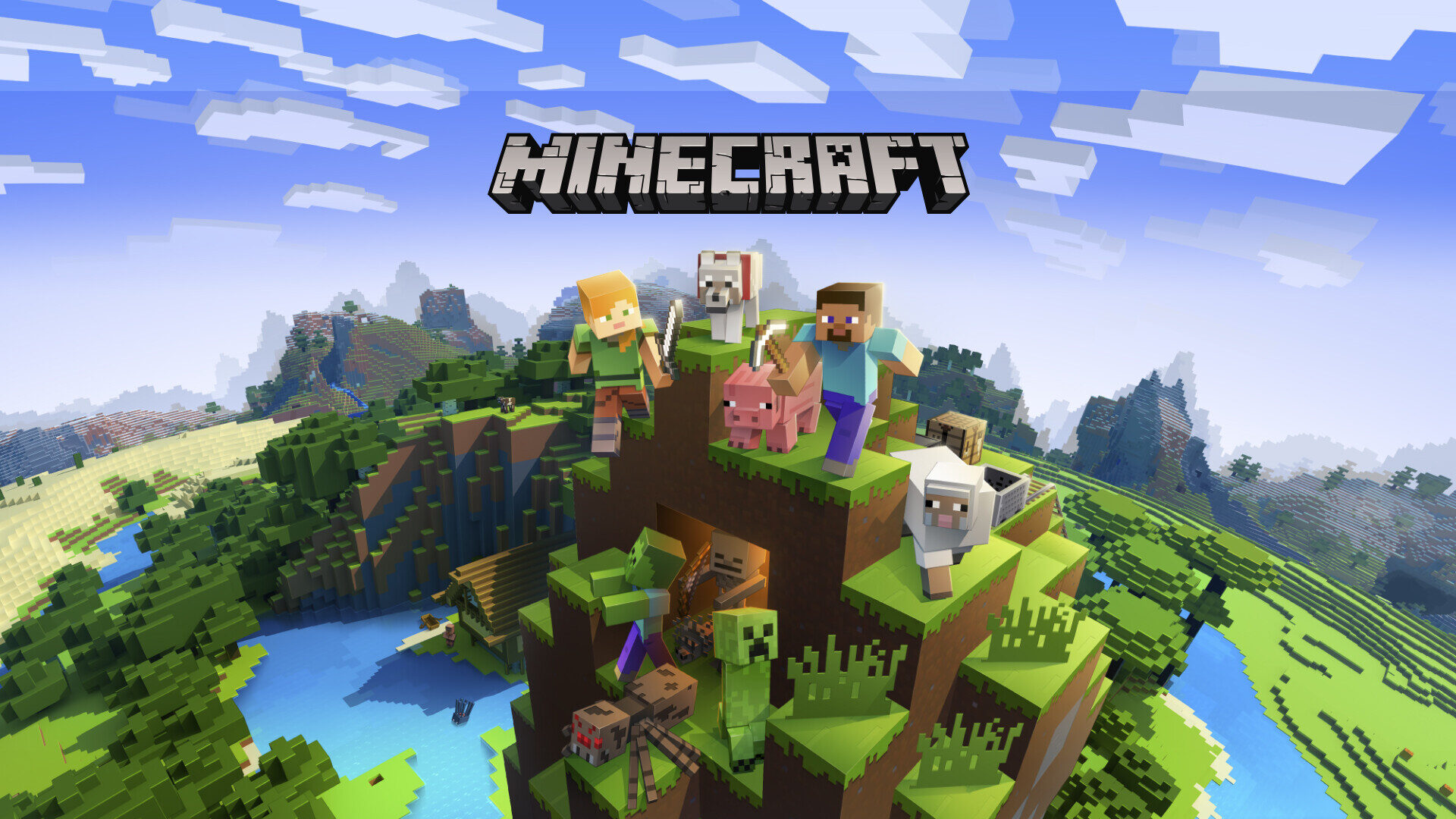
Best Minecraft Bedrock Add-ons (2026)
The best free Minecraft Bedrock add-ons for 2026, plus how behavior and resource packs work and how add-ons differ from Java mods.

How to Set Up a Satisfactory Dedicated Server on a VPS
Keep your Satisfactory factory running 24/7: SteamCMD install, claiming the server in-game, port 7777, and a systemd service sized for big automation saves.
How to Set Up a Team Fortress 2 Dedicated Server
Run your own TF2 dedicated server on a Linux VPS with SteamCMD, pick your maps and game mode, add a GSLT, and keep it online with systemd.
How to Set Up a Minecraft SMP for Friends
Want a persistent survival world for you and your friends? Here's how to set up a Minecraft SMP the right way, from software to security.
Why Host Your Game Server on a VPS?
Home PC, game panel, or VPS? Here's why a VPS is the sweet spot for most game servers — control, reliability and value — and when it isn't.

How to Set Up a Satisfactory Dedicated Server
Keep your factory running 24/7 with a Satisfactory dedicated server. Install via SteamCMD, claim it in-game and open the UDP ports.
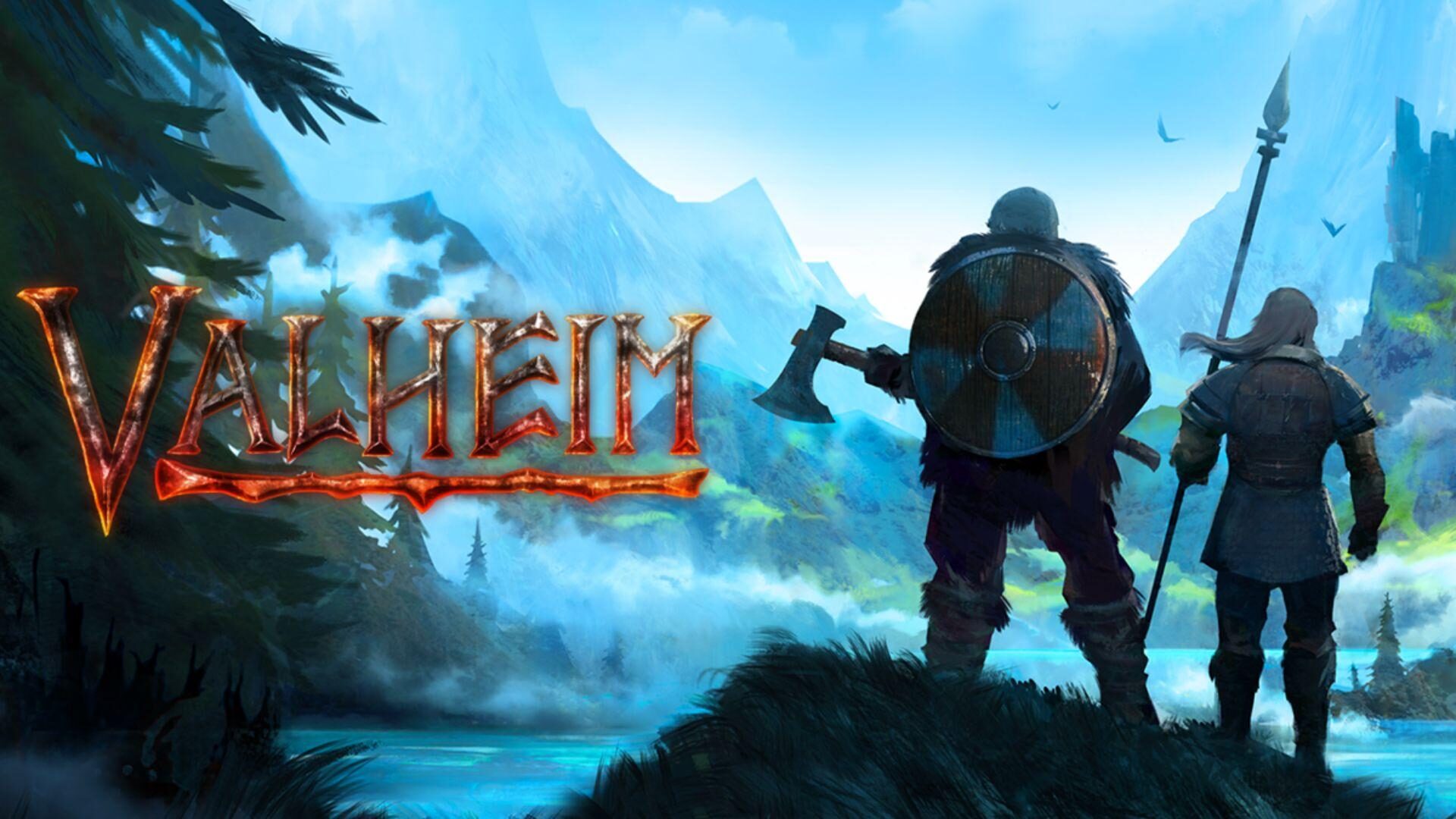
How to Set Up a Valheim Dedicated Server
Keep your Viking world alive 24/7. Install a Valheim dedicated server on Linux with SteamCMD, set a password and open the UDP ports.
How to Set Up a Minecraft Java Edition Server
A step-by-step guide to running your own always-on Minecraft: Java Edition server on a Linux VPS — from Java to Paper, ports and 24/7 uptime.
Deploy your first server in under a minute.
Creating an account is free and takes no card details. Every guide here runs on a Nxeon VPS or game server.