






The Nxeon Blog
Guides for people who run their own servers.
Straight-talking tutorials and comparisons on VPS hosting, game servers, Linux and security. No fluff, just what actually works. 346 guides from the team that runs the servers.
Search results
8 guides for “add-ons” in Game servers · Clear search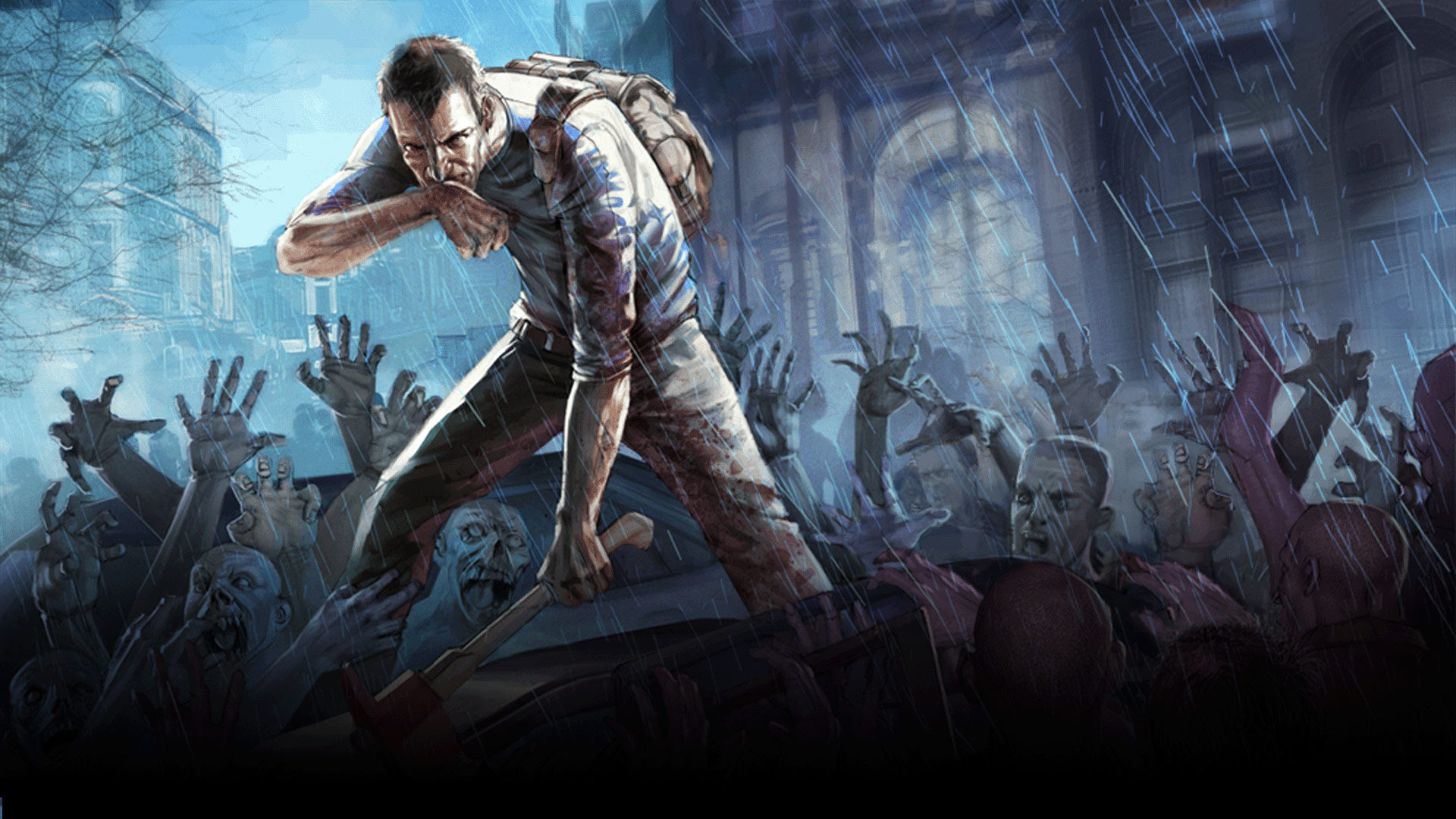
Best Project Zomboid Mods for 2026
The essential Project Zomboid mods for 2026, from Brita's arsenal to Superb Survivors NPCs and Raven Creek, plus B41 vs B42 compatibility notes.

Best Minecraft Bedrock Add-ons (2026)
The best free Minecraft Bedrock add-ons for 2026, plus how behavior and resource packs work and how add-ons differ from Java mods.
Best Minecraft Plugins for 2026 (Paper/Spigot)
The essential Paper and Spigot plugins for 2026: permissions, anti-grief, cross-play, Discord integration, live maps, and performance tools.

How to Install EssentialsX on a Paper Minecraft Server
EssentialsX is the backbone plugin for survival servers — homes, warps, kits, economy. Here's how to install and configure it on Paper.
How to Host a Create Mod Minecraft Server
The Create mod adds mechanical contraptions and automation. Here's how to host a Create-based server on Linux, solo mod or full pack.
How to Set Up a Minecraft Bedrock Dedicated Server
Run an official Bedrock Dedicated Server on Linux so phone, console, and Windows 10 players can join a persistent world.
Customizing your game server: configs, mods, and performance
A deployed game server is just the start. Here's how to customize configs, add mods and plugins, tune performance and manage files on your Nxeon game server.
How to Set Up a Minecraft Bedrock Server
Run a dedicated Minecraft Bedrock server so friends on phones, consoles and Windows can all join — install, configure and open UDP port 19132.
Deploy your first server in under a minute.
Creating an account is free and takes no card details. Every guide here runs on a Nxeon VPS or game server.