






The Nxeon Blog
Guides for people who run their own servers.
Straight-talking tutorials and comparisons on VPS hosting, game servers, Linux and security. No fluff, just what actually works. 346 guides from the team that runs the servers.
Search results
59 guides for “console” in Game servers · Clear search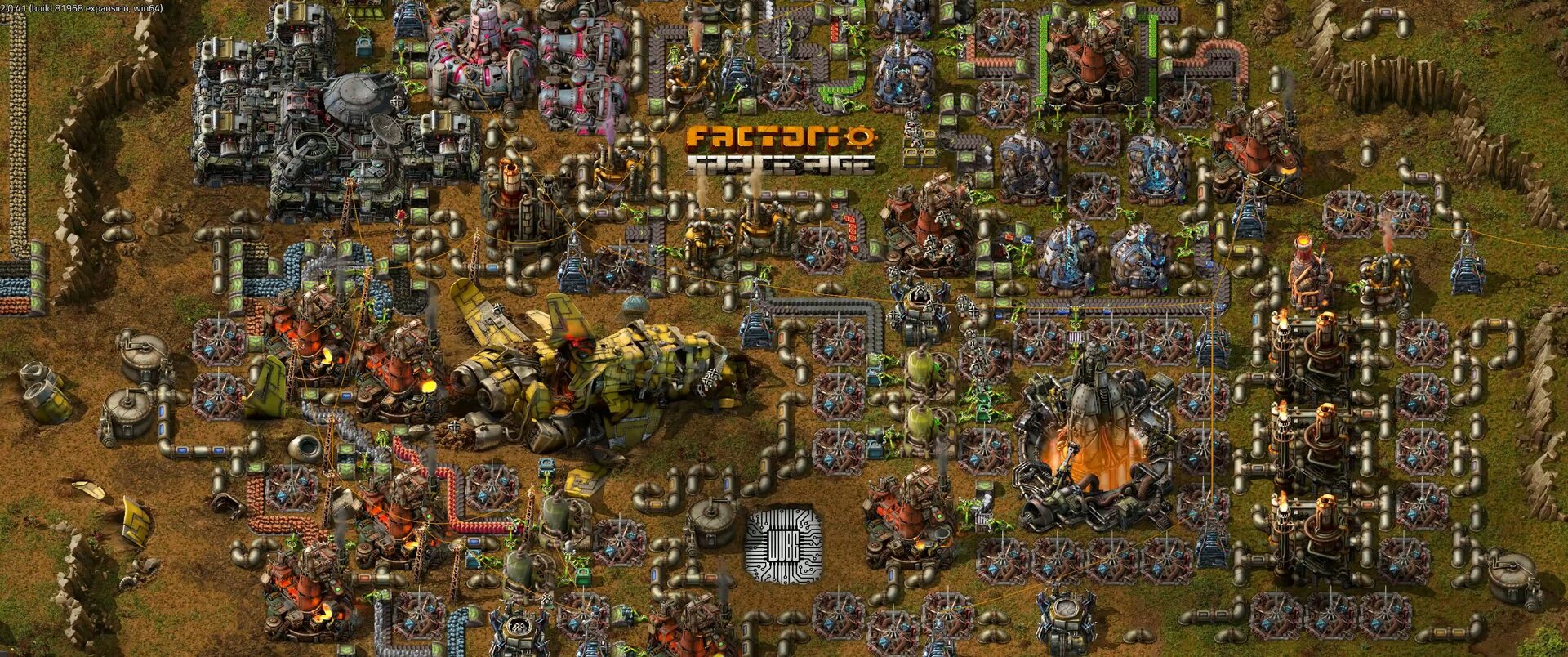
How to Install Factorio Server Mods (Mod Portal)
Install Factorio server mods the right way: drop .zip mods in the mods folder, manage mod-list.json, and keep server and clients on matching versions.
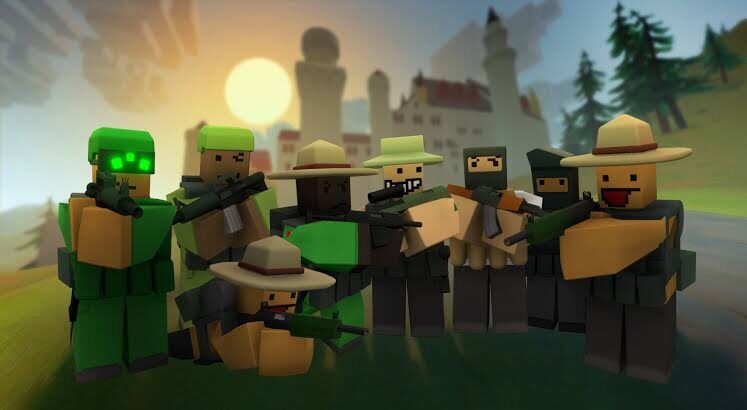
How to Install Unturned Plugins (RocketMod/OpenMod) & Workshop Maps
Install Unturned plugins with RocketMod or OpenMod and add Workshop maps so clients auto-download. A clear step-by-step server guide.

How to Install V Rising Mods (BepInEx)
A clear step-by-step guide to installing V Rising mods with BepInEx: set up the loader, drop mods into plugins, and keep clients in sync.

How to Install Valheim Mods (BepInEx + Thunderstore)
Install Valheim mods step by step: BepInEx into the server root, mods into BepInEx/plugins, and get clients matched with Thunderstore and r2modman.

How to Install CS2 Plugins (Metamod + CounterStrikeSharp)
Install CS2 plugins the right way: Metamod:Source first, then CounterStrikeSharp, then drop plugins into addons/counterstrikesharp/plugins.

How to Install Rust Plugins (Oxide & Carbon)
A step-by-step guide to installing Rust plugins: get the .cs file from umod.org, drop it in oxide/plugins, and reload — on Oxide or Carbon.
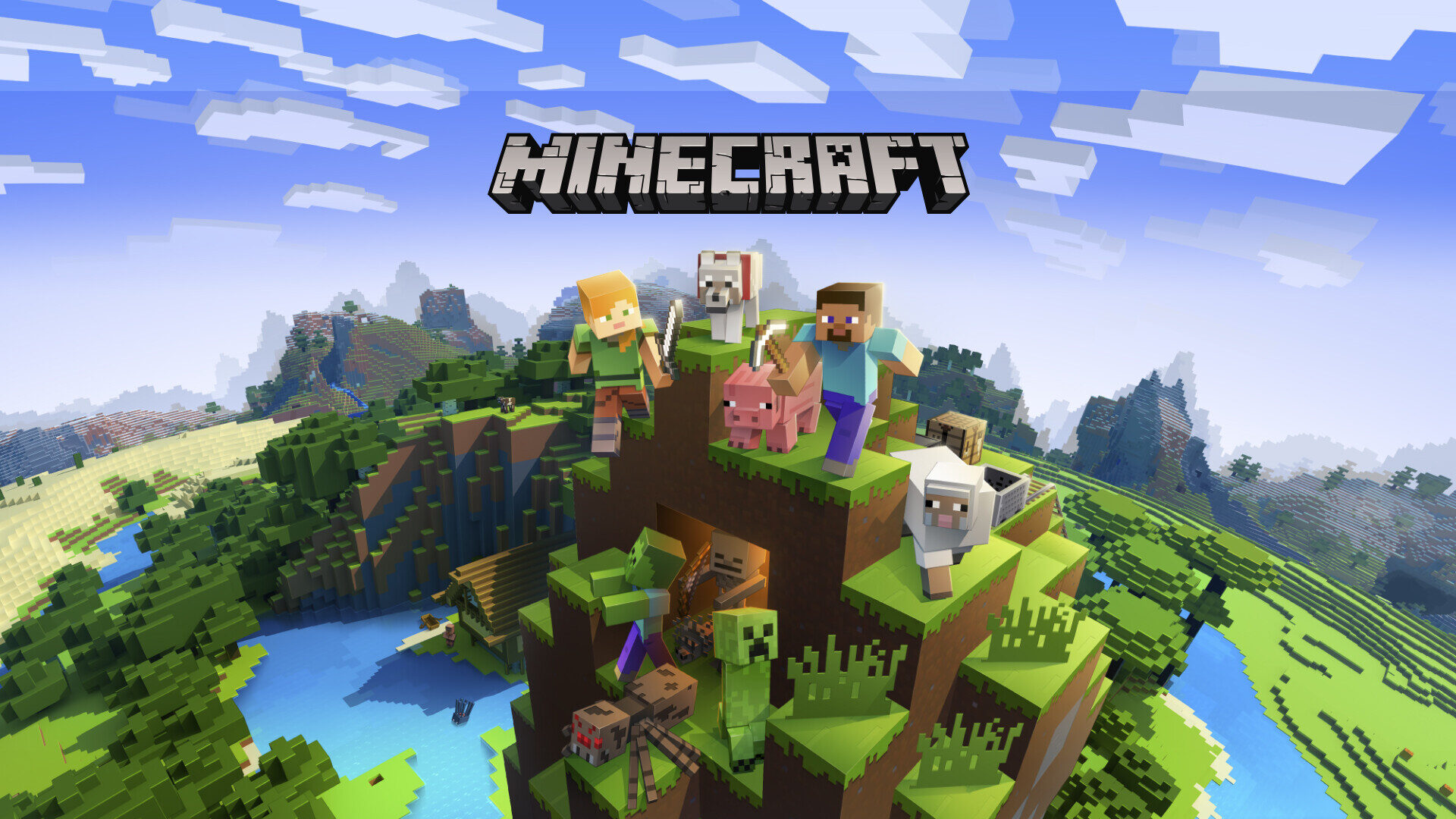
Best Minecraft Bedrock Add-ons (2026)
The best free Minecraft Bedrock add-ons for 2026, plus how behavior and resource packs work and how add-ons differ from Java mods.
How to Install Mods & Plugins on a Minecraft Server
A practical guide to installing Minecraft mods and plugins: plugins vs mods, the /plugins and /mods folders, version matching, and where to download safely.
Best Minecraft Plugins for 2026 (Paper/Spigot)
The essential Paper and Spigot plugins for 2026: permissions, anti-grief, cross-play, Discord integration, live maps, and performance tools.

How to Set Up a Vintage Story Server
Host a Vintage Story server the developer's way (no SteamCMD): download the server package, install .NET, open port 42420, configure the world, and run it as a service.
How to Set Up a Necesse Dedicated Server
Host a persistent Necesse world for your group: install the server via SteamCMD or its Java build, open port 14159, configure the world, and run it as a service.
How to Set Up an Unturned Dedicated Server
Host your own free Unturned server: SteamCMD install, generating the server config, ports 27015–27017, workshop mods, and a systemd service that survives reboots.
Deploy your first server in under a minute.
Creating an account is free and takes no card details. Every guide here runs on a Nxeon VPS or game server.