






The Nxeon Blog
Guides for people who run their own servers.
Straight-talking tutorials and comparisons on VPS hosting, game servers, Linux and security. No fluff, just what actually works. 346 guides from the team that runs the servers.
Search results
177 guides for “game-servers” · Clear searchHow to set up a custom domain for your game server
Give players a memorable address like play.yourserver.gg instead of a raw IP. Here's how to point a domain — and a port — at your game server.
VPS vs Dedicated Game Server Hosting: Which Should You Pick?
One-click game panels are easy but limited; a VPS gives you root and flexibility. Here's how to choose between a dedicated game host and a VPS.
Automate Game Server Restarts with systemd and cron
Keep your game server rock-solid: a systemd service that auto-restarts on crash and boot, plus a scheduled nightly restart with player warnings.
Choosing a Game Server Location for Low Ping
Ping can make or break a game server. Learn how latency works, how to measure it, and how to pick a server location that keeps your players happy.
How Much RAM and CPU Does a Game Server Need?
Stop guessing at server specs. A game-by-game breakdown of RAM and CPU requirements, why single-core speed matters, and how player count scales cost.
DDoS Protection for Game Servers: What You Need to Know
Game servers are prime DDoS targets. Learn how attacks work, what network-level filtering does, and practical steps to keep your server online.
How to Back Up Your Game Server (Automatically)
Never lose a world again. Set up automated, off-server game server backups with a cron job, tar and rotation — plus how to test a restore.

How to Set Up a V Rising Dedicated Server
Rule the night on your own V Rising server. Install via SteamCMD, tune the PvP and game settings JSON, and open the UDP ports.

How to Set Up an Enshrouded Dedicated Server
Host a persistent Enshrouded world for up to 16 players. Install with SteamCMD, edit the JSON config and open the UDP ports.
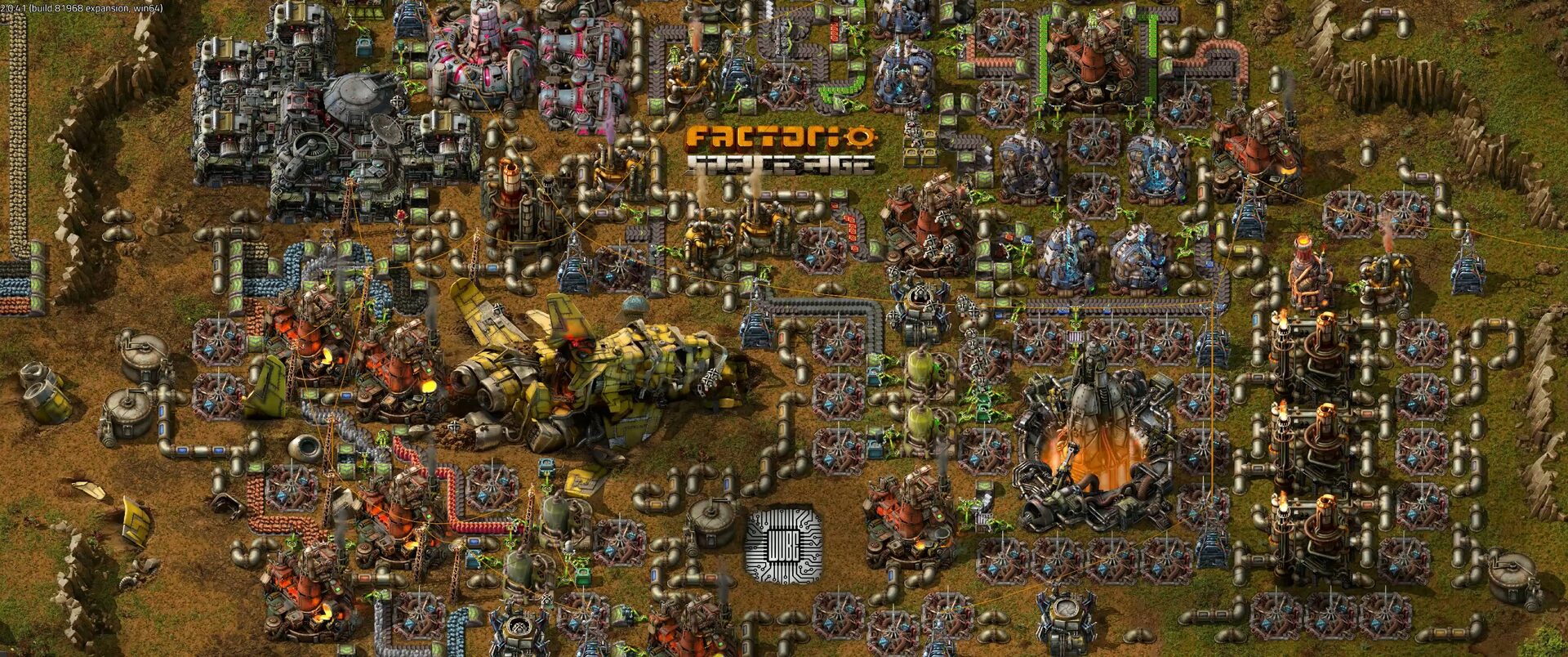
How to Set Up a Factorio Server
Run a lightweight, always-on Factorio server for your megabase. Install the headless server, load a save and open UDP port 34197.

How to Set Up a Satisfactory Dedicated Server
Keep your factory running 24/7 with a Satisfactory dedicated server. Install via SteamCMD, claim it in-game and open the UDP ports.

How to Set Up a Project Zomboid Server
Build a persistent Project Zomboid world for your survivors. Install with SteamCMD, set the memory and admin password, and open port 16261.
Deploy your first server in under a minute.
Creating an account is free and takes no card details. Every guide here runs on a Nxeon VPS or game server.