






The Nxeon Blog
Guides for people who run their own servers.
Straight-talking tutorials and comparisons on VPS hosting, game servers, Linux and security. No fluff, just what actually works. 346 guides from the team that runs the servers.
Search results
22 guides for “chat” · Clear search
How to Set Up a Minecraft SMP for Friends
Want a persistent survival world for you and your friends? Here's how to set up a Minecraft SMP the right way, from software to security.
How to Install EssentialsX on a Paper Minecraft Server
EssentialsX is the backbone plugin for survival servers — homes, warps, kits, economy. Here's how to install and configure it on Paper.
How to Change Difficulty and Game Rules on a Minecraft Server
Difficulty and game rules shape how your Minecraft server plays. Here's how to change them via server.properties and the /gamerule command.
How to Whitelist Players on a Minecraft Server
A whitelist keeps your Minecraft server private to invited players only. Here's how to enable and manage it on Java and Bedrock.
How to Enable Crossplay on a Minecraft Server with Geyser
Geyser lets Bedrock players (phone, console) join your Java server. Add Floodgate and they don't even need a Java account.
Claude Code is pre-installed on every Nxeon VPS
Every Nxeon server ships with Claude Code ready in the terminal — an AI coding agent that builds, debugs and runs your project right on the box. Here's how to use it.

Rust Server Admin Commands and Wipe Management
Run your Rust server like a pro. The essential RCON and console commands for admin, moderation and scheduling map wipes players actually turn up for.
DNS records explained: A, AAAA, MX, TXT, CNAME, NS
DNS is the internet's address book. Here's a plain-English guide to the record types you'll actually use — A, AAAA, CNAME, MX, TXT and NS — and when to reach for each.
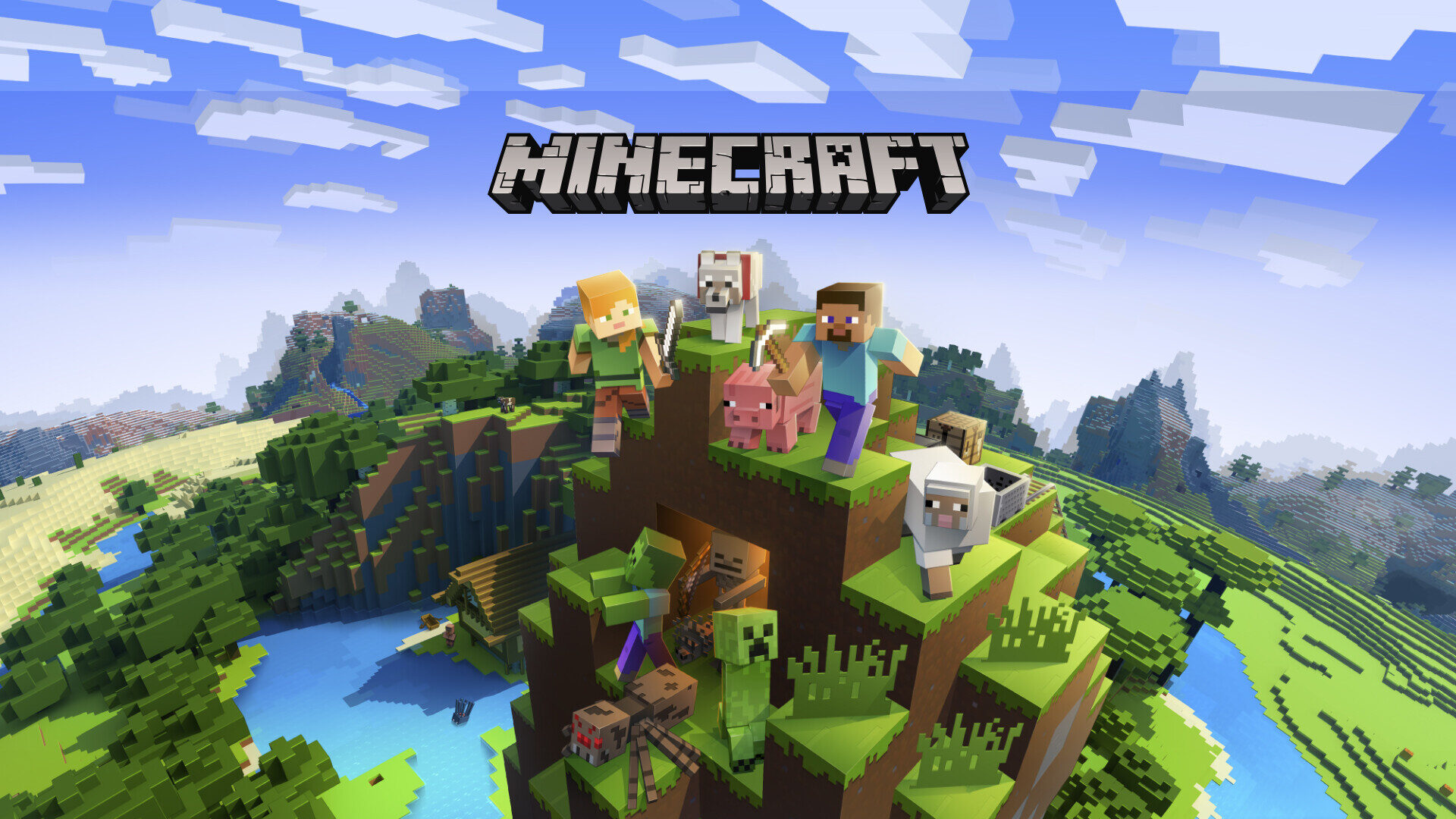
The Best Minecraft Server Plugins (and What They Do)
The essential Paper/Spigot plugins for any Minecraft server — permissions, land claims, anti-grief, performance and admin tools worth installing first.
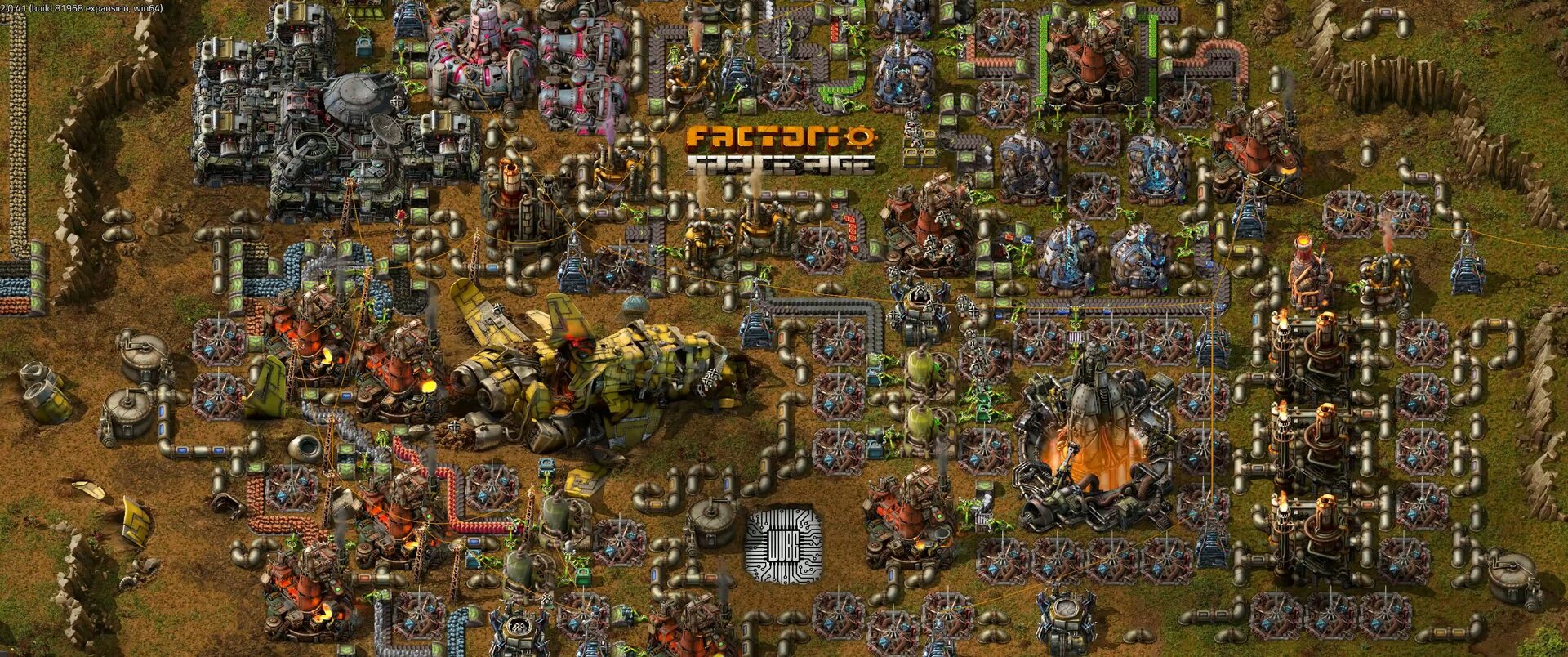
How to Set Up a Factorio Server
Run a lightweight, always-on Factorio server for your megabase. Install the headless server, load a save and open UDP port 34197.
Deploy your first server in under a minute.
Creating an account is free and takes no card details. Every guide here runs on a Nxeon VPS or game server.