






The Nxeon Blog
Guides for people who run their own servers.
Straight-talking tutorials and comparisons on VPS hosting, game servers, Linux and security. No fluff, just what actually works. 346 guides from the team that runs the servers.
Search results
77 guides for “logs” · Clear search
How to Harden SSH on a Linux VPS
A practical, copy-paste guide to locking down the SSH daemon on your VPS — the single most important service to secure on a public server.

How to Keep a SteamCMD Game Server Updated Automatically
Stop manually patching your game server. Build an auto-update routine with SteamCMD, a systemd timer or cron, graceful restarts, and player warnings — set it once.
How to Enable DNSSEC on Your Domain
DNSSEC cryptographically signs your DNS so answers can't be forged. Here's what it protects against and exactly how to turn it on at your registrar.
How to Set Up an A Record for Your Server
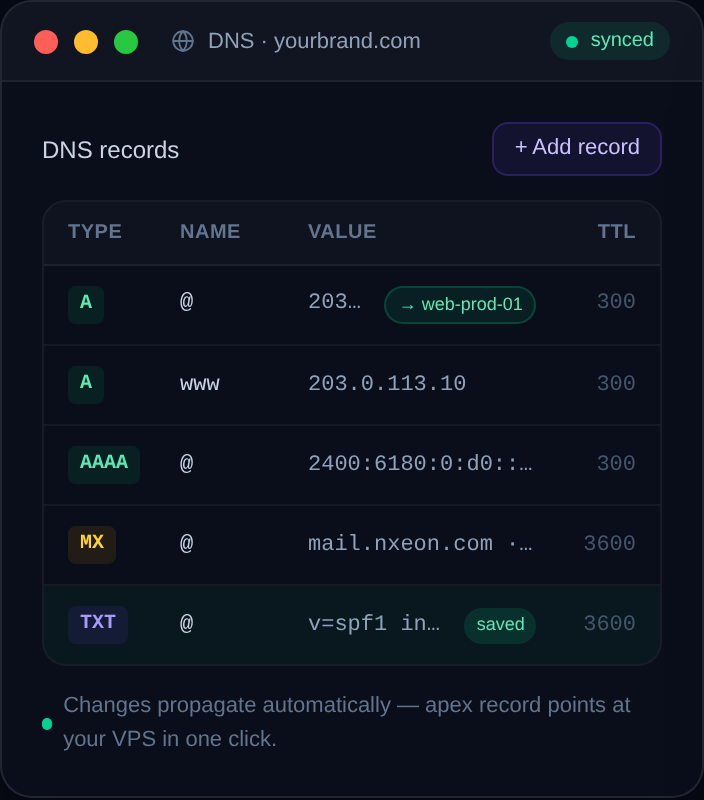
The A record is the single most important DNS record for pointing a domain at a server. Here's exactly what it does, how to add one, and how to test it.
How to Self-Host Vaultwarden Behind an Nginx Reverse Proxy
Already run Nginx? Here's how to put Vaultwarden behind it properly — real config, Let's Encrypt TLS, WebSocket support and the security headers that matter.
How to Self-Host FreshRSS on a VPS
Take back control of your reading with a self-hosted RSS reader. Install FreshRSS on a VPS with Docker and sync it to your favourite mobile app.
How to Self-Host Nextcloud on a VPS
For anyone who wants Dropbox-style file sync without the subscription or the snooping: install Nextcloud on your own VPS with Docker Compose and HTTPS.
How to Set Up a TeamSpeak 3 Server on a VPS
Install a TeamSpeak 3 server on a Linux VPS: download the server, create a user, grab the admin token and ServerQuery password, open the ports, and run it with systemd.
How to Deploy a Discord Bot with Docker
Containerize your Discord bot with a Dockerfile and run it on a VPS: build the image, pass the token as an env var, and auto-restart with a restart policy.
How to Host a Node.js (discord.js) Bot on a VPS
Deploy a discord.js bot on a VPS from scratch: install Node.js, structure the project, register slash commands, secure the token, and run it with PM2.
How to Host a Python Discord Bot on a Linux VPS
Deploy a discord.py bot on a Linux VPS the right way: virtualenv, dependencies, a .env token, and a systemd service that restarts on crash and boot.
How to Keep a Discord Bot Online with PM2
Use PM2 to keep your Node.js Discord bot running 24/7 on a VPS: auto-restart on crash, start on boot, log management, and zero-downtime restarts.
Deploy your first server in under a minute.
Creating an account is free and takes no card details. Every guide here runs on a Nxeon VPS or game server.