






The Nxeon Blog
Guides for people who run their own servers.
Straight-talking tutorials and comparisons on VPS hosting, game servers, Linux and security. No fluff, just what actually works. 346 guides from the team that runs the servers.
Search results
27 guides for “workflow” · Clear search
How to Run a Telegram Bot 24/7 on a VPS
Deploy a Telegram bot on a Linux VPS and keep it online 24/7: Python or Node, polling vs webhooks, a safe token, and a systemd service that auto-restarts.
How to Host a Discord Music Bot on a VPS
Run your own Discord music bot on a VPS: install ffmpeg and the voice dependencies, stream audio reliably, and keep it online 24/7 with PM2.
How to Host a Node.js (discord.js) Bot on a VPS
Deploy a discord.js bot on a VPS from scratch: install Node.js, structure the project, register slash commands, secure the token, and run it with PM2.

How to Configure a FiveM Server (server.cfg Explained)
A line-by-line guide to the FiveM server.cfg file: endpoints, hostname, maxclients, resources, convars, RCON, and the license key — with safe examples.
How to Set Up a Garry's Mod Server on a VPS
Install and run a dedicated Garry's Mod server on a Linux VPS with SteamCMD, set your gamemode and map, and keep it online with systemd.
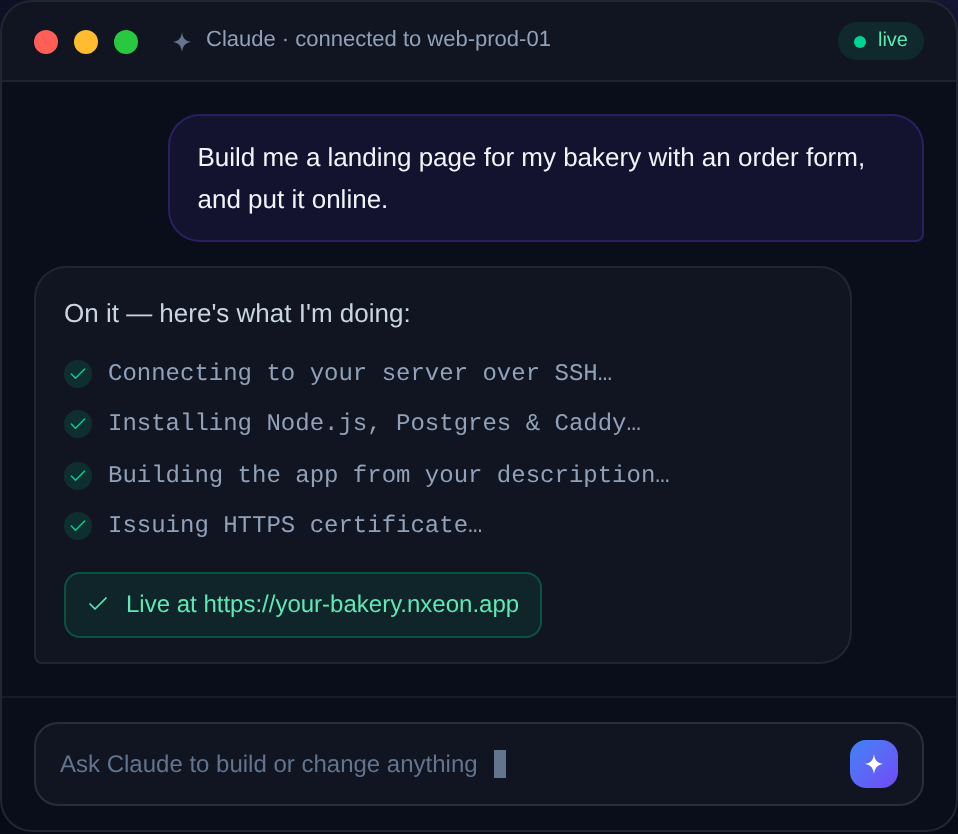
How to Build a Website with AI on Nxeon
You don't need to hand-code a site anymore. Here's how to use AI tooling on a Nxeon VPS to build and deploy a real website — from prompt to live, on your own server.
How to Install Fabric on a Minecraft Server
Set up a lightweight Fabric server on Linux for performance mods and modern modpacks — installer, launcher, and mods folder explained.
How to Install Gitea (Self-Hosted Git) on a VPS
Run your own lightweight GitHub alternative: install Gitea on Ubuntu 24.04 with its own user, a database, systemd, and an Nginx reverse proxy.
How to Set Up Git-Based Deploys on a VPS
Deploy by pushing to your server: set up a bare Git repo with a post-receive hook so 'git push' builds and reloads your app.
Block storage volumes explained: when and how to use them
Running low on disk? Instead of resizing your whole server, attach a block-storage volume. Here's what block storage is, when to use it, and how to mount one.
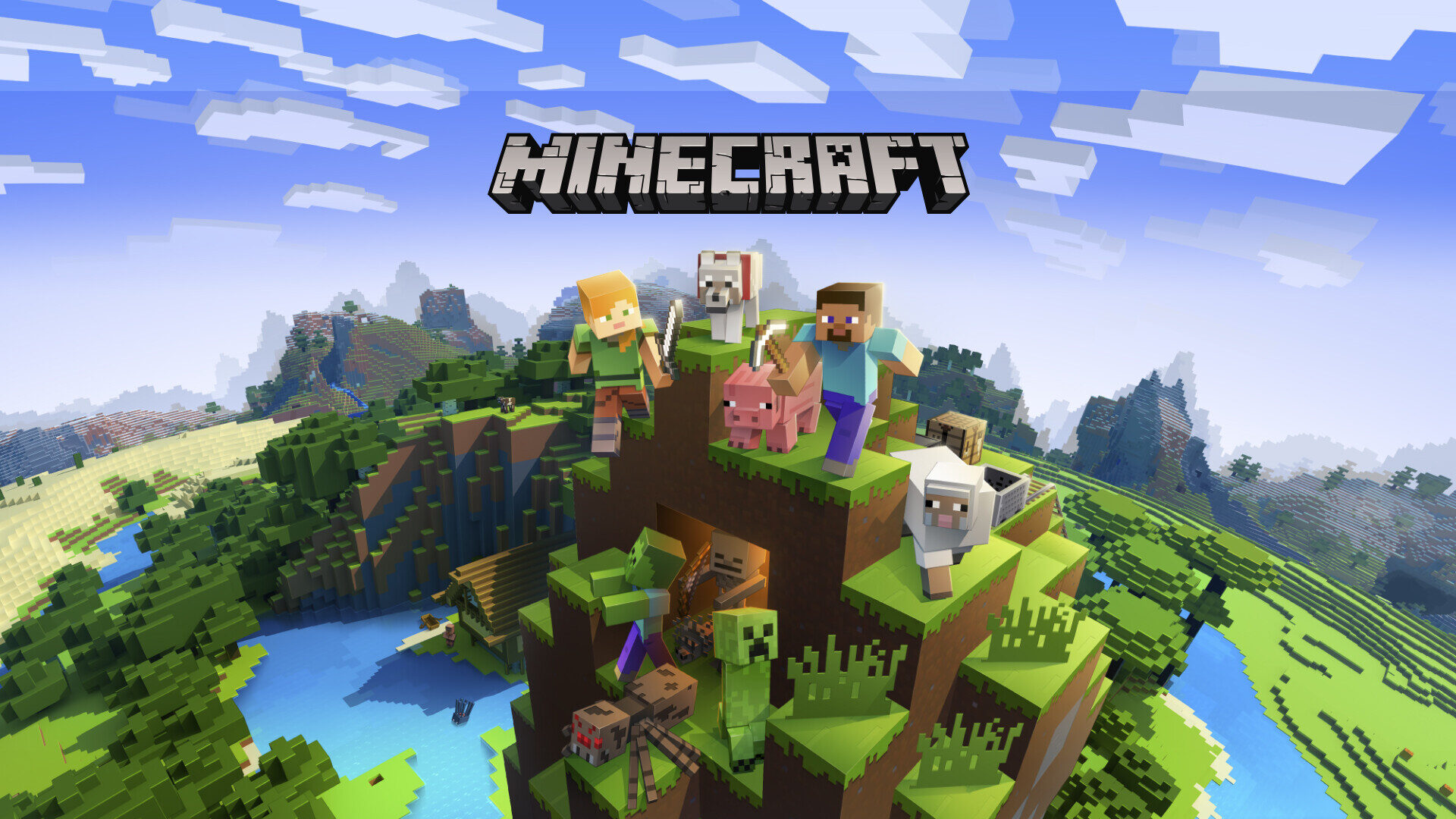
Customizing your game server: configs, mods, and performance
A deployed game server is just the start. Here's how to customize configs, add mods and plugins, tune performance and manage files on your Nxeon game server.
Vibe coding: build websites and apps with no code on a VPS
Describe what you want in plain English and let AI build it, run it, and put it online — all on a server you own. Here's how vibe coding on a VPS works.
Deploy your first server in under a minute.
Creating an account is free and takes no card details. Every guide here runs on a Nxeon VPS or game server.