






The Nxeon Blog
Guides for people who run their own servers.
Straight-talking tutorials and comparisons on VPS hosting, game servers, Linux and security. No fluff, just what actually works. 346 guides from the team that runs the servers.
Search results
157 guides for “control panel” · Clear search
How to Self-Host Vaultwarden (Bitwarden-Compatible) on a VPS
Run your own password vault with Vaultwarden, a lightweight server that works with every official Bitwarden app. Docker install with HTTPS in minutes.
How to Set Up an OpenVPN Server on a VPS
OpenVPN is the compatibility king of VPNs. This guide uses a proven installer to stand up a server on a VPS and export client profiles in minutes.
How to Set Up a WireGuard VPN Server on a VPS
Roll your own private VPN with WireGuard — fast, modern and easy to manage. This guide uses a web UI so you add devices by scanning a QR code.
How to Self-Host Pi-hole for Network-Wide Ad Blocking
Block ads and trackers for every device on your network at the DNS level. Install Pi-hole on a VPS with Docker and point your router at it.
How to Self-Host Plex on a Linux VPS
Turn a Linux VPS into your personal Plex server. Install with Docker, claim it to your account, and stream your library to every device you own.
How to Self-Host Jellyfin (Media Server) on a VPS
A completely free, no-account media server. Install Jellyfin on a VPS with Docker, secure it with HTTPS, and stream your library to any device.
How to Self-Host Nextcloud on a VPS
For anyone who wants Dropbox-style file sync without the subscription or the snooping: install Nextcloud on your own VPS with Docker Compose and HTTPS.
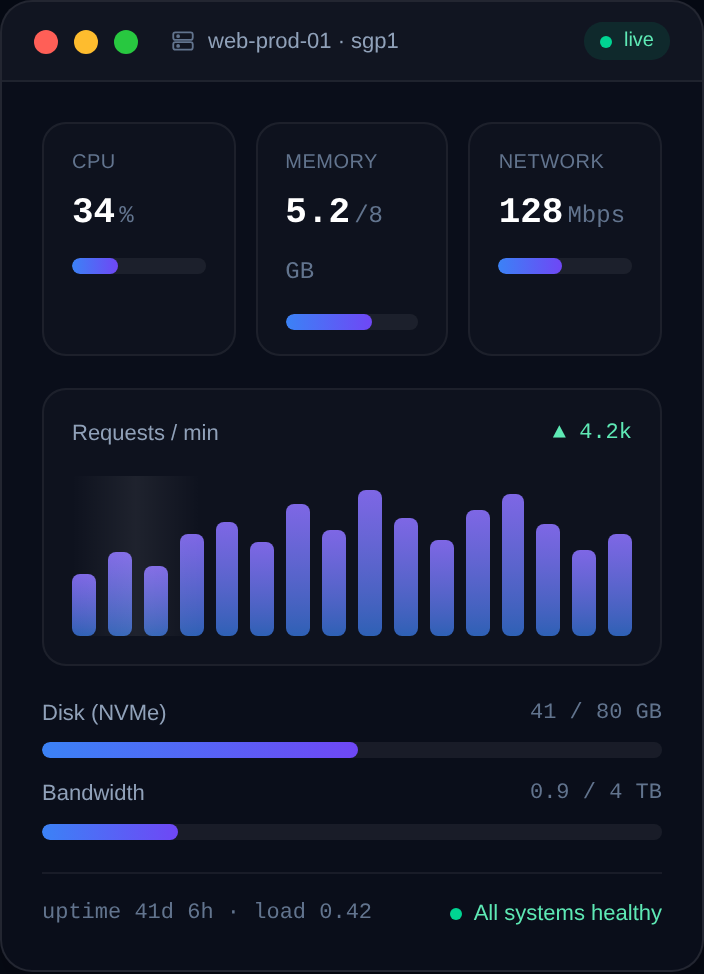
Game Server Specs Explained: CPU, RAM and Bandwidth
Understand what actually matters when sizing a game server: single-thread CPU, RAM per player, storage speed, and upload bandwidth — with real rules of thumb.
How to Set Up a TeamSpeak 3 Server on a VPS
Install a TeamSpeak 3 server on a Linux VPS: download the server, create a user, grab the admin token and ServerQuery password, open the ports, and run it with systemd.
How to Run a Telegram Bot 24/7 on a VPS
Deploy a Telegram bot on a Linux VPS and keep it online 24/7: Python or Node, polling vs webhooks, a safe token, and a systemd service that auto-restarts.
How to Deploy a Discord Bot with Docker
Containerize your Discord bot with a Dockerfile and run it on a VPS: build the image, pass the token as an env var, and auto-restart with a restart policy.
How to Host a Discord Music Bot on a VPS
Run your own Discord music bot on a VPS: install ffmpeg and the voice dependencies, stream audio reliably, and keep it online 24/7 with PM2.
Deploy your first server in under a minute.
Creating an account is free and takes no card details. Every guide here runs on a Nxeon VPS or game server.