






The Nxeon Blog
Guides for people who run their own servers.
Straight-talking tutorials and comparisons on VPS hosting, game servers, Linux and security. No fluff, just what actually works. 346 guides from the team that runs the servers.
Search results
79 guides for “disk” · Clear search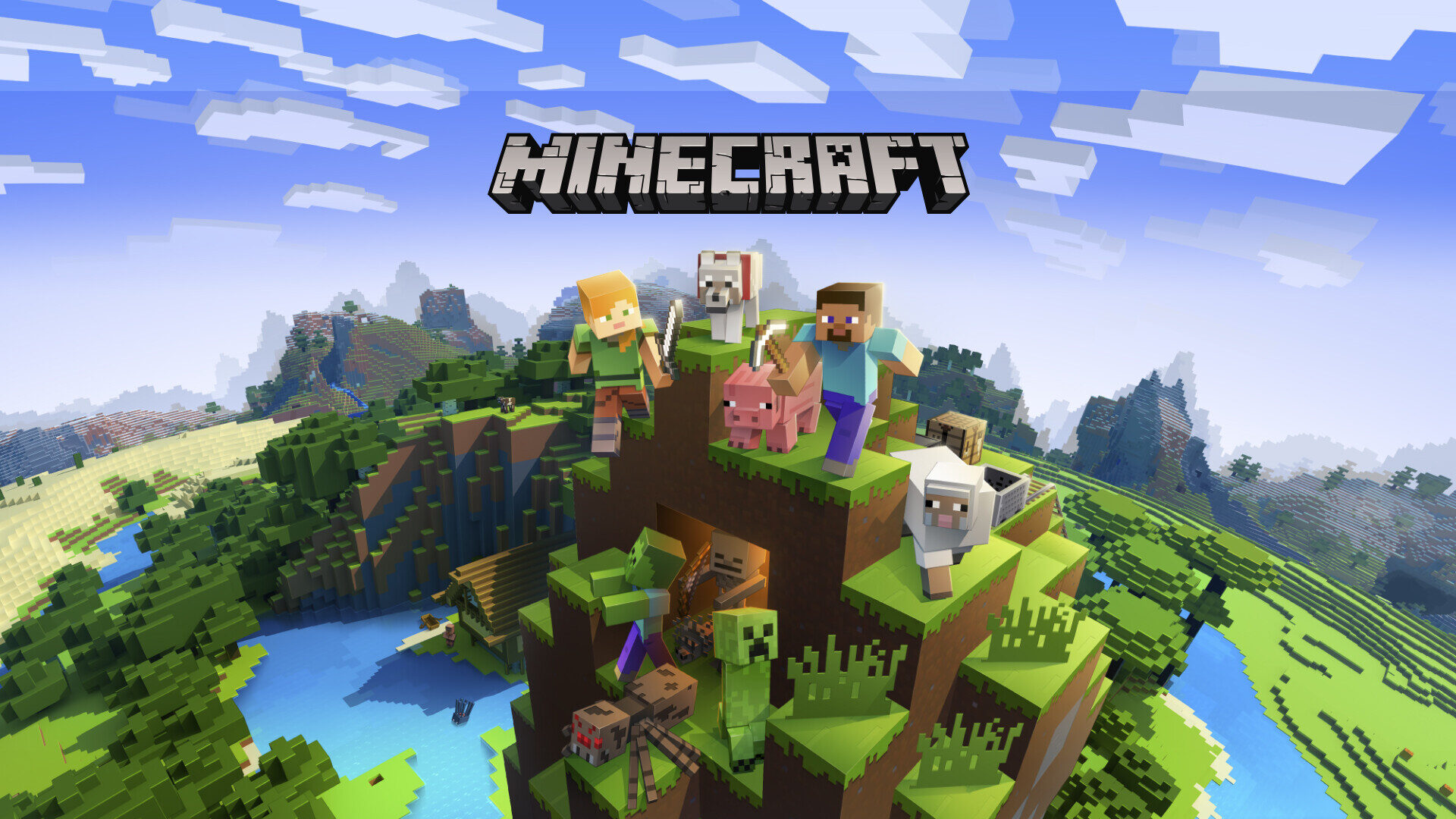
How to Host a Minecraft Modpack Server (Forge & Fabric)
Run a modded Minecraft server for CurseForge or Modrinth packs. Install Forge or Fabric, match versions, allocate RAM and open the port.
How to deploy a Next.js app on a VPS
Self-host Next.js on your own server for full control and predictable cost. Learn to build, run with PM2, reverse-proxy with Nginx, and add HTTPS.
How to deploy a Node.js app on a VPS
Take a Node.js app from your laptop to a live server. This guide covers installing Node, running the app with PM2, and fronting it with Nginx and HTTPS.
How Much RAM and CPU Does a Game Server Need?
Stop guessing at server specs. A game-by-game breakdown of RAM and CPU requirements, why single-core speed matters, and how player count scales cost.
How to Back Up Your Game Server (Automatically)
Never lose a world again. Set up automated, off-server game server backups with a cron job, tar and rotation — plus how to test a restore.
How to Reduce Minecraft Server Lag
Fix low TPS and stutter on your Minecraft server. Practical fixes: Paper, Aikar's flags, view-distance tuning, chunk pre-gen and spark profiling.
How to install CyberPanel on a VPS (free)
CyberPanel is a fast, free control panel built on OpenLiteSpeed. This guide covers installing it on a fresh Ubuntu VPS and creating your first website with SSL.
How to install cPanel/WHM on a VPS
cPanel is the most recognized hosting control panel. This guide walks through the requirements and the official installer to get WHM running on a fresh VPS.
cPanel vs Plesk vs CyberPanel: which control panel?
A control panel turns a bare VPS into a point-and-click hosting environment. Here's an honest comparison of cPanel, Plesk and CyberPanel to help you choose.

How to Set Up a Project Zomboid Server
Build a persistent Project Zomboid world for your survivors. Install with SteamCMD, set the memory and admin password, and open port 16261.
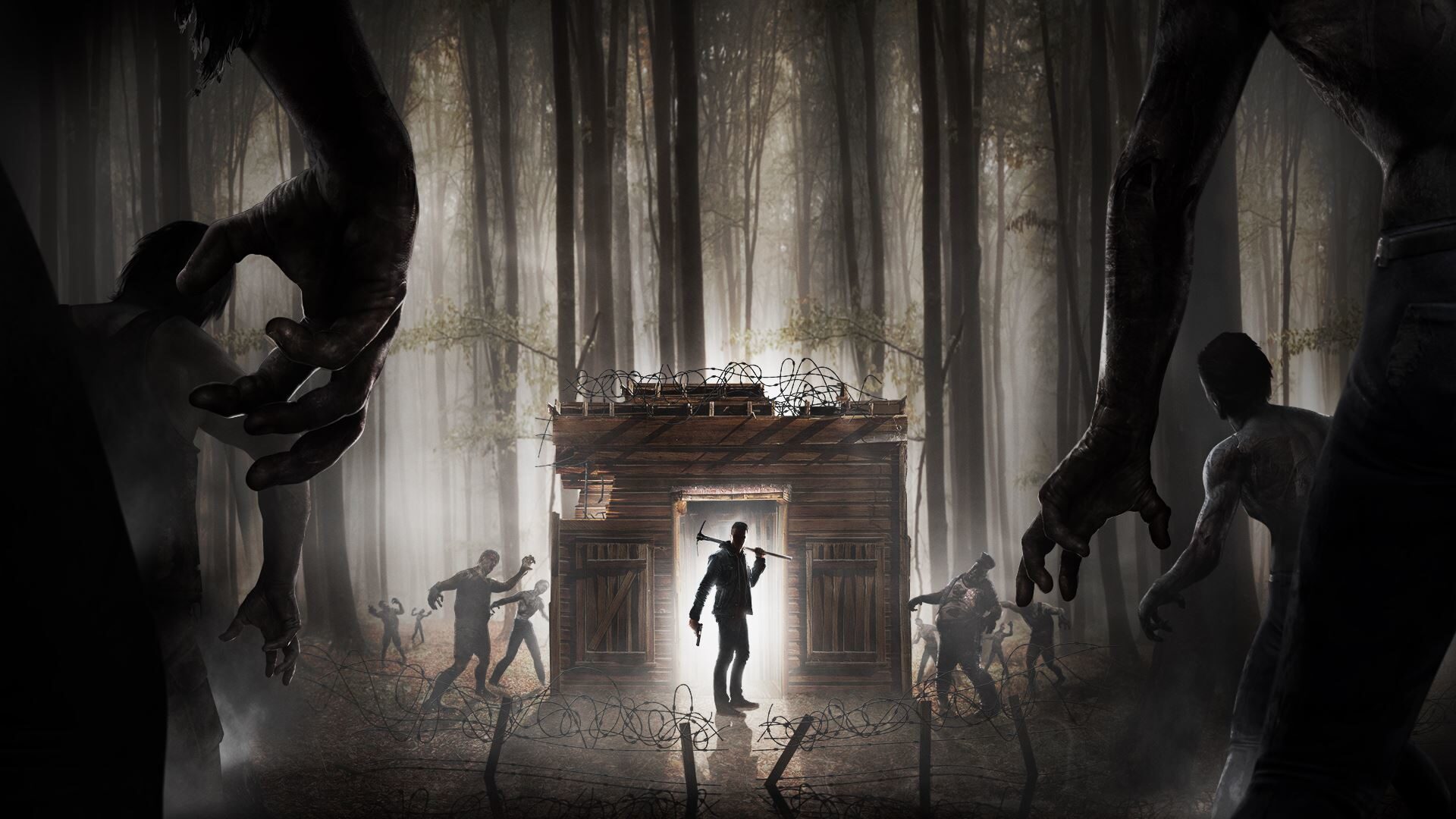
How to Set Up a 7 Days to Die Server
Survive the horde together on your own 7 Days to Die server. Install via SteamCMD, edit serverconfig.xml and open the ports for co-op survival.

How to Set Up an ARK: Survival Ascended Server
Tame dinos on your own persistent ARK: Survival Ascended server. Install with SteamCMD, pick a map, tune rates and open the UDP ports.
Deploy your first server in under a minute.
Creating an account is free and takes no card details. Every guide here runs on a Nxeon VPS or game server.