






The Nxeon Blog
Guides for people who run their own servers.
Straight-talking tutorials and comparisons on VPS hosting, game servers, Linux and security. No fluff, just what actually works. 346 guides from the team that runs the servers.
Search results
90 guides for “commands” · Clear searchHow to monitor server resources on Linux
Know what your VPS is doing. Learn the essential commands for CPU, memory, disk and network, plus lightweight tools to watch usage over time.
How to enable automatic security updates on Linux
Unpatched servers get hacked. Learn to enable unattended security updates on Ubuntu/Debian and dnf-automatic on AlmaLinux/Rocky so critical fixes install themselves.
Common ports every developer should know (22, 80, 443, 3306…)
You don't need to memorise all 65,535 ports — just the ones that come up daily. Here's the working developer's reference to the ports you'll actually use.
Automate Game Server Restarts with systemd and cron
Keep your game server rock-solid: a systemd service that auto-restarts on crash and boot, plus a scheduled nightly restart with player warnings.

Rust Server Admin Commands and Wipe Management
Run your Rust server like a pro. The essential RCON and console commands for admin, moderation and scheduling map wipes players actually turn up for.
How to deploy a Node.js app on a VPS
Take a Node.js app from your laptop to a live server. This guide covers installing Node, running the app with PM2, and fronting it with Nginx and HTTPS.

The Best Minecraft Server Plugins (and What They Do)
The essential Paper/Spigot plugins for any Minecraft server — permissions, land claims, anti-grief, performance and admin tools worth installing first.

How to Set Up a V Rising Dedicated Server
Rule the night on your own V Rising server. Install via SteamCMD, tune the PvP and game settings JSON, and open the UDP ports.
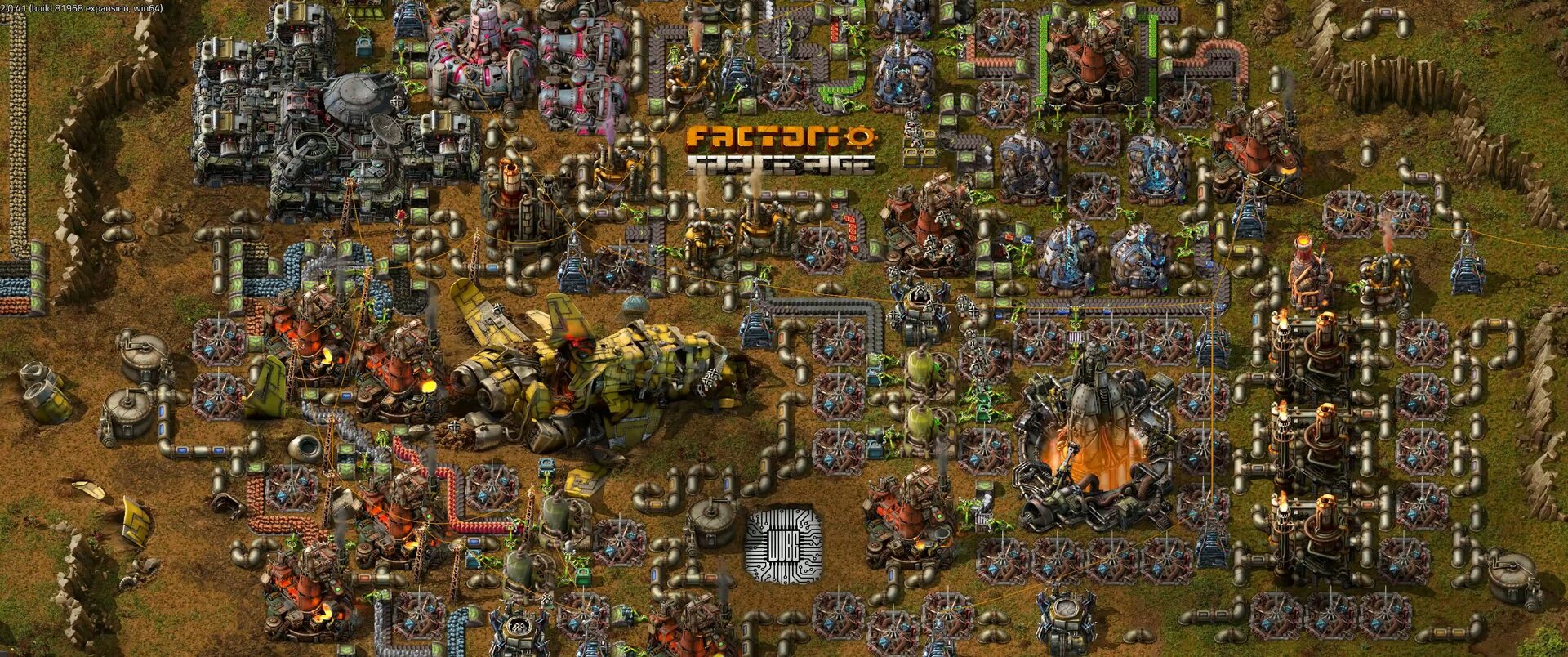
How to Set Up a Factorio Server
Run a lightweight, always-on Factorio server for your megabase. Install the headless server, load a save and open UDP port 34197.

How to Set Up a Project Zomboid Server
Build a persistent Project Zomboid world for your survivors. Install with SteamCMD, set the memory and admin password, and open port 16261.

How to Set Up a 7 Days to Die Server
Survive the horde together on your own 7 Days to Die server. Install via SteamCMD, edit serverconfig.xml and open the ports for co-op survival.

How to Set Up an ARK: Survival Ascended Server
Tame dinos on your own persistent ARK: Survival Ascended server. Install with SteamCMD, pick a map, tune rates and open the UDP ports.
Deploy your first server in under a minute.
Creating an account is free and takes no card details. Every guide here runs on a Nxeon VPS or game server.