






The Nxeon Blog
Guides for people who run their own servers.
Straight-talking tutorials and comparisons on VPS hosting, game servers, Linux and security. No fluff, just what actually works. 346 guides from the team that runs the servers.
Search results
118 guides for “tutorial” · Clear searchSet up Caddy for automatic HTTPS on a VPS
Caddy is a modern web server that gets you free HTTPS with zero configuration. Learn to install it and serve a site or reverse-proxy an app with automatic SSL.
Set up Nginx with free SSL using Let's Encrypt
HTTPS is non-negotiable. Learn to install Nginx, serve a site, and secure it with a free, auto-renewing Let's Encrypt certificate using Certbot — in minutes.
How to host multiple websites on one VPS
One VPS can serve many domains. Learn how virtual hosts (server blocks) work in Nginx, how to add each site, and how to give every domain its own free SSL.

How to Set Up a V Rising Dedicated Server
Rule the night on your own V Rising server. Install via SteamCMD, tune the PvP and game settings JSON, and open the UDP ports.
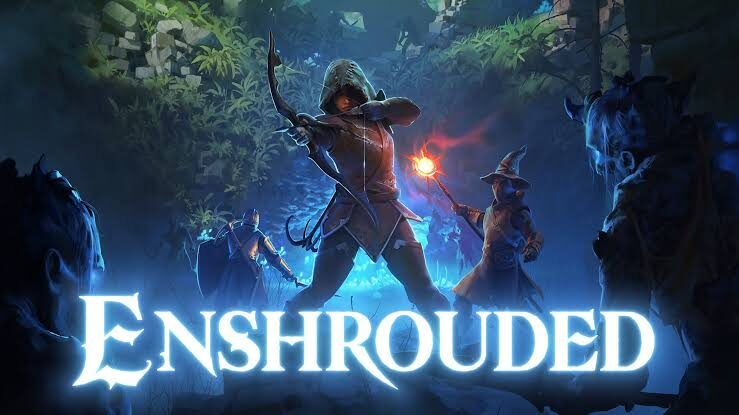
How to Set Up an Enshrouded Dedicated Server
Host a persistent Enshrouded world for up to 16 players. Install with SteamCMD, edit the JSON config and open the UDP ports.
How to point a domain to your VPS
Got a domain and a server? Connect them with a single DNS record. Here's the exact process, the records to set, and how to verify it worked.
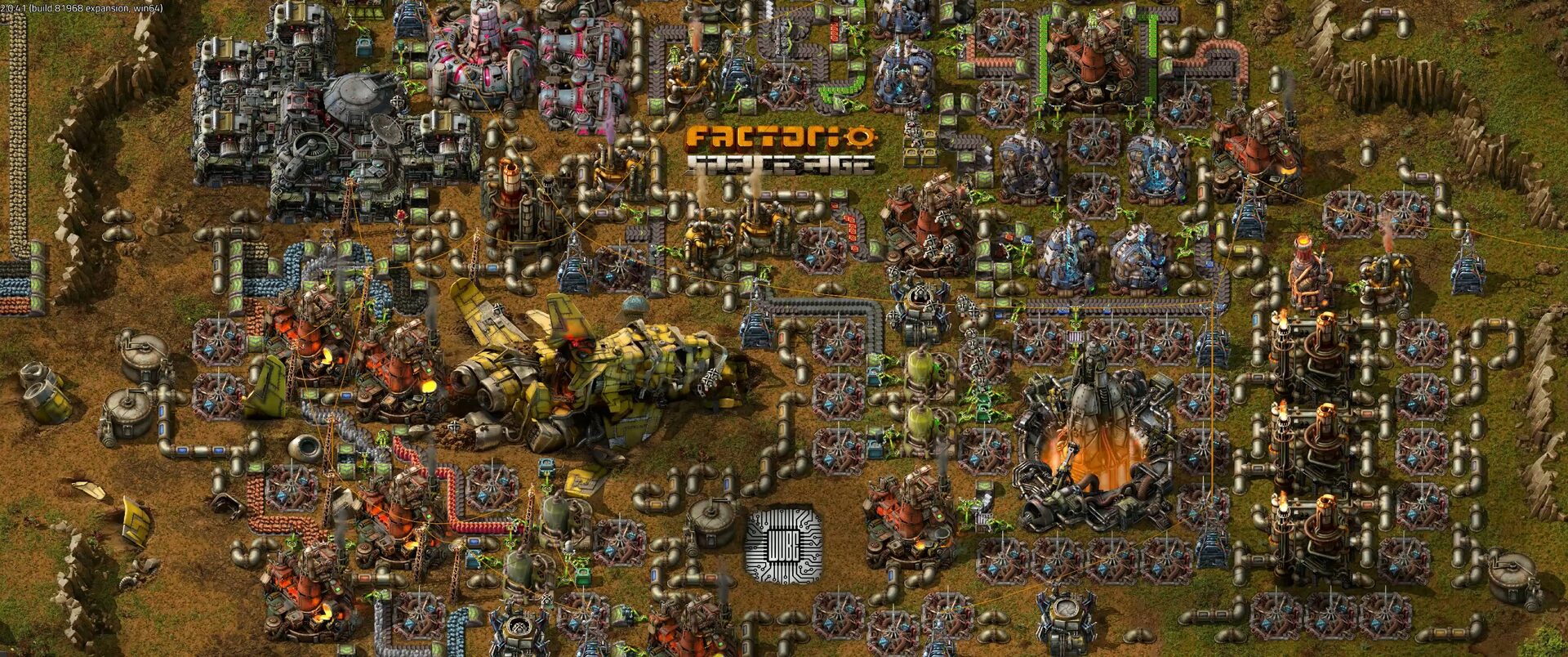
How to Set Up a Factorio Server
Run a lightweight, always-on Factorio server for your megabase. Install the headless server, load a save and open UDP port 34197.
How to install cPanel/WHM on a VPS
cPanel is the most recognized hosting control panel. This guide walks through the requirements and the official installer to get WHM running on a fresh VPS.

How to Set Up a Satisfactory Dedicated Server
Keep your factory running 24/7 with a Satisfactory dedicated server. Install via SteamCMD, claim it in-game and open the UDP ports.

How to Set Up a Project Zomboid Server
Build a persistent Project Zomboid world for your survivors. Install with SteamCMD, set the memory and admin password, and open port 16261.

How to Set Up a 7 Days to Die Server
Survive the horde together on your own 7 Days to Die server. Install via SteamCMD, edit serverconfig.xml and open the ports for co-op survival.

How to Set Up an ARK: Survival Ascended Server
Tame dinos on your own persistent ARK: Survival Ascended server. Install with SteamCMD, pick a map, tune rates and open the UDP ports.
Deploy your first server in under a minute.
Creating an account is free and takes no card details. Every guide here runs on a Nxeon VPS or game server.