
About CasPack
From Steam WorkshopSmoke signals from your body! Collection of changes to improve our gameplay experience - Body and backpack emit smoke signals. Smoke color is configurable. - Extended corpse and backpack decay to 8…
Smoke signals from your body!
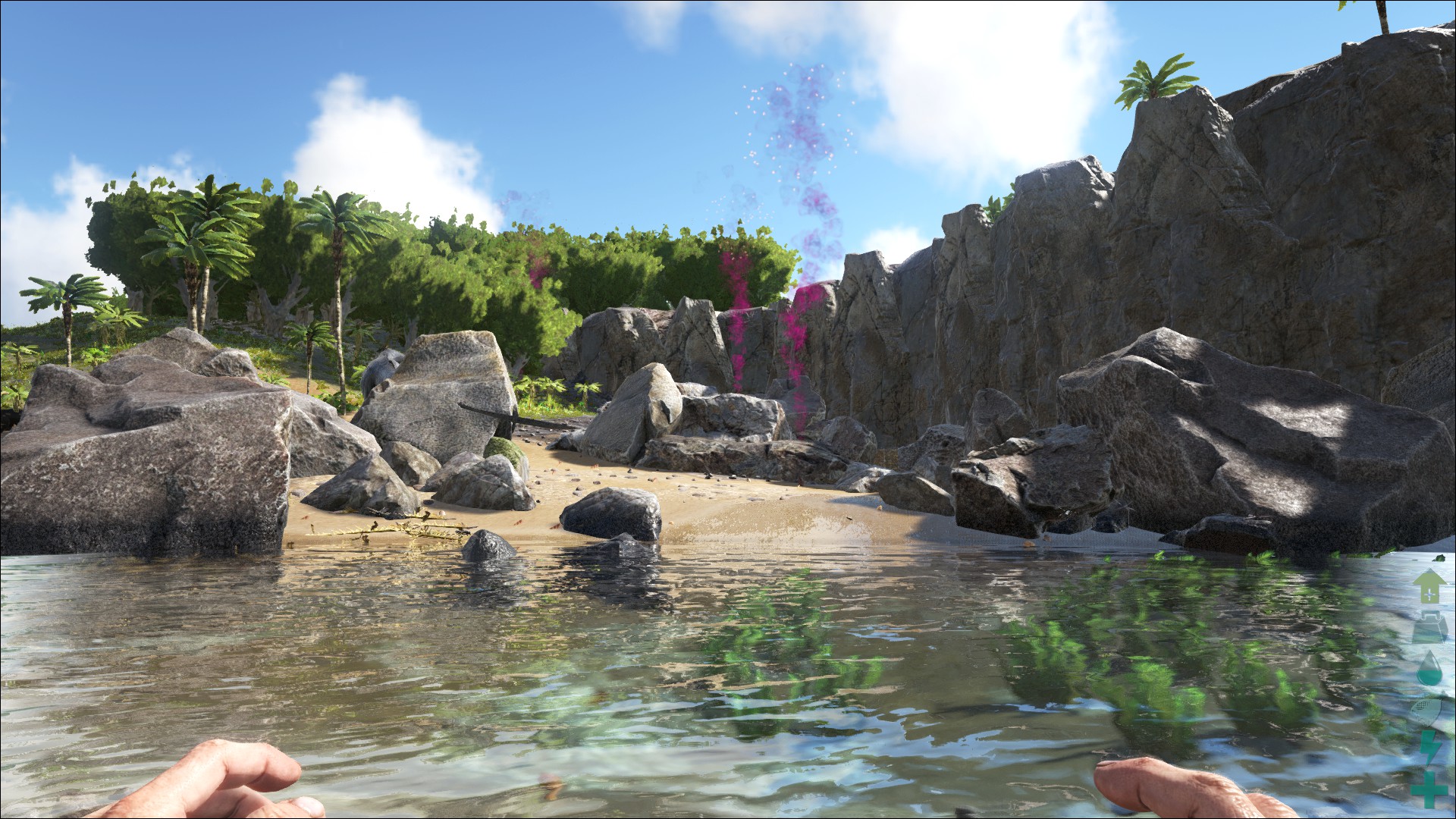
Collection of changes to improve our gameplay experience - Body and backpack emit smoke signals. Smoke color is configurable. - Extended corpse and backpack decay to 8 hours - Dropped items have 30 minute decay - NPC (dino) dropped packs have a smaller smoke signal
Casual player(s)? Tired of frantically, fruitlessly searching for your body? This mod slows the decay of your body to 8 hours (real time) and your body will emit a smoke signal. If your body is destroyed via damage (eaten), it drops a backpack as it normally would. Now the backpack decay has been slowed to 8 hours and your backpack will also emit a smoke signal.
MOD ID: 700708030
PLEASE NOTE: Load this mod first. This mod makes changes to the player pawns. This means it would likely only function with Stackable mods if this is the first mod to load. ALSO: Because this mod uses different player pawn sub-classes you may not see the smoke effects until you die and re-spawn. You DON'T need to create a new survivor. The newly spawned player pawn will have the changes from this mod. (the smoke, etc.)
Changes miscellaneous dropped items to a 30 minute decay. (Don't litter excessively or it could pile up.) Not recommended for PVP or large slot servers due to potential for corpse and dropped item clutter.
Players: There is now a CasPack Mod Options menu. Open the mod options by pressing the "o" key. You can change the color of your corpse smoke. This change only affects you and is reset to default color when you respawn.
Server Admins: GameUserSettings.ini options. All options must be in the [CasPackSettings] section of the ini file. You will have to add this section. Its not there by default.
Default smoke color You can set a default player corpse smoke color by setting: DefaultCasPackCorpseSmokeColorValues=rrr,ggg,bbb Where each of the values is 0-100. For example, to set default smoke color to all red: DefaultCasPackCorpseSmokeColorValues=100,0,0
Disable Mod Options Menu You can disable the player's mod options menu. (so players can't change smoke color) bDisableCasPackOptionsMenu=true
Example setting both options: [CasPackSettings] DefaultCasPackCorpseSmokeColorValues=100,0,0 bDisableCasPackOptionsMenu=true
Corpse and item decay rates can be adjusted in the game ini file. So, you can reduce or extend them as desired. The settings are in the Game.ini file. The two for decay timers are: GlobalCorpseDecompositionTimeMultiplier GlobalItemDecompositionTimeMultiplier This page linked below covers the GameUserSettings.ini and Game.ini files and how to tweak them. There's a lot of good stuff there. http://ark.gamepedia.com/Server_Configuration
This is a re-implementation of my original Slow Stuff Decay mod that should be more reliable than the old mod. There are additional mods in the "CasPack" family. I'll add those to the workshop as they become available.
Highlights
From source dataFootprint
Rated a light load on a server.
Last update
Its author last shipped an update 9 yr ago.
CasPack on Nxeon
From our catalogue- One-click install
- Supported on Nxeon ARK: Survival Evolved servers. We download it from Steam Workshop, place it, and restart the server.
- Server load
- light
- Smallest plan we suggest
- ARK — 8 GB (8 GB RAM). This follows our own load rating above, not a benchmark.
- Latest build
- 2017-05-14, released 2017-05-14
Game versions by loader
| Loader | Game versions | Newest |
|---|---|---|
| Workshop |
From 1 recorded build of CasPack.
Run CasPack on a ARK: Survival Evolved server
Pick a server or deploy a new one above; it is installed in one click.
What kind of mod it is
From the catalogQuality of life & UI
Small conveniences, tweaks and interface improvements players notice straight away.
Compatibility
- Game
- ARK: Survival Evolved
Verified at the source
- ✓Steam WorkshopOfficial listing, checked 2026-11-01Open ↗
- ✓AuthorBantandulous, as published on Steam Workshop
- ✓LicenseNot published by the sourceFree