About Pillars Plus
From Steam WorkshopIMPROVED VERSIONS OF THESE STRUCTURES ARE NOW INCLUDED IN [url=https://steamcommunity.com/sharedfiles/filedetails/?id=731604991]STRUCTURES PLUS Fully adjustable pillars. New Structures: -…
IMPROVED VERSIONS OF THESE STRUCTURES ARE NOW INCLUDED IN STRUCTURES PLUS
Fully adjustable pillars.
New Structures:
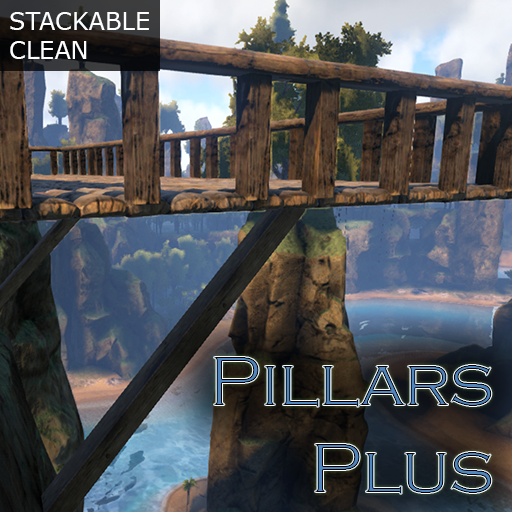
- Wood/Stone/Metal Straight Pillars - Wood/Stone/Metal Straight Round Pillars - Wood/Stone/Metal Sloped Pillars - Wood/Stone/Metal Sloped Round Pillars
Usage:
1.) Place pillar under ceiling(there are 4 set snap points but feel free to choose any and then set it to whatever rotation you want).
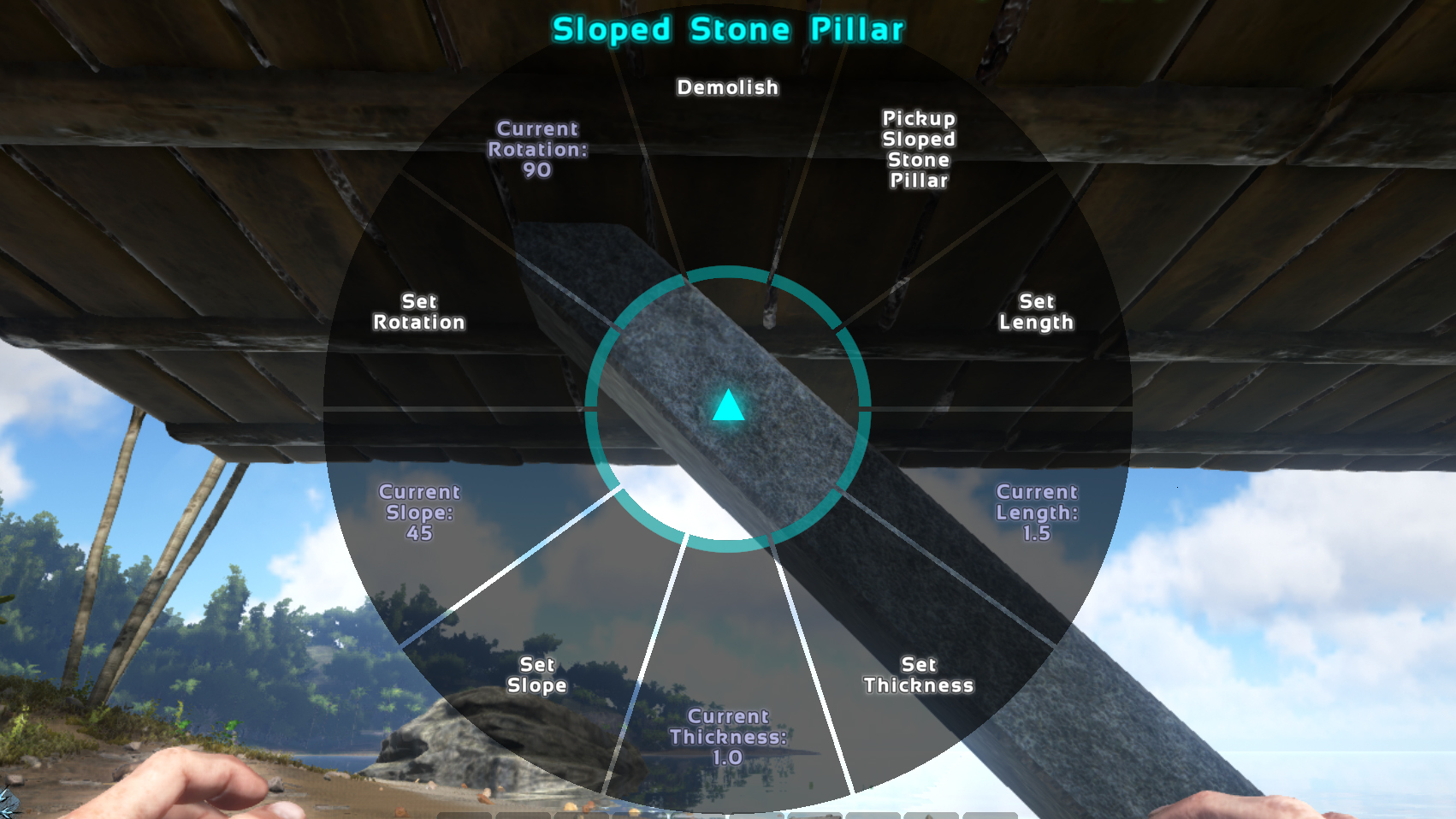
2.) Interact with pillar using 'E' and choose desired length, rotation, slope and/or thickness.
You can save and load settings to save time when you need to set a bunch of pillars to the same settings.
Features:
- Freely rotate pillars to any angle you wish.
- Pillars can be extended as long as needed.
- Set any slope for the pillars.
- Pillars can be thickened(note: too thick and too shallow a slope will cause them to protrude the attached ceiling
- Pillars act as a foundation without needing to intersect the ground(this was done to bypass the Z direction check for foundation on exceptionally long pillars).
- Pillars are pickup-able.
- Metal pillars are crafted in your inventory(not smithy) to keep the mod stackable and reduce clutter of third party smithys.
Config Options:
Place the following in your gameusersettings.ini file and set whatever values you wish. Values under 1 are ignored(will be treated as no limit).
[PillarsPlusMod] MaxLength=40 MaxThickness=1.5
Mod ID: 708807240
Highlights
From source dataFootprint
Rated a light load on a server.
Last update
Its author last shipped an update 10 yr ago.
Pillars Plus on Nxeon
From our catalogue- One-click install
- Supported on Nxeon ARK: Survival Evolved servers. We download it from Steam Workshop, place it, and restart the server.
- Server load
- light
- Smallest plan we suggest
- ARK — 8 GB (8 GB RAM). This follows our own load rating above, not a benchmark.
- Latest build
- 2016-08-11, released 2016-08-11
Game versions by loader
| Loader | Game versions | Newest |
|---|---|---|
| Workshop |
From 1 recorded build of Pillars Plus.
Run Pillars Plus on a ARK: Survival Evolved server
Pick a server or deploy a new one above; it is installed in one click.
What kind of mod it is
From the catalogBuilding & decoration
Blocks, furniture, decorations and building tools.
Compatibility
- Game
- ARK: Survival Evolved
Verified at the source
- ✓Steam WorkshopOfficial listing, checked 2026-11-01Open ↗
- ✓Authororionsun, as published on Steam Workshop
- ✓LicenseNot published by the sourceFree