






About Stargate
From Steam WorkshopStargate teleportation - Stargate Portals activated by DHDs. The DHD has to be close to the Stargate you want it to control. Use can use the teleportation device or the GUI to punch in address to…
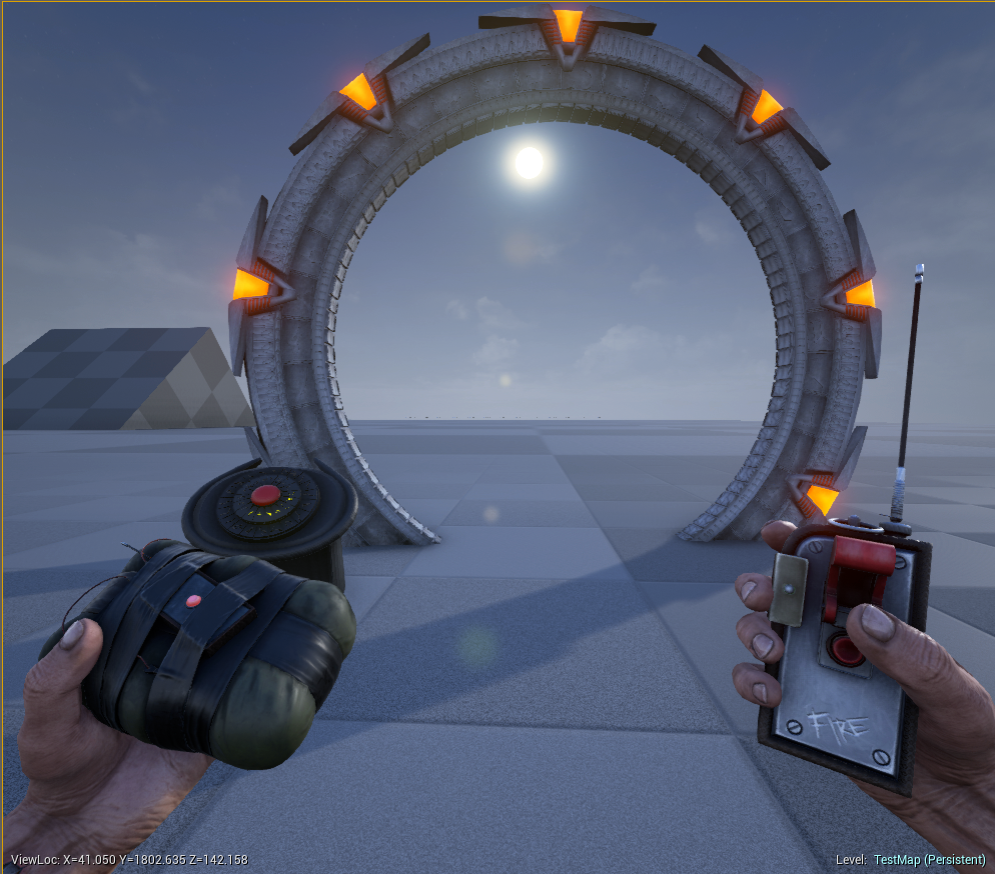
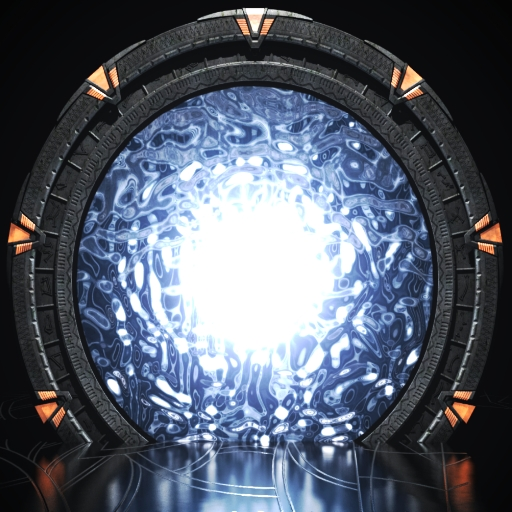
[h1]Stargate teleportation[/h1] - Stargate Portals activated by DHDs. The DHD has to be close to the Stargate you want it to control. Use can use the teleportation device or the GUI to punch in address to store and to open up access to another portal.
Go in GameUserSettings->[UseGUIForDialing]->GUI=false in order to use the device and true if you want to use the GUI, but you still need the teleportation device equipped to access GUI.
If using the device, for manual dialing, with device equipped, left click symbols to store address on the gate closest to DHD and right click symbols to enter the address of a gate you would like to teleport to. If address exists then gate will be activated but if incorrect the gate will not start and you will have to try again.
Once you teleport the gate will close. Also when you left click to store address the symbols will stay highlight for about 2 secs before they dissappear. After right clicking all 7 symbols click on the red activation button to start up gate. Only 7 symbols can be used for storing so only 7 symbols can be used to access a gate.
When using the GUI, walk up to the DHD and hit the F key. Then just type in a 7 alphanumeric password at the bottom of the GUI to set an address and to dial and address. If successful the word Engaged will appear in the GUI.
Teleportaion Device - Used for interaction with DHD.
[h1]****You will need to start a game without the mod and save, then reinstall the mod and start game. This is because I now fixed it where you don't need to have the mod first. You can now use GUI or manual dialing with the mod in any order.****[/h1].
**ARK\ShooterGame\Saved\Config\WindowsNoEditor - GameUserSettings->[UseGUIForDialing] for single player.**
**ARK\ShooterGame\Saved\Config\WindowsServer - GameUserSettings->[UseGUIForDialing] for servers.**
***If you like the mods that I create and want to help me in continuing to make great content***
CLICK HERE [h1]Paypal[/h1] Or thru [h1]Donations[/h1]
No item IDs, for those that don't know if you want to spawn items it is Blueprint'/Game/Mods/<MOD NAME>/<ITEM PATH>/ <ITEM>. <ITEM> <QUANTITY> 0 false. Mod name is the name of the mod, example this mod is called Stargate, and path is found where your game Ark is installed under Shootergame-> Content -> Mods.
****3D Models are from Varlonec****
Refer to change notes to see updates
Highlights
From source dataFootprint
Rated a light load on a server.
Last update
Its author last shipped an update 11 yr ago.
Stargate on Nxeon
From our catalogue- One-click install
- Supported on Nxeon ARK: Survival Evolved servers. We download it from Steam Workshop, place it, and restart the server.
- Server load
- light
- Smallest plan we suggest
- ARK — 8 GB (8 GB RAM). This follows our own load rating above, not a benchmark.
- Latest build
- 2016-03-06, released 2016-03-06
Game versions by loader
| Loader | Game versions | Newest |
|---|---|---|
| Workshop |
From 1 recorded build of Stargate.
Run Stargate on a ARK: Survival Evolved server
Pick a server or deploy a new one above; it is installed in one click.
What kind of mod it is
From the catalogWorkshop
Its source category doesn’t say more about what it does, so NxLabs lists it under Other.
Compatibility
- Game
- ARK: Survival Evolved
Verified at the source
- ✓Steam WorkshopOfficial listing, checked 2026-11-01Open ↗
- ✓Authorsalcarr, as published on Steam Workshop
- ✓LicenseNot published by the sourceFree














