About 木卫2余烬;下一代
From Steam Workshop木卫2余烬;下一代 Europa Ember: Next Generation — Missile Guidance Patch Makes the anti-tank missiles in Europa Ember into true guided missiles that fly wherever the mouse points. Overview This is a…
木卫2余烬;下一代
Europa Ember: Next Generation — Missile Guidance Patch
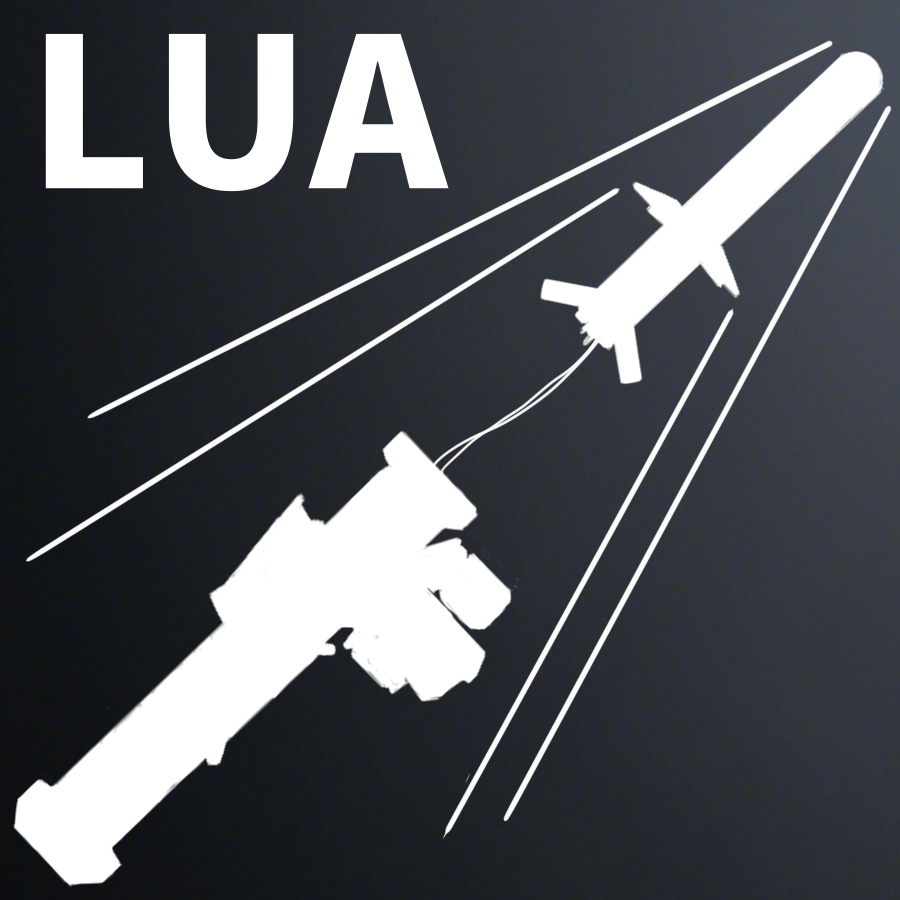
Makes the anti-tank missiles in Europa Ember into true guided missiles that fly wherever the mouse points.
Overview
This is a standalone patch that does not modify the base Europa Ember. Once enabled, all 180mm anti-tank missiles carrying the EE_ATGM tag no longer fly a straight trajectory after launch, but instead continuously fly toward the shooter's mouse cursor.
Supported Weapons
Launcher: FGM467AAWS_M "Aria" Ammunition: 180mm-ATGM "Stereo" tandem round 180mm-ATGM-TBX "Mono" thermobaric round
Features
After launch, moving the mouse makes the missile turn in real time toward the world coordinates the cursor points at. The missile pops out at low speed first, then accelerates to cruise after a short delay, for a more authentic missile feel. When an AI (bot) fires this weapon, the original trajectory is kept — guidance only applies to players. The client cursor position is periodically synced to the server, which is treated as authoritative. Does not modify the base game or the mod, and can be enabled or disabled on its own at any time.
How to Use
1. Enable both Europa Ember and this patch. 2. Hold the FGM467AAWS_M "Aria" and fire a 180mm-ATGM. 3. After firing, move the mouse to guide the missile toward the target.
Dependencies
LuaCsForBarotrauma (must be installed)
Notes
To add guidance to a new missile, simply give it the EE_ATGM tag.
Highlights
From source dataFootprint
Rated a light load on a server.
Last update
Its author last shipped an update 10d ago.
木卫2余烬;下一代 on Nxeon
From our catalogue- One-click install
- Not available. One-click install isn't available for this game's mods yet. Download it and upload it to your server in Files.
- Server load
- light
- Smallest plan we suggest
- Barotrauma — 2 GB (2 GB RAM). This follows our own load rating above, not a benchmark.
- Latest build
- 2026-10-06, released 2026-10-06
Game versions by loader
| Loader | Game versions | Newest |
|---|---|---|
| Workshop |
From 1 recorded build of 木卫2余烬;下一代.
Dependencies
- Required: LuaCsForBarotrauma
- Required: Europa Ember(BETA)
Declared by the newest build that lists any. Required ones are installed with it on one-click installs.
Run 木卫2余烬;下一代 on a Barotrauma server
Deploy a server above, then upload the file in Files.
What kind of mod it is
From the catalogVehicles & ships
Cars, boats, aircraft, ships and other things to drive or fly.
Compatibility
- Game
- Barotrauma
Verified at the source
- ✓Steam WorkshopOfficial listing, checked 2026-10-09Open ↗
- ✓AuthorCHEN, as published on Steam Workshop
- ✓LicenseNot published by the sourceFree