About BaroDock | Auto-Sort & Diagnostics
From Steam WorkshopSource & downloads: Public GitHub repository · Latest release Review the order. Investigate the evidence. BaroDock 1.0 is a free standalone Windows 64-bit Barotrauma mod manager. Organize load order,…
Source & downloads: Public GitHub repository · Latest release
Review the order. Investigate the evidence.
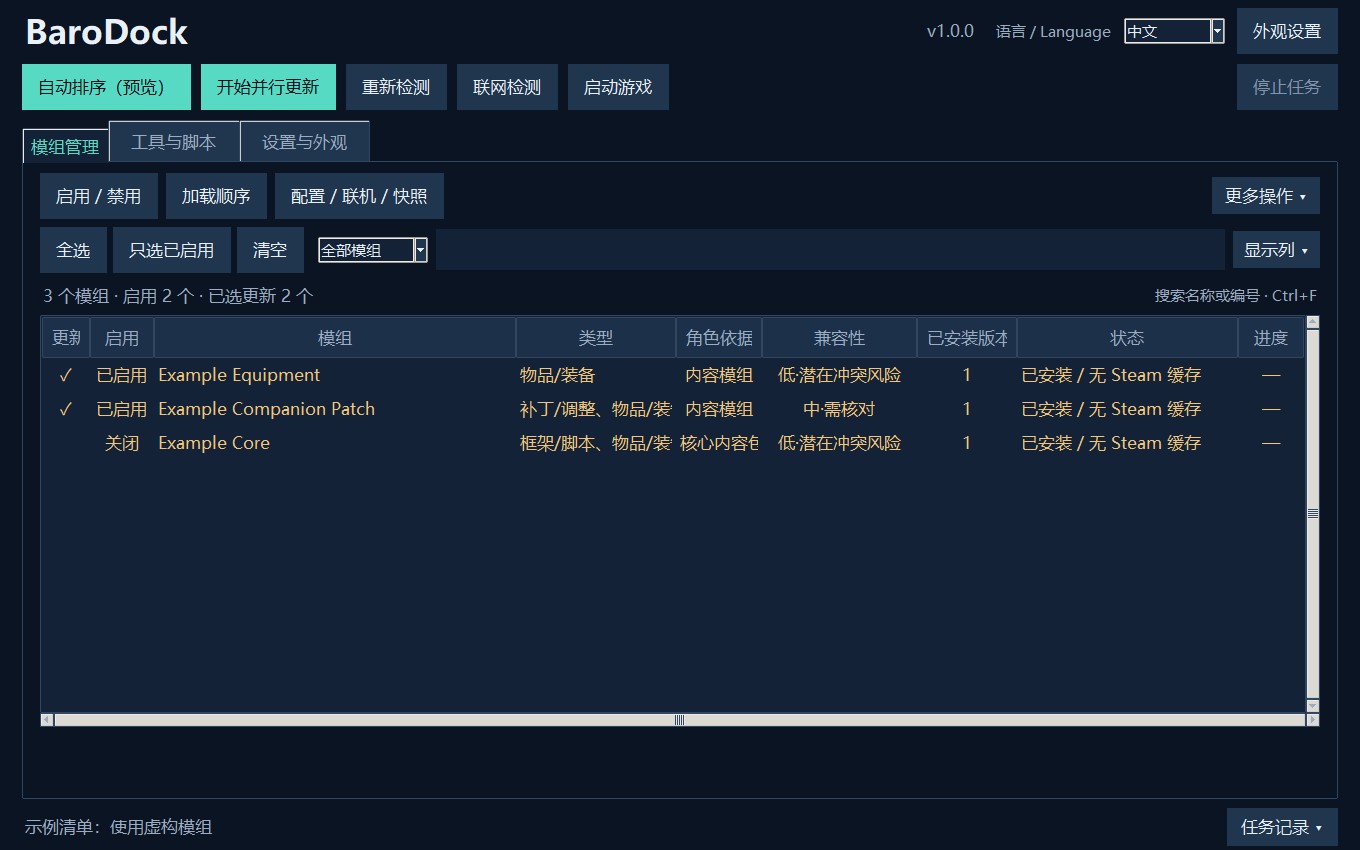
BaroDock 1.0 is a free standalone Windows 64-bit Barotrauma mod manager. Organize load order, update mods, keep presets and investigate specific XML or log issues. Switch between English and Chinese. Python is not required. This Workshop item delivers an external tool. Install it to your desktop; do not enable it as a gameplay mod or require it on your server.
What it helps with
- Auto-sort and dragging: use author declarations, explicit rules and locks. Review proposed changes and reasons before applying. Undo is available; names such as “Patch” do not invent mandatory order rules.
- Specific diagnostics: compare XML identifiers, fields and source files. Reviewed Item checks explain inheritance, Clear, registration problems and lost changes. Logs keep early failures and group complete exception blocks.
- Recheck after updates: record rule sources, versions and actual file hashes. Changed bytes can suspend old evidence even when the declared version stays the same.
- Repair and recheck: save inputs and reproduction steps, create native repair presets or explicit field drafts, then check a new test log. An optional read-only Lua observer compares loaded packages and selected Item fields.
- Lists and recovery: native ModLists, read-only campaign matching, snapshots, scoped restores, reverse dependency queries and local labels. Presets, saves, snapshots and LuaCs backups have separate purposes.
- Updates and scripting tools: concurrent requests/install scheduling and failed-item retry. Official LuaCs client installation/update is separate from C# permission; updating does not enable C# by default.
1.0 release notes · Workflows and limits
Install and get started
[olist] [*]Subscribe and wait for Steam to download. If the installed folder is missing, open Barotrauma to the main menu, then exit. [*]Press Win+R and open:
%LOCALAPPDATA%\Daedalic Entertainment GmbH\Barotrauma\WorkshopMods\Installed\3812360206[/code]
[*]Run Install-to-desktop.cmd, or copy BarotraumaModAssistant.exe to your own folder and run it.
[/olist]
Alternatively check the Steam library containing the game:
[code]steamapps\workshop\content\602960\3812360206
The desktop copy is in [code]%LOCALAPPDATA%\BarotraumaModAssistant\WorkshopProgram[/code] After a Workshop update, close the old app and rerun the installer or replace the desktop copy. Steam does not update that separate copy. Your preferences are retained.
Everyday use
Close the game and dedicated server before file or list changes. Update selection and Enabled state are separate. Start with Auto-sort preview, then review changes. Select a mod and open Full analysis → XML override comparison for specific definitions. Log diagnosis contains scene records, repair drafts and rechecks. Subscribe to missing Workshop items manually in Steam; install local packages separately.
Clear limits
Steam controls download queues and bandwidth; this app cannot promise to bypass them. File evidence and models do not certify all scripts, constructors, mod safety or universal compatibility. Unsupported content types do not inherit Item conclusions. Drafts need review and a separate test session; historical mod versions cannot be reconstructed from data a save never recorded.
The 1.0 optional observer passed a real LuaCs client test round on this machine: package order and queried Item data imported correctly, and fractional timestamp handling was fixed. Other computers and complete multiplayer combinations still need testing. See verification scope.
Access: selected game files, the current user's game data, Steam game manifests and assistant data. Online and write actions are explicit. No process enumeration/memory reads, automatic subscriptions, wallet/credential/firewall inspection, telemetry or elevation request. C# mods and normal desktop apps are not OS sandboxes. Review personal information in logs and reproduction notes before sharing. Access details
Feedback is welcome
Thank you for testing, writing detailed reports and sharing screenshots. Practical usability matters more than feature counts. If an action is hard to find, a warning is unclear, or sorting/recovery does not help, please tell me in comments or GitHub Issues. Include the version, steps and exact error; avoid passwords, codes or unreviewed full logs. I will investigate, document corrections and keep learning from your suggestions.
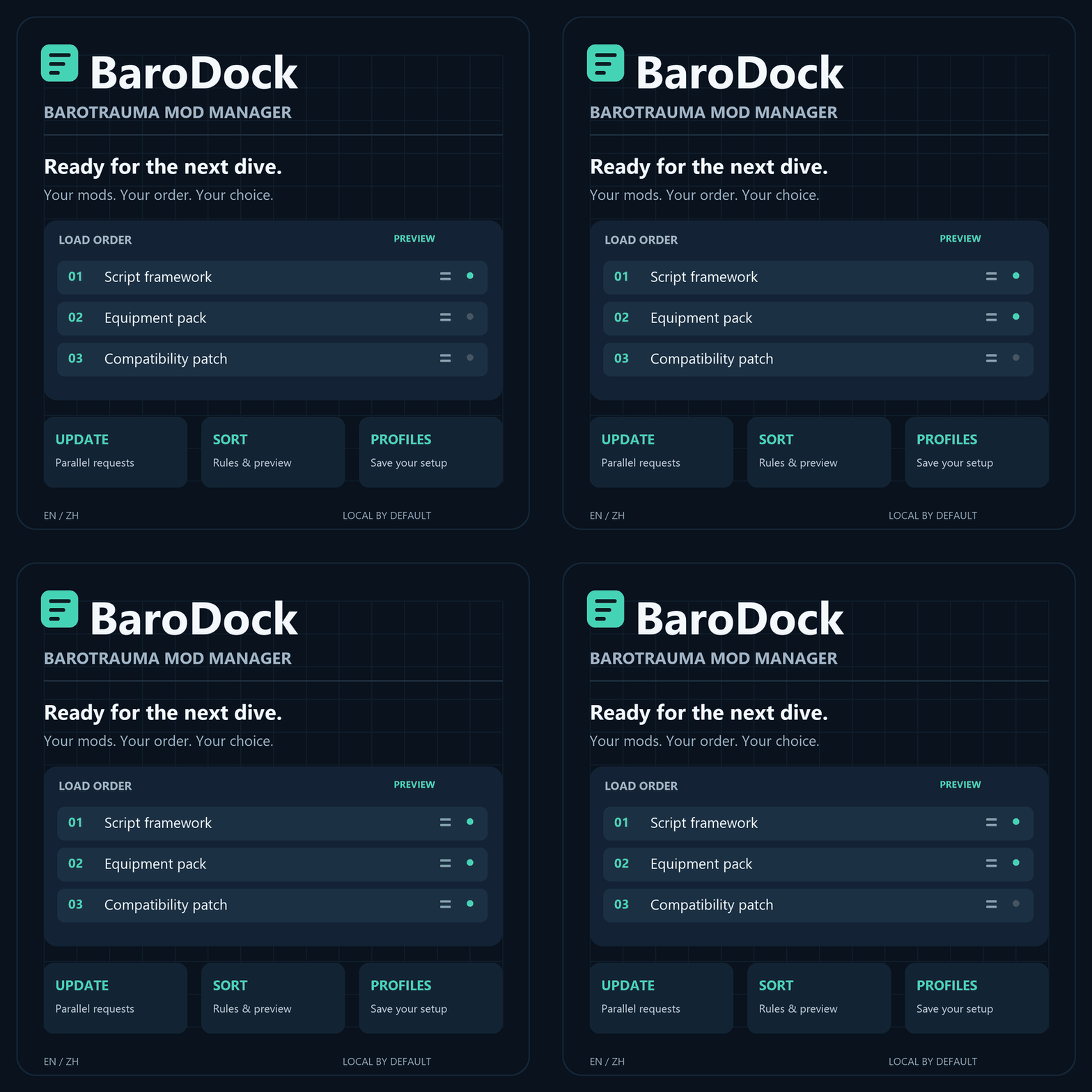
AI assistance: AI assisted development and some production. The current geometric cover is drawn in code; earlier cover art used AI assistance.
Highlights
From source dataFootprint
Rated a light load on a server.
Last update
Its author last shipped an update 6d ago.
BaroDock | Auto-Sort & Diagnostics on Nxeon
From our catalogue- One-click install
- Not available. One-click install isn't available for this game's mods yet. Download it and upload it to your server in Files.
- Server load
- light
- Smallest plan we suggest
- Barotrauma — 2 GB (2 GB RAM). This follows our own load rating above, not a benchmark.
- Latest build
- 2026-10-11, released 2026-10-11
Game versions by loader
| Loader | Game versions | Newest |
|---|---|---|
| Workshop |
From 4 recorded builds of BaroDock | Auto-Sort & Diagnostics.
Recent builds
| Build | Released | Game versions | Loaders |
|---|---|---|---|
| 2026-10-11 | 2026-10-11 | n/a | Workshop |
| 2026-10-06 | 2026-10-06 | n/a | Workshop |
| 2026-10-05 | 2026-10-05 | n/a | Workshop |
| 2026-10-04 | 2026-10-04 | n/a | Workshop |
Run BaroDock | Auto-Sort & Diagnostics on a Barotrauma server
Deploy a server above, then upload the file in Files.
What kind of mod it is
From the catalogQuality of life & UI
Small conveniences, tweaks and interface improvements players notice straight away.
Compatibility
- Game
- Barotrauma
Verified at the source
- ✓Steam WorkshopOfficial listing, checked 2026-10-14Open ↗
- ✓AuthorNew Black, as published on Steam Workshop
- ✓LicenseNot published by the sourceFree