About BaroMCP
From Steam Workshopdisclaimer: this mod was made entirely by ai (claude code). connects your agent (codex, claude code, etc) to the baro sub editor. just tell it what you want and it'll build it for you. the mcp starts…
disclaimer: this mod was made entirely by ai (claude code).
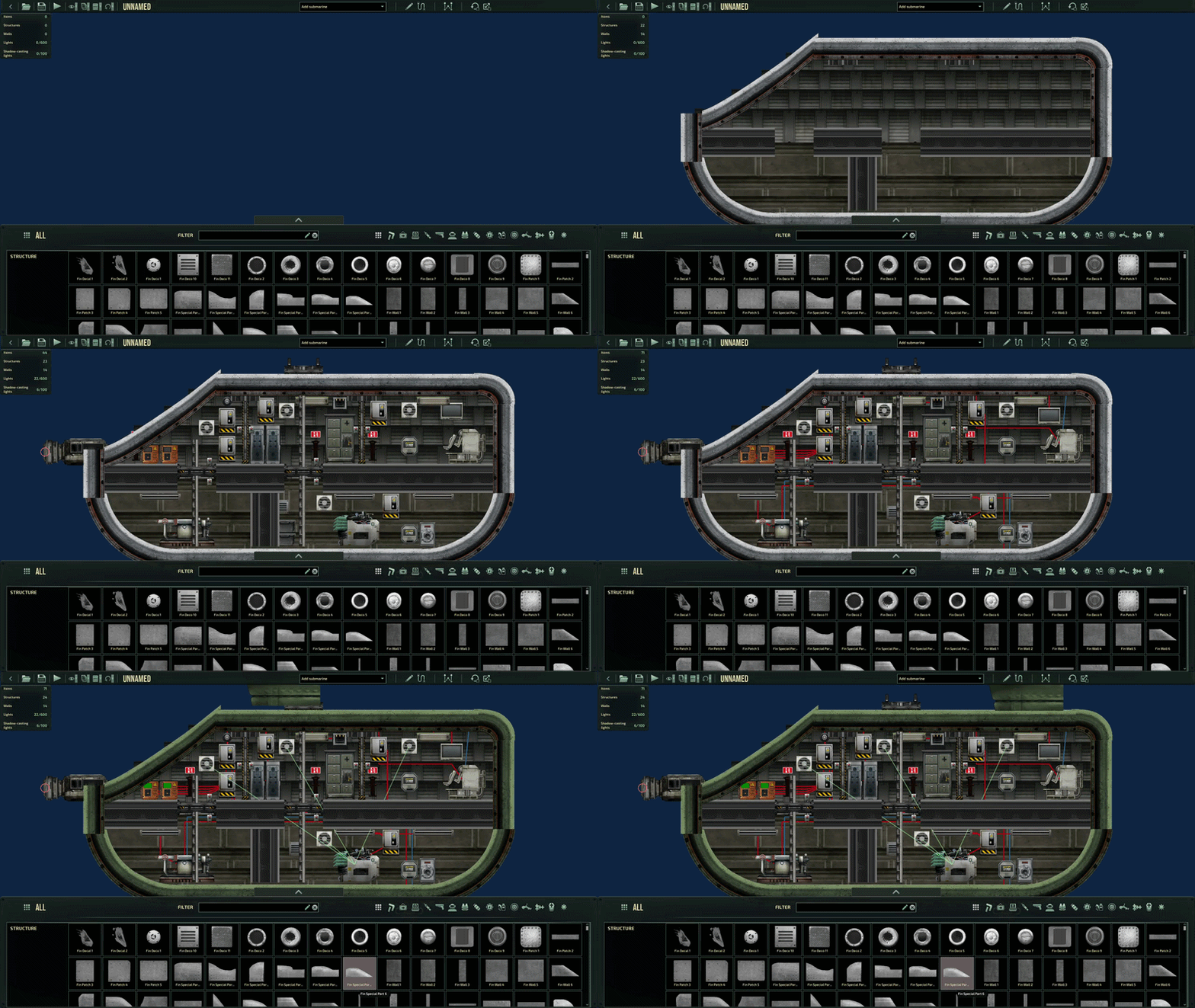
connects your agent (codex, claude code, etc) to the baro sub editor. just tell it what you want and it'll build it for you.
the mcp starts as soon as you open the sub editor.
what it can do
- build walls, hulls, doors, gaps, devices, spawnpoints etc etc
- wire everything up
- take screenshots on its own to check its work
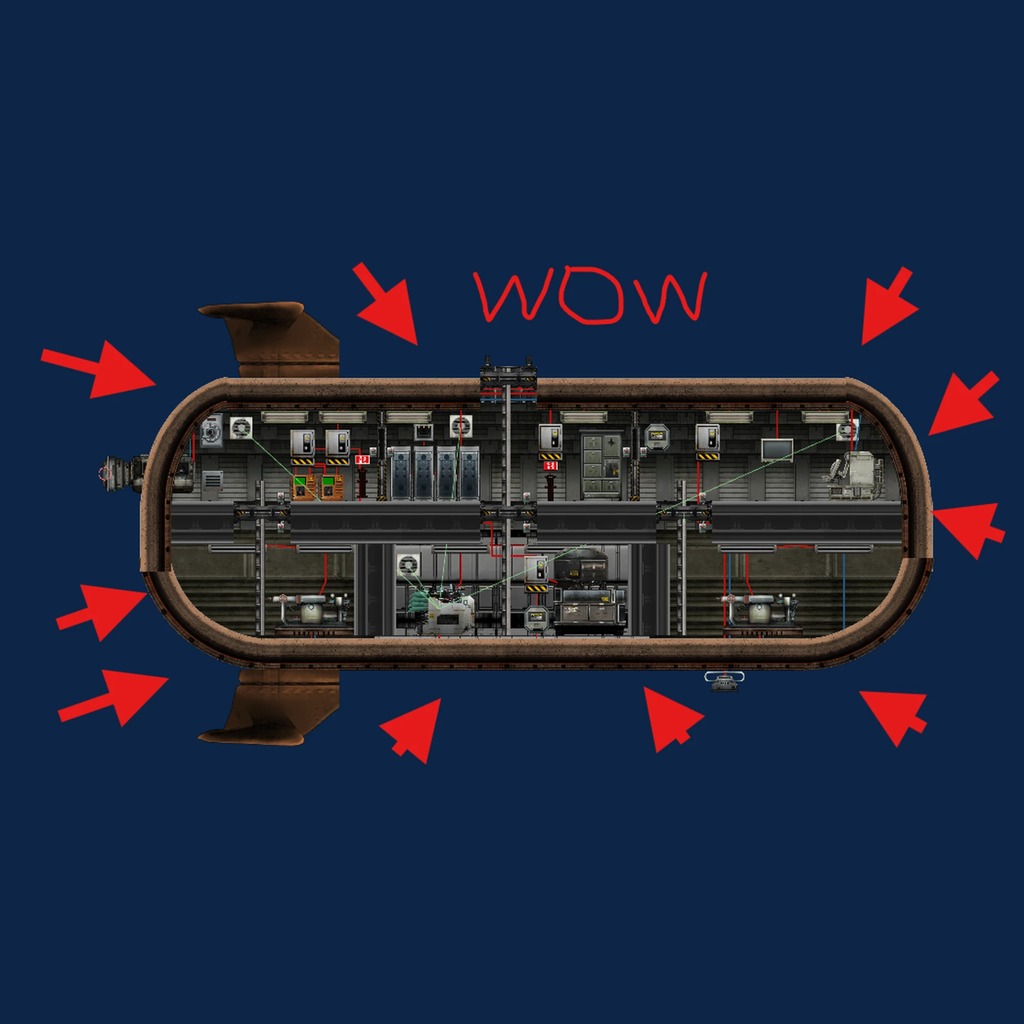
also comes with claude sub v1, a little shuttle the ai built with this mod.
requirements
- luacsforbarotrauma client side with c# scripting enabled
- an ai harness like codex or claude code
installation
[olist] [*]enable luacsforbarotrauma and baromcp in your mods and hit apply (make sure you have cl lua, instructions are in the lua page on steam) [*]open the sub editor, press f3 for the console and check it says mcp server listening on http://localhost:7777/mcp [*]give your agent a screenshot of this page or the link and tell it to add the mcp. or add it yourself: [/olist]
claude code
claude mcp add --transport http baromcp http://localhost:7777/mcp[/code]

[b]codex[/b] (add to ~/.codex/config.toml)
[code][mcp_servers.baromcp]
url = "http://localhost:7777/mcp"
anything else: add an http mcp server with the url http://localhost:7777/mcp
then start a new chat with your agent while the sub editor is open and tell it what to build.
notes
- it only works while the sub editor is open, it turns off on the main menu
- save a new sub once with the save button yourself, after that the agent can save it
Highlights
From source dataFootprint
Rated a light load on a server.
Last update
Its author last shipped an update 34d ago.
BaroMCP on Nxeon
From our catalogue- One-click install
- Not available. One-click install isn't available for this game's mods yet. Download it and upload it to your server in Files.
- Server load
- light
- Smallest plan we suggest
- Barotrauma — 2 GB (2 GB RAM). This follows our own load rating above, not a benchmark.
- Latest build
- 2026-09-30, released 2026-09-30
Game versions by loader
| Loader | Game versions | Newest |
|---|---|---|
| Workshop |
From 1 recorded build of BaroMCP.
Dependencies
- Required: LuaCsForBarotrauma
Declared by the newest build that lists any. Required ones are installed with it on one-click installs.
Run BaroMCP on a Barotrauma server
Deploy a server above, then upload the file in Files.
What kind of mod it is
From the catalogBuilding & decoration
Blocks, furniture, decorations and building tools.
Compatibility
- Game
- Barotrauma
Verified at the source
- ✓Steam WorkshopOfficial listing, checked 2026-10-04Open ↗
- ✓Authormicrowave, as published on Steam Workshop
- ✓LicenseNot published by the sourceFree