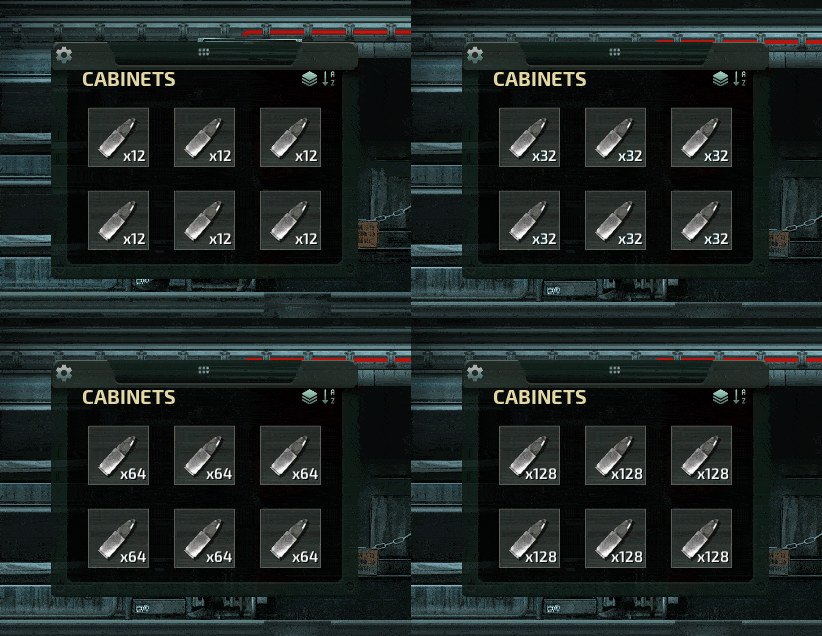
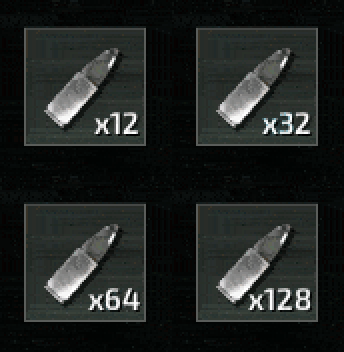
About Configurable Stack Size (Lua)
From Steam WorkshopConfigure the stack size of any in-game item via an editable config file. The 63-stack size limit is removed in Singleplayer but remains in Multiplayer. By default: Stackable "smallitems" have a…
Configure the stack size of any in-game item via an editable config file. The 63-stack size limit is removed in Singleplayer but remains in Multiplayer. By default:
- Stackable "smallitems" have a stack size of 64 (32 in player inventory).
- Items like O2/fuel tanks remain unstackable in player inventory but stack to 64 elsewhere.
- Ammo and battery stacks are doubled in player inventory (e.g., 24 revolver rounds instead of 12).
All defaults are customizable in the config file.
Requirements
- Lua For Barotrauma with "CSharp Scripting" enabled.
Configuration
Launch the game once with the mod enabled to generate the default config in the "Barotrauma/ModConfigs/ConfigurableStackSize/" directory. "Barotrauma" refers to the folder where your save files are stored.
The configuration file is initially minified. It's recommended to format it with an auto-formatter before making modifications.
In Multiplayer, only the host’s configuration is used and synced to players.
Format
"itemPatches": [
    {
        "applyOnlyToStackables": false,
        "tags": [ "mobilebattery", "handheldammo" ],
        "operations": [
            { "key": "MaxStackSize", "operation": "=", "value": "{maxStackSize}" },
            { "key": "MaxStackSizeCharacterInventory", "operation": "*", "value": 2 },
        ]
    }
],
"containerOptions": {
    "maxStackSize": 64,
    "characterInventoryCapacity": 32,
}
The configuration uses "itemPatches" to define stack size rules based on tags or item IDs. Items are matched in top-down order, applying the operations of the first matching patch.
Each item has three stack sizes: general, player inventory, and mobile containers. Operations modify these sizes using numbers or references to container options like "{maxStackSize}".
The "containerOptions" section sets general stack size limits for different container types. For example, "maxStackSize" applies to containers that don't fall under other specific container groups. Customize these limits as needed in the config file.
If "applyOnlyToStackables" is not specified, it defaults to true.
Refer to the config file for more details.
Note:
- I plan to add an UI to edit item stack size in-game instead of having to go through the config file.
Highlights
From source dataFootprint
Rated a light load on a server.
Last update
Its author last shipped an update 22 mo ago.
Configurable Stack Size (Lua) on Nxeon
From our catalogue- One-click install
- Not available. One-click install isn't available for this game's mods yet. Download it and upload it to your server in Files.
- Server load
- light
- Smallest plan we suggest
- Barotrauma — 2 GB (2 GB RAM). This follows our own load rating above, not a benchmark.
- Latest build
- 2025-01-09, released 2025-01-09
Game versions by loader
| Loader | Game versions | Newest |
|---|---|---|
| Workshop |
From 1 recorded build of Configurable Stack Size (Lua).
Dependencies
- Required: LuaCsForBarotrauma
Declared by the newest build that lists any. Required ones are installed with it on one-click installs.
Run Configurable Stack Size (Lua) on a Barotrauma server
Deploy a server above, then upload the file in Files.
What kind of mod it is
From the catalogQuality of life & UI
Small conveniences, tweaks and interface improvements players notice straight away.
Compatibility
- Game
- Barotrauma
Verified at the source
- ✓Steam WorkshopOfficial listing, checked 2026-10-10Open ↗
- ✓Authornozwock, as published on Steam Workshop
- ✓LicenseNot published by the sourceFree