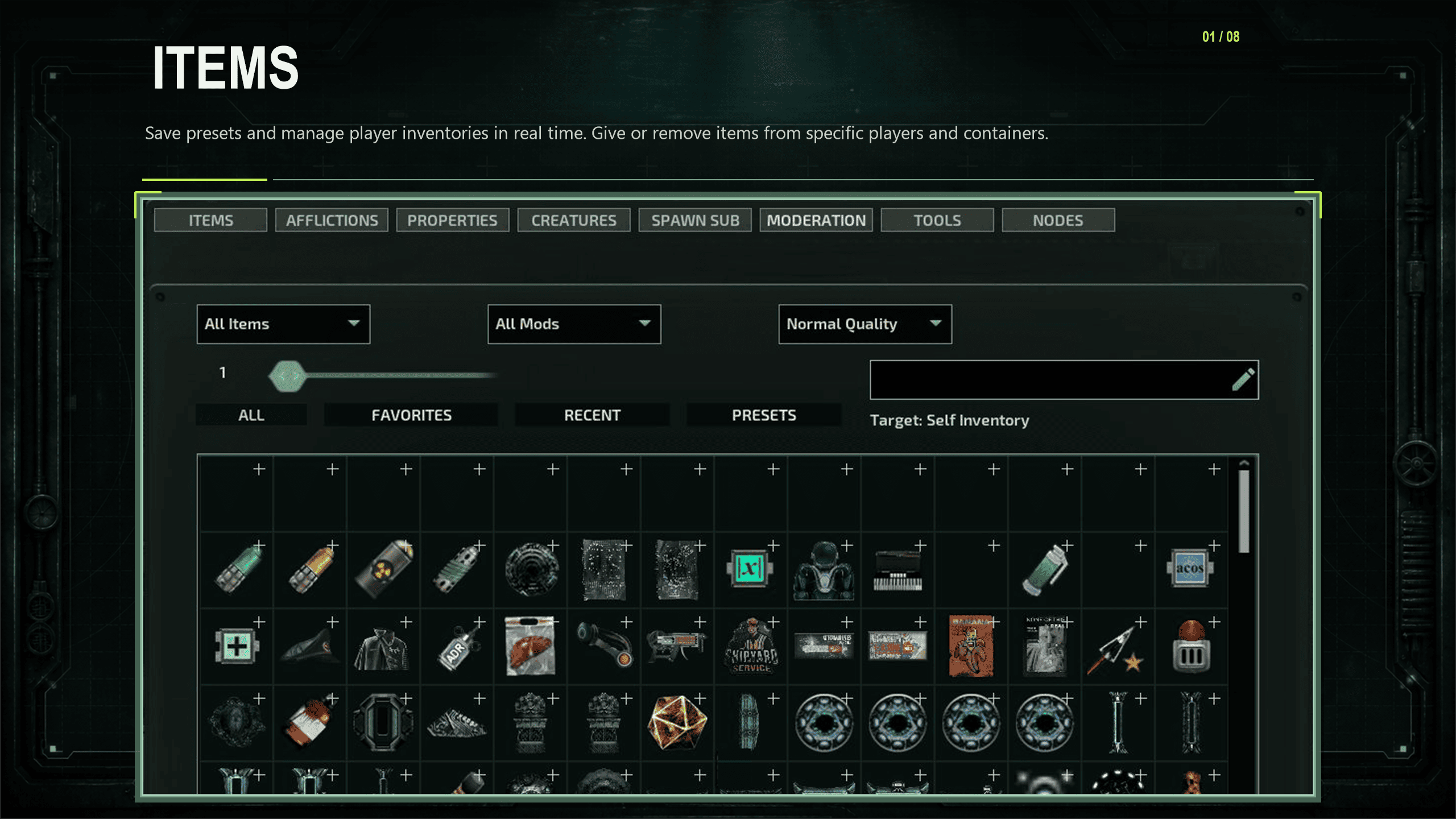
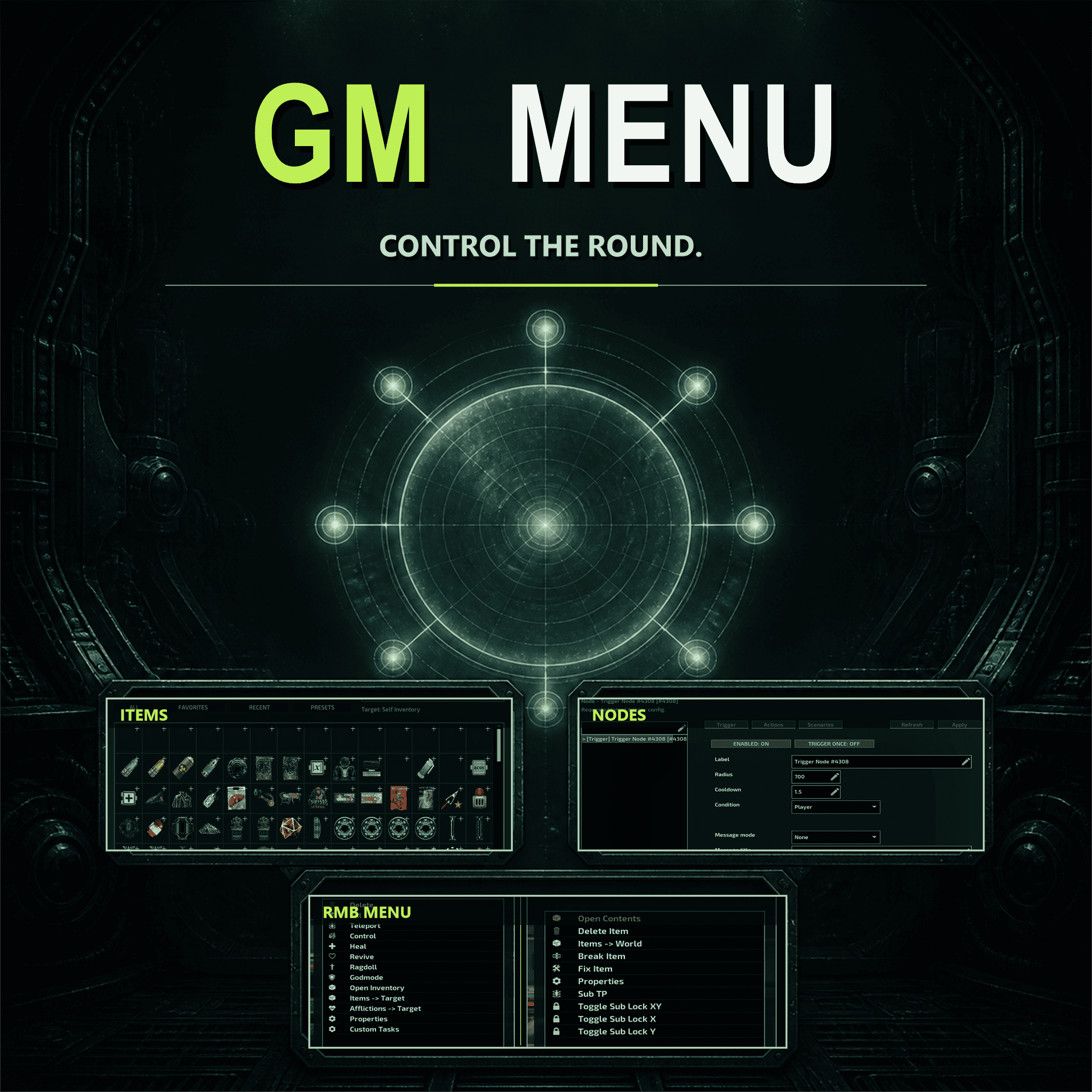
About GM Menu
From Steam WorkshopGM Menu A multifunctional GM tool for Barotrauma with a custom interface, made as a complete system rather than a collection of console commands. What's included Custom GUI with tab-based navigation.…
GM Menu
A multifunctional GM tool for Barotrauma with a custom interface, made as a complete system rather than a collection of console commands.
[hr][/hr]
What's included
- Custom GUI with tab-based navigation.
- RMB Menu. Right-click any object in the world to edit it in real time: players, electronics, the environment, the submarine, and more. The keybind is configurable in the ESC menu under the GM Menu tab.
- Moderation tools and server control. The report system is still in development.
- Trigger Node and Marker Node for scenario creation. Trigger Node runs configured actions when someone enters its radius, including triggering other nodes. Marker Node makes NPCs in a radius move toward its position.
- SpawnSub. Real-time submarine spawning. Note: players who join after a sub has been spawned may crash until that sub is removed or the round ends.
- Admin interface instead of console and chat commands.
Who it's for
- Admins
- Event hosts
- Content creators
- Anyone who needs a proper in-game management tool
Development
The mod is actively updated. New systems are added when they're ready, not to pad the feature list.
Requirements
- C# and Lua must be enabled.
- Remove other sandbox menus before using. Access requires host privileges or console command permissions on the server.
- GM Menu is server-side.
Supported mods
Place these above GM Menu in your mod list:
- Legendary and Mythic Quality Expansion
Optional addons
- GMM Music Node: [spoiler]click[/spoiler]
Credits Idea based on Livelandr's sandbox menu and GM Tools. Developed by manssss (code and assets), san3z (testing and ideas).
Highlights
From source dataFootprint
A 3 MB download, rated a light load on a server.
Last update
Its author last shipped an update 1d ago.
GM Menu on Nxeon
From our catalogue- One-click install
- Not available. One-click install isn't available for this game's mods yet. Download it and upload it to your server in Files.
- Server load
- light
- Smallest plan we suggest
- Barotrauma — 2 GB (2 GB RAM). This follows our own load rating above, not a benchmark.
- Latest build
- 2026-10-14, released 2026-10-14, 3 MB
Game versions by loader
| Loader | Game versions | Newest |
|---|---|---|
| Workshop |
From 4 recorded builds of GM Menu.
Recent builds
| Build | Released | Game versions | Loaders |
|---|---|---|---|
| 2026-10-14 | 2026-10-14 | n/a | Workshop |
| 2026-10-10 | 2026-10-10 | n/a | Workshop |
| 2026-10-05 | 2026-10-05 | n/a | Workshop |
| 2026-09-20 | 2026-09-20 | n/a | Workshop |
Dependencies
- Required: LuaCsForBarotrauma
Declared by the newest build that lists any. Required ones are installed with it on one-click installs.
Run GM Menu on a Barotrauma server
Deploy a server above, then upload the file in Files.
What kind of mod it is
From the catalogQuality of life & UI
Small conveniences, tweaks and interface improvements players notice straight away.
Compatibility
- Game
- Barotrauma
- File size
- 3 MB
Verified at the source
- ✓Steam WorkshopOfficial listing, checked 2026-10-16Open ↗
- ✓AuthorProtagonist, as published on Steam Workshop
- ✓LicenseNot published by the sourceFree