About Happy Helper(cheat)
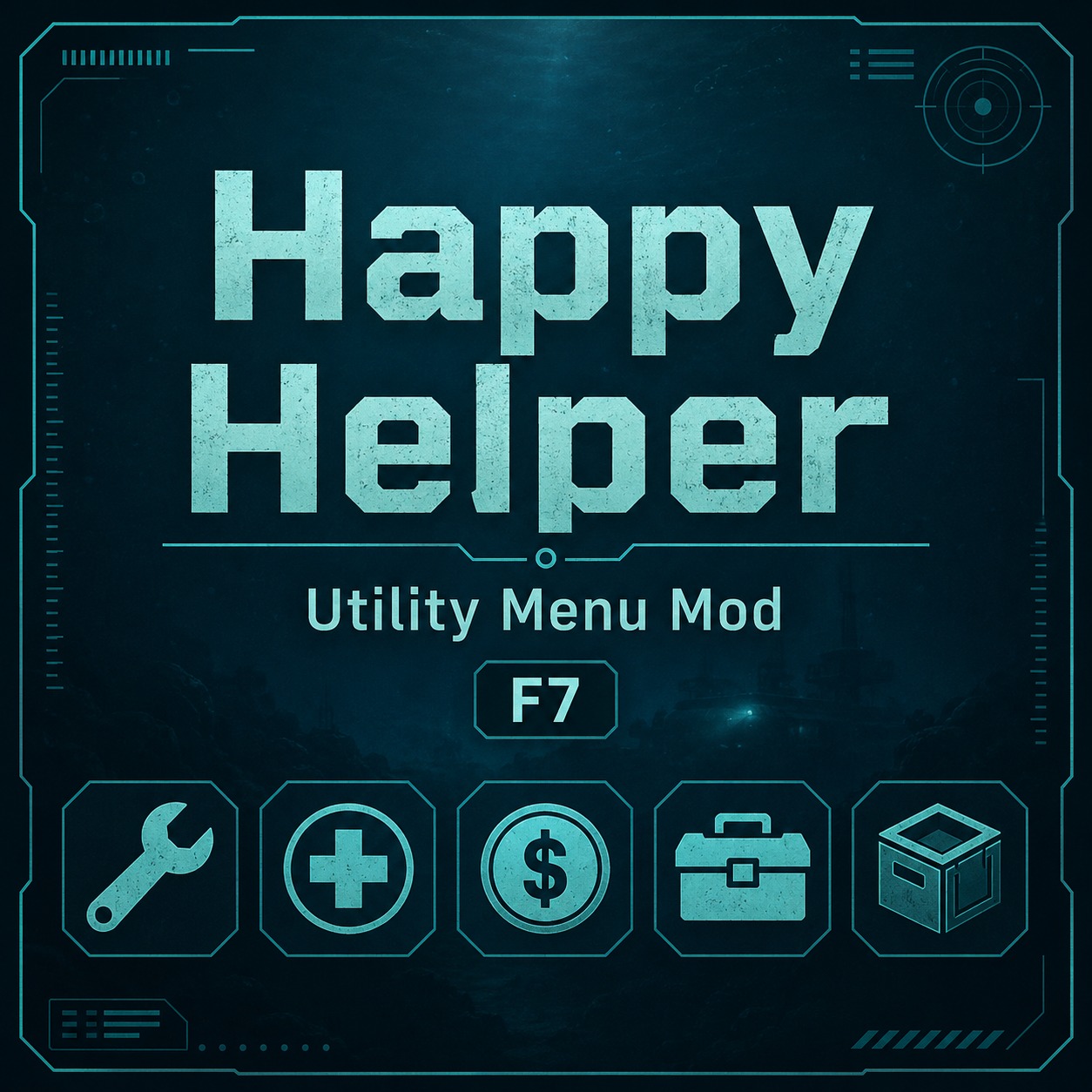
From Steam WorkshopHappy Helper Happy Helper is a LuaCs utility mod for Barotrauma. Press F7 in-game to open the helper menu. Features Add campaign money in singleplayer Add personal wallet money in multiplayer Spawn…
Happy Helper
Happy Helper is a LuaCs utility mod for Barotrauma.
Press F7 in-game to open the helper menu.
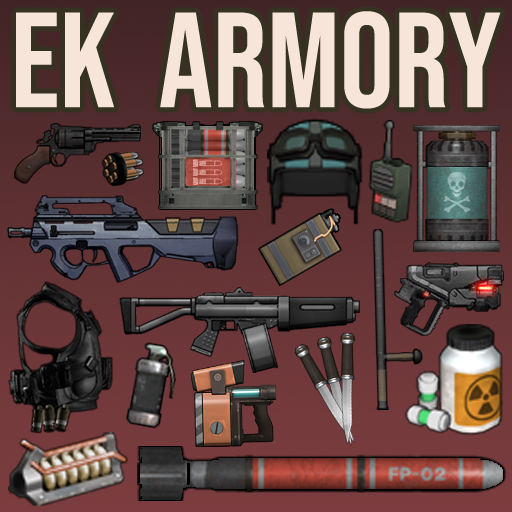
Features Add campaign money in singleplayer Add personal wallet money in multiplayer Spawn items into your inventory or at your feet Heal yourself Restore oxygen Repair submarine devices Repair submarine hull damage Set all skills to 100 Revive yourself Singleplayer and multiplayer support Important Requirement
This mod requires LuaCsForBarotrauma.
Simply subscribing to this Workshop item is not enough. You must also install the LuaCs client-side loader using the Steam launch option below.
Client-side installation is always required for singleplayer support.
For multiplayer:
The server or host must have the server-side LuaCs setup. Players using the F7 interface must have the client-side LuaCs setup. The server and players should also subscribe to and enable Happy Helper. Installation
LuaCsForBarotrauma has two parts:
Server-side Client-side
Which one you need depends on the Mod and game mode you are using.
For Happy Helper, the client-side installation is required to display and use the F7 menu. It is also required for singleplayer.
New Installation Method
You can install LuaCsForBarotrauma by adding a special launch option in Steam.
Step 1
Make sure Barotrauma is completely closed.
Step 2
Open your Steam Library.
Step 3
Right-click Barotrauma and select:
Properties Step 4
Find the Launch Options text box.
Step 5
Paste the correct command for your operating system.
Windows cmd /c "curl -L -o Luatrauma.AutoUpdater.win-x64.exe https://github.com/Luatrauma/Luatrauma.AutoUpdater/releases/download/latest/Luatrauma.AutoUpdater.win-x64.exe && start /b Luatrauma.AutoUpdater.win-x64.exe %COMMAND%" Linux bash -c "wget https://github.com/Luatrauma/Luatrauma.AutoUpdater/releases/download/latest/Luatrauma.AutoUpdater.linux-x64 && chmod +x Luatrauma.AutoUpdater.linux-x64 && ./Luatrauma.AutoUpdater.linux-x64 %command%" macOS /bin/zsh -c "cd Barotrauma.app/Contents/MacOS && /usr/bin/curl -LOR https://github.com/Luatrauma/Luatrauma.AutoUpdater/releases/download/latest/Luatrauma.AutoUpdater.osx-x64 && chmod +x Luatrauma.AutoUpdater.osx-x64 && ./Luatrauma.AutoUpdater.osx-x64 %command%/Contents/MacOS/Barotrauma"
After pasting the command, close the Properties window and start Barotrauma normally.
The updater will install or update LuaCsForBarotrauma automatically when the game launches.
How to Use Subscribe to Happy Helper. Subscribe to and install LuaCsForBarotrauma. Enable both Mods in the Barotrauma Mod menu. Start a singleplayer or multiplayer game. Press F7 to open the Happy Helper menu.
For multiplayer, the host should reload the server Lua scripts when necessary:
reloadluacs
Clients can reload their client-side Lua scripts with:
cl_reloadluacs Troubleshooting Pressing F7 does nothing
Make sure:
LuaCsForBarotrauma is installed through the Steam launch option. Happy Helper is enabled in the Mod list. Client-side LuaCs is installed. You restarted the game after adding the launch option.
You can also open the console and run:
cl_reloadluacs Multiplayer buttons do not work
Make sure:
The host has server-side LuaCs running. The host has enabled Happy Helper. The client has client-side LuaCs installed. Both the host and client are using the same version of the Mod. The menu appears, but server-side functions fail
Ask the host to run:
reloadluacs Notes
This Mod significantly changes the normal game balance.
It is mainly intended for:
Testing Sandbox gameplay Private multiplayer sessions Recovering from bugs Casual and experimental play
Game or LuaCs updates may occasionally require this Mod to be updated.
Highlights
From source dataFootprint
Rated a light load on a server.
Last update
Its author last shipped an update 5d ago.
Happy Helper(cheat) on Nxeon
From our catalogue- One-click install
- Not available. One-click install isn't available for this game's mods yet. Download it and upload it to your server in Files.
- Server load
- light
- Smallest plan we suggest
- Barotrauma — 2 GB (2 GB RAM). This follows our own load rating above, not a benchmark.
- Latest build
- 2026-10-11, released 2026-10-11
Game versions by loader
| Loader | Game versions | Newest |
|---|---|---|
| Workshop |
From 1 recorded build of Happy Helper(cheat).
Run Happy Helper(cheat) on a Barotrauma server
Deploy a server above, then upload the file in Files.
What kind of mod it is
From the catalogQuality of life & UI
Small conveniences, tweaks and interface improvements players notice straight away.
Compatibility
- Game
- Barotrauma
Verified at the source
- ✓Steam WorkshopOfficial listing, checked 2026-10-16Open ↗
- ✓AuthorTactical Notato, as published on Steam Workshop
- ✓LicenseNot published by the sourceFree