About MapDraw
From Steam WorkshopMapDraw — Real-Time Tactical Map Drawing & Planning Turn your campaign map into a true tactical command center inspired by Hearts of Iron IV, Squad, and Arma ! MapDraw allows captains and crew…
MapDraw — Real-Time Tactical Map Drawing & Planning
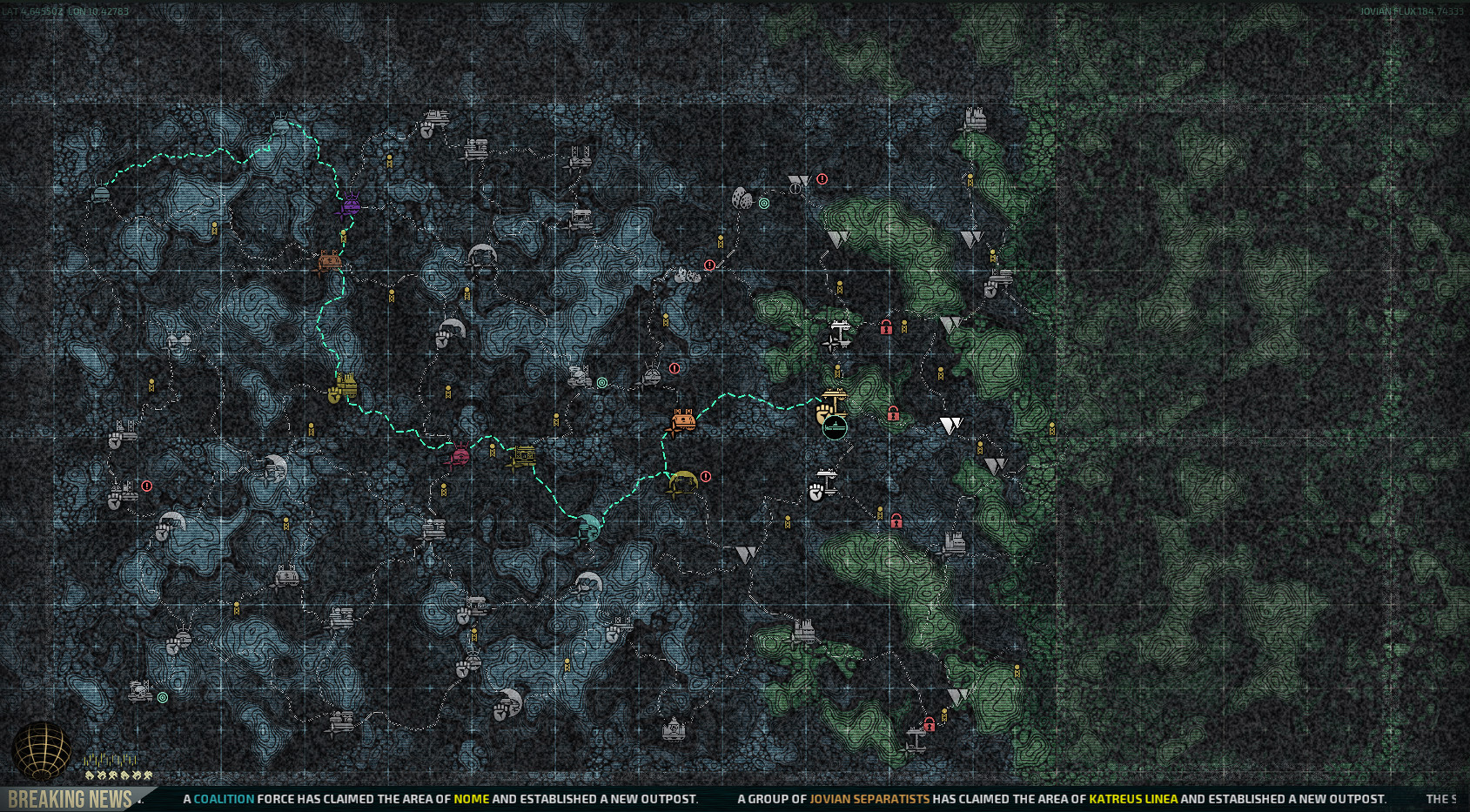
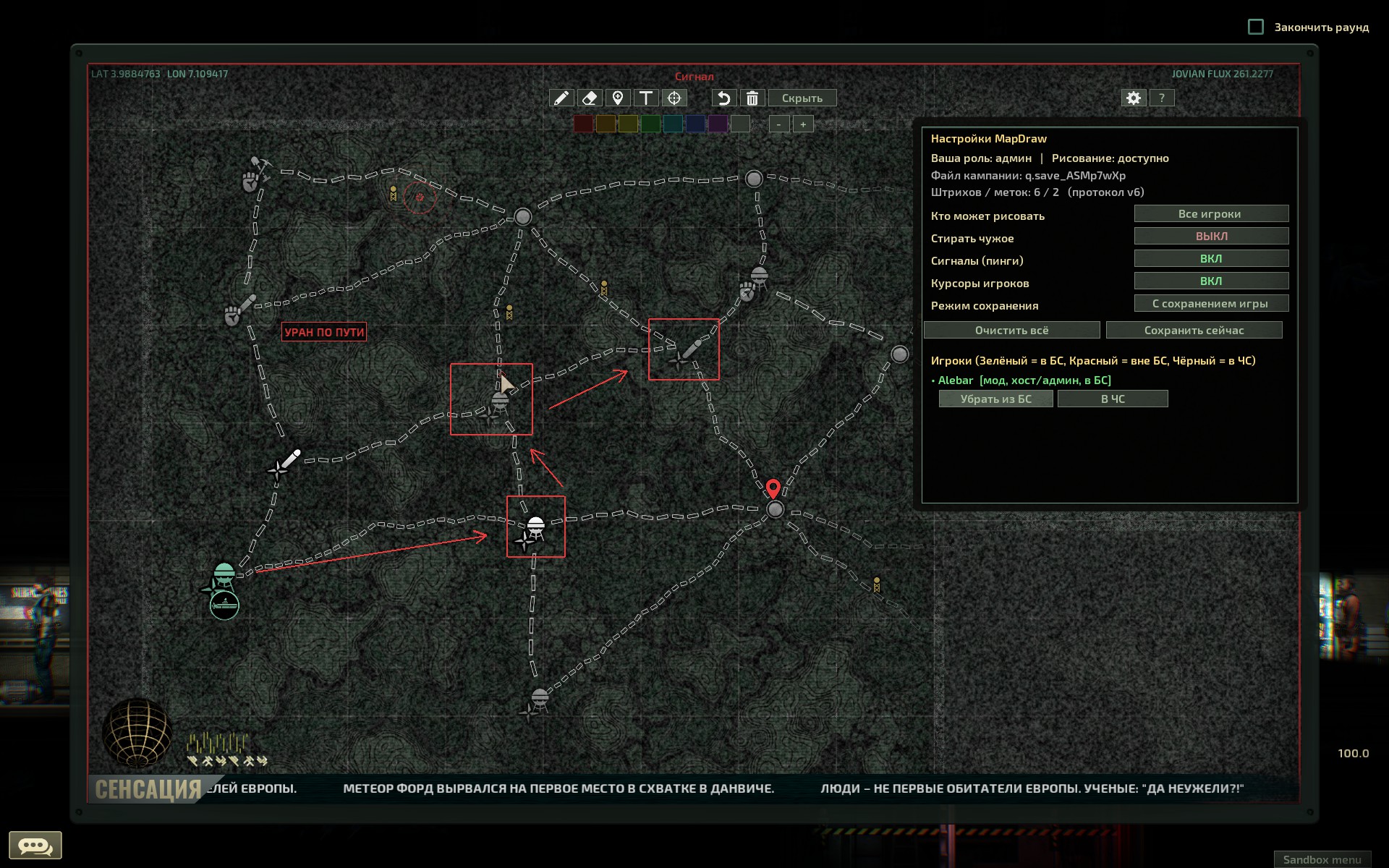
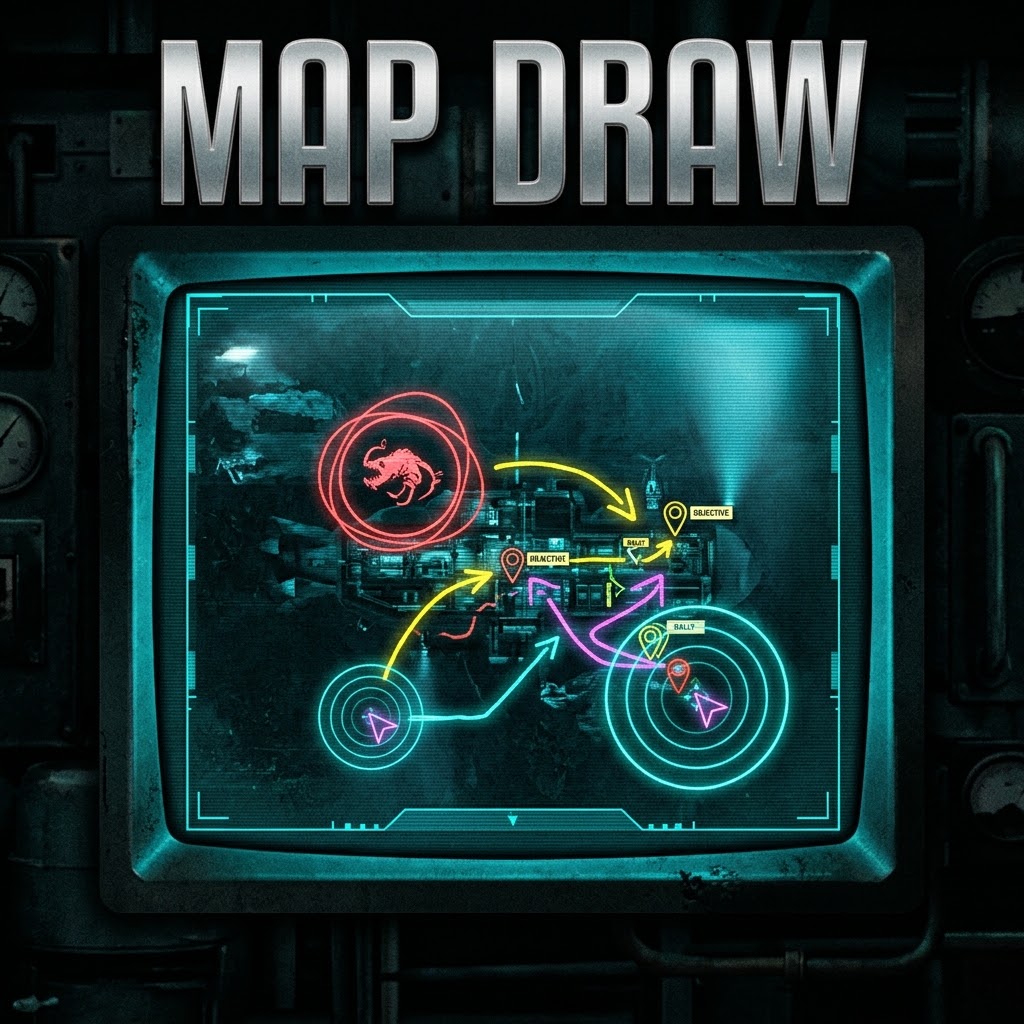
Turn your campaign map into a true tactical command center inspired by Hearts of Iron IV, Squad, and Arma! MapDraw allows captains and crew members to draw routes, place custom tactical markers with descriptions, send pings, and see each other's cursors directly on the Europa campaign map in real time.
No more struggling to explain where to steer, where pirates are ambushing, or which cave still has minerals — just draw your plan right on the map!
[hr][/hr]
Key Features
- Real-Time Sync & Live Cursors: Every stroke, shape, and marker is synchronized instantly across all players. When crewmates have the map open, you can see their colored cursors and names moving live.
- Freehand Drawing & Geometry Tools: Draw smooth freehand lines or use built-in shape tools: Line, Route Arrow, Rectangle, and Oval with 8 colors and adjustable brush thickness.
- Precision Circle Eraser: Instead of deleting an entire line at once, the eraser cleanly slices through strokes wherever you drag your cursor.
- 22 Custom Tactical Icons (NATO / Grand Strategy Style): Waypoints, objectives, rally points, hazards, monsters, pirates, mines, resources, cargo, fuel, repair, medical, outposts, ruins, wrecks, caves, missions, and recon markers. Rotate directional arrows 360 degrees on placement and scale icons across 4 sizes using the "-" and "+" buttons.
- Interactive Marker Cards & Text Labels: Click any of your placed markers in normal hand mode to add a multi-line description (up to 120 characters) displayed in a clean tooltip card on hover. Use the Text Tool (T) to place standalone text labels directly on the map.
- Tactical Map Pings: Need immediate attention? Use the Ping tool to broadcast a pulsing radar ring in your color with your name for 5 seconds.
- Campaign Save Integration: Your tactical plans survive server restarts! Drawings are saved per campaign on the server alongside your actual campaign save (on round end or game save). Quitting without saving properly reverts uncommitted doodles.
- In-Game Admin & Settings Panel (Top-Right Gear Icon): Manage permissions on the fly in multiplayer without editing files! Use clean dropdowns to switch drawing access (Everyone / Allowlist / Admins only), blacklist griefers, check which players have the mod installed, change save modes, and clear the map.
[hr][/hr]
Controls & Convenience
- Active Mode Frame & Built-In Help: Whenever a drawing tool is active, a colored border highlights the map with the current mode title at the top. A built-in HELP (?) button explains all tools right in the UI.
- LMB: Draw / place marker / drag your marker (in hand mode) / edit marker description.
- RMB: Quick eraser (while in Draw mode), delete marker under cursor, or immediately return to normal map panning (from Eraser, Marker, Text, or Ping mode).
- ESC: Exits the active drawing tool without closing the campaign map.
- Ctrl + Z (or Undo button): Reverts your last stroke, shape, or marker.
- Clean Map View: Easily collapse the outpost/location info panel in the corner to get an unobstructed view of the map while planning your route.
[hr][/hr]
Requirements & Compatibility
- Requires Lua For Barotrauma (LuaCs).
- Must be enabled on both the Server (Host) and Clients.
- Smart UI Auto-Hide: If you join a server that does not run MapDraw, the toolbar automatically hides itself so it never clutters your screen.
- Fully compatible with vanilla maps and major map overhauls including Dynamic Europa — all coordinates are anchored to map space and stay perfectly aligned across any zoom level or screen resolution.
- Console diagnostics command (F3): [code]mapdraw[/code]. Manual server save command: [code]mapdraw save[/code]
Highlights
From source dataFootprint
Rated a light load on a server.
Last update
Its author last shipped an update 21d ago.
MapDraw on Nxeon
From our catalogue- One-click install
- Not available. One-click install isn't available for this game's mods yet. Download it and upload it to your server in Files.
- Server load
- light
- Smallest plan we suggest
- Barotrauma — 2 GB (2 GB RAM). This follows our own load rating above, not a benchmark.
- Latest build
- 2026-10-14, released 2026-10-14
Game versions by loader
| Loader | Game versions | Newest |
|---|---|---|
| Workshop |
From 1 recorded build of MapDraw.
Dependencies
- Required: LuaCsForBarotrauma
Declared by the newest build that lists any. Required ones are installed with it on one-click installs.
Run MapDraw on a Barotrauma server
Deploy a server above, then upload the file in Files.
What kind of mod it is
From the catalogMaps & scenarios
Custom maps, arenas and scenarios to play on.
Compatibility
- Game
- Barotrauma
Verified at the source
- ✓Steam WorkshopOfficial listing, checked 2026-10-17Open ↗
- ✓AuthorAlebar, as published on Steam Workshop
- ✓LicenseNot published by the sourceFree