About MeleeStyle
From Steam WorkshopMeleeStyle Vanilla melee weapons only swing top to bottom. This mod adds other swing animations: overhead, uppercut, jab, and slash. You can also make your own, or edit the existing (badly made)…
MeleeStyle
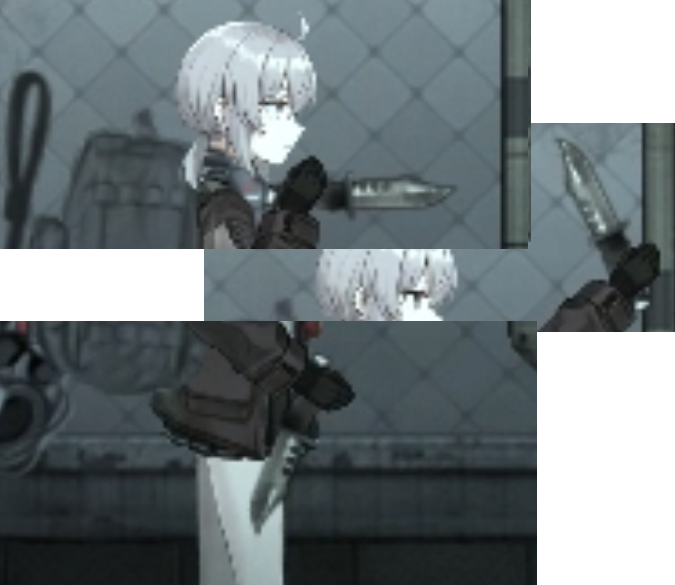
Vanilla melee weapons only swing top to bottom. This mod adds other swing animations: overhead, uppercut, jab, and slash. You can also make your own, or edit the existing (badly made) defaults.
Each style moves the weapon along a different path, so they hit different areas. Styles also carry their own damage and armor penetration, so the fast swings aren't just strictly better. If enabled, styles can also charge up(hold the swing for a stronger hit), or hit more than once per click
How to use
- Press B to switch swing style, hold B to reset to default (you can rebind the key).
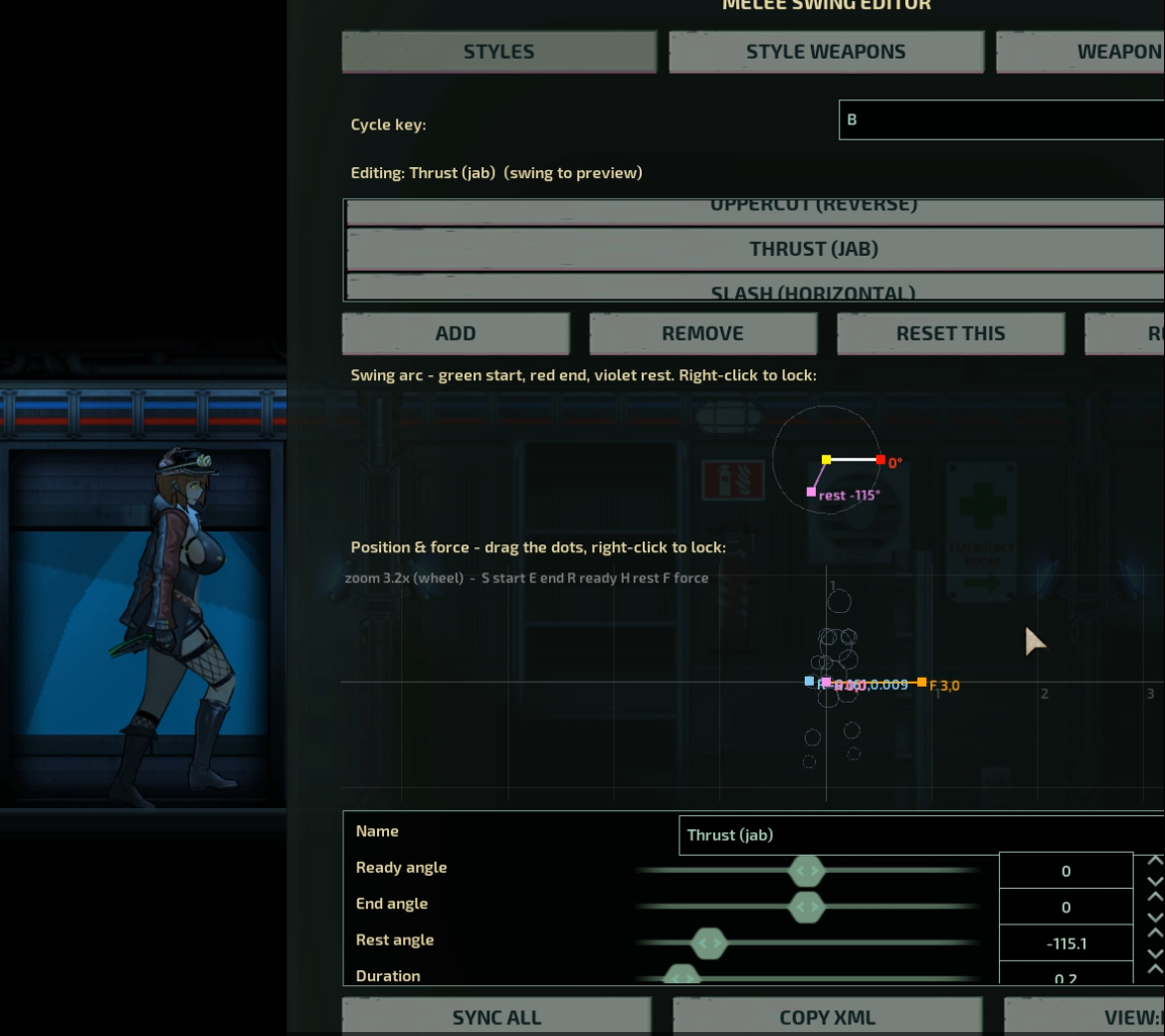
- Open the editor from the ESC menu, or type swingeditor in the console. This GUI is resizeable.
- In the editor, drag the handles or sliders to edit existing styles(right click to lock handles), or create/remove them. Then click sync to immediately apply and send those settings to everyone in server (if you are host). Save settings to xml so you do not need to sync changes on every round.
- Updated figure now tracks your character real time.
Multiplayer
The host owns the styles and weapon limits and syncs them to everyone, including players who join mid-round. Clients can't change styles for other people. Install it on the server and every client.
Requirements
- LuaCsForBarotrauma
- CSharp scripting turned on (LuaCs settings)
For modders
Other weapon mods can add their own styles without depending on this one. Drop a MeleeSwingStyles.xml in your mod folder, or add swingstyle attributes to a weapon's MeleeWeapon element.
Known limits
- Aiming a swing straight up doesn't work well, due to how characters hold items in the base game.
Works on anything with <MeleeWeapon>
Suggestions are welcome. Feel free to create a discussion to post bugs or new / fixed styles.
Changelog: See changelog tab contribute to git if u want https://github.com/Claudia-diva/MeleeSwingStyles
Highlights
From source dataFootprint
Rated a light load on a server.
Last update
Its author last shipped an update 4 mo ago.
MeleeStyle on Nxeon
From our catalogue- One-click install
- Not available. One-click install isn't available for this game's mods yet. Download it and upload it to your server in Files.
- Server load
- light
- Smallest plan we suggest
- Barotrauma — 2 GB (2 GB RAM). This follows our own load rating above, not a benchmark.
- Latest build
- 2026-07-02, released 2026-07-02
Game versions by loader
| Loader | Game versions | Newest |
|---|---|---|
| Workshop |
From 1 recorded build of MeleeStyle.
Dependencies
- Required: LuaCsForBarotrauma
Declared by the newest build that lists any. Required ones are installed with it on one-click installs.
Run MeleeStyle on a Barotrauma server
Deploy a server above, then upload the file in Files.
What kind of mod it is
From the catalogWeapons, items & crafting
New weapons, gear, items and the recipes to make them.
Compatibility
- Game
- Barotrauma
Verified at the source
- ✓Steam WorkshopOfficial listing, checked 2026-10-10Open ↗
- ✓AuthorD, as published on Steam Workshop
- ✓LicenseNot published by the sourceFree