About No Friendly Fire SIG
From Steam Workshop!!If you find this useful, please give it a like!! Your support is the greatest motivation for further development. Ohohohoho, I'm gonna blast away!!! No more worrying about accidentally shooting…
!!If you find this useful, please give it a like!!
Your support is the greatest motivation for further development. [hr]
Ohohohoho, I'm gonna blast away!!!
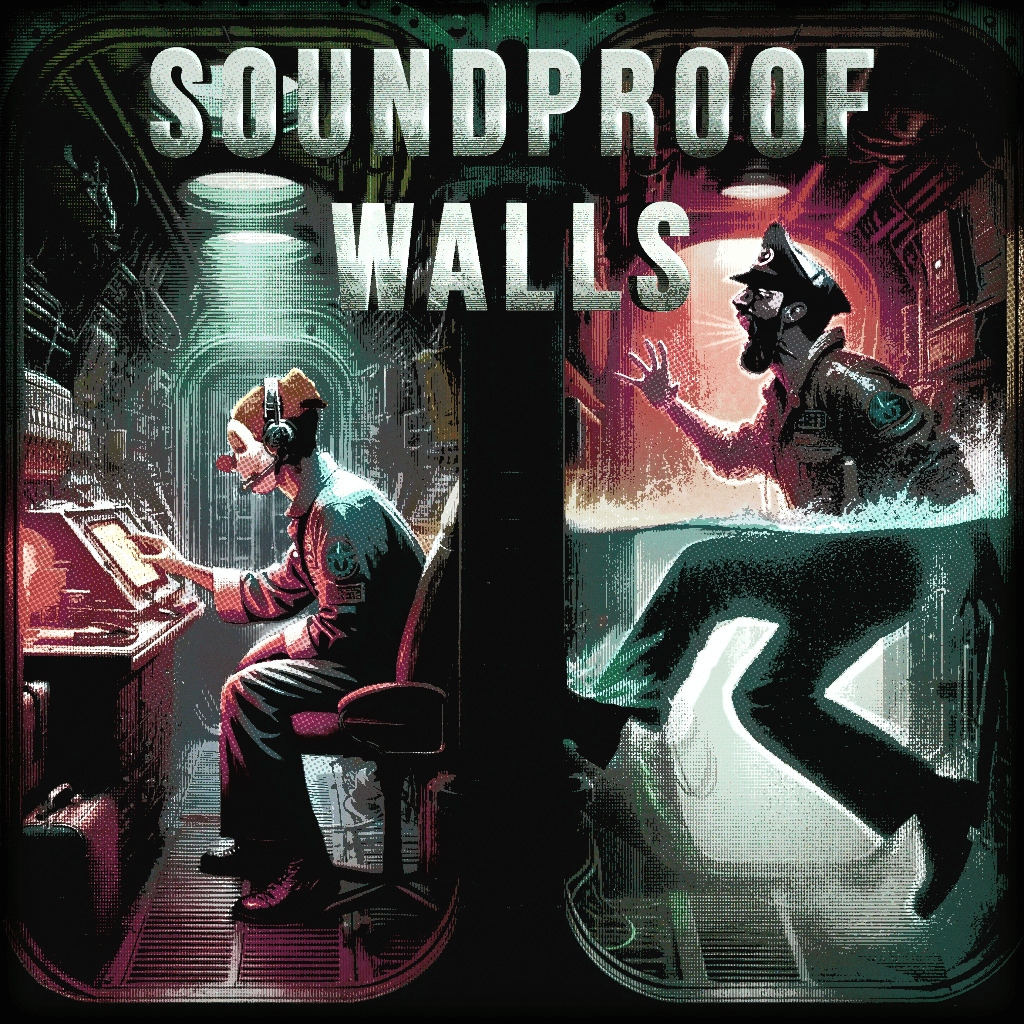
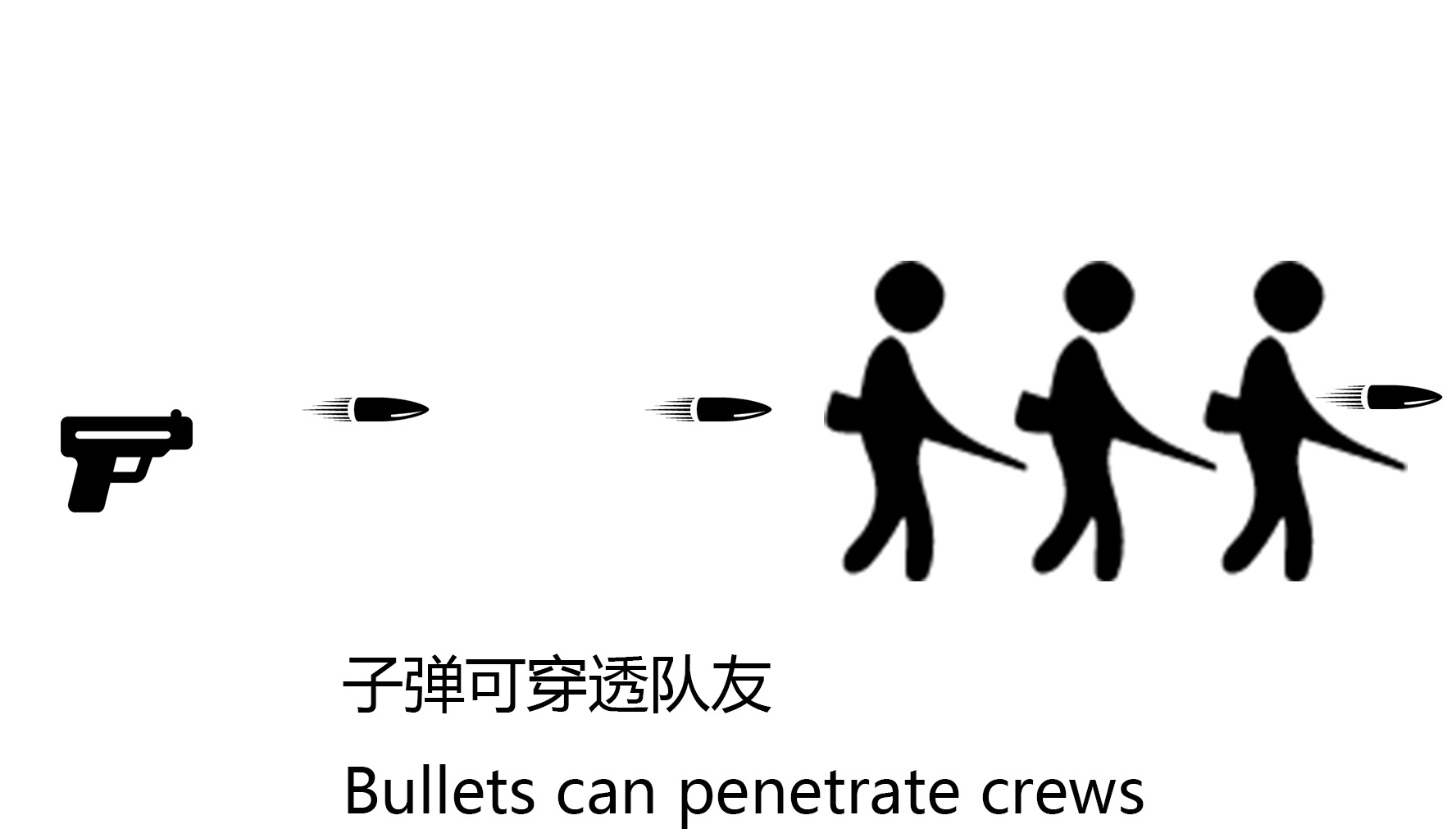
No more worrying about accidentally shooting your teammates! This Mod allows bullets and turrets to pass through friendly targets!
LuaCsForBarotrauma must be installed and enabled. Multiplayer instructions: The server host must download the server version of Luacs from the LuaCsForBarotrauma Release page on GitHub, then replace the corresponding files in the game directory. For details, please refer to the LuaCsForBarotrauma Workshop Mod manual installation guide. Use the local LuaCsDedicatedServer.bat file to start the server. If you are not using a local server, select LuaCsDedicatedServer in the Multiplayer section of the game's main menu, even if you have already installed Lua locally. [hr]
Main Features
- No Friendly Fire for Players: Bullets fired by players can pass through crewmates on the same team without damaging them or being blocked by them.
- No Friendly Fire for Allied AI: Allied AI can avoid protected friendly units when firing.
- Friendly Penetration for Enemy AI: Optionally allows hostile AI units to shoot through units that genuinely belong to the same faction, reducing cases where enemies block each other's line of fire.
- Corpse Penetration: Dead characters can be prevented from blocking bullets.
- No Friendly Fire for Turrets: Player-controlled and automated turrets protect targets according to their own friendly-team configuration.
- Explosion Protection: Supported weapon explosions can exclude protected friendly units.
- No Friendly Fire for Cutters and Welding Tools: Plasma cutters, welding tools, and similar tools can avoid damaging or pushing protected friendly units.
- Outpost NPC Protection: Outpost NPCs can avoid accidentally damaging allies while fighting.
- Advanced Penetration Rules: Optionally allows shots to pass through friendly units only when they are knocked down, stunned, ragdolled, or incapacitated.
- Hot Configuration Switching: Supports viewing, switching, reloading, saving, and debugging configuration settings through the in-game console.
[hr]
How to Use
- Install and enable LuaCsForBarotrauma.
- Subscribe to and enable the Mod, then restart the game.
[hr]
Configuration File
Barotrauma\ModSettings\NFF\NFFConfig.xml
- AiFriendlyNoFireEnabled: Whether allied AI uses friendly penetration.
- PlayerNoFriendlyFireEnabled: Whether player weapons protect crewmates on the same team.
- EnemyFriendlyNoFireEnabled: Whether hostile AI can shoot through units that genuinely belong to the same faction.
- IgnoreDeadCharacterEnabled: Whether corpses no longer block bullets.
- TurretNoFriendlyFireEnabled: Whether turrets use friendly protection.
- RepairToolNoFriendlyFireEnabled: Whether tool damage and force avoid protected friendly units.
- OnlyPenetrateIncapacitatedAlliesEnabled: Whether shots only pass through incapacitated allies.
- ProtectOutpostNpcFromNpcFriendlyFireEnabled: Whether outpost NPCs avoid accidentally damaging each other.
- ProtectOnlyCrewFromPlayerFriendlyFireEnabled: Whether player protection applies only to actual crewmembers, preventing neutral blue-name units from being incorrectly penetrated.
[hr]
In-Game Console Commands
- nff or nffconfig: View the current configuration.
- nff toggle ConfigurationName: Toggle a configuration option.
- nff set ConfigurationName true/false: Set a configuration option.
- nff reload: Reload the configuration file.
- nff save: Save the current settings.
- nff reset: Restore the default settings.
- nff hdc: Temporarily disable all user options, then restore the options that were previously enabled.
- nff debug: Output debugging logs to the console.
- nff trace: Output all information. This causes severe lag!!!! Please disable it after troubleshooting.
- nff logfile: Write debugging information to nff_debug.log in the server directory.
[hr]
Custom NPC Compatibility
No Friendly Fire SIG works not only with vanilla pets and security robots, but also with custom NPC Mods and other related Mods. To make a custom NPC compatible with NFF, set the corresponding TeamID for the target in the NPC's attack or related StatusEffect, for example: <StatusEffect type="OnUse" target="UseTarget" teamid="team1" /> Thanks to voodooman and 梦墨之尘Mengm for sharing this discovery! [hr]
Compatibility
- Overall compatibility is good. The Mod has been tested with the following Mods:
- Combat Overhaul Legacy
- Guns Enhanced
- Compatibility with other Mods may depend on how their NPCs are assigned to factions and how their weapons apply damage.
[hr]
Bug Reports
- If you encounter any problems, feel free to report them in the comments.
- Please provide your Mod list, the ID of the affected unit, the weapon or tool name, whether the issue occurred in multiplayer, how the server was started, and the relevant NFF configuration whenever possible.
[hr]
Forks and Credits
Bullets Can Penetrate Monster Corpses - This feature has now been integrated. Thanks to voodooman and 梦墨之尘MengM for sharing their research on custom NPC compatibility!
Highlights
From source dataFootprint
A 104 KB download, rated a light load on a server.
Last update
Its author last shipped an update 3 mo ago.
No Friendly Fire SIG on Nxeon
From our catalogue- One-click install
- Not available. One-click install isn't available for this game's mods yet. Download it and upload it to your server in Files.
- Server load
- light
- Smallest plan we suggest
- Barotrauma — 2 GB (2 GB RAM). This follows our own load rating above, not a benchmark.
- Latest build
- 2026-08-01, released 2026-08-01, 104 KB
Game versions by loader
| Loader | Game versions | Newest |
|---|---|---|
| Workshop |
From 1 recorded build of No Friendly Fire SIG.
Dependencies
- Required: LuaCsForBarotrauma
Declared by the newest build that lists any. Required ones are installed with it on one-click installs.
Run No Friendly Fire SIG on a Barotrauma server
Deploy a server above, then upload the file in Files.
What kind of mod it is
From the catalogBalance
Its source category doesn’t say more about what it does, so NxLabs lists it under Other.
Compatibility
- Game
- Barotrauma
- File size
- 104 KB
Verified at the source
- ✓Steam WorkshopOfficial listing, checked 2026-10-10Open ↗
- ✓AuthorHDC, as published on Steam Workshop
- ✓LicenseNot published by the sourceFree