About Vanilla Torpedoes
From Steam WorkshopSomething seems to work not as intended? Report it in comments please, i will fix it with any free time. Various torpedoes built with in-game components to use in submarine editor. (This is not a…
Something seems to work not as intended? Report it in comments please, i will fix it with any free time.
Various torpedoes built with in-game components to use in submarine editor. (This is not a mod, its a set of separate shuttles-torpedoes. Torpedo launchers and docks - just item assemblies, so if you use them in your sub, others will not needed to subscribe and download this to play on your sub.)
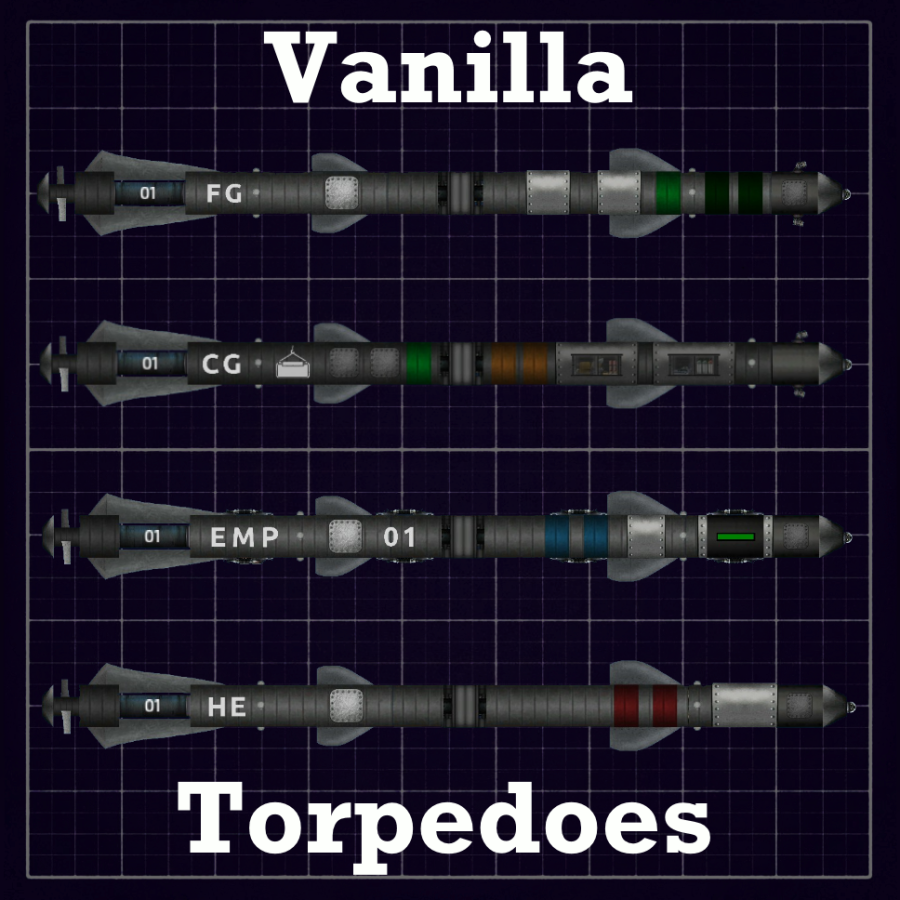
Includes: - HE Torpedo (RC and non-RC variants). Payload: 1 nuclear shell, 3 UEX. - Fragmentation Torpedo (RC and non-RC). Payload: 1 C4, 1 crate of explosive coilgun ammo. - EMP Torpedo (RC and non-RC). Payload: 1 UEX, electric charge. - Cargo Torpedo (RC). For transporting items (e.g. when salvaging). - Special torpedo dock (top and bottom variants). - Torpedo launcher. - Torpedo Dugong, as example of correct torpedo setup(made just by ctrl-c - ctrl-v, as intended), and for testing. (new) (RC - Remote Control)
Torpedoes detonates on strong enough collision, on creature detection, or after timer expired.
Torpedoes have failsafe, if torpedo's shell have breach you will be unable to launch it, and a warning beep will activate to let you know. (new)
RC torpedoes: - has its own sonar, which can be accessed from torpedo launcher - detonates after 60 seconds from launching. Controls: hold LMB to reverse engine, up/down cursor to ascend/descend. Non-RC variants: - just launches straight ahead - a lot faster than RC - can't be controlled remotely, however, still has a camera attached to be able to see BOOM that they does.
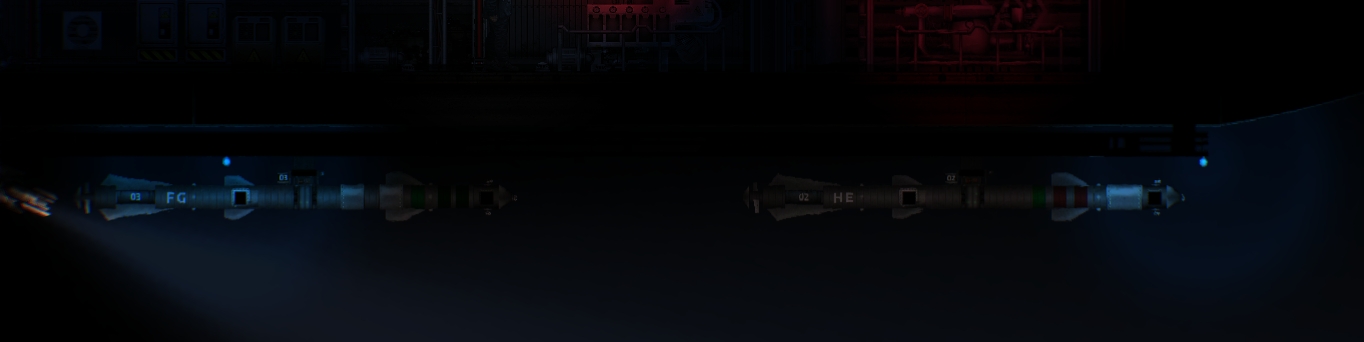
Torpedoes use some sort of ID system to separate control for each torpedo: 
They even has some sort of "HUD" that display time left to detonation(RC variants): 

Used torpedoes can be resupplied in outposts, through "shuttle replacement" service (it not replace explosives, so you will need to buy(or craft) it and load it back to torpedoes manually). Also used torpedoes can be found and manually returned back to dock (however, it is not so simple task): 
[h1]HOW TO USE[/h1] (if someone needs detailed explanation) After subscribing(and activating it in settings), all torpedoes must appeare in submarine editor. We need to open this one first:  You will see various torpedo parts.
  Ctrl+C - Ctrl+V them to your submarine(or you can save them as item assembly to use it further). You will need at least one of launcher variants and at least one dock. For example, I placed it to Humpback:
 Next, we need to place torpedo as a shuttle. Select one in this menu:
  Place it near dock, select it and link to dock (by clicking on it while hold Space).
  Done. From this point torpedo will work. But, to use more than 1 torpedo on submarine, we need to place more docks. Ctrl+V another one somewhere you want:
  And now you will need to change ID of torpedo dock, by simply changing this MEM component(also it accessable to change in-game)..
  ..from 1 to something different, e.g. 2. (numbers 0-99 supported)
  Now simply add and link new torpedo to this dock, as showed above. Torpedo will automatically receive this ID from dock. You now will able to control them separately, by selecting desired torpedo on launcher:
  (Optional) You also may need to wire power to sonar(to use active sonar) and to dock(only for charging EMP torpedoes). As it all use vanilla components, after placing torpedo system on your submarine and saving it, you can turn off this "mod" and all will still work fine.
Known issues: Torpedoes sometimes can't dock back if several docks placed too close to each other. (game problem with docking ports that incorrectly choose target to dock when more than one targets are close to port).
Highlights
From source dataFootprint
Rated a light load on a server.
Last update
Its author last shipped an update 5 yr ago.
Vanilla Torpedoes on Nxeon
From our catalogue- One-click install
- Not available. One-click install isn't available for this game's mods yet. Download it and upload it to your server in Files.
- Server load
- light
- Smallest plan we suggest
- Barotrauma — 2 GB (2 GB RAM). This follows our own load rating above, not a benchmark.
- Latest build
- 2022-03-14, released 2022-03-14
Game versions by loader
| Loader | Game versions | Newest |
|---|---|---|
| Workshop |
From 1 recorded build of Vanilla Torpedoes.
Run Vanilla Torpedoes on a Barotrauma server
Deploy a server above, then upload the file in Files.
What kind of mod it is
From the catalogVehicles & ships
Cars, boats, aircraft, ships and other things to drive or fly.
Compatibility
- Game
- Barotrauma
Verified at the source
- ✓Steam WorkshopOfficial listing, checked 2026-10-10Open ↗
- ✓AuthorGarother, as published on Steam Workshop
- ✓LicenseNot published by the sourceFree