About Wifi Camera
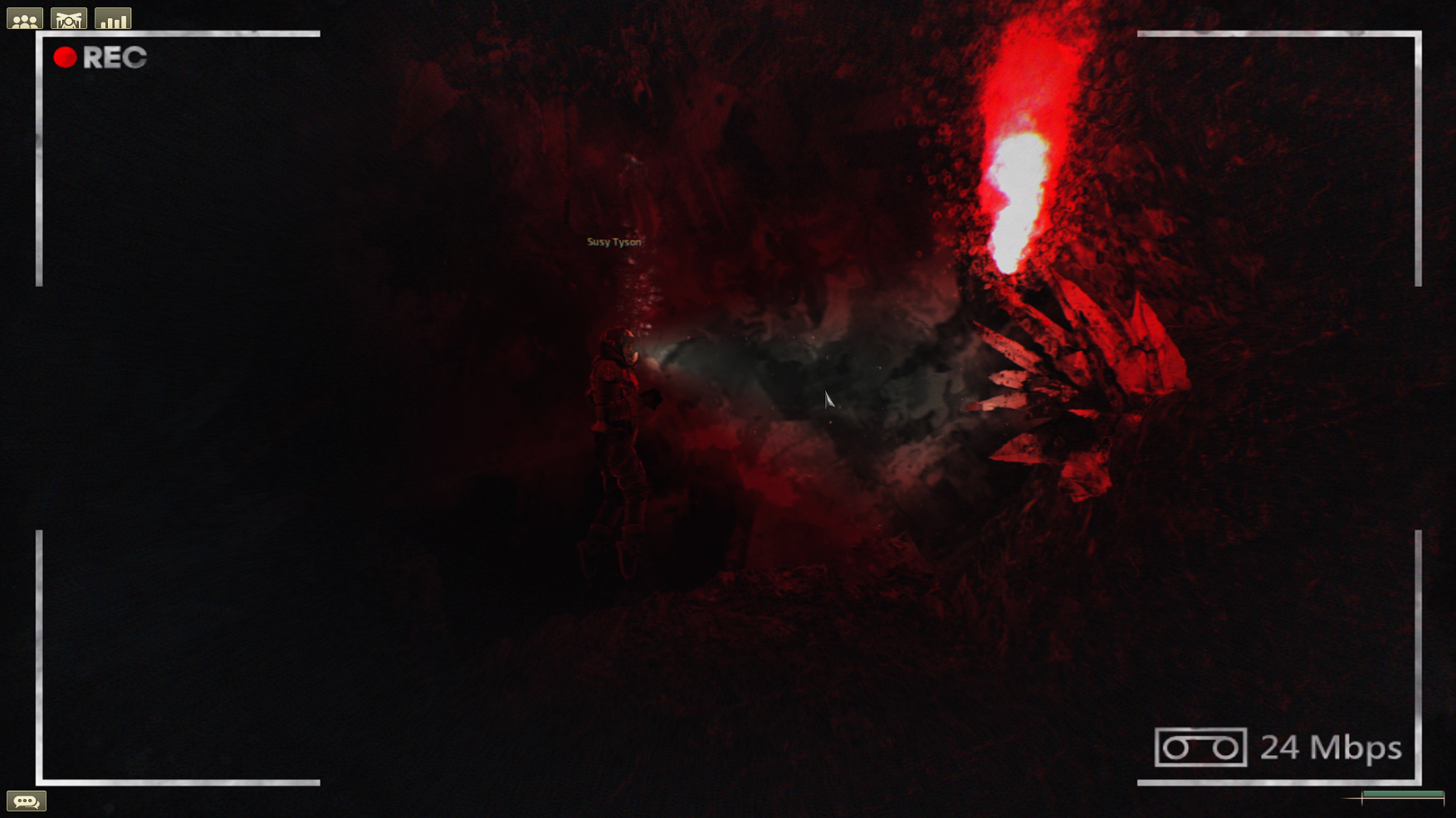
From Steam WorkshopA wifi/body cam: Craft or find wifi cameras with configurable channels to broadcast in. They can be toggled on and off and require a battery to broadcast. Finally the captain can see what the divers…
A wifi/body cam:
Craft or find wifi cameras with configurable channels to broadcast in. They can be toggled on and off and require a battery to broadcast. Finally the captain can see what the divers are doing! A camera monitor (also craftable) or periscope hooked to a wifi component is required to view the cameras. A camera monitor assembly is included to quickly place it into your submarine in the sub-editor.
What's in it:
- Wifi Camera (Craftable) - Wifi Surveillance Camera (Craftable) - Camera Monitor (Craftable | Provides visual effects when used) - Camera Monitor Wiring Diagram (Craftable | An ingame guide to properly wire the monitor) - Camera Monitor Assembly for sub-builders
Important Information:
1. The camera UI interfaces only work in play mode! Do not open the camera items with Rightclick->Open while in the build mode of the submarine editor. It will crash your game. If you want to pre-place cameras with batteries inside them on your submarine use Shift + drag and drop the battery onto the camera item instead. You cannot pre-define a channel on the cameras in editor. The channel needs to be configured while playing. The same applies to the surveillance camera. You can not wire it in the sub-editor. You have to wire it during gameplay instead!
2. You might need to configure Performance Fix. Add the following to your high priority items list if you notice the mod is not working properly when having performance fix enabled: - cammonitor - wificam - surveillancecamera - wificampiratehelmet - wificamballistichelmet1 - wificamballistichelmet2 - wificamballistichelmet3 - wificamchitinhelmet - wificamironhelmet - wificamclownmask - wificamclownmaskunique - wificamclowndivingmask - wificamdivingmask
Credits:
- hUbert for the general idea and improved code - Udrakan for the wifi component solution to make this possible - Plasmori for the russian translation
Highlights
From source dataFootprint
A 835 KB download, rated a light load on a server.
Last update
Its author last shipped an update 24 mo ago.
Wifi Camera on Nxeon
From our catalogue- One-click install
- Not available. One-click install isn't available for this game's mods yet. Download it and upload it to your server in Files.
- Server load
- light
- Smallest plan we suggest
- Barotrauma — 2 GB (2 GB RAM). This follows our own load rating above, not a benchmark.
- Latest build
- 2024-10-23, released 2024-10-23, 835 KB
Game versions by loader
| Loader | Game versions | Newest |
|---|---|---|
| Workshop |
From 1 recorded build of Wifi Camera.
Run Wifi Camera on a Barotrauma server
Deploy a server above, then upload the file in Files.
What kind of mod it is
From the catalogWorkshop
Its source category doesn’t say more about what it does, so NxLabs lists it under Other.
Compatibility
- Game
- Barotrauma
- File size
- 835 KB
Verified at the source
- ✓Steam WorkshopOfficial listing, checked 2026-10-10Open ↗
- ✓Author_]|M|[_, as published on Steam Workshop
- ✓LicenseNot published by the sourceFree