About Anumati's Treasures [Enhanced]
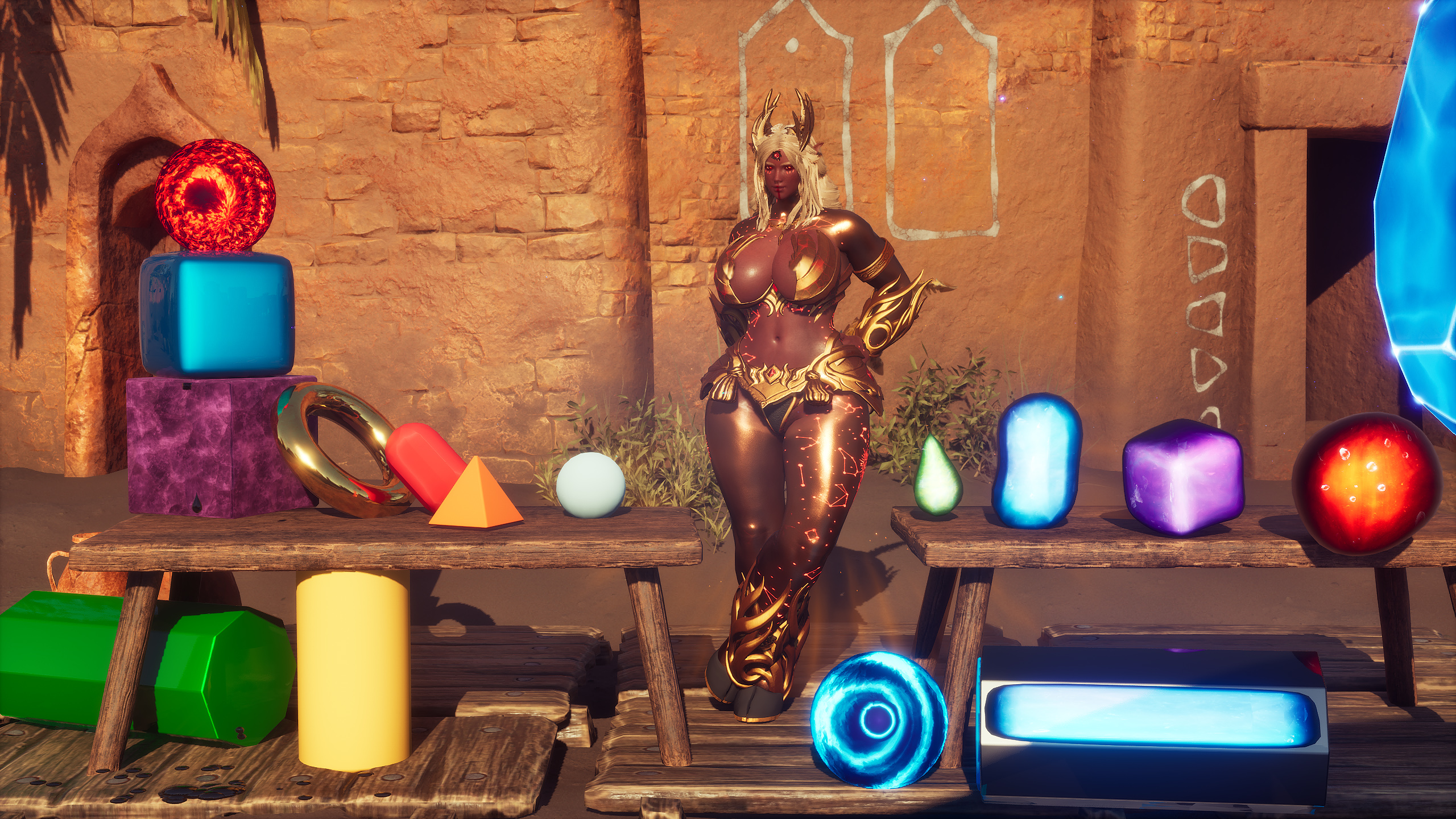
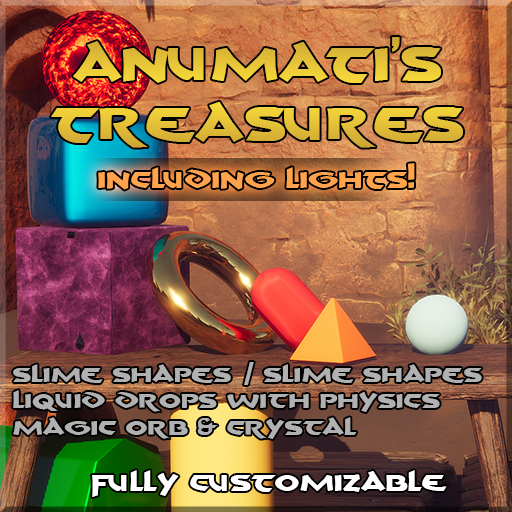
From Steam WorkshopA small list of TotCustom accessories. Not as much completed accessories, but rather abstract pieces (spheres, capsules..) to build more complex stuff. With some slime/magic thrown into the mix :)…
A small list of TotCustom accessories. Not as much completed accessories, but rather abstract pieces (spheres, capsules..) to build more complex stuff. With some slime/magic thrown into the mix :)
How does customization work?
TL;DR You change the accessory colors, and it does stuff In TotCustom enhanced, you can change up to 6 colors per accessory. These changes can be detected, and applied, to the accessories whenever the modder set it up properly. Most of the time, I have setup color changes to affect.. you guessed it, the color of an accessory.
But ultimately, a color is just a collection of 3 scalar values ranging from 0.0 to 1.0, so they can also be used to drive 3 different scalar parameters. That's pretty neat!
When there is a color customization, the default value is expressed when the color is black, OR half grey (0.5/0.5/0.5). When it's a scalar, the default value is expressed when the channel is at 0.0. So if you really want black/zero, it is best to leave 0.1% of white, in order to not trigger the default behavior.
NEW - Smart Light
Actually has enough intensity to be visible during the day! Can, optionally, react to time of day change in order to dim dynamically. Imperfect in dynamic mode, but functional. Works very well in non-dynamic mode. Note:Expect intensity changes to the dynamic lighting part of this accessory, as I try to refine it against the varying intensity during the day/night cycle. Color & light parameter customization supported. - Color 1 = Base Color - Color 2 Red = Intensity - Color 2 Green = With shadows if > 0.5 - Color 2 Blue = Radius - Color 3 Red = With inverse square falloff if > 0.5 (Without it, the light is much more uniform at range) - Color 3 Green = if > 0.5, disable Dynamic intensity change - Dynamic intensity is ENABLED by default.
- Smart Light
Simple accessories:
Full customization supported through the color 1, including material changes. - Color 1 Color = Base Color - Color 1 Material = Material - etc.. - Color 2 to 6 = Does nothing.
- Simple Sphere
- Simple Capsule
- Simple Rounded Cube
- Simple Ring
- Simple Rounded Cylinder
- Simple Pyramid
- Simple Octogonal Cylinder
Slime accessories
Oscillates visually (aka "displacement"). With fluid-like color variations & inner bubbles. Can even be used as a (dim) decorative light source thanks to Lumen! Color & displacement customization supported. - Color 1 = Base Color - Color 2 = Surface displacement color - Color 3/4/5 = Various texture colors - Color 6 Red channel = Displacement Multiplier
- Slime Sphere
- Slime Capsule
- Slime Rounded Cube
- Slime drop (not animated, just a static drop of liquid)
Magic Orb
Color & normal customization supported. - Color 1 = Base Color 1 - Color 2 = Base Color 2 - Color 3 = Background Color - Color 4 = Inner Color - Color 5 Red = Flame Gradient Power - Color 5 Green = Metallic - Color 5 Blue = Pupil Size - Color 6 Red/Green = Surface Normal Texture Scale Multiplier - Color 6 Blue = Surface Normal Intensity Multiplier
- Magic Orb
Special effects
Color, texture, particle count, spawn region, and spawn impulse customization supported. - Color 1 = Base Color - Color 2 Red = Passive Drip Rate - Color 2 Green = Drip Multiplier due to movement - Color 2 Blue = Inner Color - Color 3 = Spawn Area Radius (RGB = XYZ x 100cm) - Color 4 = Spawn Impulse (RGB = XYZ initial strength direction) - Color 5 Red = Lifetime multiplier - Color 5 Green = Metallic
- FX - Droplets
Note: This is a CPU effect, it can impact performance if abused. Police accordingly, or ban it via TotAdmin. But try it out first, it's super fun!
Magic Crystal
Color customization supported. - Color 1 = Base Color & Particle Color 1 - Color 2 = Gradient Color 1 & Particle Color 2 - Color 3 = Gradient Color 2 - Color 4 = Outline Color - Color 5 = Inner Texture Color
- Magic Crystal accessory (without FX)
- Large Magic Crystal Accessory (with FX, recommended to use as a static mannequin)
Workshop ID: 3802215666 ItemIDs: 380221000 -> 380221999
Highlights
From source dataFootprint
Rated a light load on a server.
Last update
Its author last shipped an update 22d ago.
Anumati's Treasures [Enhanced] on Nxeon
From our catalogue- One-click install
- Not available. One-click install isn't available for this game's mods yet. Download it and upload it to your server in Files.
- Server load
- light
- Smallest plan we suggest
- Conan Exiles — 6 GB (6 GB RAM). This follows our own load rating above, not a benchmark.
- Latest build
- 2026-09-24, released 2026-09-24
Game versions by loader
| Loader | Game versions | Newest |
|---|---|---|
| Workshop |
From 1 recorded build of Anumati's Treasures [Enhanced].
Dependencies
- Required: Tot ! Enhanced Sudo 1.3.83
- Required: Tot ! Enhanced Custom 1.10.63
Declared by the newest build that lists any. Required ones are installed with it on one-click installs.
Run Anumati's Treasures [Enhanced] on a Conan Exiles server
Deploy a server above, then upload the file in Files.
What kind of mod it is
From the catalogBuilding & decoration
Blocks, furniture, decorations and building tools.
Compatibility
- Game
- Conan Exiles
Verified at the source
- ✓Steam WorkshopOfficial listing, checked 2026-10-06Open ↗
- ✓AuthorAltrue, as published on Steam Workshop
- ✓LicenseNot published by the sourceFree