About Extended Shortcut Bar v2.6.16
From Steam WorkshopProject Gaia Presents: Extended Shortcut Bar (ID: 2646594159) [url=https://steamcommunity.com/sharedfiles/filedetails/?id=3725403860]Enhanced Version: (ID: 3725403860) What It Do? 1. This mod expands…
Project Gaia Presents: Extended Shortcut Bar (ID: 2646594159) Enhanced Version: (ID: 3725403860)
What It Do?
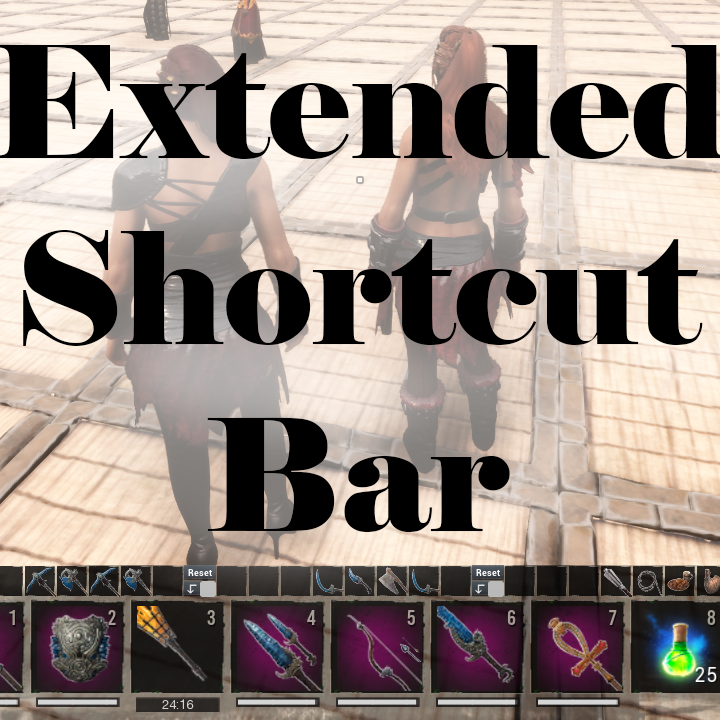
1. This mod expands the Shortcut Bar by adding 3 Quick Swap Alternative Bars. Now you can be immediately ready for any situation without having to constantly move items to your Shortcut Bar from your Inventory. 2. It also displays a Repair Warning for your Armor when its durability falls below 5%.
How It Do?
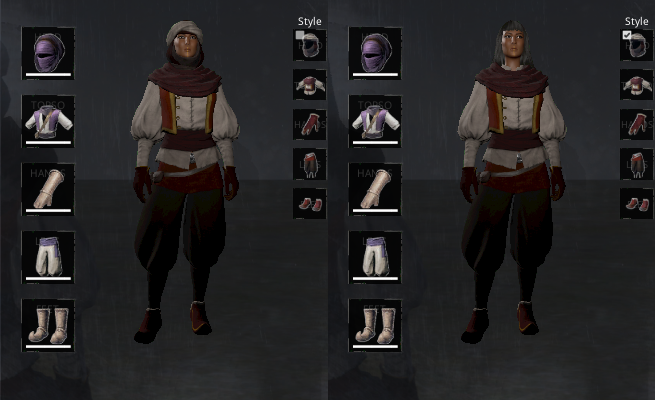
[olist][*] Start by emptying your Shortcut Bar (no items in the slots) [*] Then, plan out what you want in your Alternative Slots (use the images as an example)
- For Full Swap, check the Alternative Bar's Checkbox[/list]
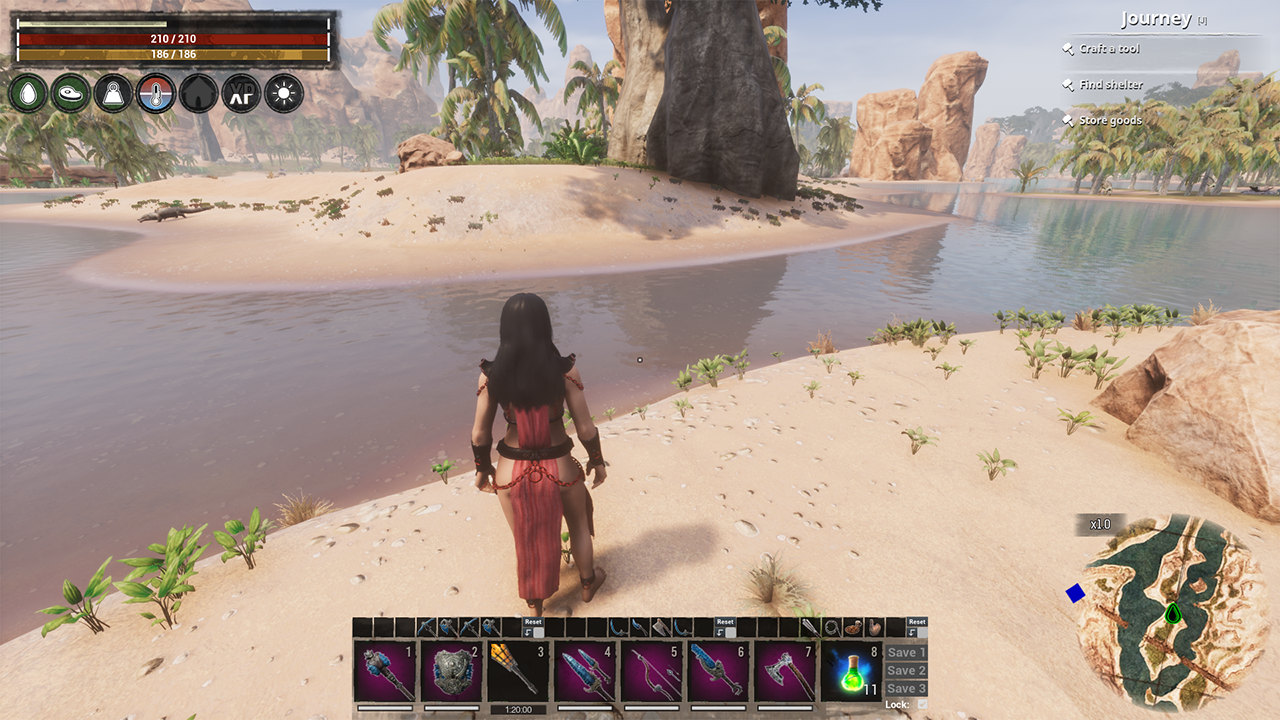
- Fill your Shortcut Bar and save it to an Alternative Bar (Image #1)
- Use Shift + 1/2/3 to swap the respective Alt/Shortcut Bar (Image #2 / #3)
- [list][*] Partial Swap only works if the Shortcut Bar is full (Image #5)
- Shift + 1/2/3 are legacy hotkeys, use Alternate Input or Custom Input (See Video)[/list]
- Use Ctrl + Shift + 1/2/3 to Reset an Alternative Bar (Image #4)
- [list][*] The items in the Alternative Bar return to your inventory
- Saving to the same Bar again also does the above with the previous items[/list]
- Alternate keys for AZERTY: 1 (&, à), 2 (é), 3 (", è) - Shift/Ctrl still needed[/olist]
- If you need further help, ask away on discord.
- [h1]Extras[/h1]
- [list][*] Repair Warning for Armor:
- [list][*] Displays armor icons, beside HP, when armor durability is low (< 5%)[/list][/list]
- [h1]Compatibility[/h1]
- The following mods have been tested for basic functionality. If you encounter any issues, please report them in our discord.
- Compatible:
- [list][*] Building Shortcut Bar by Testerle
- Smaller_Hud by Adrian
- NoxUIchanges by Noxsa[/list]
- Compatible (Some Caveats):
- [list][*] Amunets Server Transfer by LilMissHentai
- [list][*] Use Ctrl + Alt + Shift + A to access/hide Settings
- Before Transfer: check the Using Amunets ST checkbox
- After Transfer: uncheck the Using Amunets ST checkbox
- Since v2.6.11, will sometimes fail to work in multiplayer, Sorry![/list]
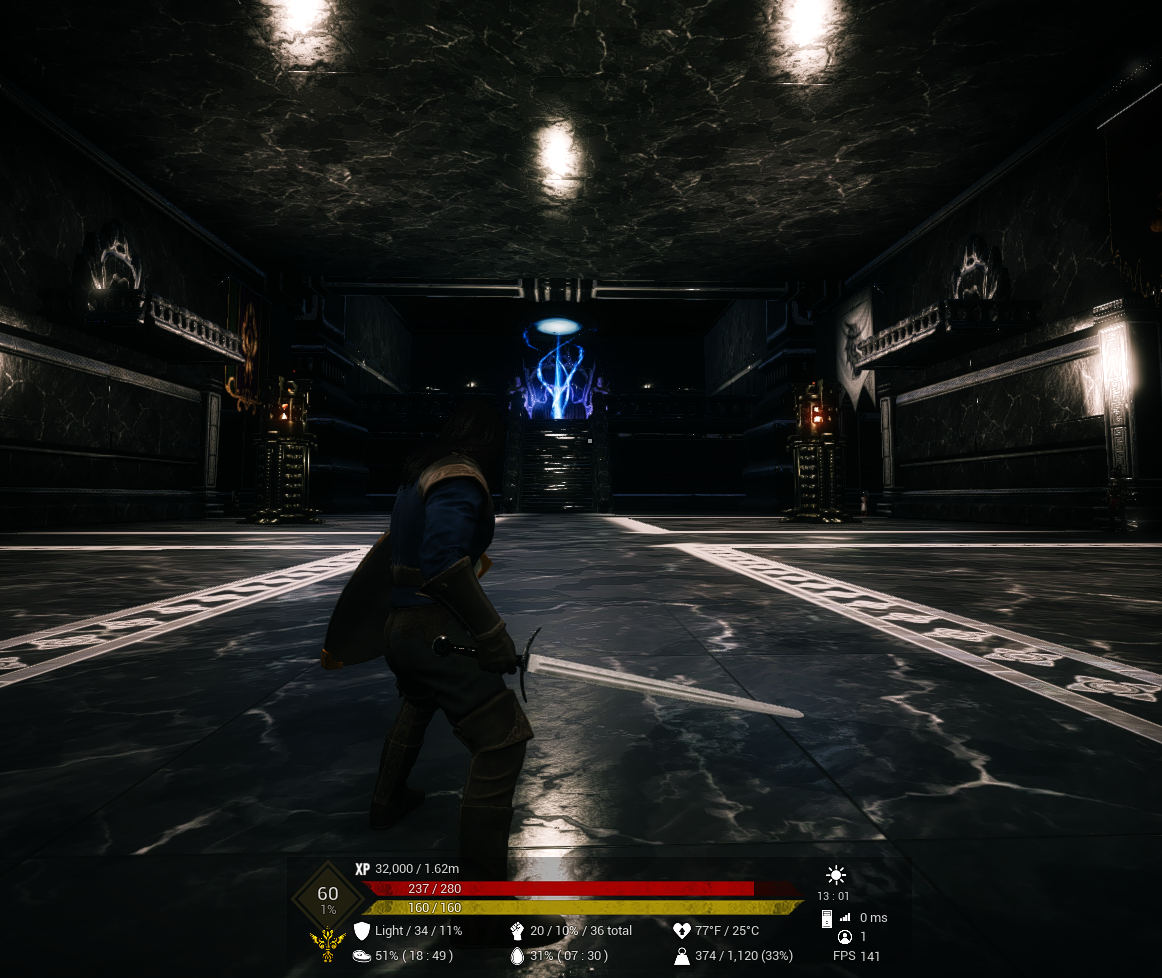
- Hosav's Custom UI Mod by Hosav
- [list][*] If your Shortcut Bar is clipping at the bottom, do the following:
- Use Ctrl + Alt + Shift + A to access/hide Settings
- Uncheck the Check Box beside the Resize Slider[/list]
- Professions by ChudaRuri
- [list][*] Basic Input does not work, use Alternate Input or Custom Input (See Video)[/list]
- Tot ! Immersive Hud by Totchinuko
- [list][*] Disable Tot ! Immersive Hud's Hotbar and setup your Extended Shortcut Bars
- Once setup is complete, re-enable Tot ! Immersive Hud's Hotbar
- Imperfect, but it allows the use of this mod with its hotkeys, after setup[/list][/list]
- Incompatible:
- [list][*] Chains of Hyboria by Misanthropic Face
- [list][*] This mod has disappeared[/list][/list]
- [h1]Caveats[/h1]
- The Updated Swap System
- After v2.6.0, you can swap without having to swap back. This process does have a small delay to ensure everything transfers correctly. If your Alternate Bars were not in their default positions, you may need to set them up again (sorry). With this change the checkboxes for alternate bars were also reset, simply set them again. Both the active bar and full/partial transfer checkboxes are now character bound, instead of being machine/client bound.
- Disabling The Mod
- Open the Settings menu and check the Disable Mod checkbox to disable the mod. This disables the functionality of the mod but the visual elements will still remain. The mod is disabled on the user's client-side for all modes/servers until re-enabled.
- [h1]Our Other Mods:[/h1]
- [list][*] Complete Thrall Fashion
- Godbreaker Unleashed
- Extended Shortcut Bar[/list]
- [h1]F.A.Q.[/h1]
- You can find the FAQ here.
- Bug Reports
- Please use discord to report any bugs you find.
- [h1]Like what we do?[/h1]
- You can support us if you wish, by telling your friends about our discord and our other projects! You can also support us through our Patreon.

Highlights
From source dataFootprint
A 3 MB download, rated a light load on a server.
Last update
Its author last shipped an update 10 mo ago.
Extended Shortcut Bar v2.6.16 on Nxeon
From our catalogue- One-click install
- Not available. One-click install isn't available for this game's mods yet. Download it and upload it to your server in Files.
- Server load
- light
- Smallest plan we suggest
- Conan Exiles — 6 GB (6 GB RAM). This follows our own load rating above, not a benchmark.
- Latest build
- 2025-12-15, released 2025-12-15, 3 MB
Game versions by loader
| Loader | Game versions | Newest |
|---|---|---|
| Workshop |
From 1 recorded build of Extended Shortcut Bar v2.6.16.
Run Extended Shortcut Bar v2.6.16 on a Conan Exiles server
Deploy a server above, then upload the file in Files.
What kind of mod it is
From the catalogWorkshop
Its source category doesn’t say more about what it does, so NxLabs lists it under Other.
Compatibility
- Game
- Conan Exiles
- File size
- 3 MB
Verified at the source
- ✓Steam WorkshopOfficial listing, checked 2026-10-10Open ↗
- ✓AuthorAkudakatsu, as published on Steam Workshop
- ✓LicenseNot published by the sourceFree