About Audio Test Chamber
From Steam WorkshopDescription: This map helps you to determine your best speaker configuration setting, by playing repetitive in-game sounds. By pressing/shooting the button, you can toggle the chosen sound. Try…
Description:
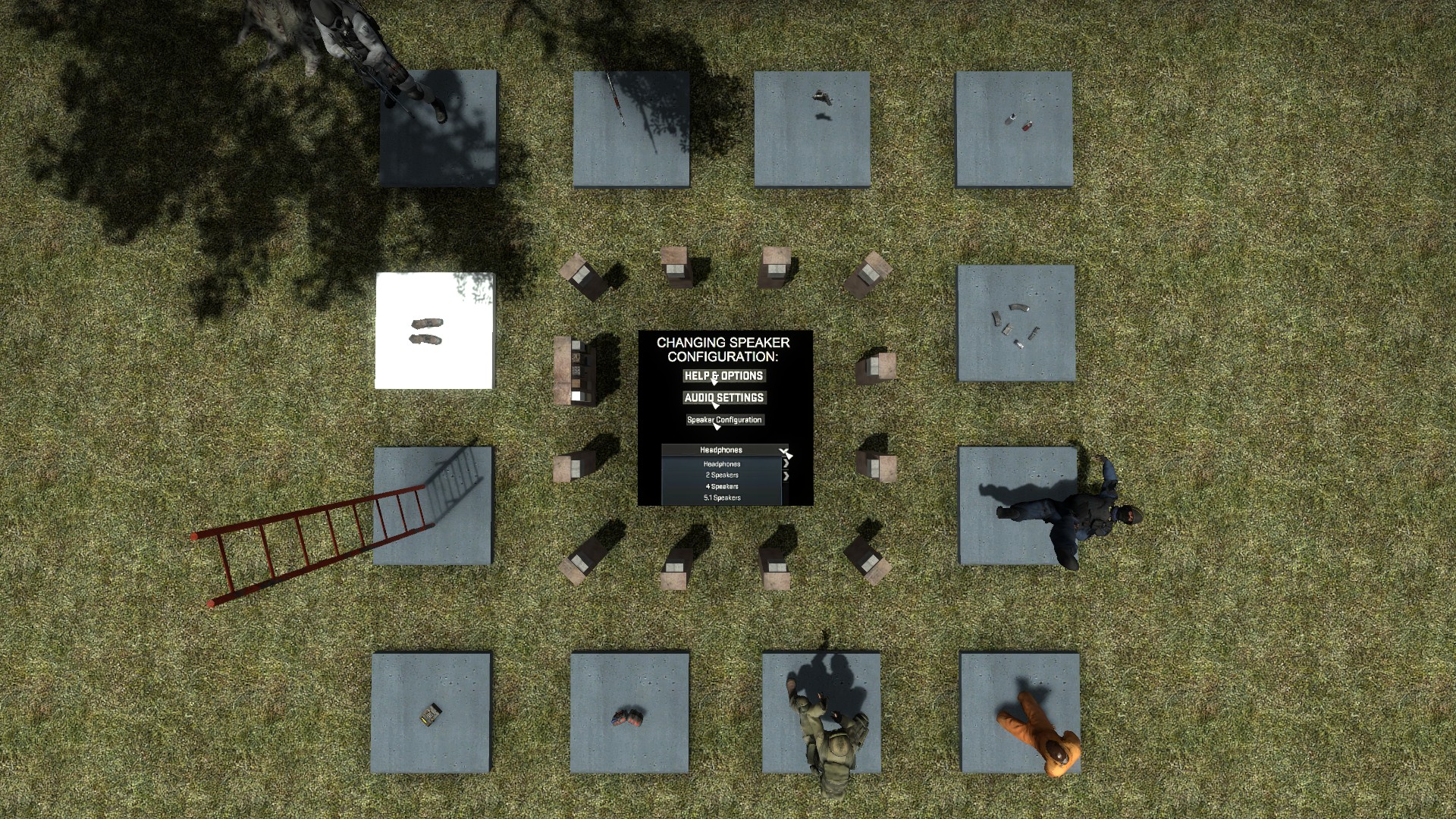
This map helps you to determine your best speaker configuration setting, by playing repetitive in-game sounds. By pressing/shooting the button, you can toggle the chosen sound. Try turning/moving around, to train your sound localisation skills. You can also do a bot sound test on the ground floor. After you activate it, you can use your movement keys to control the bot.
Note:
-The distance of the sound may be different from the original ones.
FAQ:
How to open the map? - Press Subscribe above - Launch CS:GO. - Select PLAY - OFFLINE WITH BOTS. - Press the "Workshop" map section. - You can select the map there.
Highlights
From source dataFootprint
A 2 MB download, rated a light load on a server.
Last update
Its author last shipped an update 11 yr ago.
Audio Test Chamber on Nxeon
From our catalogue- One-click install
- Not available. This mod isn't available as a one-click install here. Download it and upload it to your server in Files.
- Server load
- light
- Smallest plan we suggest
- CS2 — 2 GB (2 GB RAM). This follows our own load rating above, not a benchmark.
- Latest build
- 2016-01-13, released 2016-01-13, 2 MB
Game versions by loader
| Loader | Game versions | Newest |
|---|---|---|
| Workshop |
From 1 recorded build of Audio Test Chamber.
Run Audio Test Chamber on a Counter-Strike 2 server
Deploy a server above, then upload the file in Files.
What kind of mod it is
From the catalogCosmetics, visuals & audio
Skins, textures, shaders, models and sound — how the game looks and sounds.
Compatibility
- Game
- Counter-Strike 2
- File size
- 2 MB
Verified at the source
- ✓Steam WorkshopOfficial listing, checked 2026-10-10Open ↗
- ✓Authorgeri43, as published on Steam Workshop
- ✓LicenseNot published by the sourceFree