About Sensitivity Finder
From Steam WorkshopSensitivity Finder - find your best CS2 sensitivity Is another sensitivity better for you than the one you play now? This map finds out: it measures your aim against bots at your own sensitivity and…
Sensitivity Finder - find your best CS2 sensitivity
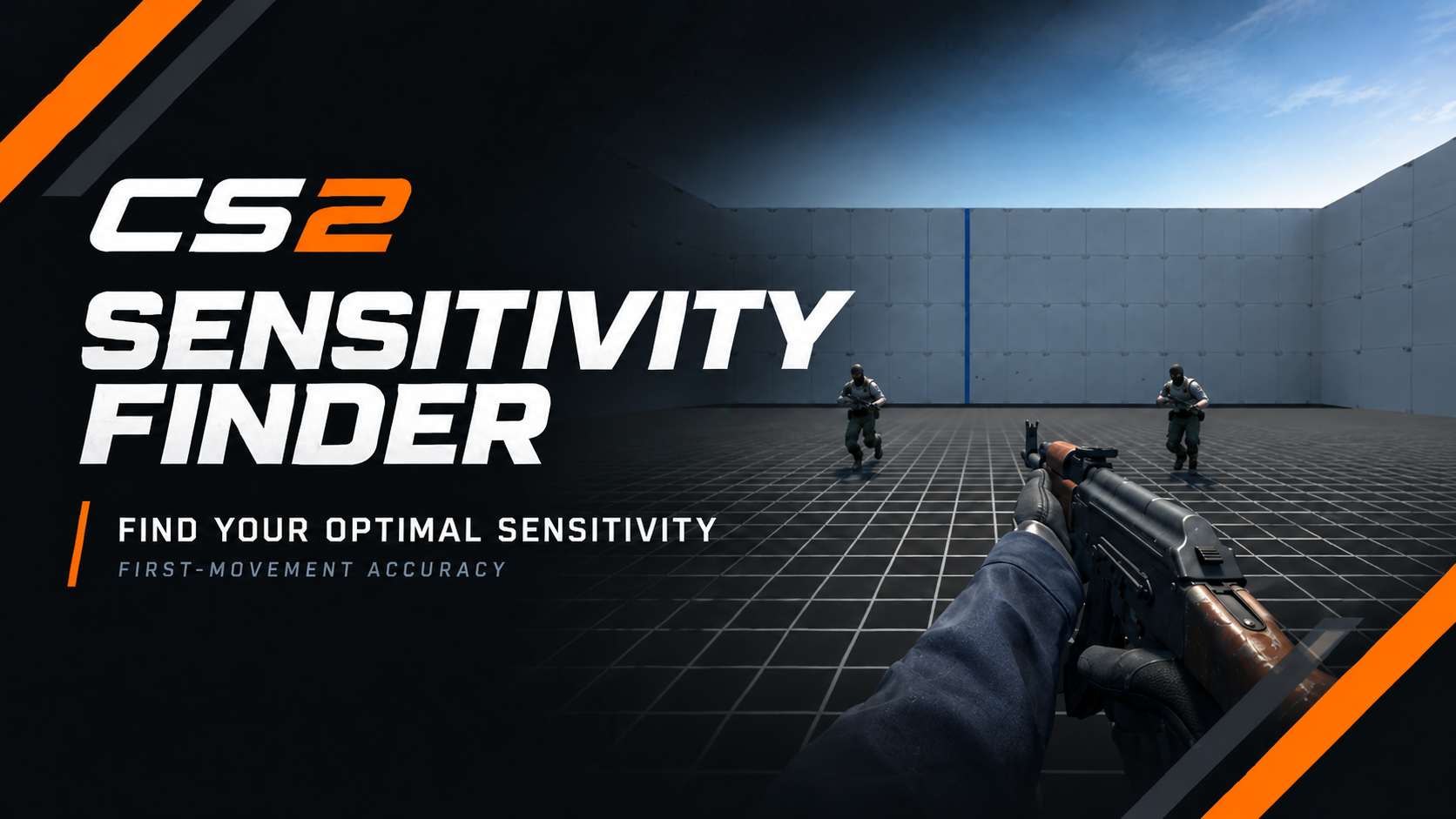
Is another sensitivity better for you than the one you play now? This map finds out: it measures your aim against bots at your own sensitivity and at 6 others, and tells you whether to keep yours or which value to try. Everything runs inside the map, offline: no server, no plugins, no launch options.
What you play
Short aim blocks of about 2 minutes. Every block has the same tasks with the same bot spots in a new order, so no block is easier by chance.
Flicks
 One fast flick to the head, then tap. Never spray.
Rush
 Two bots run at you, and the first one you kill comes back once more: three headshots, any order. Body shots do nothing.
Vertical flicks
 Bots above you: one fast flick up to the head - don't creep up.
Turns
 The bot is out of view to the side: turn the way the arrows point. Before each turn, lift your mouse to the middle of your pad - the view waits on the blue line. Turns are shown in the result but not scored.
What counts
- The clock runs from the moment a bot appears until your headshot. Misses and corrections count inside that time, and so does where your first flick lands: be fast, and land your first flick on the head.
- Between bots, take your time - the next bot comes only when your mouse is still.
- Before each task a short break tells you what to do. Shoot the blue line to skip it.
Quick start
[olist] [*]Play → Workshop Maps → Sensitivity Finder (offline). You start in the lobby: THE TEST on the left (orange), with MY RESULTS beside it; PRACTICE on the right (cyan). [*]Shoot FIND MY SENSITIVITY, the big orange button. The first time it asks in chat for your mouse DPI, your sensitivity and your m_yaw (or type all in one line: !setup 800 0.97 0.022). To see your m_yaw, press ~ and type m_yaw (most players: 0.022, but check). Then the test starts. [*]Screen not 16:9? Type !display 4:3 (or 16:10, 5:4) first. Stretched 4:3 counts as 4:3. [*]Your first test starts with a 1-minute reach check: hold the mouse still in the middle of your pad, then swing left and right without lifting, 3 times each. [*]The sign on the screen tells you what to do at every step. [*]When the sign asks you to change your sensitivity: press ~ to open the console. The map puts the line there - copy it, paste it into the console and press Enter. It looks like this:
sensitivity 1.07; sf_sens 1.07[/code]
The map cannot read or change your sensitivity itself (CS2 blocks it), so this line is how it knows.
[/olist]

[h2]A run[/h2]
[list]
[*]About 20 minutes: a short warm-up at your own sensitivity, then 9 blocks - [b]yours - A - B - C - yours - D - E - F - yours[/b]. Playing yours at the start, middle and end shows how your form changes, so warming up or getting tired cannot fake a difference.
[*]Every block starts with a few warm-up flicks that are not scored (the first block follows the run's warm-up straight away).
[*]Your first runs test a wide range, from about half to almost double your sensitivity. Once your runs point to a best value, the next runs test values around it.
[*]The map remembers your runs. Play one run per day - after 6 runs you get your final result with one best sensitivity.
[*]Hold [b]E[/b] to stop (the BACK TO LOBBY sign does not stop the test, so a stray shot cannot end it). Your progress is saved after every block - shoot [b]CONTINUE MY TEST[/b] in the lobby (or type [b]!resume[/b]) within 24 hours. It starts with a short warm-up at your own sensitivity, then goes on with the block you stopped in. Within 10 minutes of stopping there is no warm-up: it goes straight back to that block.
[/list]

[h2]Practice[/h2]
On the right of the lobby: [b]practice with cover[/b] (flicks, vertical flicks and rushes around crates and stone posts), a 1-minute [b]timed run[/b] (two bots at a time - your best score is kept), [b]switch chain[/b], [b]wall peeks[/b] and each task on its own. Any sensitivity: nothing is asked and nothing is saved. [b]E[/b] pauses it; hold [b]E[/b] or shoot [b]BACK TO LOBBY[/b] to go back.

[h2]The result[/h2]
[list]
[*][b]KEEP[/b] - nothing tested was clearly better than yours.
[*][b]CHANGE[/b] - another value was clearly better (by more than 3%). You get the best value and a range. One run alone never says CHANGE - your next run on another day has to agree.
[*][b]Cannot tell yet[/b] - play another run another day (up to 6 runs, then the result is final). If one value is clearly on top, you still get a recommendation with a range.
[*][b]Worth a try[/b] - from your 2nd run, a value that scored 4.5% better or more over 2+ blocks is named as worth a try. Not proven yet: try it in deathmatch and go back if it feels worse. A value that did well in a single block is simply played again in your next run.
[*][b]Duel[/b] - when the result cannot decide, it offers a duel: one run (about 20 min) that plays only the two best candidates, 3 blocks each, with your own sensitivity in between. It always ends with an answer: switch to the winner if it beat yours by 5% or more, otherwise keep yours. On a keep it also shows flicks and rushes apart from vertical flicks, and may name one "worth a try for real games" (4.5% better on flicks and rushes, at most 2% worse overall - not proven). E menu > More options > Duel. It adds to your results like any run.
[/list]
Scored: flicks, vertical flicks and rushes. Shoot [b]MY RESULTS[/b] in the lobby to see your results again at any time.Highlights
From source dataFootprint
Rated a light load on a server.
Last update
Its author last shipped an update 7d ago.
Sensitivity Finder on Nxeon
From our catalogue- One-click install
- Not available. This mod isn't available as a one-click install here. Download it and upload it to your server in Files.
- Server load
- light
- Smallest plan we suggest
- CS2 — 2 GB (2 GB RAM). This follows our own load rating above, not a benchmark.
- Latest build
- 2026-10-28, released 2026-10-28
Game versions by loader
| Loader | Game versions | Newest |
|---|---|---|
| Workshop |
From 7 recorded builds of Sensitivity Finder.
Recent builds
| Build | Released | Game versions | Loaders |
|---|---|---|---|
| 2026-10-28 | 2026-10-28 | n/a | Workshop |
| 2026-10-23 | 2026-10-23 | n/a | Workshop |
| 2026-10-21 | 2026-10-21 | n/a | Workshop |
| 2026-10-18 | 2026-10-18 | n/a | Workshop |
| 2026-10-16 | 2026-10-16 | n/a | Workshop |
| 2026-10-15 | 2026-10-15 | n/a | Workshop |
Run Sensitivity Finder on a Counter-Strike 2 server
Deploy a server above, then upload the file in Files.
What kind of mod it is
From the catalogGame modes & minigames
Game modes, minigames and competitive formats for your server.
Compatibility
- Game
- Counter-Strike 2
Verified at the source
- ✓Steam WorkshopOfficial listing, checked 2026-11-01Open ↗
- ✓Author✗Aizen, as published on Steam Workshop
- ✓LicenseNot published by the sourceFree