About Sensitivity Finder
From Steam WorkshopFind the mouse sensitivity that fits YOUR aim — measured, not guessed. The map tests your aim at several sensitivities and recommends the one where you are fastest and most precise. Every run makes…
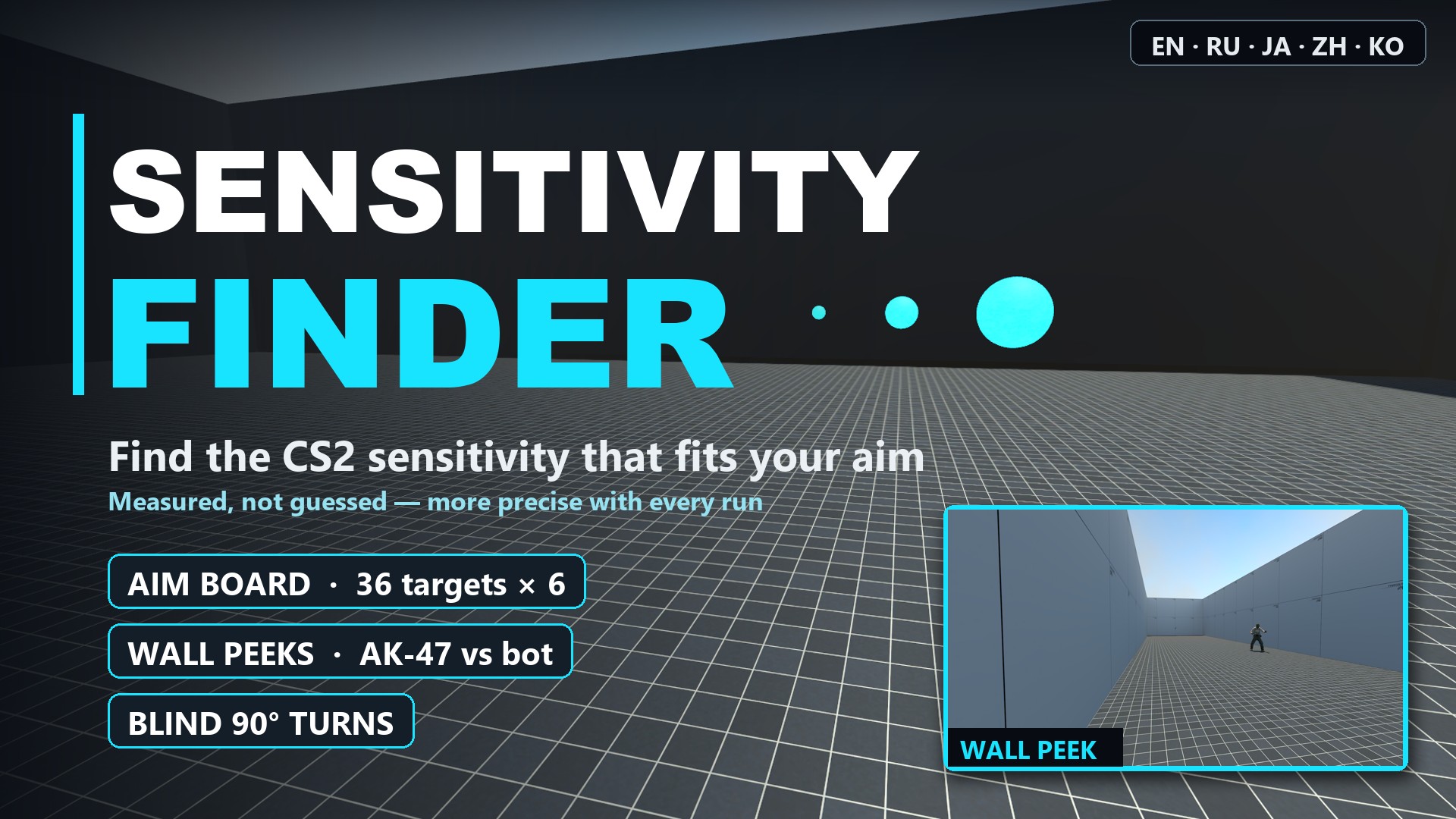
Find the mouse sensitivity that fits YOUR aim — measured, not guessed.
The map tests your aim at several sensitivities and recommends the one where you are fastest and most precise. Every run makes the result tighter: your saved runs are combined, and the next run measures around the current best estimate.
What you do (about 10 minutes)
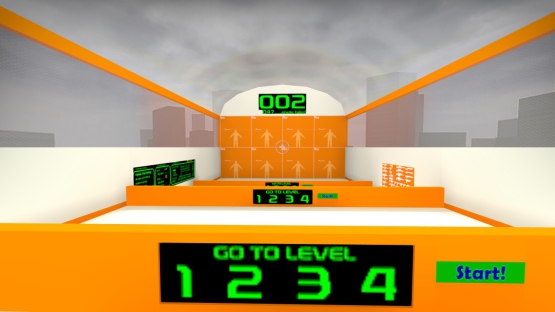
[olist] [*]Type your sensitivity and mouse DPI in the chat once (press Y to open it; the console does not work): !sens 1.66 !dpi 800 (the map cannot read your settings; it remembers them). NEXT turns green once both are set. [*]Range of motion: swing left and right — the room's light lines and the scale on the wall turn green as far as you turn. [*]Eyes closed: turn 90° right / left and shoot to finish (5 each). This gives the sensitivity that matches your feel; unless it is close to another value, block 5 of the aim board tests it, and the result compares it with your best. At the same sensitivity as your last run, this step and the range of motion are reused (type !full to redo them). [*]Six blocks at different sensitivities (your centre, ×1.35 and ÷1.35, then two values chosen from your results or the one that matches your feel, then the centre again). Each block: 6 warm-up and 36 scored targets on an aim board (singles and three at once, in three sizes down to a head, in new places every block; misses are counted) and 4 wall peeks with the AK-47 against a bot. When a block asks for another value, type sensitivity X in the console and shoot NEXT. Forgot to change it? Type !redo to play the block again. [*]Result: your recommended sensitivity, combined over all your saved runs, with its likely range, how much a single run moves, the range within 3% of your best, eDPI and cm/360. [/olist]
Good to know
- One run alone pins your sensitivity down to about ±10–15%, so its own number moves from run to run. Use the combined value at the top of the result screen: it moves less with every run.
- Changed your resolution or aspect ratio (e.g. to 4:3 stretched)? Start fresh: type !clear, then !clear yes. A new DPI or m_yaw is taken into account by itself (type !dpi / !yaw).
How it decides
- Aim board: throughput (ISO 9241-9) on the time from your first movement until the target is hit (follow-up shots after a miss included, your reaction time left out) per sensitivity, so fast flickers and careful aimers are both judged by how fast they really land the hit, with your accuracy measured over all shots in units of the target size; peak of a curve fitted over the tested values, each weighted by how precisely it was measured. The recommendation stays inside the values you tested.
- Wall peeks: how fast your first shot comes after the enemy becomes visible and how close to the head it lands (a throughput like the aim board's, with the head as the target); they count at most as much as the aim board.
- Blind 90° turns: the sensitivity that matches your feel is tested, not trusted — your current value may feel best without being what your hand turns by.
- Performance is usually flat over a wide range of sensitivities, so the result also shows every value within 3% of your best.
- Blocks 4 and 5 are chosen from your results so far and never repeat a tested value; block 6 repeats block 1 to measure practice or fatigue.
- Earlier runs are combined with a random-effects model; a run that disagrees is down-weighted, never trusted blindly.
Tracking practice
Shoot TRACKING on the start screen to try a new sensitivity on a moving target: no shooting, just keep your crosshair on the yellow ball. Each 10-second round shows your on-target rate on a small display and on a red / yellow / green gauge under the board, and the display keeps your average per sensitivity. It is practice only — not part of the measurement.
Flick practice
Shoot FLICK (left of NEXT) to practise flicks, then START (lower left) to begin: 100 light-blue balls the size of a head (the CS2 head hitbox) appear one at a time, the next the moment you hit one. Most flicks are micro flicks, fewer are mid-range and long ones; half go to the left and half to the right, in no fixed order. At the end you get your time, accuracy, first-shot hits, how far your first shots land (in ball radii, too far or short), and the same per distance and per direction. Your last 5 rounds are shown on the wall on your left with the sensitivity, DPI and m_yaw they were played with, and the wall on your right charts where each first shot landed on the ball, flicks to the left and to the right side by side. During a round the lower left button becomes CANCEL (stops the round, nothing is recorded) and BACK works too; afterwards shoot RETRY to go again. It is practice only — not part of the measurement.
How to use and every command are also on the wall to your right in the start room.
Chat commands: !sens <value> !dpi <value> !yaw <value> (your m_yaw if not 0.022, e.g. 0.0165 for 4:3 stretched) !lang en|ru|ja|zh|ko !restart !result (your result as text in the console, to copy and share) !full (measure the range and eyes-closed turns again) !redo (play the current block again) !clear, then !clear yes (delete saved results)
Languages: English, Русский, 日本語, 中文, 한국어. Works with any m_yaw: if yours is not 0.022 (e.g. 0.0165 for 4:3 stretched), type !yaw <value> once so cm/360 is right.
Contact: questions, bug reports and requests by DM on X: @sKplZifv2
Highlights
From source dataFootprint
Rated a light load on a server.
Last update
Its author last shipped an update 10d ago.
Sensitivity Finder on Nxeon
From our catalogue- One-click install
- Not available. This mod isn't available as a one-click install here. Download it and upload it to your server in Files.
- Server load
- light
- Smallest plan we suggest
- CS2 — 2 GB (2 GB RAM). This follows our own load rating above, not a benchmark.
- Latest build
- 2026-10-25, released 2026-10-25
Game versions by loader
| Loader | Game versions | Newest |
|---|---|---|
| Workshop |
From 6 recorded builds of Sensitivity Finder.
Recent builds
| Build | Released | Game versions | Loaders |
|---|---|---|---|
| 2026-10-25 | 2026-10-25 | n/a | Workshop |
| 2026-10-21 | 2026-10-21 | n/a | Workshop |
| 2026-10-16 | 2026-10-16 | n/a | Workshop |
| 2026-10-14 | 2026-10-14 | n/a | Workshop |
| 2026-10-13 | 2026-10-13 | n/a | Workshop |
| 2026-10-12 | 2026-10-12 | n/a | Workshop |
Run Sensitivity Finder on a Counter-Strike 2 server
Deploy a server above, then upload the file in Files.
What kind of mod it is
From the catalogGame modes & minigames
Game modes, minigames and competitive formats for your server.
Compatibility
- Game
- Counter-Strike 2
Verified at the source
- ✓Steam WorkshopOfficial listing, checked 2026-11-01Open ↗
- ✓AuthorPrank, as published on Steam Workshop
- ✓LicenseNot published by the sourceFree