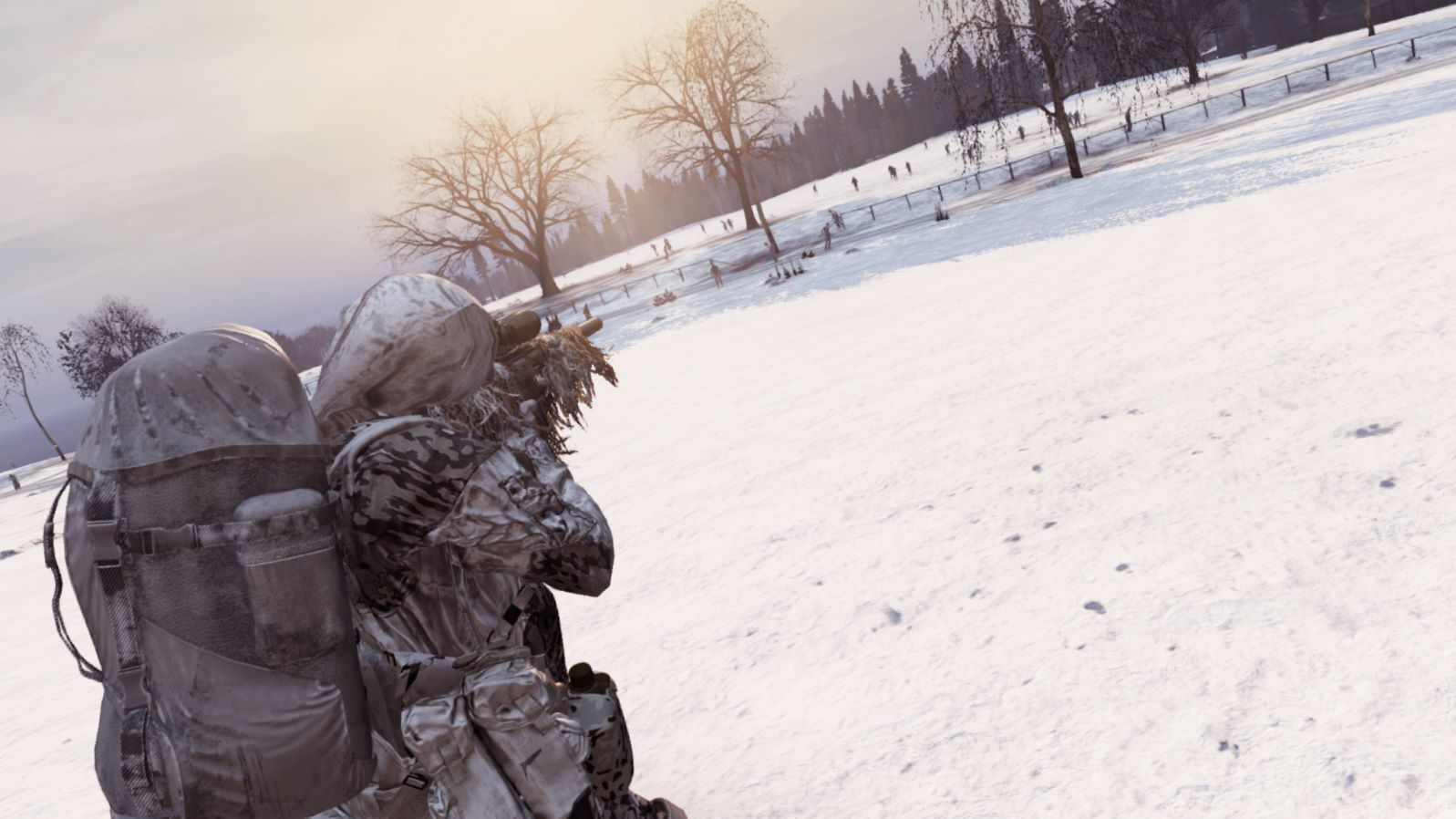
About Cold Chernarus
From Steam Workshop--INTENDED FOR HARDCORE SURVIVAL SERVERS-- In this mod I changed the vanilla Chernarus/Livonia temperatures to be as cold as Namalsk. Additionally, I edited many of the in-game constants, such as how…
--INTENDED FOR HARDCORE SURVIVAL SERVERS--
In this mod I changed the vanilla Chernarus/Livonia temperatures to be as cold as Namalsk. Additionally, I edited many of the in-game constants, such as how much heat your character gains while idling and the impact of heat gain while inside buildings. The changes are meant to allow players to have a similar experience to the cold of hardcore Namalsk, but within Chernarus/Livonia.
**FIX FOR PERMANENT BLINKING BLUE TEMPERATURE**:
This is caused by a mod compatibility issue, the fix is simple..
If you're hosting a server with Winter Chernarus & Namalsk Survival you need do one quick thing. Go to your server folder, DayzServer -> ServerProfile -> WinterChernarus.json, then open WinterChernarus.json with a text editor and change the 1s to 0s as to look like:
{
    "Force winter months": 0,
    "Use modded body temperature": 0
}
Message for all server owners:
This mod works correctly after a character wipe. Server owners are reporting red blinking temperature when you spawn in on old player data. So if you have characters on the server they'll need to die in order to reset their constant.c data. There's more information on the issue below...
**INFO ON RED BLINKING TEMPERATURE**: This problem seems to be caused by some mod compatibility issue with Namalsk Survival. It seems to happen once Namalsk Survival is applied to a server that has players saved within persistence. It's important to note that if you plan on adding Namalsk Survival to a server, you need to wipe the player persistance (or kill all the characters) and then Namalsk Survival will act as normal.
I can vouch that this mod works with Namalsk Survival and Winter Chernarus, it's just Namalsk Survival causes the red blinking temperature for a reason I haven't identified yet.
Hardcore settings recommendations
Month setting: Changing the month to January (1) in your init.c will create the harshest conditions in your environment, January is much more difficult than Namalsk weather. December (12) will make it as cold as Namalsk as I could get it to. November (11) will give you the easiest experience in terms of temperature that this mod can provide.
Frozen Food: If you wish to add frozen items to your server, then add the dzn items of your choice from regular or hardcore loot pools from Namalsk Survival. For example if you're setting up a hardcore server, then go to @Namalsk Survival -> db -> types_dzn, then add the items you want from there to your types.xml in your missions folder.
As an example, if you wish to add frozen beans, go to types_dzn, ctrl-f then you'll find a line that says "<type name="dzn_BakedBeansCan">", then copy all of that, so for example..
<type name="dzn_BakedBeansCan">
    <nominal>6</nominal>
    <min>6</min>
    <lifetime>900</lifetime>
    <restock>0</restock>
    <quantmin>-1</quantmin>
    <quantmax>-1</quantmax>
    <cost>100</cost>
    <flags count_in_map="1" count_in_hoarder="0" count_in_cargo="0" count_in_player="0" crafted="0" deloot="0" />
    <usage />
    <value />
    <category name="food" />
  </type>
Then add that to your types.xml in your missions folder, since these are set to Namalsk loot settings, you'll need to modify to your desire. Additionally you'll need to change the spawn locations, as Sumrak used a different method for spawning items in locations, as an example I changed my spawns to how the vanilla beans spawn...
 <type name="dzn_BakedBeansCan">
    <nominal>70</nominal>
    <min>15</min>
    <lifetime>14400</lifetime>
    <restock>60</restock>
    <quantmin>-1</quantmin>
    <quantmax>-1</quantmax>
    <cost>100</cost>
    <flags count_in_map="1" count_in_hoarder="0" count_in_cargo="0" count_in_player="0" crafted="0" deloot="0" />
    <category name="food"/>
    <tag name="shelves"/>
    <usage name="Village"/>
    <value name="Tier1"/>
  </type>
Namalsk Events:
For adding events such as blizzards, EVR storms, snowfall and extreme cold events, you need to use the scripts from the init.c from the namalsk mod. These init.c files can be find in the following way..
Go to @Namalsk Survival -> Hardcore (Or Regular) -> hardcore.namalsk (or regular.namalsk), find and copy the init.c into your missions folder to replace it. Use a text editor to edit the event settings to your desire.
NOTE: EVR storms don't work as intended on Chernarus since the assets from Namalsk are not present, you can see for yourself when you run your server, but I'd recommend commenting out the beginning of that event with a "//".
Feel free to repack the mod for whatever purposes!
Highlights
From source dataFootprint
Rated a light load on a server.
Last update
Its author last shipped an update 5 yr ago.
Cold Chernarus on Nxeon
From our catalogue- One-click install
- Not available. One-click install isn't available for this game's mods yet. Download it and upload it to your server in Files.
- Server load
- light
- Smallest plan we suggest
- DayZ — 6 GB (6 GB RAM). This follows our own load rating above, not a benchmark.
- Latest build
- 2021-11-20, released 2021-11-20
Game versions by loader
| Loader | Game versions | Newest |
|---|---|---|
| Workshop |
From 1 recorded build of Cold Chernarus.
Run Cold Chernarus on a DayZ server
Deploy a server above, then upload the file in Files.
What kind of mod it is
From the catalogGameplay & overhauls
New mechanics, content and overhauls that change how the game plays.
Compatibility
- Game
- DayZ
Verified at the source
- ✓Steam WorkshopOfficial listing, checked 2026-11-01Open ↗
- ✓AuthorKeithic {Hugz}, as published on Steam Workshop
- ✓LicenseNot published by the sourceFree