About DriveLink
From Steam WorkshopDriveLink — Your journey continues The edge of the map doesn’t have to be the end of the road. DriveLink connects DayZ servers and maps into a shared travel network. Walk, drive, ride or sail between…
DriveLink — Your journey continues
The edge of the map doesn’t have to be the end of the road.
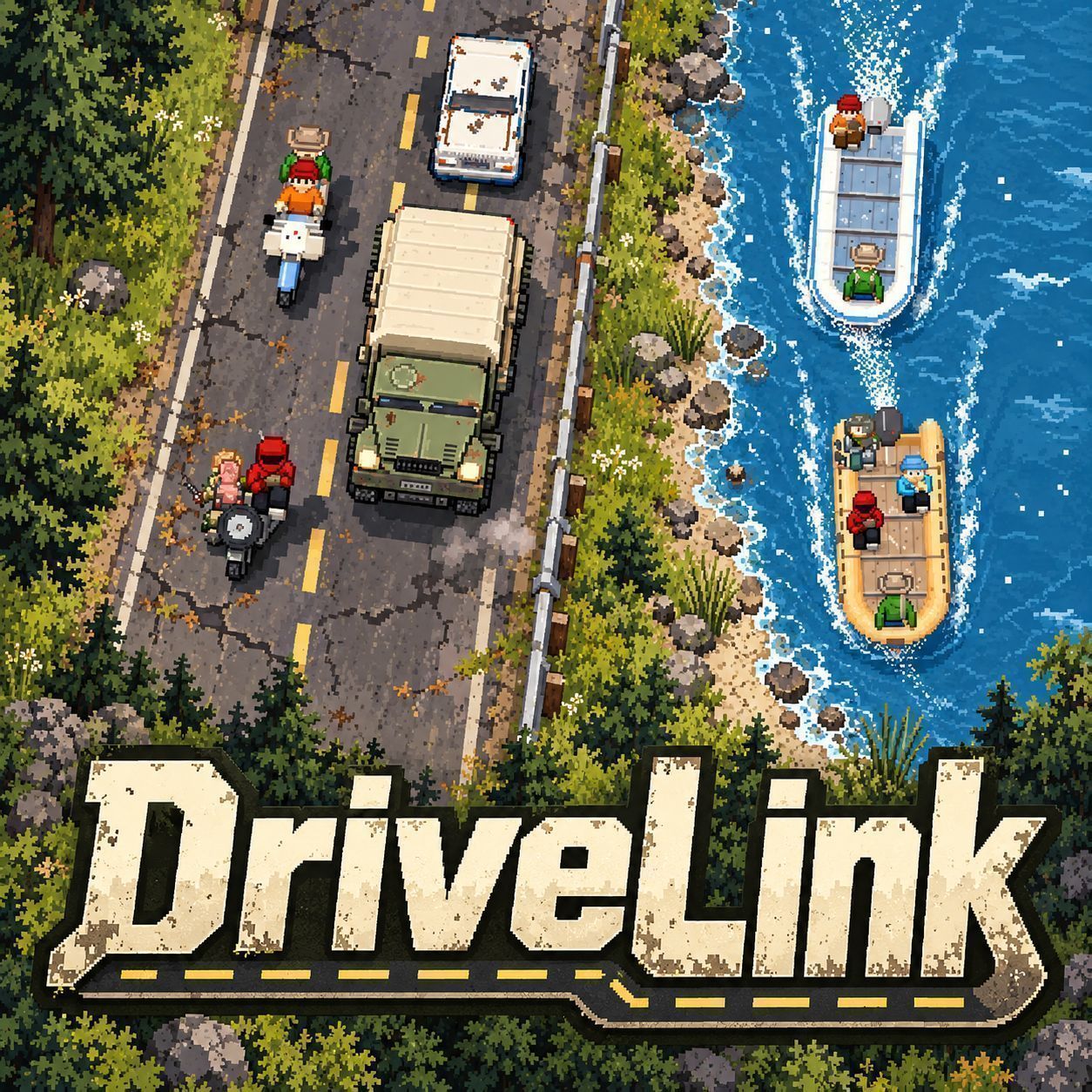
DriveLink connects DayZ servers and maps into a shared travel network. Walk, drive, ride or sail between linked servers with your character, equipment, vehicle and crew.
Server owners choose where players leave, where they arrive and what the journey costs. Connect neighboring regions, build routes between different maps or give your community a larger world to explore.
Features
- Travel between linked DayZ servers on foot or with supported vehicles.
- Bring your character, carried equipment, vehicle and its contents.
- Travel together in groups, vehicle crews and convoys.
- Create departure zones and arrival points through the Hub’s web interface.
- Configure travel distance, journey time, food, water, fuel use, vehicle wear and travel risks.
- Choose Easy, Medium, Hard or Realism travel presets, or customize the settings.
- Optional vehicle economy keeps car counts fair across maps.
- Watch a pixel art travel sequence while your journey takes place.
- Manage connected servers, travel routes and characters in transit through DriveLink Hub.
- Use the optional Travel Helper to restart DayZ automatically with the destination server’s required mods when a transfer needs a different mod set.
Travel requires participating servers to be connected to the same DriveLink Hub and configured by their administrators.
Travel Helper — Different maps, different mods
Some destinations require mods that your current server does not use. DriveLink Travel Helper adds automatic client switching for these routes.
When a transfer requires a different mod set, the helper closes DayZ and its vanilla launcher normally, displays the travel sequence, then asks Steam to launch DayZ with the destination server’s configured mods and connection details. Your normal DayZ display and profile settings are retained.
Routes with matching mod sets continue to use ordinary DriveLink reconnection without a helper-driven client restart.
Required destination mods must already be downloaded. The helper does not download missing mods or load and unload mods inside a running DayZ client.
Installation — Players
Subscribe to DriveLink on the Steam Workshop and enable it in your DayZ launcher when joining a server that uses it.
Players do not need DriveLink Hub.
For travel that requires different mods, complete the bundled helper setup once:
[olist] [*]Locate the DriveLink mod folder and open Helper\DriveLink Setup.exe. [*]If the vanilla launcher cannot open the mod folder, browse to your Steam library’s steamapps\workshop\content\221100 folder, then locate DriveLink’s Workshop folder and open Helper. [*]Check the detected DayZ, Steam and Workshop paths, and replace “Survivor (change me)” with your player name. [*]Public is selected by default. Choose Local only if the destination test servers run on your own PC. Review the displayed network and servers. [*]Windows startup is enabled by default. Read and accept the background-application disclosure, then select Install and start. [/olist]
Your server administrator must provide the correct helper network configuration for their server network.
After setup, launch DayZ normally. The helper starts with Windows and waits in the tray. No shortcut, service or administrator access is needed.
If a transfer needs the helper and it is unavailable, DriveLink displays setup instructions before departure. Your character receives temporary damage protection during this setup wait. You can cancel the prompt and remain on the source server.
Steam must be running and signed in. Restart and connection times depend on Steam, BattlEye, your hardware and the destination server.
Removing the Travel Helper
Right-click the DriveLink tray icon and choose “Uninstall DriveLink Travel Helper…”, or open Windows Settings > Apps > Installed apps > DriveLink Travel Helper > Uninstall.
Uninstall stops the agent and deletes its files and startup entry. DayZ settings and Workshop mods stay in place.
“Exit for this Windows session” only stops it until you next sign in.
Installation — DriveLink Hub
Setup Tutorial https://www.youtube.com/watch?v=vAcOJVjgk4A https://github.com/d3rk99/DriveLink/releases
DriveLink Hub is a separate Windows application required by server owners. Run one Hub for your linked server network on a machine that every participating server can reach. It can run on one of your server machines.
[olist] [*]Download the DriveLink Hub release package and extract it into its own folder. [*]Start DriveLinkHub.exe. The first launch creates hub.json and generates a server key and web administration password. [*]On the Hub machine, open http://localhost:7290/admin in your browser. [*]Open the Setup page. Set the Hub address that your servers will connect to and configure the firewall rules for your network. [*]Copy the hubUrl and hubKey settings shown on the Setup page. You will use these on each DayZ server. [*]Keep the Hub running while your network is operating. [/olist]
The default ports are 7290 for HTTP and 7291 for HTTPS. Accessing the administration page from another machine requires the web administration password.
Optional: run DriveLinkHub.exe install from an administrator terminal to install the Hub as a Windows service.
Updating: stop the Hub, back up its folder and replace only DriveLinkHub.exe. A Hub started in an empty folder is a new network with new keys.
Installation — DayZ Servers
Highlights
From source dataFootprint
Rated a light load on a server.
Last update
Its author last shipped an update 2d ago.
DriveLink on Nxeon
From our catalogue- One-click install
- Not available. One-click install isn't available for this game's mods yet. Download it and upload it to your server in Files.
- Server load
- light
- Smallest plan we suggest
- DayZ — 6 GB (6 GB RAM). This follows our own load rating above, not a benchmark.
- Latest build
- 2026-11-02, released 2026-11-02
Game versions by loader
| Loader | Game versions | Newest |
|---|---|---|
| Workshop |
From 2 recorded builds of DriveLink.
Recent builds
| Build | Released | Game versions | Loaders |
|---|---|---|---|
| 2026-11-02 | 2026-11-02 | n/a | Workshop |
| 2026-10-24 | 2026-10-24 | n/a | Workshop |
Run DriveLink on a DayZ server
Deploy a server above, then upload the file in Files.
What kind of mod it is
From the catalogMaps & scenarios
Custom maps, arenas and scenarios to play on.
Compatibility
- Game
- DayZ
Verified at the source
- ✓Steam WorkshopOfficial listing, checked 2026-11-02Open ↗
- ✓AuthorDerk, as published on Steam Workshop
- ✓LicenseNot published by the sourceFree