About LootManagerPlus
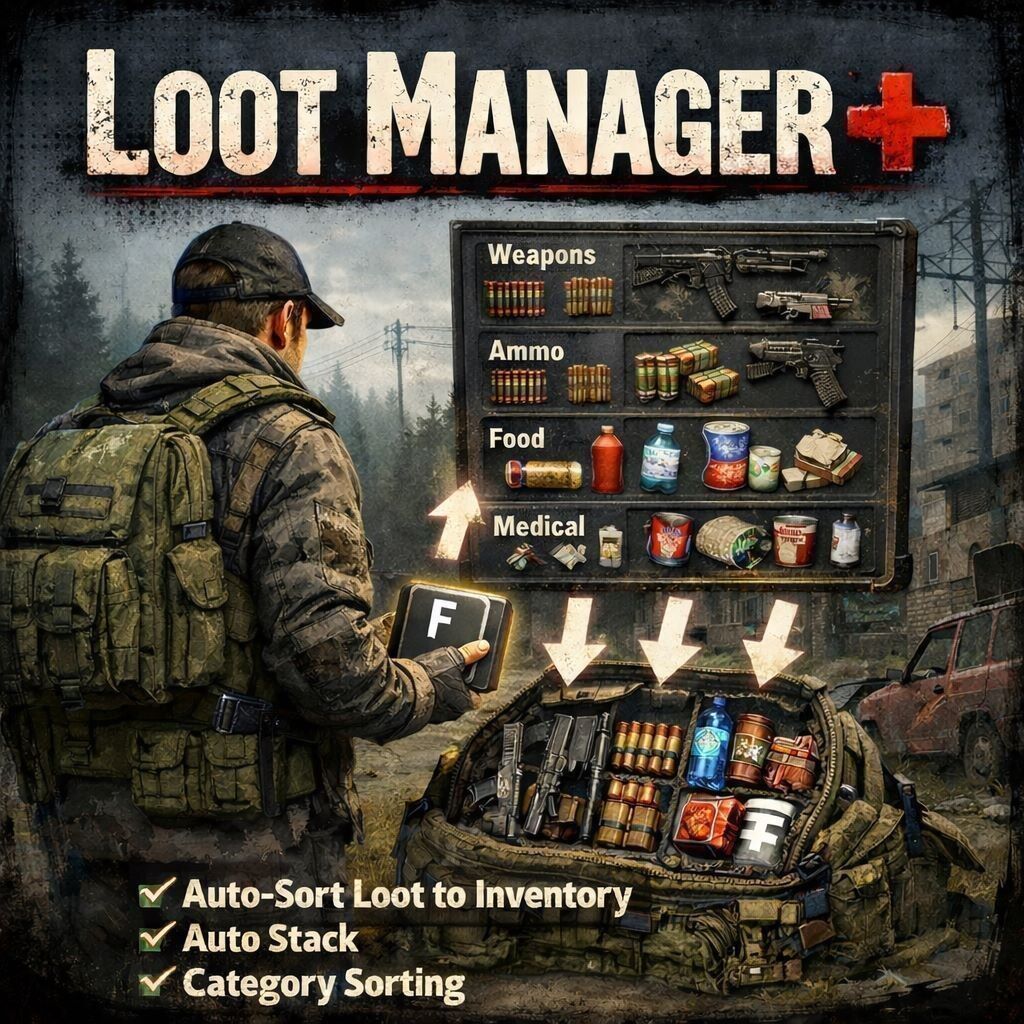
From Steam WorkshopWelcome to my new Mod! LootManager Plus! What is this? This mod simplifies the collection of loot in the environment. With many great features! If a player does not want to use the feature, it can be…
Welcome to my new Mod!
LootManager Plus!
What is this?
This mod simplifies the collection of loot in the environment. With many great features! If a player does not want to use the feature, it can be completely disabled in the options!
Features:
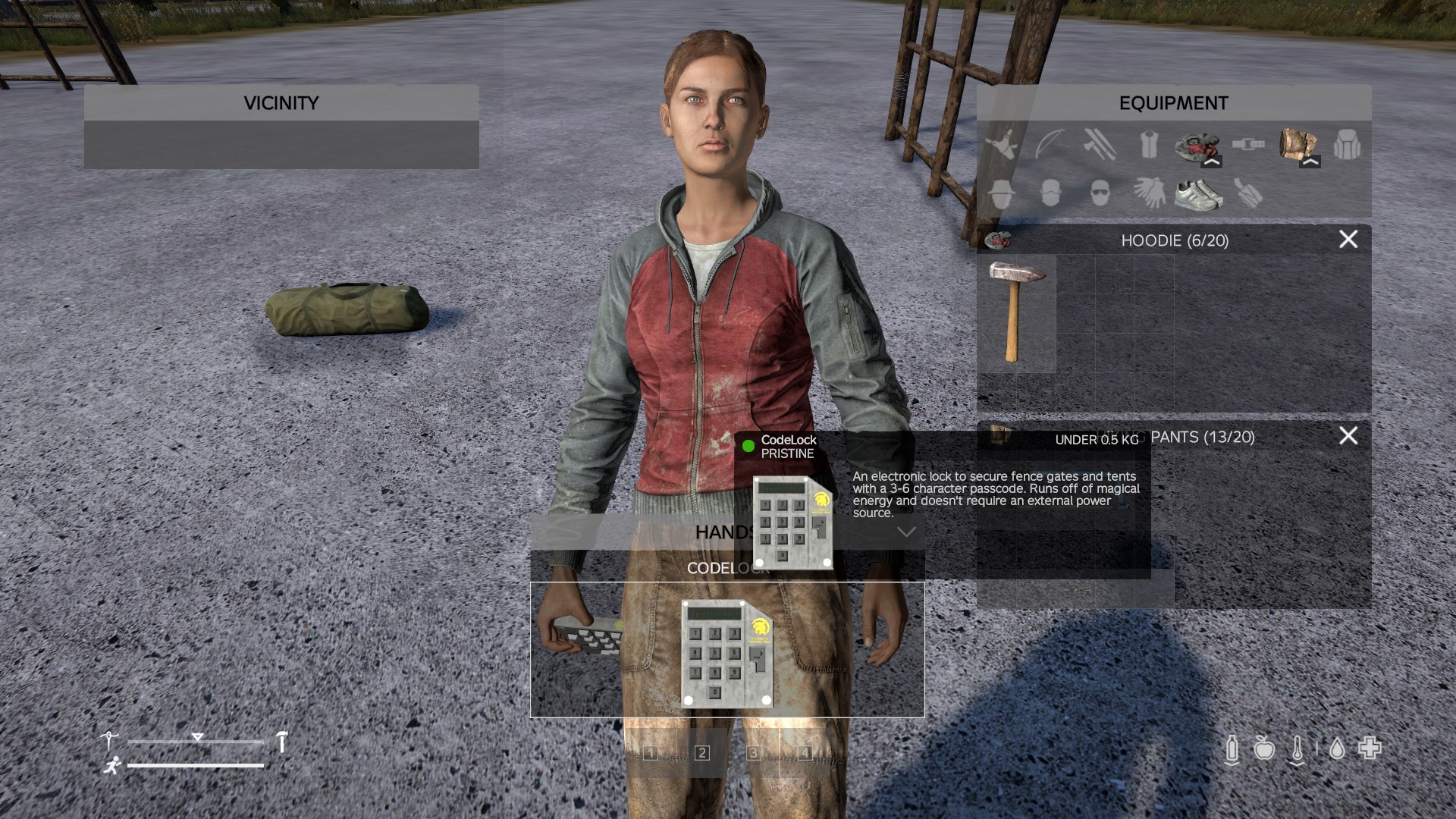
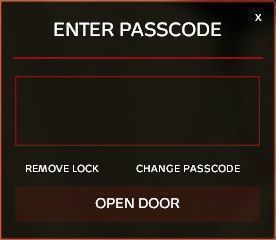
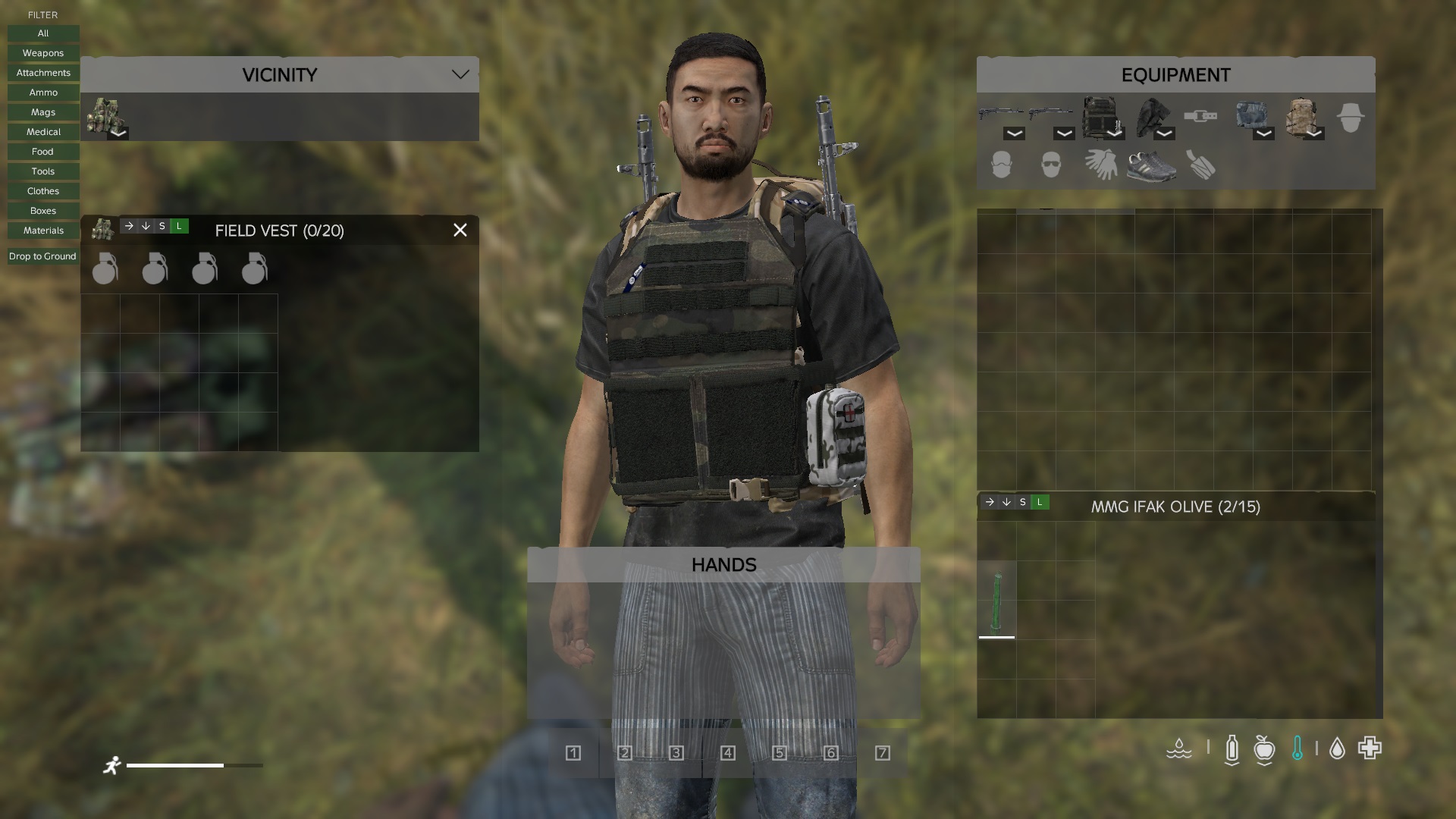
➡️- ingame Menu for category ➡️- config file in your profile folder ➡️- Move Loot from inveotry to other container and vice versa! ➡️- Drop Loot on the Ground ➡️- Use Keybinds or Inventory Icons ➡️- stack function ➡️-Hover function ➡️- you can lock each container or unlock ➡️- Multilanguage support ➡️- and more
Config File
===============================================================================
                    LOOTMANAGERPLUS - CONFIG.JSON PARAMETERS
================================================================================

The config file is located at: $profile/LootManagerPlus/config.json
It will be automatically created on first mod load.

================================================================================
PARAMETER LIST
================================================================================

1. version
   --------
   Type:    string
   Default: "1.0.0"

   Description:
   Config file version number. Used internally for automatic config updates
   when the mod is updated to a newer version. Do not modify manually.

--------------------------------------------------------------------------------

2. enabled
   -------
   Type:    boolean (true/false)
   Default: true

   Description:
   Master switch to enable or disable the entire mod.
   - true  = Mod is active, all features work
   - false = Mod is completely disabled

   Example: "enabled": false

--------------------------------------------------------------------------------

3. sortItemsByCategory
   --------------------
   Type:    boolean (true/false)
   Default: true

   Description:
   When enabled, items are automatically sorted by category priority during
   transfer operations. Items are transferred in this order:

   Priority 1:  Weapons      (Rifles, Pistols, Melee weapons)
   Priority 2:  Attachments  (Optics, Suppressors, Stocks, Handguards)
   Priority 3:  Ammo         (All ammunition types)
   Priority 4:  Mags         (Magazines)
   Priority 5:  Medical      (Bandages, Morphine, Blood bags, Pills)
   Priority 6:  Food         (Food, Drinks, Cans)
   Priority 7:  Tools        (Batteries, Radios, Flashlights, Repair items)
   Priority 8:  Clothes      (All clothing, Backpacks, Vests)
   Priority 9:  Boxes        (Containers, Crates, Barrels, Tents)
   Priority 10: Materials    (Everything else)

   Example: "sortItemsByCategory": true

--------------------------------------------------------------------------------

4. blacklistedItems
   -----------------
   Type:    array of strings
   Default: ["Land_", "dz_", "Static_", "Wreck_"]

   Description:
   List of item classname prefixes that will be excluded from all transfer
   and drop operations. Any item whose classname CONTAINS one of these
   strings will be ignored.

   Default entries explained:
   - "Land_"   = Excludes terrain and building objects
   - "dz_"     = Excludes DayZ internal/system objects
   - "Static_" = Excludes static world objects
   - "Wreck_"  = Excludes vehicle wrecks

   You can add custom entries to blacklist specific items:

   Example:
   "blacklistedItems": [
       "Land_",
       "dz_",
       "Static_",
       "Wreck_",
       "SomeModdedItem",
       "AnotherItem"
   ]
Planned
- i don´t know at the moment
what do u need?
Load it client side
Repacking:
It´s not allowed to repack this mod! Do not use this mod in your server package! Do not change or use the code from this Modifikation.
- Join my Discord for Repacking and ask me!
Discord:🚀
https://discord.gg/8Xu5Bj7raa
Donation💋
Please support me with a coffee! ( better with a beer!) https://ko-fi.com/hummigummi
SEE IN MY DISCORD FOR MANY OTHER COOL MODS AND THE BEST DAYZ SERVER! ;-)
My other cool Mods: https://steamcommunity.com/profiles/76561198043436086/myworkshopfiles/
Highlights
From source dataFootprint
Rated a light load on a server.
Last update
Its author last shipped an update 16d ago.
LootManagerPlus on Nxeon
From our catalogue- One-click install
- Not available. One-click install isn't available for this game's mods yet. Download it and upload it to your server in Files.
- Server load
- light
- Smallest plan we suggest
- DayZ — 6 GB (6 GB RAM). This follows our own load rating above, not a benchmark.
- Latest build
- 2026-09-30, released 2026-09-30
Game versions by loader
| Loader | Game versions | Newest |
|---|---|---|
| Workshop |
From 1 recorded build of LootManagerPlus.
Run LootManagerPlus on a DayZ server
Deploy a server above, then upload the file in Files.
What kind of mod it is
From the catalogQuality of life & UI
Small conveniences, tweaks and interface improvements players notice straight away.
Compatibility
- Game
- DayZ
Verified at the source
- ✓Steam WorkshopOfficial listing, checked 2026-10-10Open ↗
- ✓Authorhummigummi, as published on Steam Workshop
- ✓LicenseNot published by the sourceFree