About NotificationsSystem
From Steam WorkshopNotifications System - Advanced Scheduler & Live Loops Notifications System is a lightweight, free, and highly configurable mod designed for the DayZ community. Forget about complex configurations or…
Notifications System - Advanced Scheduler & Live Loops
[hr]
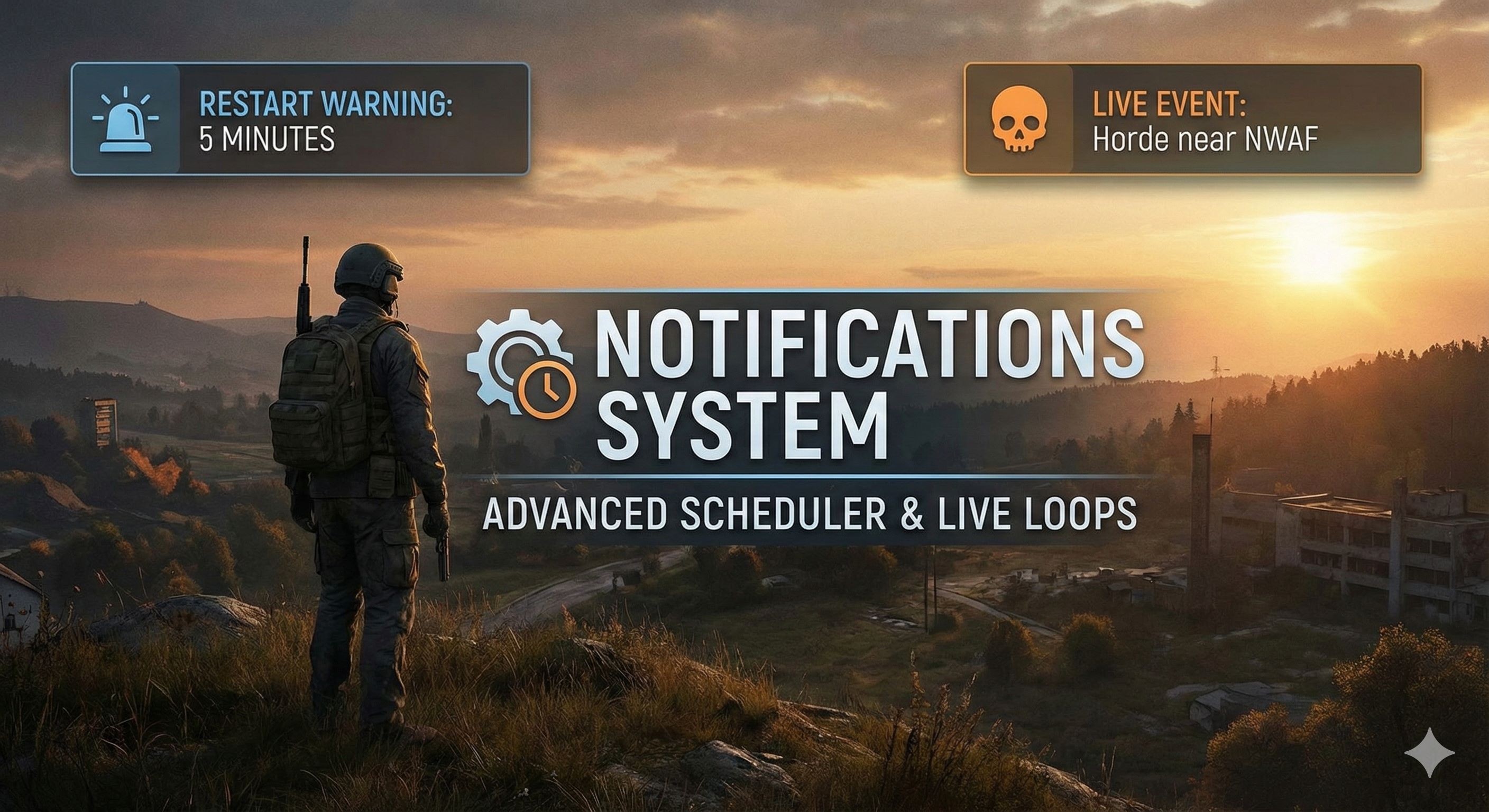
Notifications System is a lightweight, free, and highly configurable mod designed for the DayZ community. Forget about complex configurations or heavy dependencies. This mod intelligently separates messages into two categories: Fixed Schedule (Scheduler) and Live Events (Live Loops).
This mod was created with the goal of being simple, effective, and flexible for any server owner.
🔥 Key Features
- 📅 Scheduler (Fixed Time): Schedule messages at an exact time (e.g., Restarts at 08:00:00).
- 🔄 Live Loops: Configure messages that repeat every X minutes (e.g., "Join Discord" every 60 min) or unique messages that appear after X amount of server uptime.
- 👤 Dynamic Variables: Personalize your messages with variables like {PLAYER}, {SERVERNAME}, {TIME}, and {DATE}.
- ⚡ Hot-Reload: Did you make a mistake in a message? Edit the JSON file while the server is online, and changes will apply automatically within 60 seconds without a restart.
- 🎁 Welcome Messages: Greet players with personalized welcome notifications when they join your server.
- 🕐 Time Modes: Choose between UTC time, server local time, or in-game mission time for your scheduled notifications.
- 🔄 Auto-Migration: Config files automatically backup and migrate when updating to new versions - zero data loss!
- 📊 Custom Sounds: Includes a default alert sound system that you can change to your liking.
- 🚀 Optimized: Logic runs 100% on the server, with zero impact on client performance.
🛠️ Admin Guide (Configuration)
The configuration file is automatically generated at: [code]$profile:NotificationsSystem\NotificationSettings.json[/code]
JSON Example:
{
    "ConfigVersion": "1.2",
    "_INFO_EnableMod": "1 = Mod active - 0 = Mod disabled",
    "_INFO_Notifications": "For welcome = Ms example 1000 Ms is equal to 1 second = 12000 is 12 seconds",
    "_INFO_AutoReload": "Hot Reload Live",
    "_INFO_Variables": "use {PLAYER}, so that it is a personalized message for your players!",
    "_INFO_UTC": "UTC 1 = UTC time | UTC 0 = Server local time | UseMissionTime 1 = In-game time",
    "EnableMod": 1,
    "AutoReload": {
        "Enable": 1,
        "UTC": 1,
        "UseMissionTime": 0,
        "CheckIntervalSeconds": 60
    },
    "Notifications_Welcome": {
        "Enable": 1,
        "DelayMs": 12000,
        "Title": "Welcome {PLAYER}",
        "Text": "Enjoy your stay on {SERVERNAME}!"
    },
    "Notifications_Scheduler": [
        {
            "Hour": 8, "Minute": 0, "Second": 0,
            "Title": "⚠ RESTART",
            "Text": "Server restart at {TIME}.",
            "Color": ""
        }
    ],
    "Notifications_Live": [
        {
            "Notifications_Minute": 5,
            "Loop": 0,
            "Title": "Hello {PLAYER}",
            "Text": "This is a PVE server!",
            "Color": ""
        },
        {
            "Notifications_Minute": 0,
            "Loop": 1,
            "Loop_Minute": 60,
            "Loop_Second": 0,
            "Title": "Community Tip",
            "Text": "Join our Discord at {SERVERNAME}!",
            "Color": ""
        }
    ]
}
🎯 Dynamic Variables
You can use these variables in any Title or Text field:
- {PLAYER} - Player's name (e.g., "Welcome Reash!")
- {SERVERNAME} - Your server name (e.g., "Join My Server's Discord")
- {TIME} - Current time HH:MM (e.g., "Restart at 14:30")
- {DATE} - Current date DD/MM/YYYY (e.g., "Event on 22/01/2026")
🕐 Time Configuration Modes
AutoReload section controls how the mod reads time:
- UTC = 1, UseMissionTime = 0: Uses real UTC time from system
- UTC = 0, UseMissionTime = 0: Uses server's local time zone
- UseMissionTime = 1: Uses DayZ in-game time (ignores UTC setting)
How does the logic work?
- Scheduler: Uses time configuration from AutoReload. Ideal for restart warnings.
- Live (Loop = 0): One-time message. It triggers once when the server has been running for X minutes (Defined in Notifications_Minute).
- Live (Loop = 1): Infinite loop. It repeats every X amount of time (Defined in Loop_Minute).
- Welcome: Personalized greeting sent to each player with configurable delay after connection.
📊 Changing the Sound
The mod comes with a default alert sound. If you want to use your own custom sound: 1. Go to the mod folder: [code]NotificationsSystem\Sounds[/code] 2. Replace the Sound01.ogg file with your own audio file. 3. Make sure it is named exactly the same (Sound01.ogg) so the script recognizes it.
🔄 Auto-Migration System
When updating to a new version:
- Your old config is automatically backed up as NotificationSettings_old.json
- New features are added while preserving all your existing configurations
- Migration is logged in console for transparency
- Zero downtime - happens automatically on server start
💡 PRO TIP: Unlimited entries! You can add infinite notifications to the JSON file. Simply copy and paste the code block `{ ... },` as many times as you need, separating them with a comma.
📜 License & Permissions
This is a completely free contribution to the DayZ community.
- ✅ REPACK: You are allowed to repack this mod into your "Server Pack" or "ModPack" without asking for permission.
- ✅ MODIFY: You are allowed to open the code, modify it as you wish, and adapt it to your needs.
Highlights
From source dataFootprint
Rated a light load on a server.
Last update
Its author last shipped an update 9 mo ago.
NotificationsSystem on Nxeon
From our catalogue- One-click install
- Not available. One-click install isn't available for this game's mods yet. Download it and upload it to your server in Files.
- Server load
- light
- Smallest plan we suggest
- DayZ — 6 GB (6 GB RAM). This follows our own load rating above, not a benchmark.
- Latest build
- 2026-01-22, released 2026-01-22
Game versions by loader
| Loader | Game versions | Newest |
|---|---|---|
| Workshop |
From 1 recorded build of NotificationsSystem.
Run NotificationsSystem on a DayZ server
Deploy a server above, then upload the file in Files.
What kind of mod it is
From the catalogQuality of life & UI
Small conveniences, tweaks and interface improvements players notice straight away.
Compatibility
- Game
- DayZ
Verified at the source
- ✓Steam WorkshopOfficial listing, checked 2026-10-10Open ↗
- ✓AuthoriAmReash, as published on Steam Workshop
- ✓LicenseNot published by the sourceFree