About RaG_Dragons
From Steam WorkshopRaG Dragons RaG Dragons adds configurable dragon encounters to DayZ. Dragons attack server-defined locations with fire breath and explosive fireballs. They do not normally hunt players - but shooting…
RaG Dragons
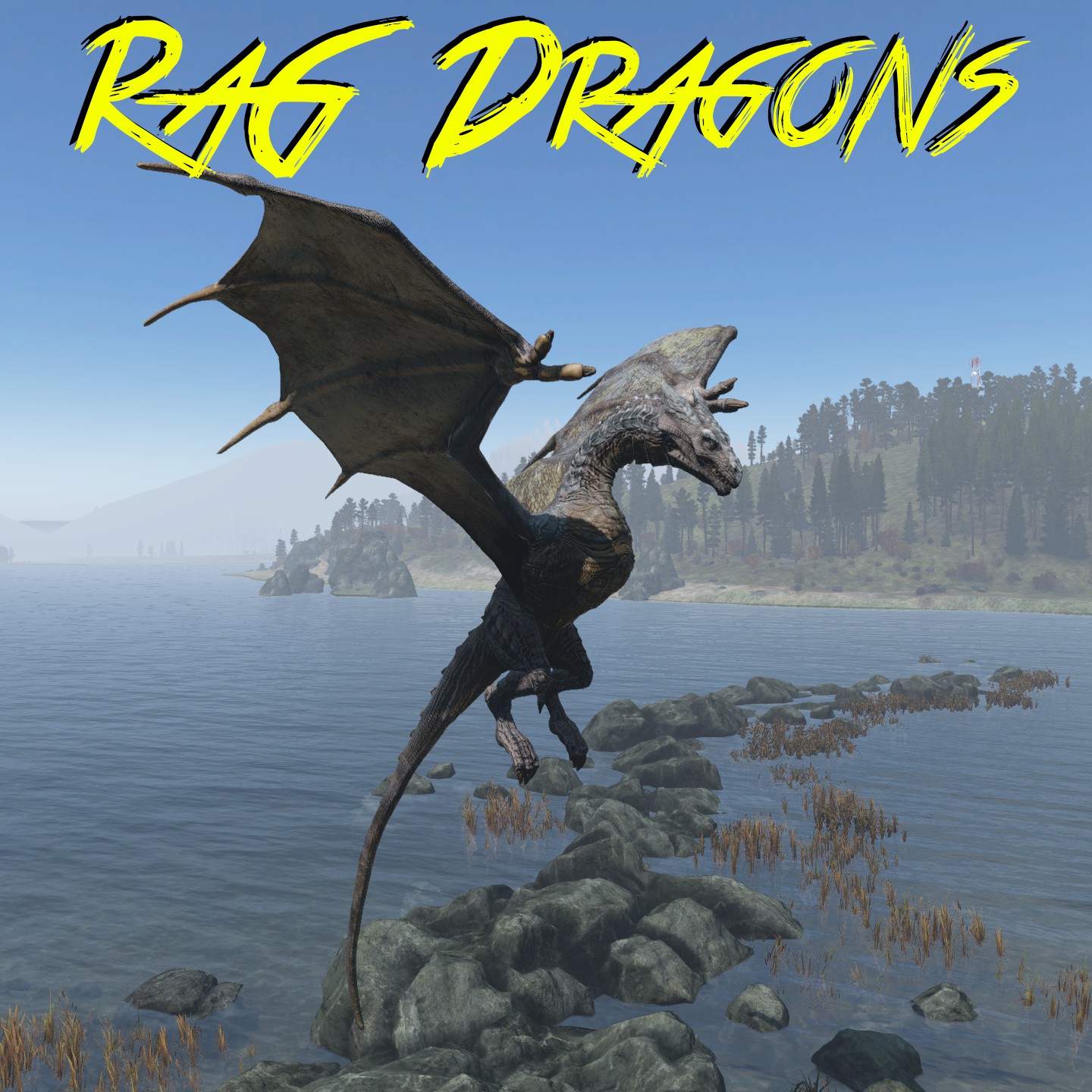
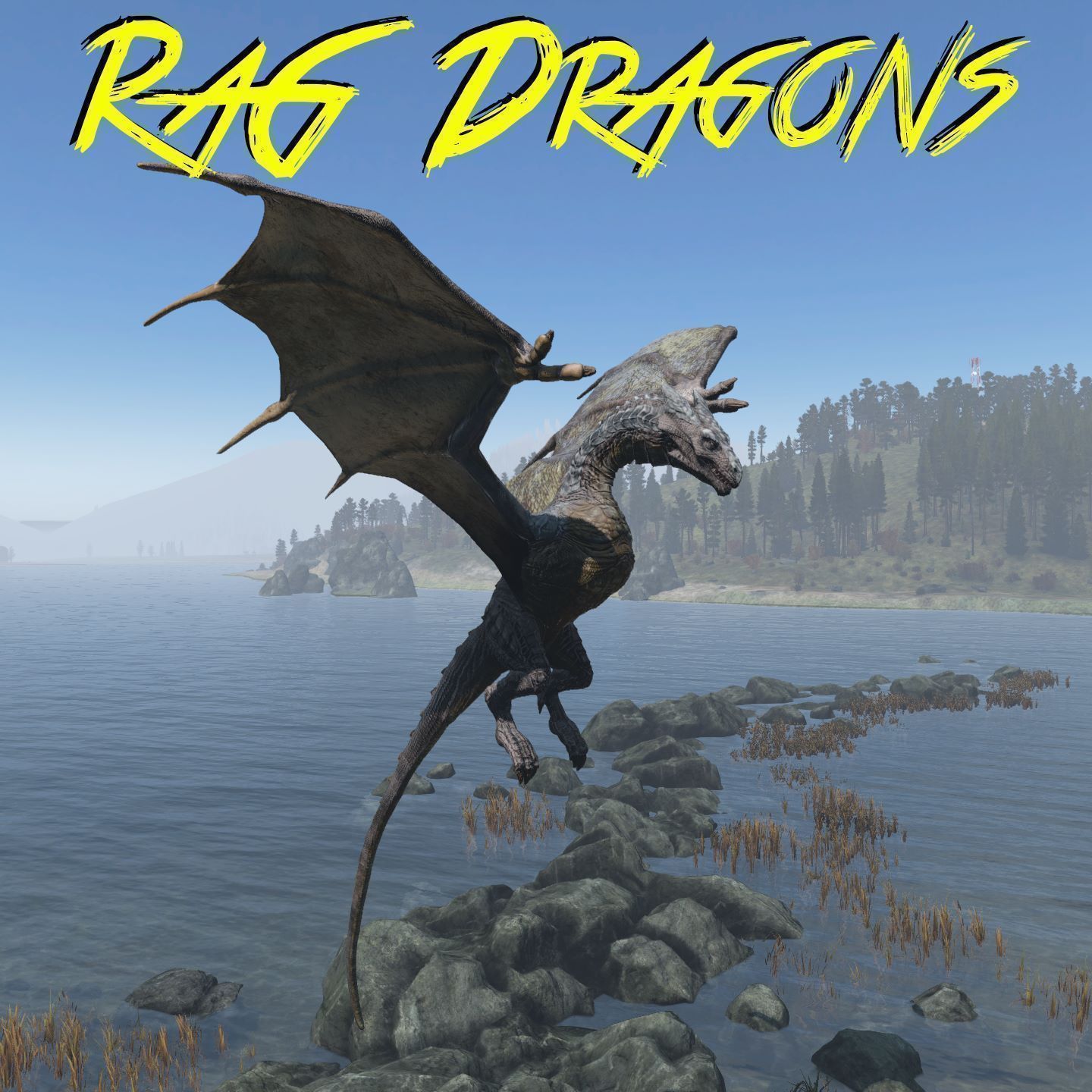
RaG Dragons adds configurable dragon encounters to DayZ.
Dragons attack server-defined locations with fire breath and explosive fireballs. They do not normally hunt players - but shooting one makes you its target.
Kill the dragon, skin it for configurable rewards, collect its head, and turn that head into a placeable trophy.
Required Mod
RaG Dragons and RaG Core are required on both the server and clients.
Addon dependencies are declared through CfgPatches.requiredAddons. Server command-line mod order does not control PBO loading.
Features
- Server-controlled dragon encounters
- Five dragon variants: Brown, Grey, Red, Yellow, and Orange
- Configurable attack locations
- Fire-breath area attacks
- Targeted counter-fireballs
- Damage to players, equipment, infected, and vehicles
- Configurable global announcements
- Configurable skinning rewards
- Matching dragon-head rewards
- Craftable and placeable dragon-head trophy
- Kill and death logging
- Automatic dragon population management
How Dragon Encounters Work
1. A Location Is Selected
The server randomly selects an enabled location and one of its configured positions.
The dragon appears roughly 500–707 metres from the destination at high altitude, then flies toward the selected area.
2. The Dragon Attacks the Area
Once it reaches the destination, the dragon circles above the area and attacks with fire breath.
Fire can:
- Burn players
- Damage worn equipment
- Damage the item held in a player's hands
- Burn infected
- Create temporary ground-fire zones
A building or roof protects players from the initial fire-breath burn check.
Important: Roofs do not protect against nearby ground fire. Hiding indoors is safer, but it is not guaranteed protection.
3. Fighting Back Changes Everything
Dragons do not normally acquire players, animals, or vehicles as standard AI targets.
When a player damages the dragon, that player becomes its target. The dragon can pursue the attacker and launch aimed fireballs in response.
Counter-fireballs have a short cooldown and attempt to lead moving targets. Direct impacts can also damage vehicles and their installed attachments.
4. Killing the Dragon
Every airborne dragon variant has 10,000 global health.
Depending on server configuration, defeating one can:
- Send a global notification
- Write a dragon kill/death log entry
- Allow configurable items to be obtained through skinning
- Provide one matching dragon head
The default reward pool contains:
- NorseHelm
- Chainmail_Coif
- Chainmail
- WoodAxe
The server selects three rewards by default. Duplicate selections are possible.
Dragon-Head Trophy
When trophy crafting is enabled:
- Combine 10 Nails with 4 Wooden Planks
- Craft an empty Dragon Head Trophy
- Attach a skinned dragon head to its Dragon Head attachment slot
- Place the completed trophy
The dragon head is attached after crafting the trophy.
Server Configuration
The configuration file is generated after the first server start:
$profile:\RaG_Core\Configs\RaG_Dragon\RaG_Dragon.json
Default configuration:
{
    "Version": 4,
    "SpawnInterval": 15,
    "MaxActiveDragons": 3,
    "EnableDragonLoopSpawning": 1,
    "EnableDragonKillDeathLog": 1,
    "AnnounceDragonAttackLocation": 1,
    "AnnounceDragonDefeated": 1,
    "EnableCraftDragonHeadTrophy": 1,
    "SkinningItems": [
        "NorseHelm",
        "Chainmail_Coif",
        "Chainmail",
        "WoodAxe"
    ],
    "SkinnedItemsAmount": 3,
    "Locations": [
        {
            "name": "Example Location",
            "pos": [
                "7500 7500",
                "7600 7600"
            ],
            "ENABLED": 1
        }
    ]
}
Main Settings
SpawnInterval Time in minutes between automatic spawn attempts.
Set this to 0 to disable automatic dragon spawning.
MaxActiveDragons Maximum number of automatically managed dragons alive at once.
Values of 0 or lower are corrected to 1.
EnableDragonLoopSpawning
- 1 — Spawn immediately when the manager starts, then repeat using SpawnInterval
- 0 — Create one delayed spawn attempt after SpawnInterval
Setting this option to 0 does not completely disable spawning. Use SpawnInterval: 0 for that.
EnableDragonKillDeathLog Enables dragon kill/death logging.
AnnounceDragonAttackLocation Announces the selected attack location globally.
AnnounceDragonDefeated Announces when a dragon is defeated.
EnableCraftDragonHeadTrophy Enables the dragon-head trophy recipe.
SkinningItems Class names used for configurable skinning rewards.
SkinnedItemsAmount Number of random reward selections made when skinning a dragon.
Configuring Locations
Each location contains:
- name — Display name used by announcements
- pos — One or more possible target coordinates
- ENABLED — Enables or disables the location
Coordinates use the following format:
"X Z"
Example:
{
    "name": "Airfield",
    "pos": [
        "4537 9591",
        "5067 9777"
    ],
    "ENABLED": 1
}
The generated configuration contains default Chernarus locations.
For another map, replace the location entries with valid coordinates from that map.
Highlights
From source dataFootprint
A 174 MB download, rated a light load on a server.
Last update
Its author last shipped an update 2 mo ago.
RaG_Dragons on Nxeon
From our catalogue- One-click install
- Not available. One-click install isn't available for this game's mods yet. Download it and upload it to your server in Files.
- Server load
- light
- Smallest plan we suggest
- DayZ — 6 GB (6 GB RAM). This follows our own load rating above, not a benchmark.
- Latest build
- 2026-08-16, released 2026-08-16, 174 MB
Game versions by loader
| Loader | Game versions | Newest |
|---|---|---|
| Workshop |
From 1 recorded build of RaG_Dragons.
Dependencies
- Required: RaG_Core
Declared by the newest build that lists any. Required ones are installed with it on one-click installs.
Run RaG_Dragons on a DayZ server
Deploy a server above, then upload the file in Files.
What kind of mod it is
From the catalogCreatures & NPCs
Adds or changes creatures, NPCs and how they behave.
Compatibility
- Game
- DayZ
- File size
- 174 MB
Verified at the source
- ✓Steam WorkshopOfficial listing, checked 2026-10-10Open ↗
- ✓AuthorRaG Tyson, as published on Steam Workshop
- ✓LicenseNot published by the sourceFree