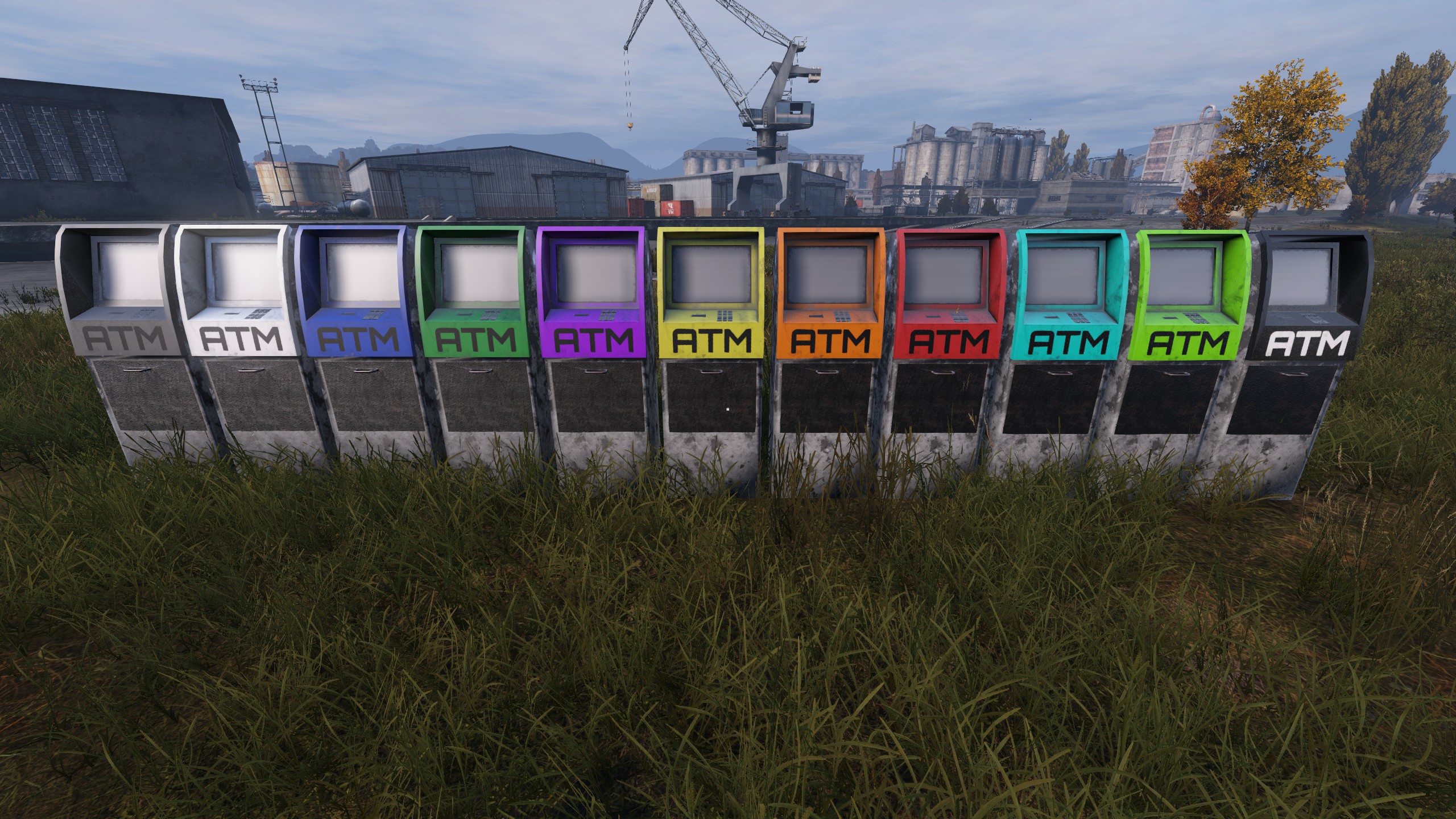
About VPPAdminTools
From Steam WorkshopRent your DayZ Server From: https://i.imgur.com/CrXpSAE.png DZServers.Host This is the official Steam Workshop page for VPPAdminTools. Join our Discord (click image above) to leave feedback /…
Rent your DayZ Server From:

This is the official Steam Workshop page for VPPAdminTools. Join our Discord (click image above) to leave feedback / suggestions. Project source code & contributions: 
Install & Configuration Full Wiki (click image) ►:
Donate:‒‒‒‒‒‒‒‒‒‒‒‒‒‒‒‒‒‒‒‒‒‒‒‒‒‒‒‒‒‒‒‒‒‒‒‒‒‒‒‒‒‒‒‒‒‒‒

Installation Guide:‒‒‒‒‒‒‒‒‒‒‒‒‒‒‒‒‒‒‒‒‒‒‒‒‒‒‒‒‒‒‒‒‒‒‒‒‒‒‒‒‒
Required mods: CF (Community Framework)
Dedicated Servers:
[b]First, subscribe to the dependencies above.
Second, launch the normal DayZ launcher, not DayZ SA Launcher, and in the bottom of the window it should verify that you just recently subscribed, and downloaded the mods. Goto the mods tab, right click on VPPAdminTools, and click on Open Folder.
Inside of the newly opened window, Copy both @VPPAdminTools, @CF from the !Workshop folder to your servers Root Directory. Next, you will have to add these mods to your start up command line. The vanilla process of installing mods is by adding -mod=@CF;@VPPAdminTools to your start up command line (Server). Please make sure that your last mod doesn't end with a semicolon.[/b]
Game Service Providers:
Most popular providers offer you automatic mod installation, if that's not the case; follow the instructions above with your FTP access point or File Manager from your providers panel. Contact your provider for guides on how to use their services to install mods.
Profiles folder (what/where):
What is a profiles folder? It is the directory that houses all the logs and config files that are generated by the server and the mods it has installed on it. This folder can be named different things depending on your provider, use your services' File Manager or FTP to locate the folder (typically its in the root directory of the server itself) it will contain files of type .RPT, .log and .adm plus many other config folders and files generated by the mods you have installed. VPPAdminTools within the Profiles folder is where you will find ALL configurations about the tool.
Adding a Super Admin & Password Setup:
[b]To add a SuperAdmin; The file SuperAdmins.txt file located in your Profiles folder at: VPPAdminTools/Permissions/SuperAdmins. The folder will automatically generate during first server startup after adding the mods. Within this file you will add steam ID's, these id's are for those who have the highest permissions over UserGroups. SuperAdmins are the only users in which can add other users into UserGroups. In order to make yourself super admin, you will need to add your own Steam 64 ID.
To setup a password; Navigate to Profiles/VPPAdminTools/Permissions/credentials.txt and follow the instructions written in the generated file. You MUST set a password otherwise the tool will not function. Server restart is required to apply changes. If you don't wish to run the extra security layer (password input) follow these instructions: (vppDisablePassword = 1;) add to your server config to disable password security layer.
Note: If you add multiple steam id's, each one has to be on it's own line with no empty spaces at the start or end. You can get your Steam ID: SteamId.io[/b]
Keybinds:‒‒‒‒‒‒‒‒‒‒‒‒‒‒‒‒‒‒‒‒‒‒‒‒‒‒‒‒‒‒‒‒‒‒‒‒‒‒‒‒‒‒‒‒
All the keybinds can be found in the game settings menu, keybinds tab under VPPAdminTools.
Monetization:‒‒‒‒‒‒‒‒‒‒‒‒‒‒‒‒‒‒‒‒‒‒‒‒‒‒‒‒‒‒‒‒‒‒‒‒‒‒‒‒‒
You are hereby given permission to use this content on your monetized servers as long as you follow the guidelines & rules by Bohemia Interactive.Monetization FAQ
Repacking:‒‒‒‒‒‒‒‒‒‒‒‒‒‒‒‒‒‒‒‒‒‒‒‒‒‒‒‒‒‒‒‒‒‒‒‒‒‒‒‒‒‒‒‒
Copyright 2026 DayZ SA Vanilla++ This item is not authorized for posting on Steam, except under the Steam account named: DaOne This means no repacks!
Search engine stuff: Admin Tools AdminTools v++ admin tools v++ tools v++ vpp tools dzservers hosting dayz hosting services dzservers host dzservers.host dayz server hosting how to start dayz server 2026 dz server DayZ server provider DayZ Server Hosting
Highlights
From source dataFootprint
A 73 MB download, rated a light load on a server.
Last update
Its author last shipped an update 3 mo ago.
VPPAdminTools on Nxeon
From our catalogue- One-click install
- Not available. One-click install isn't available for this game's mods yet. Download it and upload it to your server in Files.
- Server load
- light
- Smallest plan we suggest
- DayZ — 6 GB (6 GB RAM). This follows our own load rating above, not a benchmark.
- Latest build
- 2026-07-15, released 2026-07-15, 73 MB
Game versions by loader
| Loader | Game versions | Newest |
|---|---|---|
| Workshop |
From 1 recorded build of VPPAdminTools.
Dependencies
- Required: CF
Declared by the newest build that lists any. Required ones are installed with it on one-click installs.
Run VPPAdminTools on a DayZ server
Deploy a server above, then upload the file in Files.
What kind of mod it is
From the catalogChat & community
Chat, voice, Discord, clans and other community features.
Compatibility
- Game
- DayZ
- File size
- 73 MB
Verified at the source
- ✓Steam WorkshopOfficial listing, checked 2026-10-10Open ↗
- ✓AuthorDaOne, as published on Steam Workshop
- ✓LicenseNot published by the sourceFree