






About Celestial & Shadow Quest Roadmap (In-Game Guide)
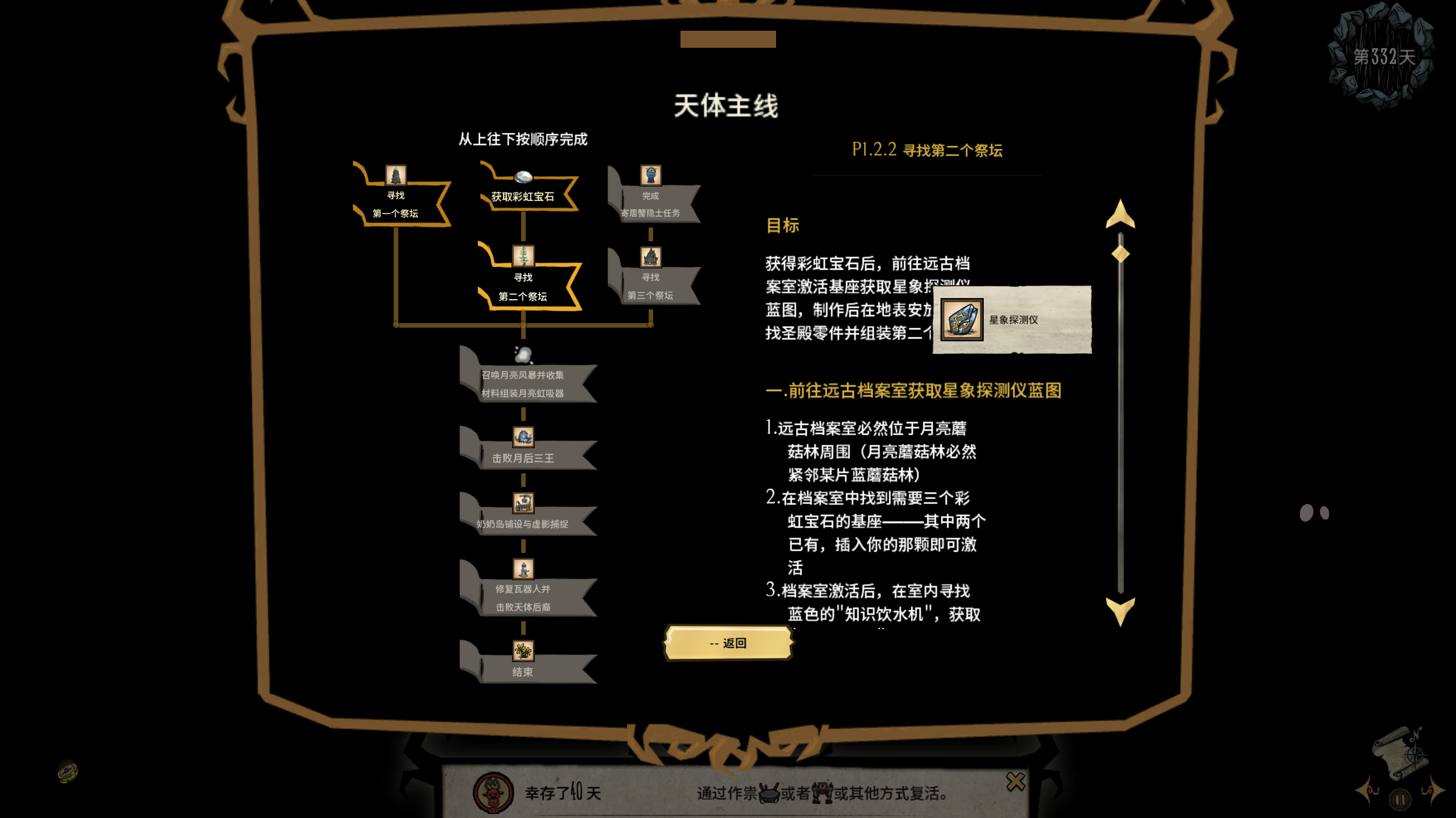
From Steam WorkshopCelestial / Shadow Main Quest — Simple Illustrated Guide Client-side only | Solo / Multiplayer | Zero interference | Clean UI Press K (default) (remappable) to open the panel, or type zn in chat for…
Celestial / Shadow Main Quest — Simple Illustrated Guide
Client-side only | Solo / Multiplayer | Zero interference | Clean UI
Press K (default) (remappable) to open the panel, or type zn in chat for quick access. A new compass button at the bottom-left of the screen opens the panel with a single click; drag it to reposition anywhere, and its position is saved automatically. Switch between the Celestial and Shadow questlines anytime. Click the step you're on — no memorizing, no wiki hunting, no tabbing out.
Glossary Hover in Text
- Names of items, creatures, and materials in the text are marked in gold
- Hover over a gold name to see that item's in-game icon and official name — no need to tab out to look things up
- All terms use the game's official Chinese/English full names to avoid any mix-ups
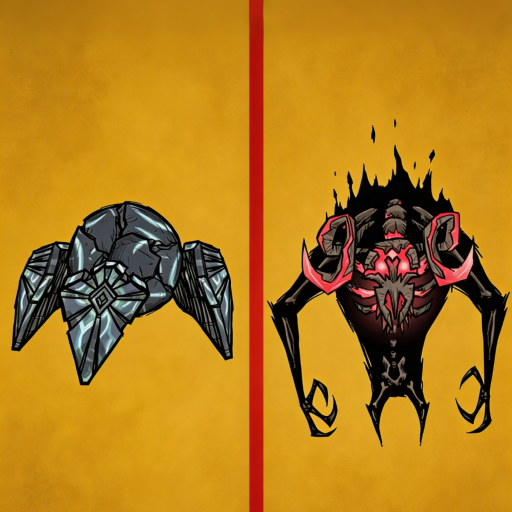
Complete Boss Bestiary
- Includes every boss (mini-bosses excluded), with where-to-find info and basic mechanics
- Open the panel with K, then switch to the Boss tab to view them
- All bosses are shown in one icon grid, each labeled with a difficulty rating (Easy / Normal / Hard / Extreme); some also carry "Must-Read" or "Extremely Hard when Enraged" notes
- Difficulty ratings are a subjective reference only — actual experience varies from player to player
Who Is This For?
- New players who can't make sense of the main quest progression
- Players who don't want to memorize every step
- Veterans returning after a long break who've forgotten what to do next
- Anyone too lazy to keep tabbing out to watch videos or check the wiki
How to Use
- Subscribe to and enable the mod
- In-game, press K to open/close the panel (customizable hotkey)
- Or type zn / ZN in chat to open it quickly
- You can also click the compass button at the bottom-left to open the panel; drag to reposition it
- In mod settings, you can customize how it opens, or reset the button position
- The UI supports Chinese / English; switch with one click in mod settings or from the home page
This guide was compiled from many tutorials and summaries. If you find any mistakes in the walkthrough, please report them to me so I can fix them promptly.
The author is not a native English speaker. The translation is based on AI and the English Wiki. If you find any formatting or content errors, please report them to the author.
Highlights
From source dataFootprint
Rated a light load on a server.
Last update
Its author last shipped an update 13d ago.
Celestial & Shadow Quest Roadmap (In-Game Guide) on Nxeon
From our catalogue- One-click install
- Supported on Nxeon Don't Starve Together servers. We download it from Steam Workshop, place it, and restart the server.
- Server load
- light
- Smallest plan we suggest
- Don't Starve Together — 2 GB (2 GB RAM). This follows our own load rating above, not a benchmark.
- Latest build
- 2026-10-23, released 2026-10-23
Game versions by loader
| Loader | Game versions | Newest |
|---|---|---|
| Workshop |
From 3 recorded builds of Celestial & Shadow Quest Roadmap (In-Game Guide).
Recent builds
| Build | Released | Game versions | Loaders |
|---|---|---|---|
| 2026-10-23 | 2026-10-23 | n/a | Workshop |
| 2026-10-14 | 2026-10-14 | n/a | Workshop |
| 2026-07-20 | 2026-07-20 | n/a | Workshop |
Run Celestial & Shadow Quest Roadmap (In-Game Guide) on a Don't Starve Together server
Pick a server or deploy a new one above; it is installed in one click.
What kind of mod it is
From the catalogGameplay & overhauls
New mechanics, content and overhauls that change how the game plays.
Compatibility
- Game
- Don't Starve Together
Verified at the source
- ✓Steam WorkshopOfficial listing, checked 2026-11-01Open ↗
- ✓AuthorTale, as published on Steam Workshop
- ✓LicenseNot published by the sourceFree














