






About Extended Map Icons Continued
From Steam WorkshopExtended Map Icons Continued! A continued version of Extended Map Icons, recently updated to be more efficient! Check the discussions post if there's an icon missing/you would like added! Changelog:…
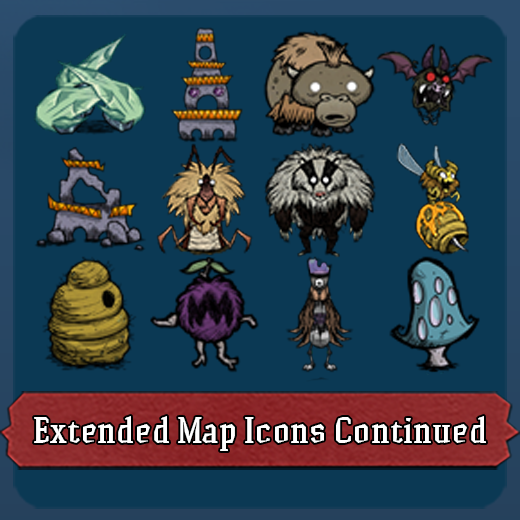
Extended Map Icons Continued!
A continued version of Extended Map Icons, recently updated to be more efficient!
Check the discussions post if there's an icon missing/you would like added!
Changelog:
4.0.11 - The Great Icon Audit
- Added:
- Cookie Cutter
- Damaged Bishop
- Damaged Knight
- Ewecus
- Grass Gekko
- Pipspook
- Archive Walls (use the Stone/Thulecite Wall icons and settings)
- Redbird Show/Hide setting
- Separate persistence setting for creatures and bosses. It defaults to
- Nearby Only so dead or despawned mobs stop leaving phantom icons on the map.
- Fixed:
- Celestial Champion icons (all three phases) never showed up
- Pig Torch and Beefalo icons displayed as missing textures
- Antlion, Crab King, Grown Bee Queen Hive, Merm House, Ancient Guardian,
- Spiky Bush, and dens no longer show two overlapping map icons
- Hiding a den icon now properly restores the vanilla icon
- Removed a duplicate Rabbit entry in the settings
4.0.10 - The Devil Wears Prada
- Added:
- New Clothing category with 14 items:
- Beefalo Hat, Beekeeper Hat, Bush Hat, Dapper Vest, Fashion Melon, Garland, Feather Hat, Rabbit Earmuffs, Straw Hat, Top Hat, Winter Hat, Breezy Vest, Puffy Vest, Sewing Kit
- Wandering Trader
- Boards
- Bunny Puff
- Removed:
- Tentacle Pillar
4.0.9 - Runtime Resilience [*] Fixed: Resolved a sandbox crash when registering minimap atlases by using GLOBAL.pcall during runtime. [/list]
4.0.8 - Jade Atlas
- Added:
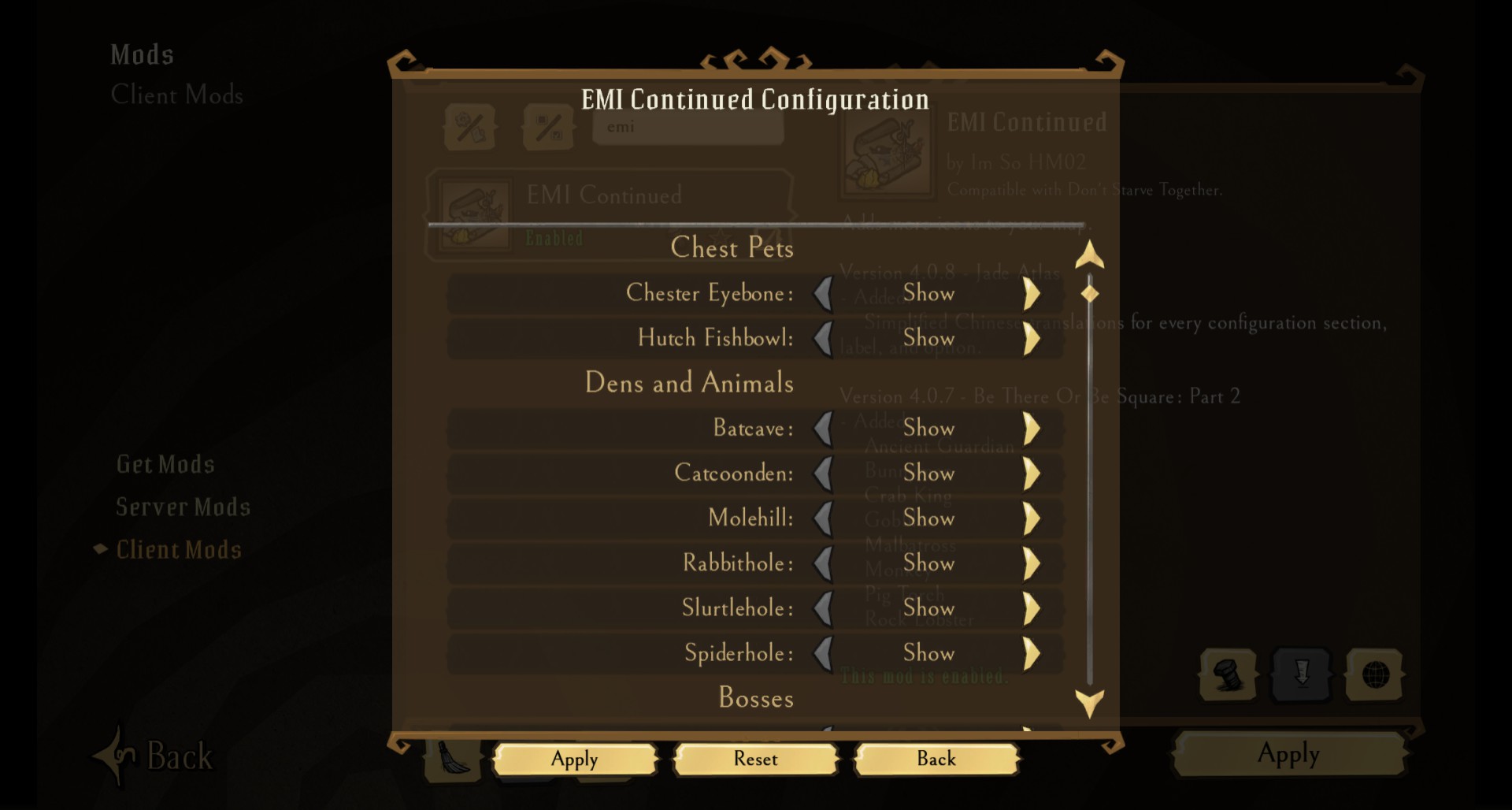
- Full Simplified Chinese translations for every configuration section header, prefab label, and option description so the entire config screen matches the client language.
4.0.7 - Be There Or Be Square: Part 2
- Added:
- Ancient Guardian, Bunnyman, Crab King, Gobbler, Malbatross, Monkey, Pig Torch, Rock Lobster, Spiky Bush, Varg, Varglet
- Improved:
- Splumonkey Pods now force their custom minimap icon
4.0.6 - Hole Lotta Icons
- Added:
- Animal Track, Bat Cave, Burrow, Clockwork Bishop, Hollow Stump, Merm, Merm House, Rabbit Hole, Resting Horror, Slurtle Mound, Spilagmite, Suspicious Dirt Pile
- Improved:
- Dens now use custom minimap art instead of critter stand-ins
4.0.5 - Stumped by the Rook
- Added:
- Rook, Damaged Clockwork Rook
- Fixed:
- Hollow Stump
4.0.4 - Staff Wars: The Icon Strikes Back
- Added:
- Brightshade Staff, Deconstruction Staff, Fire Staff, Ice Staff, Moon Caller's Staff, Star Caller's Staff, Telelocator Staff, Weather Pain, The Lazy Explorer, Fruit Fly, Garden Hoe, Manure, Splendid Garden Hoe, Walking Cane, Wooden Cane
4.0.3 - Petals, Pebbels, Pork, and Poltergeists
- Added:
- Flowers & Tentacles
- Fixed:
- Abigail, Pig, and Boulder (they already exist) icons
4.0.2 - Be There Or Be Square
- Fixed a bug where skinned items would display as missing texture squares
4.0.1 - The Great Icon Passover
- All icons now use up to date art.
- Icons are no longer skewed or look blurry.
- All icons now (and going forward) use a set size of 64x64.
- Bugfixes:
- Fixed Rabbit & Chester icons.
- Removed Limestone Wall.
- Added Frog.
4.0 - The Great Redo
- Updated code to use a more efficient method; it's been mostly rewritten now.
- Any icons that have an inventory icon now use the vanilla icon image.
- All items now have a setting to hide them, and a new persistence option has been added. This makes it so icons only appear when within range, and will disappear when not in range.
I'm going to add more icons from here on out, let me know on the workshop page of any that are missing.
This continues to be a Client Only mod.
Source Code:
https://github.com/ImSoHM02/Extended-Map-Icons-Continued
Highlights
From source dataFootprint
Rated a light load on a server.
Last update
Its author last shipped an update 4 mo ago.
Extended Map Icons Continued on Nxeon
From our catalogue- One-click install
- Supported on Nxeon Don't Starve Together servers. We download it from Steam Workshop, place it, and restart the server.
- Server load
- light
- Smallest plan we suggest
- Don't Starve Together — 2 GB (2 GB RAM). This follows our own load rating above, not a benchmark.
- Latest build
- 2026-07-11, released 2026-07-11
Game versions by loader
| Loader | Game versions | Newest |
|---|---|---|
| Workshop |
From 1 recorded build of Extended Map Icons Continued.
Run Extended Map Icons Continued on a Don't Starve Together server
Pick a server or deploy a new one above; it is installed in one click.
What kind of mod it is
From the catalogMaps & scenarios
Custom maps, arenas and scenarios to play on.
Compatibility
- Game
- Don't Starve Together
Verified at the source
- ✓Steam WorkshopOfficial listing, checked 2026-11-01Open ↗
- ✓AuthorI'm so HM02, as published on Steam Workshop
- ✓LicenseNot published by the sourceFree














