About Fast Travel
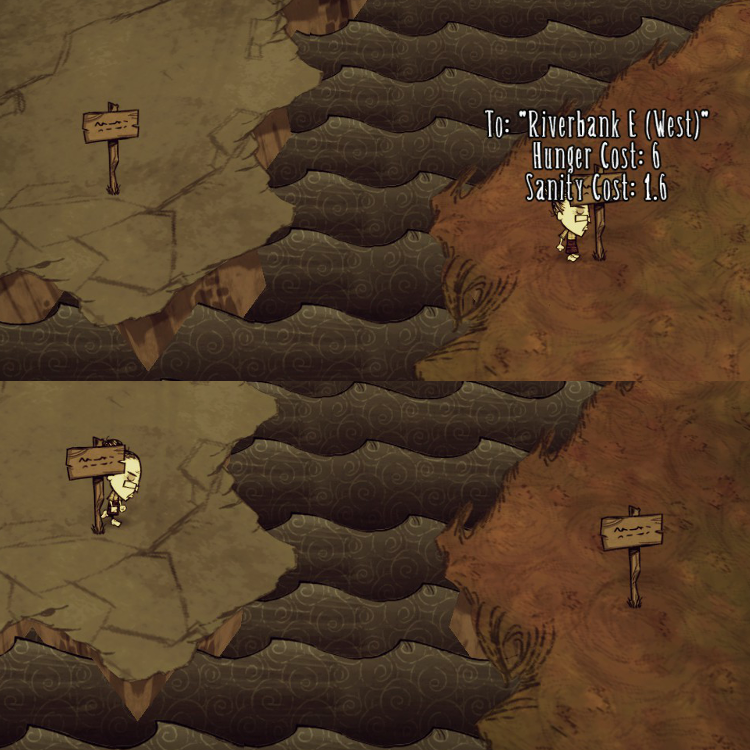
From Steam WorkshopBuild a fast travel network using home signs. You can travel from one home sign to any other home signs instantly. Instruction - Right click on a home sign to select destination. Right click…
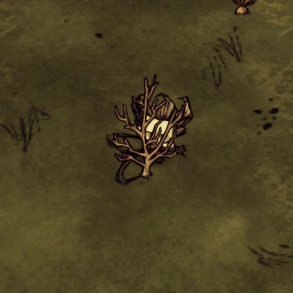
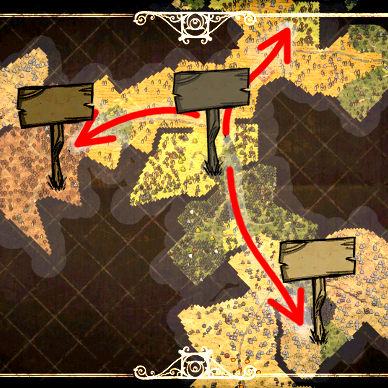
Build a fast travel network using home signs. You can travel from one home sign to any other home signs instantly.
Instruction
- Right click on a home sign to select destination. Right click repeatedly to cycle through all available destinations. After having selected a destination, stay close to the home sign to travel. - Fast travel costs hunger and sanity just like normal travel. The cost is directly proportional to the distance travelled, and is configurable. The cost is shown when you select a destination. Travelling in summer costs 25% less sanity; travelling in winter costs 25% more sanity.
Group Travel Each individual in a group should right-click the same home sign once. Let the last person select the destination. Then stay close to the home sign to fast travel.
Cancel Travel Just walk away and stay away from any home signs. Your travel will be cancelled in 15 seconds.
Ownership Restriction If you have installed the Ownership mod, you can apply ownership restriction through configuration option (disabled by default). A player cannot travel from or travel to a home sign he doesn’t own (private home signs won’t appear on destination list).
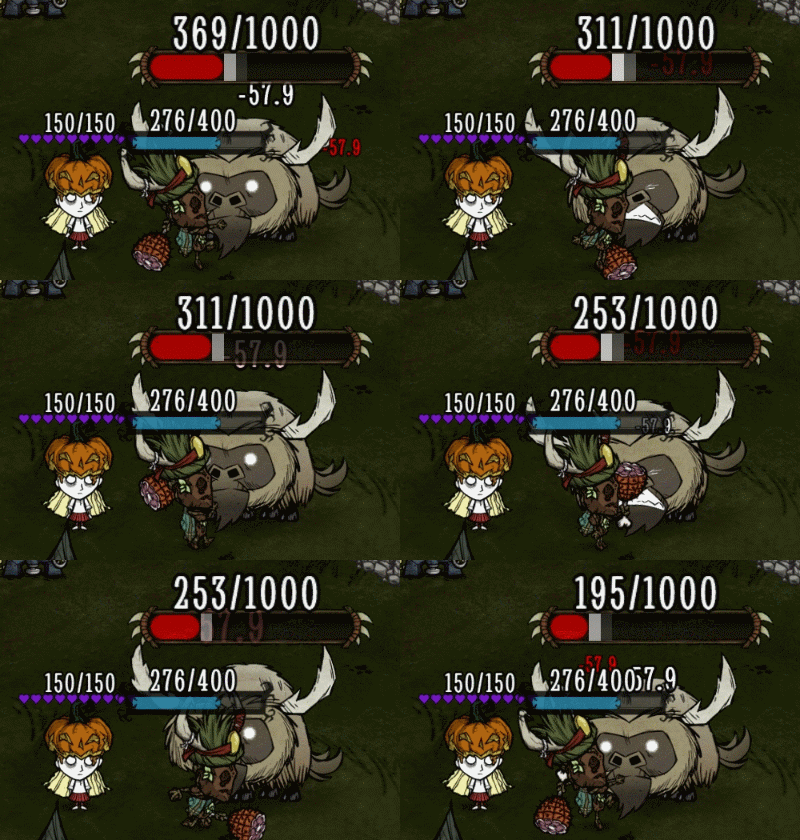
Other Restrictions A player may not fast travel if: - The home sign at destination is destroyed before departure. - His/her character is dead or is a ghost. - His/her character is still in combat or is near danger. - His/her character doesn’t have enough hunger or sanity.
Notes - Arrow signs are not part of fast travel network. - Describe/Name your home signs sensibly. The name/description is later used to identify the destination. - The maximum travel distance per trip is 1640 units. In a default DST world, you might not be able to travel from one corner of the map to the opposite corner in one single trip (it normally requires 1 stop). - This mod works with existing world and home signs that are already built. However, you cannot rename signs. - There is no map interface integration.
Highlights
From source dataFootprint
Rated a light load on a server.
Last update
Its author last shipped an update 11 yr ago.
Fast Travel on Nxeon
From our catalogue- One-click install
- Supported on Nxeon Don't Starve Together servers. We download it from Steam Workshop, place it, and restart the server.
- Server load
- light
- Smallest plan we suggest
- Don't Starve Together — 2 GB (2 GB RAM). This follows our own load rating above, not a benchmark.
- Latest build
- 2016-04-13, released 2016-04-13
Game versions by loader
| Loader | Game versions | Newest |
|---|---|---|
| Workshop |
From 1 recorded build of Fast Travel.
Run Fast Travel on a Don't Starve Together server
Pick a server or deploy a new one above; it is installed in one click.
What kind of mod it is
From the catalogBuilding & decoration
Blocks, furniture, decorations and building tools.
Compatibility
- Game
- Don't Starve Together
Verified at the source
- ✓Steam WorkshopOfficial listing, checked 2026-11-01Open ↗
- ✓AuthorIsosurface, as published on Steam Workshop
- ✓LicenseNot published by the sourceFree