About Global Positions (CompleteSync)
From Steam WorkshopMain feature Just like the original [url=https://steamcommunity.com/sharedfiles/filedetails/?id=378160973]Global Positioning , it allows players to share exploration maps and mark signals on the map.…
Main feature
Just like the original Global Positioning, it allows players to share exploration maps and mark signals on the map. However when using original mod, the maps between players are not completely synchronized, for example: 1. The player just joined the game, and the other players on the map have explored many places, but the newly added player cannot see the places explored by other players before he joined. 2. Player A is on the ground, and player B goes to the cave to explore. When player A enters the cave, he cannot see the place explored by player B before he enters the cave. 3. The player read the message in the bottle of the Crabby Hermit, and other players will not update the map like player A. This mod solves these problems and can achieve complete synchronization. See the videos for a demonstration.
Bugs fixed:
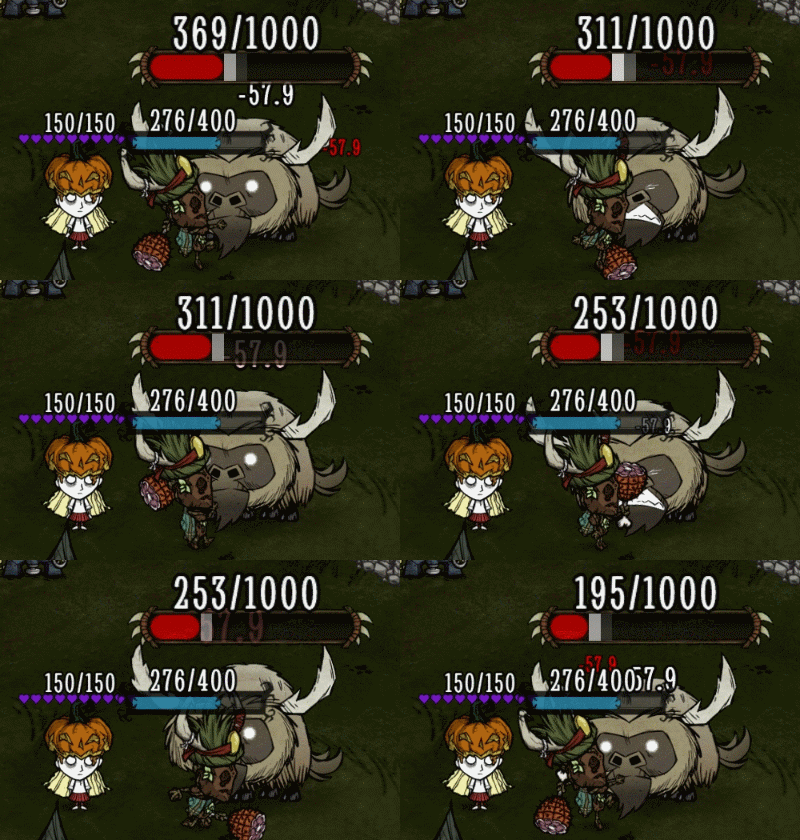
1. Fix the far away point of interest bug in the original mod. [img=https://steamuserimages-a.akamaihd.net/ugc/2425844467144089786/684C53427208270FBCB431A1E0ED9042045348A4/?imw=5000&imh=5000&ima=fit&impolicy=Letterbox&imcolor=%23000000&letterbox=false][/img] 2. The bug in the original mod that caused the signal marker to possibly deviate from the mouse position has been fixed. (In the original mod, if you dragged the map to its extreme position and continued dragging, the map would no longer move with the mouse. After that, the signal marker would deviate from the mouse position.) 3. Fixed the longstanding issue of icon misalignment in modules related to global positioning. Sometimes, the icons on the map would misalign, resulting in "mirages" on the map. For example, users might find that the building icons of their base are copied to another location on the map, or they may encounter strange icons outside the map boundaries. In fact, I believe this is a bug within the game itself, and the Global Position-type mods simply make it more likely to trigger (Bug report). (Update: Klei has claimed to have fixed the bug I reported. It's very likely that this issue has also been resolved in other global positioning mods.) [img=https://steamuserimages-a.akamaihd.net/ugc/2425844467144080073/2844A976983D26F443E1087CF68152156035589F/?imw=5000&imh=5000&ima=fit&impolicy=Letterbox&imcolor=%23000000&letterbox=false][/img] [img=https://steamuserimages-a.akamaihd.net/ugc/43440899924063808/7F394F1C087EB999B30E6A27C28C488B30DFB27F/?imw=5000&imh=5000&ima=fit&impolicy=Letterbox&imcolor=%23000000&letterbox=false][/img] 4. Fixed the issue where the Beefalo icons would leave ghosting effects when their owner moving too quickly. In fact, this is a bug in the game itself, which I reported on the forum (link). This mod will display the beefalo_bell icon instead of the beefalo. You can disable this option in the settings under "Remove Ghost Icons".
Other functions:
1. Now Walter can deliver items to teammates without using a compass. This feature can also be disabled in the options. Thanks to @Kerr for providing the coding idea. 2. Map areas revealed by the Zaptrocuter are now visible to all players, alongside a new option that allows the flying Portable Storage Unit's icon to be seen by everyone. 3. Added acceleration options to help reduce server CPU usage. All of these options are disabled by default. Among them, “Quick Map share” is expected to be quite effective and can be enabled if needed. Many thanks to @暮色黯然 and hisfriends for their enthusiastic testing. There are also options for “Disable fogrevealer” and “Remove maprevealer tag,” which might help reduce CPU consumption, though I’m not certain. These two options can cause other side effects, so it is recommended to leave them disabled. Enabling “Disable fogrevealer” will remove the circular bright area around teammates' icons, and will also prevent Wortox from jumping directly onto a teammate’s boat. Enabling “Remove maprevealer tag” will cause map icon updates around players to no longer synchronize. For example, if Player A digs up a tuft of grass, this option may cause Player B’s map to still show the grass icon. If you're interested, feel free to help test whether these two options provide a significant performance improvement—your feedback would be greatly appreciated.
======================
Note: 1. The mod is implemented based on the mod Global Positions. In the previous version, I also used the codes from Global Positions -Remapped to sync the map. Please subscribe to them as a gesture of support (of course, the normal functioning of my mod doesn't rely on other mods). 2. If there are bugs or other modification suggestions, please give feedback. I sincerely apologize for the recent bugs that have caused map loss. If you still lost the explored map in the newest version, please leave a comment.
Highlights
From source dataFootprint
Rated a light load on a server.
Last update
Its author last shipped an update 6 mo ago.
Global Positions (CompleteSync) on Nxeon
From our catalogue- One-click install
- Supported on Nxeon Don't Starve Together servers. We download it from Steam Workshop, place it, and restart the server.
- Server load
- light
- Smallest plan we suggest
- Don't Starve Together — 2 GB (2 GB RAM). This follows our own load rating above, not a benchmark.
- Latest build
- 2026-05-01, released 2026-05-01
Game versions by loader
| Loader | Game versions | Newest |
|---|---|---|
| Workshop |
From 1 recorded build of Global Positions (CompleteSync).
Run Global Positions (CompleteSync) on a Don't Starve Together server
Pick a server or deploy a new one above; it is installed in one click.
What kind of mod it is
From the catalogQuality of life & UI
Small conveniences, tweaks and interface improvements players notice straight away.
Compatibility
- Game
- Don't Starve Together
Verified at the source
- ✓Steam WorkshopOfficial listing, checked 2026-11-01Open ↗
- ✓Authorclearlove, as published on Steam Workshop
- ✓LicenseNot published by the sourceFree