






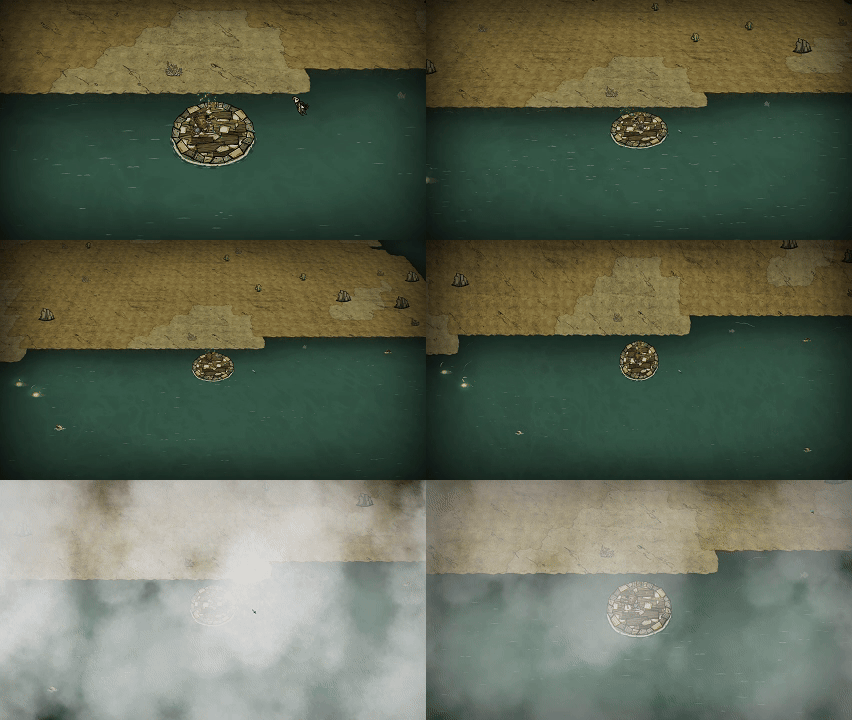

About ob视角(bug修复版)
From Steam WorkshopInstructions: 1. Press F9 to cycle between Default, Aerial and Vertical view. 2. Press F10 to hide/show the HUD. 3. Press F11 to hide/show your character. 4. Press O to lock the camera onto the…
Instructions: 1. Press F9 to cycle between Default, Aerial and Vertical view. 2. Press F10 to hide/show the HUD. 3. Press F11 to hide/show your character. 4. Press O to lock the camera onto the entity under the mouse cursor. 5. Press P to lock the camera onto the ground position under the mouse cursor. 6. Press R to toggle the camera between yourself and the last locked entity/position. 7. Press ↑ ↓ ← → to adjust camera FOV. 8. Press F8 to open the in-game keybind panel. All keys can be rebound or disabled there, and the changes are saved locally and persist across restarts. To fully disable keybind configuration and free up the shortcut, set the "Open Keybind Panel" entry inside the panel to [Disable] and switch the option above to In-game Custom.
- Fully compatible with the WX-78 drone, keeping entity/position lock - Compatible with the sailing view; the vanilla issue of getting on/off boats is fixed - Added tolerance for O-key entity lock; it still works within 1.5 units - Kelp canopy no longer blocks the screen - Polished the configuration UI
the original mod:https://steamcommunity.com/sharedfiles/filedetails/?id=1579421388
Highlights
From source dataFootprint
Rated a light load on a server.
Last update
Its author last shipped an update today.
ob视角(bug修复版) on Nxeon
From our catalogue- One-click install
- Supported on Nxeon Don't Starve Together servers. We download it from Steam Workshop, place it, and restart the server.
- Server load
- light
- Smallest plan we suggest
- Don't Starve Together — 2 GB (2 GB RAM). This follows our own load rating above, not a benchmark.
- Latest build
- 2026-11-04, released 2026-11-04
Game versions by loader
| Loader | Game versions | Newest |
|---|---|---|
| Workshop |
From 4 recorded builds of ob视角(bug修复版).
Recent builds
| Build | Released | Game versions | Loaders |
|---|---|---|---|
| 2026-11-04 | 2026-11-04 | n/a | Workshop |
| 2026-10-21 | 2026-10-21 | n/a | Workshop |
| 2026-10-20 | 2026-10-20 | n/a | Workshop |
| 2026-10-17 | 2026-10-17 | n/a | Workshop |
Run ob视角(bug修复版) on a Don't Starve Together server
Pick a server or deploy a new one above; it is installed in one click.
What kind of mod it is
From the catalogQuality of life & UI
Small conveniences, tweaks and interface improvements players notice straight away.
Compatibility
- Game
- Don't Starve Together
Verified at the source
- ✓Steam WorkshopOfficial listing, checked 2026-11-04Open ↗
- ✓Author大麦, as published on Steam Workshop
- ✓LicenseNot published by the sourceFree














