






About Pickle's First Person Mod
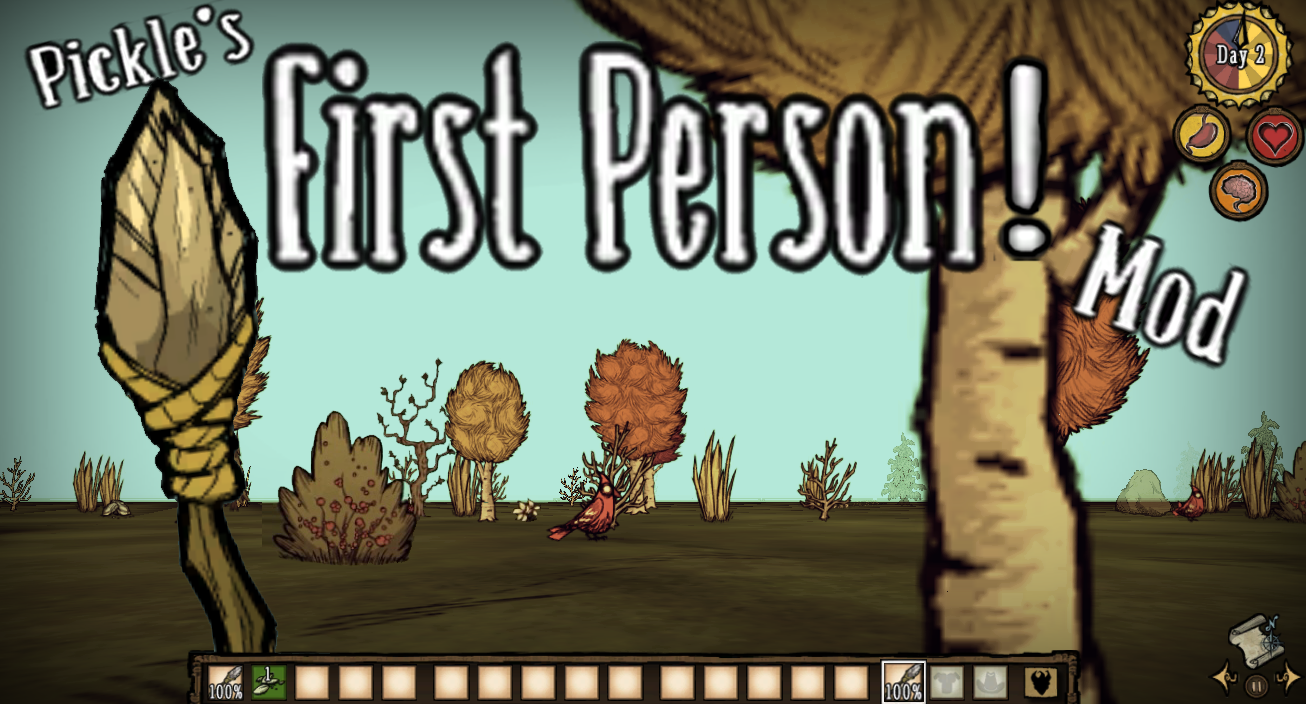
From Steam WorkshopSee the world in true First-Person! Move the camera with the mouse and navigate inventory with the scroll wheel. -Switch back to normal camera view at any time from the pause menu, or with Ctrl-Q!…
See the world in true First-Person! Move the camera with the mouse and navigate inventory with the scroll wheel. -Switch back to normal camera view at any time from the pause menu, or with Ctrl-Q!
Play Don't Starve the way it was never really meant to be played! Take a look at the mod trailer above! https://youtu.be/BuQFj8Xn9rg
CONTROLS
While in first person, your cursor is replaced with a white selection reticle in front of you. -Hold [Q] to temporarily unlock the mouse and move it normally, for crafting and inventory management.
-Use the scroll wheel to scroll though inventory slots, and the (E) and (R) keys to use/select inventory items. -[E] will "use" whatever item is in the highlighted inventory slot (eat-food, equip-tools, examine-anything else) -[R] will "select" the item in the highlighted inventory slot, holding it. ---with an item selected, you can then- click on a campfire to cook it, ---click on the ground to drop it, ---click on a chest to store it, ect. ---press R again to place that selected item back into the highlighted inventory slot.
-With ranged weapons equipped, your white circle will switch to a red one, and the range increases the more you tilt your view upwards. -When taking damage, red directional indicators show which direction the damage came from.
A new button "switch camera" button is added to the pause menu, which will switch your view between first-person and regular top-down view. Ctrl-Q will also switch between normal and first-person view.
-IMPORTANT NOTE FOR HOSTS- ------------------------------------------------------ (This mod is client-side, and enables first person view for only yourself for all server types, whether you're joining or hosting.
BUT, if you plan on hosting your own server WITHOUT caves enabled, you'll want to disable "simulate darkness" in the mod settings, otherwise you will be invisible to other players while in first-person. -------------------------------------------------------
MOUSE SENSITIVITY (and other things) CAN BE CHANGED IN THE "CONFIGURE MOD" MENU  (And many other options available from the actual menu, including FOV and camera height) - available for the singleplayer version as well!
(Quick-Guide): HOW TO COOK FOOD IN FIRST PERSON: -use the mouse wheel to scroll to the food in your inventory -press [R] to select it -click on a campfire to cook it (keep clicking if you want to cook multiple things) -press [R] again to place it back in your inventory
--MOD RUNNING SLOW?-- For older laptops that might struggle with this mod enabled, try raising the "shading refresh rate" setting in the mod config settings menu. If it's still too slow, disabling "simulate darkness" will speed everything up, but make night look... weird, to say the least.
HOTKEYS: CTRL-Q: Switch between first/third person view TAB: (default) opens controller crafting menu Q: Close any open chests
Thank you to LucaS for providing code for the shader to improve how sprite angles are displayed in first person!
If the mod breaks due to an update, let me know so I can fix it! I'm more likely to see comments on the youtube trailer than on steam.
Highlights
From source dataFootprint
Rated a light load on a server.
Last update
Its author last shipped an update 4 mo ago.
Pickle's First Person Mod on Nxeon
From our catalogue- One-click install
- Supported on Nxeon Don't Starve Together servers. We download it from Steam Workshop, place it, and restart the server.
- Server load
- light
- Smallest plan we suggest
- Don't Starve Together — 2 GB (2 GB RAM). This follows our own load rating above, not a benchmark.
- Latest build
- 2026-06-29, released 2026-06-29
Game versions by loader
| Loader | Game versions | Newest |
|---|---|---|
| Workshop |
From 1 recorded build of Pickle's First Person Mod.
Run Pickle's First Person Mod on a Don't Starve Together server
Pick a server or deploy a new one above; it is installed in one click.
What kind of mod it is
From the catalogQuality of life & UI
Small conveniences, tweaks and interface improvements players notice straight away.
Compatibility
- Game
- Don't Starve Together
Verified at the source
- ✓Steam WorkshopOfficial listing, checked 2026-11-01Open ↗
- ✓AuthorPickleplayer, as published on Steam Workshop
- ✓LicenseNot published by the sourceFree














