About Rail Cart
From Steam WorkshopAdd rail carts to the game Make your Railway Track Tool, place your Railway Tracks, ACTIVATE them and hit the gas! -- To activate the track just hit the action button close to it. CONTROLS: -- Move…
Add rail carts to the game
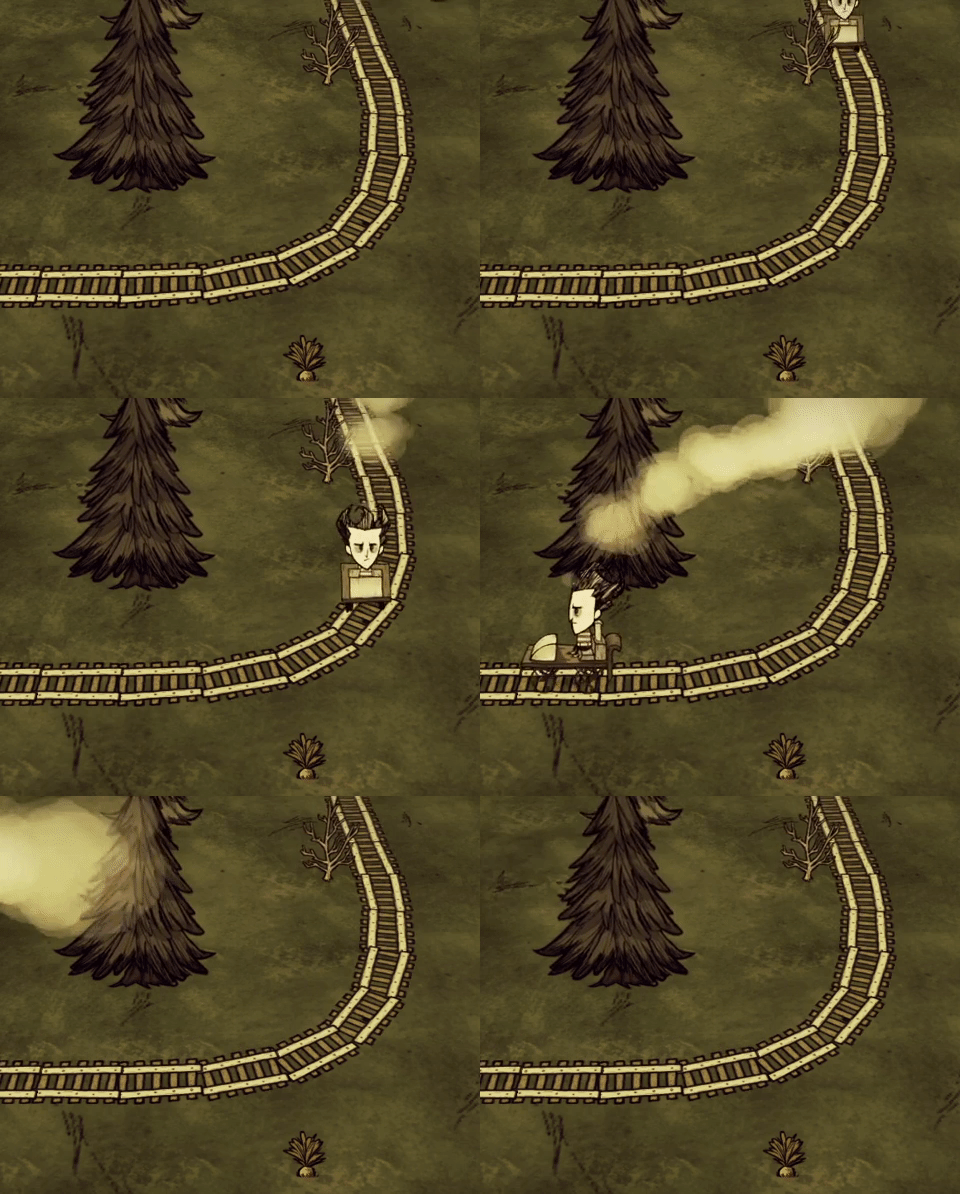
Make your Railway Track Tool, place your Railway Tracks, ACTIVATE them and hit the gas! -- To activate the track just hit the action button close to it.
CONTROLS: -- Move Up: Accelerate -- Move Down: Brake -- Move Left/Right: Change direction (if the rail cart is not moving) -- Attack: Change the camera angle -- Action: Leave the rail cart
EXTRA CONTROLS: -- Hold brake when not moving: Leave the rail cart -- Hold left/right when moving: Brake
How to place tracks: -- Build the Railway Track Tool and equip it; -- This tool has an inventory to place the railway tracks (similar to Walter Slingshot); -- Place the railway tracks inside the tool inventory and the placement helper will appear; -- When you cast with this tool, the railway track will placed; -- If casted close to another railway track, they will line-up.
Railway Track Tool recipe: -- 1 Gears; -- 2 Gold Nuggets; -- 1 Spear -- Tools Tab at Alchemy Engine
Railway Track types: -- Railway Track: The simpliest railway track, without any special feature; -- Floater Railway Track: This railway track can be placed on water, but not on the ground; -- Booster Railway Track: This railway track will increase your speed; -- Damper Railway Track: This one will damp your speed; -- Reverser Railway Track: And this one will change the moving direction.
Railway Track recipes: -- 6 Railway Track: 1 Boards, 1 Cut Stone, 1 Flint; -- 6 Floater Railway Track: 1 Boards, 1 Cut Stone, 1 Mosquito Sack; -- 6 Booster Railway Track: 1 Boards, 1 Cut Stone, 12 Gold Nugget; -- 6 Damper Railway Track: 1 Boards, 1 Cut Stone, 1 Charcoal; -- 6 Reverser Railway Track: 1 Boards, 1 Cut Stone, 1 Pig Skin. -- Structure Tab at Alchemy Engine
Mod Options: -- Modify the railway track craft amount; -- Modify the acceleration factor; -- Modify the friction factor; -- Modify the brake power; -- Enable/Disable the rail cart sounds; -- Enable/Disable the rail cart smoke; -- (New in v 1.04) Make the railway tracks fireproof;
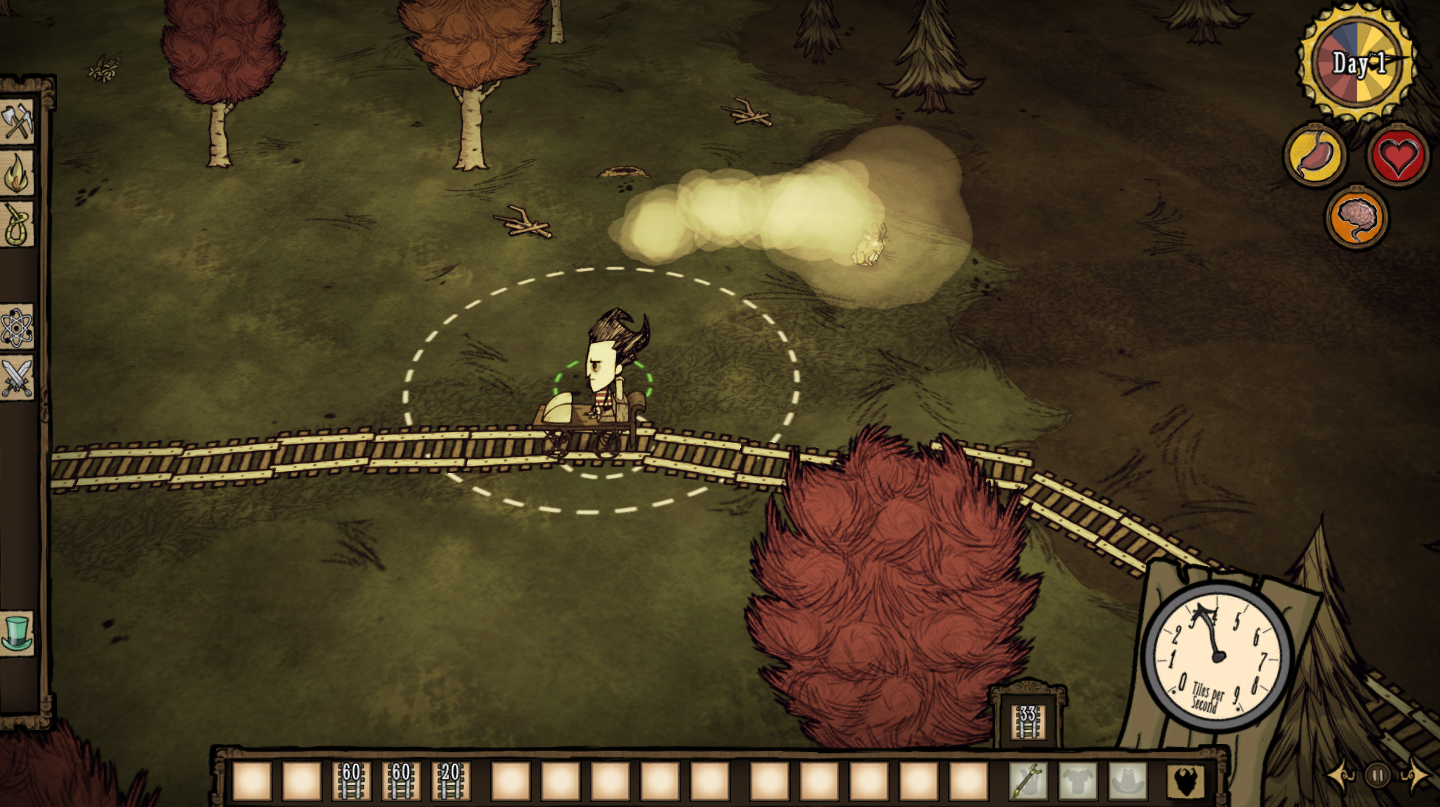
Extra features: -- A speedometer will show in the screen when you get in the rail cart, showing the speed in tiles per second; -- If you hit the railway edge you will fall from the track; Be caferul to not fall on the water.
Changelog: -- v1.05: Added some compatibility with large-inventory mods (BETA); -- v1.04: Added an option to make the railway tracks fireproof; -- v1.03: Fixed the client-side features for Cave-Less worlds (Thanks Atobá Azul); -- v1.02: Changed the way that the client-side railway track tool verification were made; Fixed the player arm hiding when no tools are in the hand; -- v1.01: Minor corrections; -- v1.00: Release.
Any question, feel free to ask in the comments!
 twitch.tv/gleenus
Highlights
From source dataFootprint
Rated a light load on a server.
Last update
Its author last shipped an update 5 yr ago.
Rail Cart on Nxeon
From our catalogue- One-click install
- Supported on Nxeon Don't Starve Together servers. We download it from Steam Workshop, place it, and restart the server.
- Server load
- light
- Smallest plan we suggest
- Don't Starve Together — 2 GB (2 GB RAM). This follows our own load rating above, not a benchmark.
- Latest build
- 2022-03-07, released 2022-03-07
Game versions by loader
| Loader | Game versions | Newest |
|---|---|---|
| Workshop |
From 1 recorded build of Rail Cart.
Run Rail Cart on a Don't Starve Together server
Pick a server or deploy a new one above; it is installed in one click.
What kind of mod it is
From the catalogQuality of life & UI
Small conveniences, tweaks and interface improvements players notice straight away.
Compatibility
- Game
- Don't Starve Together
Verified at the source
- ✓Steam WorkshopOfficial listing, checked 2026-11-01Open ↗
- ✓AuthorGleenus, as published on Steam Workshop
- ✓LicenseNot published by the sourceFree