About Super Wall DST
From Steam Workshop[url=https://steamcommunity.com/sharedfiles/filedetails/?id=792609736]Click here for DS Version Download Super Wall Maker Hedges and ancient wall from Hamlet have been added!…
Click here for DS Version Download Super Wall Maker
Hedges and ancient wall from Hamlet have been added! 
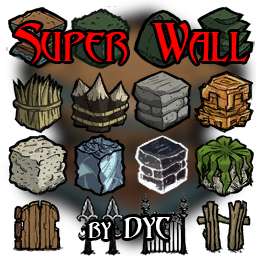
Super Wall:
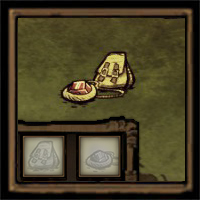
 tools tab

 structure tab


- Additional walls, auto doors, fence and fence gate are added to the game. (Can be found in structure tab. Standalone. No conflict with original walls) They do NOT have to be INVINCIBLE now! A "health" option is added in configuration.
- After built, the wall is in its tallest condition. Players can use hammer to shorten it. Hammer will not lose durability when hammering it.
- They will not be damaged or ignited, and are immune to boss attack. Nothing but hammer can destroy them! (by default. unless you disable the "Building Damage Resistance" and set "health" to "x1")
- Walls can deal rebound damage to attacker (Damage can be set in mod configuration. Default value is 0.)
- Doors will open automatically when any player approaches. (Detection distance can be set in mod configuration)
- Color of fence can be changed with hammer. (Just like height of wall) Fence gate opens automatically and can be locked.
- By default, everyone can use or hammer them. If you set the "Ownership" to "Authorized People", only builder and trusted people can do that. You can add other players to your trust list by pressing "Y" or "U" and typing "-superwall add playerindex" or simply "-sw a playerindex". To remove a player from the list, you can type "-superwall remove playerindex" or "-sw r playerindex". If you want someone to add you to his/her list, you can use left mouse button to inspect his/her wall or door 4 times, and then he/she will receive a request. Type "-sw list" to see player indexes. You can see the chat command help info in game by typing "-sw help".
- Admin mode: type "-superwall adminmode" or "-sw am" to enable. After enabled, you can use/destroy anyone's superwall if you are an admin. Type "-sw help admin" for more admin commands.
- Super wall fast build tool (can be found in tools tab) is added. You can build a set of walls and doors with one click! (You must have corresponding wall items.) When holding the tool in your mouse, you can use Middle Mouse Button or F5 to rotate the preset, Scroll Up / Scroll Down or F1 / F2 to change to previous/next preset. Press F3 / F4 to decrease/increase height of the preset. You can hold ALT to quickly switch to a wall destroyer brush, and release to switch back. If you want to add your custom "recipe" to the fast build tool, you can use Super Wall Maker to do it.
Tips:
- Known incompatiblility: not compatible with "SuperLock"
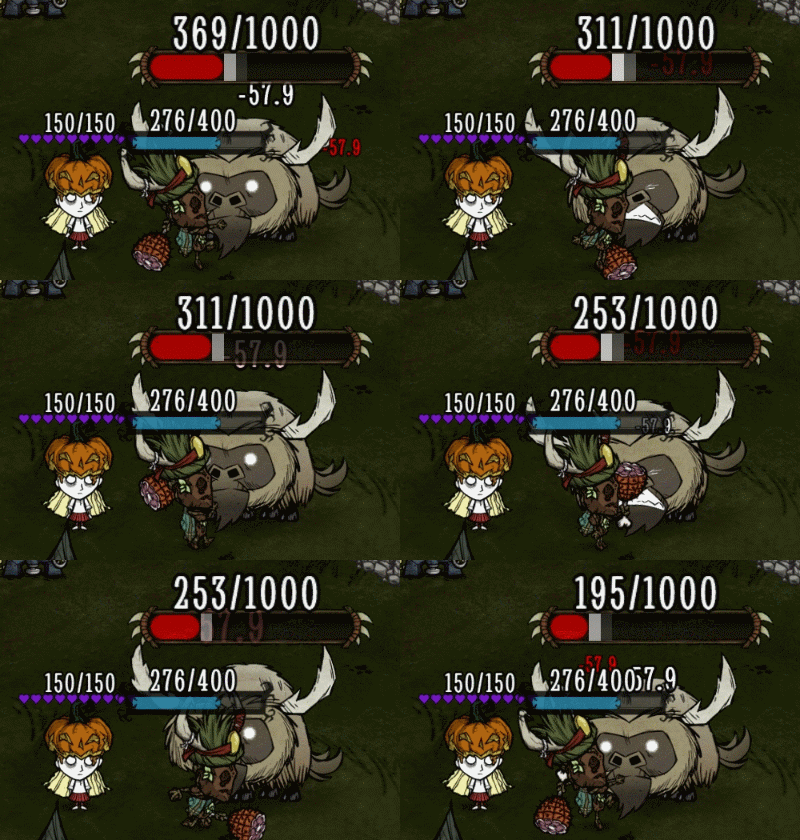
- When player is standing near walls, bearger's ground pound may deal huge damage to the player(actually it attacks player many times for an instant). This is not a bug caused by my mod. It is because of the mechanism of the "groundpounder" component in the game. It works just like the "Echo Slam" in DOTA. The more enemy, the higher damage. For the bearger, the walls are also counted as enemies. That's why the player may be killed by the slam instantly.
Credits: Thanks Jasper for the ice wall animation.
If you like this mod, don't forget to hit the  button. THX!

Highlights
From source dataFootprint
Rated a light load on a server.
Last update
Its author last shipped an update 2 yr ago.
Super Wall DST on Nxeon
From our catalogue- One-click install
- Supported on Nxeon Don't Starve Together servers. We download it from Steam Workshop, place it, and restart the server.
- Server load
- light
- Smallest plan we suggest
- Don't Starve Together — 2 GB (2 GB RAM). This follows our own load rating above, not a benchmark.
- Latest build
- 2024-06-29, released 2024-06-29
Game versions by loader
| Loader | Game versions | Newest |
|---|---|---|
| Workshop |
From 1 recorded build of Super Wall DST.
Run Super Wall DST on a Don't Starve Together server
Pick a server or deploy a new one above; it is installed in one click.
What kind of mod it is
From the catalogListed on Steam Workshop as “QoL”
Quality of life & UI
Small conveniences, tweaks and interface improvements players notice straight away.
Compatibility
- Game
- Don't Starve Together
Verified at the source
- ✓Steam WorkshopOfficial listing, checked 2026-11-01Open ↗
- ✓AuthorDYC, as published on Steam Workshop
- ✓LicenseNot published by the sourceFree