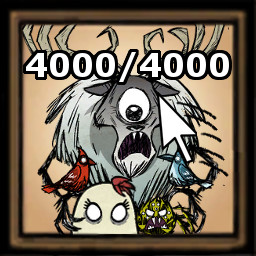
About [Tips]Show attack time for hounds and bosses
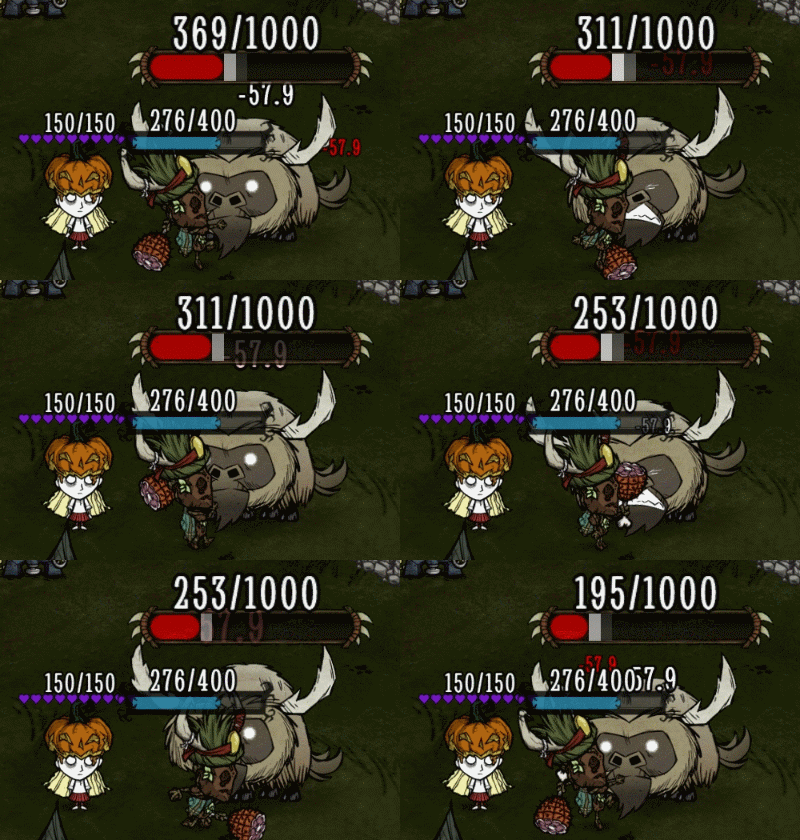
From Steam Workshopfunction To prompt the attack time of the hound (worm) and the Boss. The coordinates will be displayed when the Boss already exist. If not, it indicates that the Boss doesn’t fit the conditions for…
function
To prompt the attack time of the hound (worm) and the Boss. The coordinates will be displayed when the Boss already exist. If not, it indicates that the Boss doesn’t fit the conditions for generation.
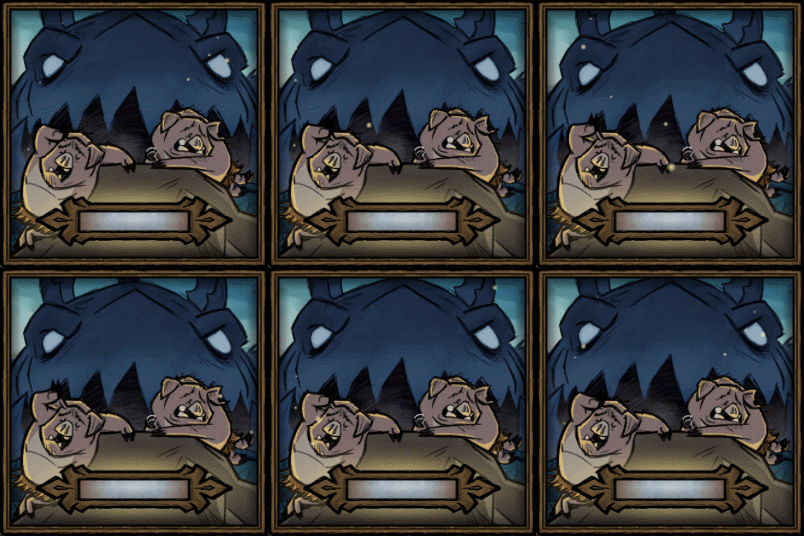
- To display the attack time of the hound and the Bosses of four seasons.
- To display the refresh time of the designated creature when instructions are given in the chat window.
- The time is in dd:mm:ss format.
instructions
- /help tips [to display parameters of tips]
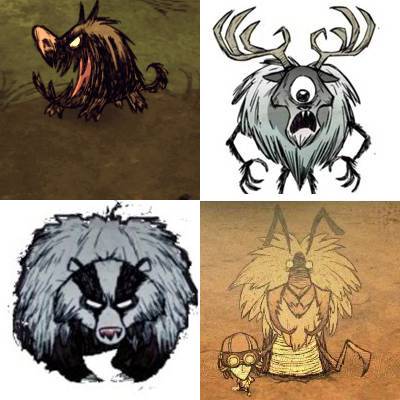
- /tips hd [to display the attack time of the Hound (Worm when in the caves)]
- /tips pm [to display the attack time of the Prime Mate]
- /tips dr [to display the refresh time of the No-Eyed Deer]
- /tips dc [to display the attack time of the Deerclops]
- /tips bg [to display the attack time of the Bearger]
- /tips ks [to display the refresh time of the Loot Stash]
- /tips mt [to display the refresh time of the Malbatross]
- /tips tt [to display the refresh time of the Toadstool]
- /tips ck [to display the refresh time of the Crab King]
- /tips al [to display the time when the antlion gets Antlion]
- /tips df [to display the refresh time of the Dragonfly]
- /tips ag [to display the cool-down time of the Ancient Gateway]
- /tips bh [to display the growth time of the Honey Patch]
- /tips lp [to display the cool-down time of the Rift Cycle]
- /tips dw [to display the refresh time of the Nightmare Werepig]
- /tips dw2 [to display the refresh time of the Scrappy Werepig]
- /tips wr [to display the refresh time of the W.A.R.B.O.T.]
- /tips pt [to display the coordinates of the player]
- /tips sx x [x is a variable to change the position of UI. If x=0, the UI will be in the center; if x>0, its position will be changed to the right; if x<0, to the left.]
- /tips sy y [y is a variable to change the position of UI. If y=0, the UI will be in the center; if y>0, its position will be moved up; if y<0, moved down.]
Highlights
From source dataFootprint
Rated a light load on a server.
Last update
Its author last shipped an update 3d ago.
[Tips]Show attack time for hounds and bosses on Nxeon
From our catalogue- One-click install
- Supported on Nxeon Don't Starve Together servers. We download it from Steam Workshop, place it, and restart the server.
- Server load
- light
- Smallest plan we suggest
- Don't Starve Together — 2 GB (2 GB RAM). This follows our own load rating above, not a benchmark.
- Latest build
- 2026-10-31, released 2026-10-31
Game versions by loader
| Loader | Game versions | Newest |
|---|---|---|
| Workshop |
From 2 recorded builds of [Tips]Show attack time for hounds and bosses.
Recent builds
| Build | Released | Game versions | Loaders |
|---|---|---|---|
| 2026-10-31 | 2026-10-31 | n/a | Workshop |
| 2025-06-14 | 2025-06-14 | n/a | Workshop |
Run [Tips]Show attack time for hounds and bosses on a Don't Starve Together server
Pick a server or deploy a new one above; it is installed in one click.
What kind of mod it is
From the catalogQuality of life & UI
Small conveniences, tweaks and interface improvements players notice straight away.
Compatibility
- Game
- Don't Starve Together
Verified at the source
- ✓Steam WorkshopOfficial listing, checked 2026-11-02Open ↗
- ✓AuthorA, as published on Steam Workshop
- ✓LicenseNot published by the sourceFree