
About wortox script
From Steam Workshophttps://i.loli.net/2019/03/22/5c94527d1e71d.gif Wortox Assistant https://i.postimg.cc/FFdH6VJx/achievements-divider-top-tex.png The Most Comprehensive Wortox Assistant ⋆。°✩ Main Features Soul Hop…

Wortox Assistant
 The Most Comprehensive Wortox Assistant ⋆。°✩
Main Features
- Soul Hop Enhancement
- Soul Jar Management: Supports hotkey soul collection and auto-collection
- Waypoint Jumping: Customize map jumping coordinates with a dedicated coordinate wheel to manage frequently visited locations, saved across worlds
- Soul Overflow Prevention: Automatically stores souls in jars based on jar capacity and inventory, discarding excess
- Visual Style Customization
- Key Binding: In-game hotkey support with real-time custom settings (all keyboard, mouse buttons, and combinations, e.g., Shift+R)
 Recommended with Zoom Out mod
༺ Soul Hop ༻
- Flying Thunder God Technique
- [list]
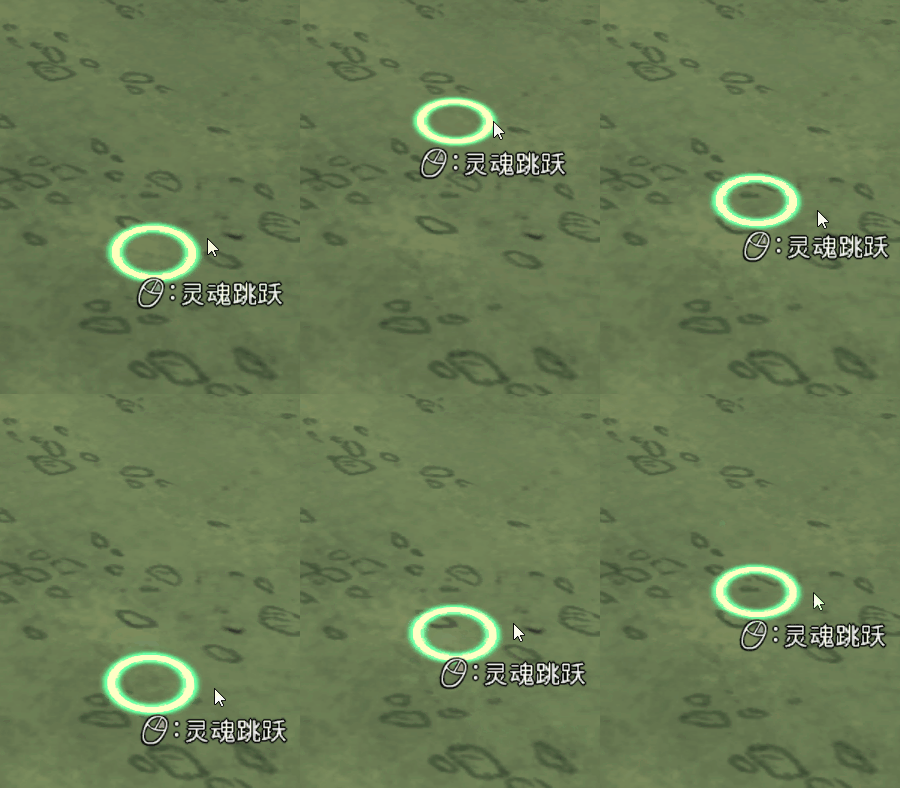
- Triggered by middle mouse button, executes maximum distance soul hop
- Landing marker style and color fully customizable with real-time effect

 [/td] [td]
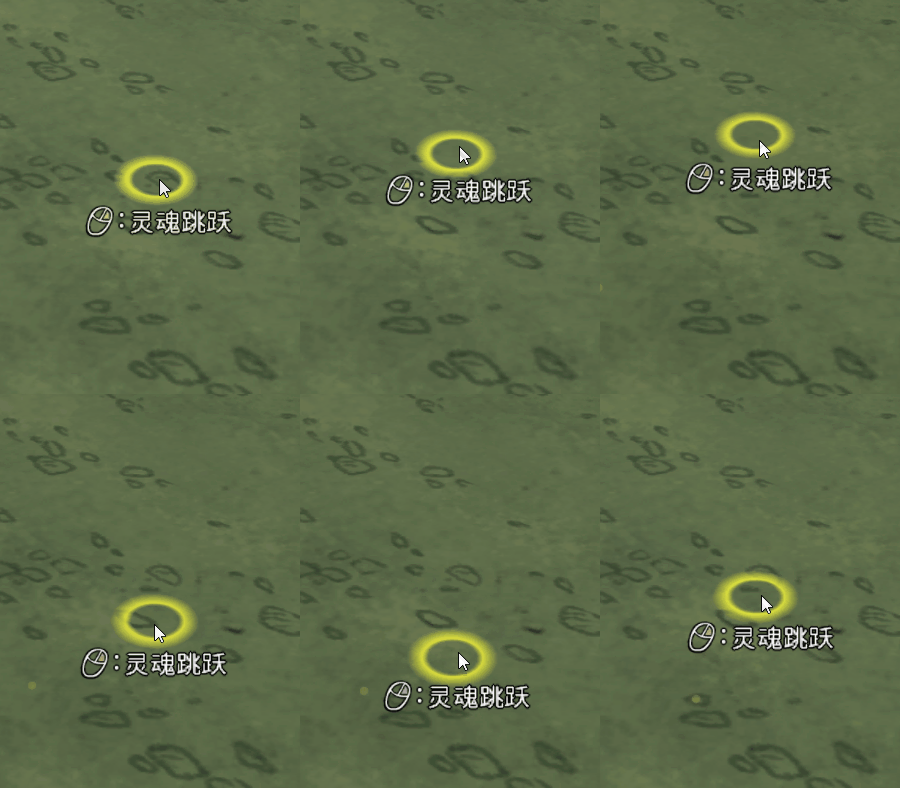 [/td] [/tr] [/table] Customizable style and color
[*]Quick Soul Drop
- Default R key (customizable), adapts to skill tree changes, optional range display on drop
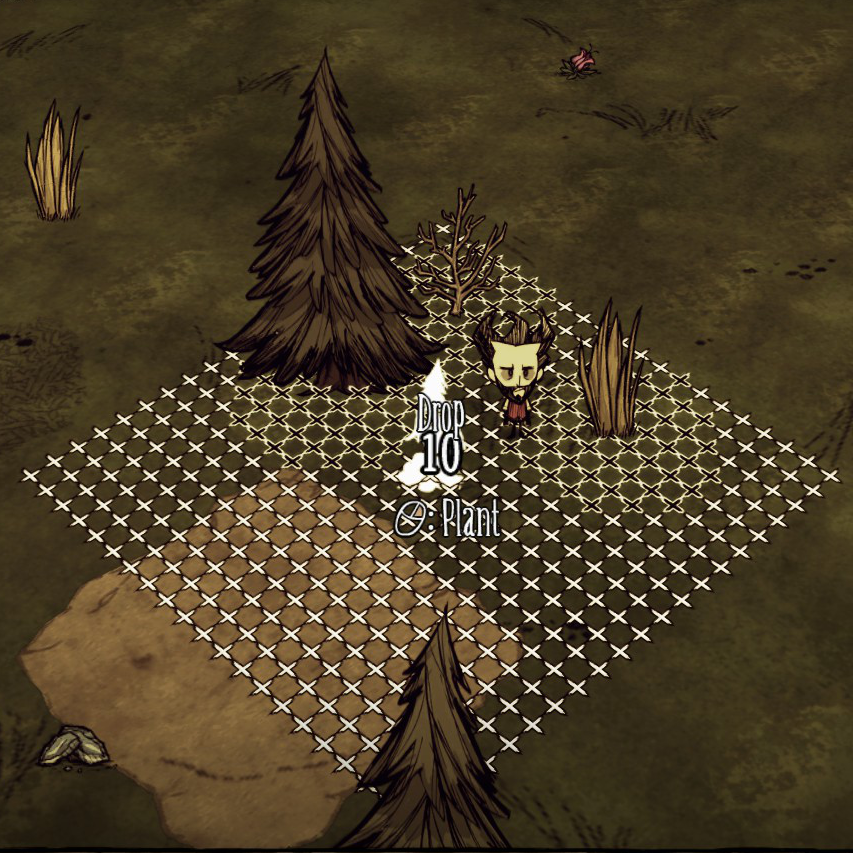
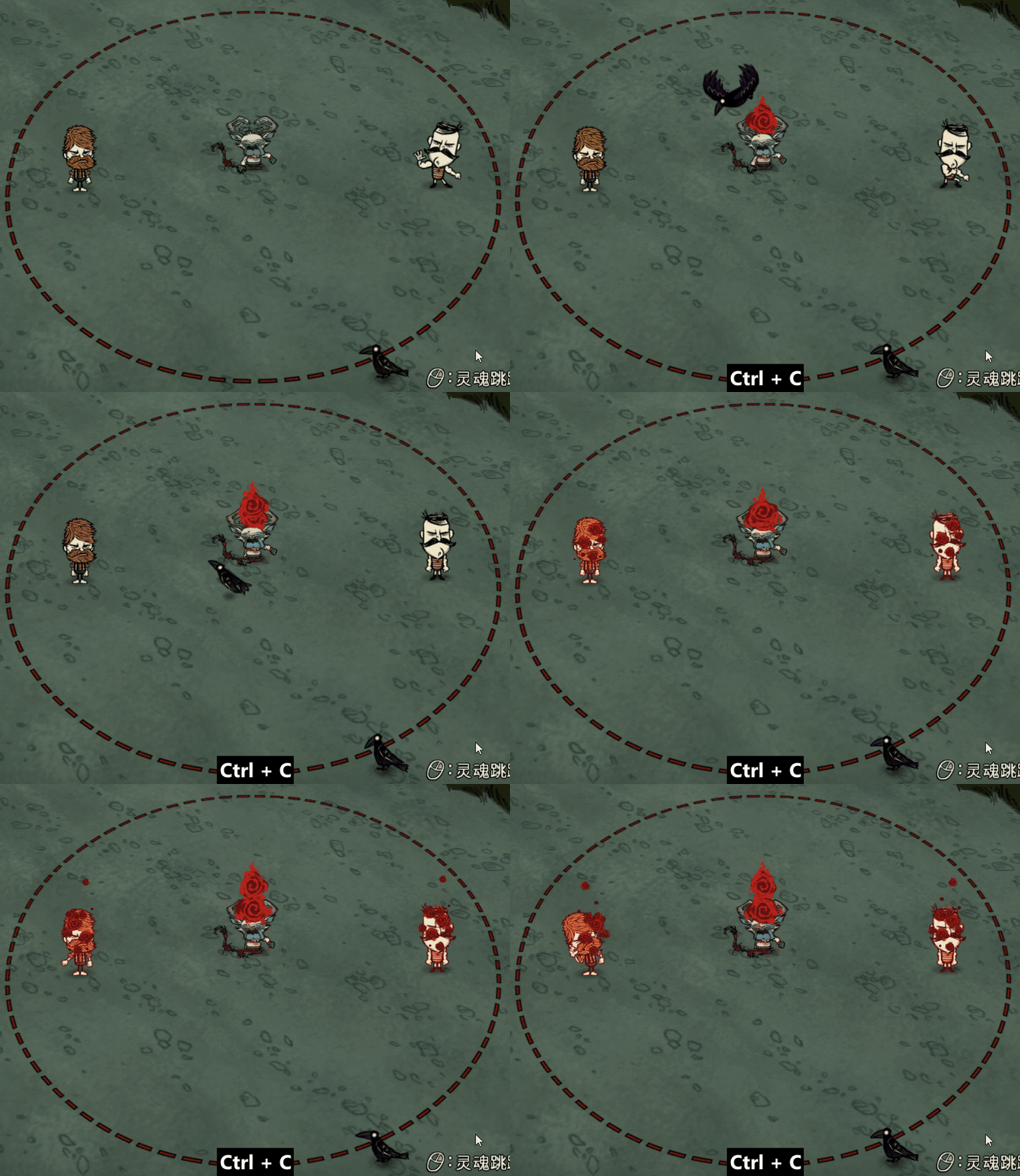 -- Range display adjusts with skill level [*]Teleport in Place: Default T key (customizable), executes soul hop at current location for simplified operation and improved efficiency [*]Cursor Jump: Jump to mouse cursor position [*]Manual Map Jump: Use map jump mode to jump to cursor position [*]Jump with Pandemonium: Mod item, auto-equips Pandemonium (if not equipped) and jumps to mouse position [hr][/hr] [*][h2]Waypoint Jumping[/h2]
- Shift+R opens coordinate wheel to select saved preset locations like Pig King, Moon Island, Monkey Island, etc.
- Click Add Location to input name and coordinates for new entry; click compass to get current coordinates
- Click Coordinate Management to view world position (overworld/caves) and delete locations
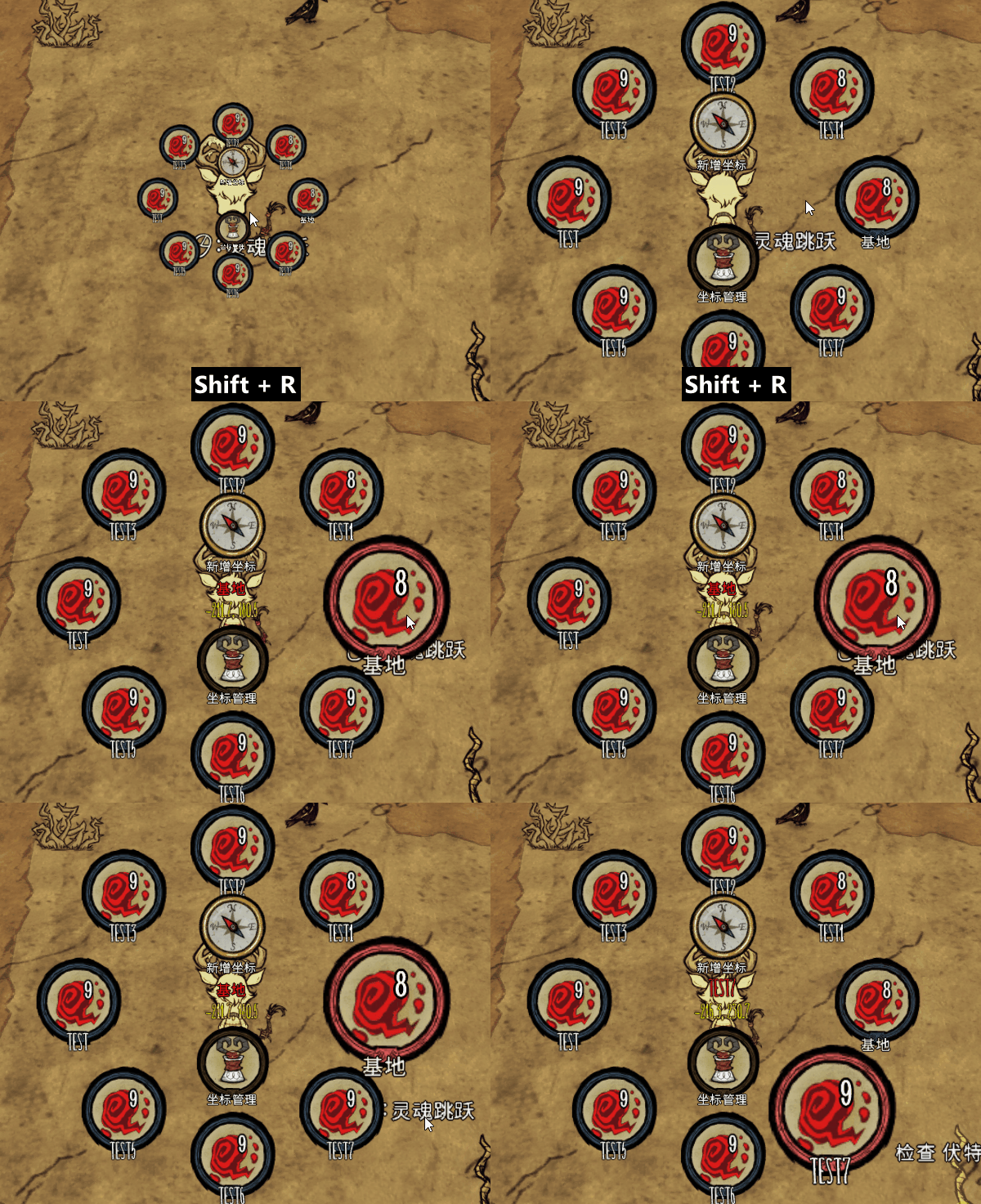 [/list] [hr][/hr]
༺ Soul Management System ༻
- Soul Overflow Prevention
- [list]
- Daily Mode: Set reserved soul count
- Farming Mode: Set reserved soul count
- Mode toggle hotkey: Customizable for convenient mode switching
- Auto-cancel Soul Echo: Default G key
[/list] 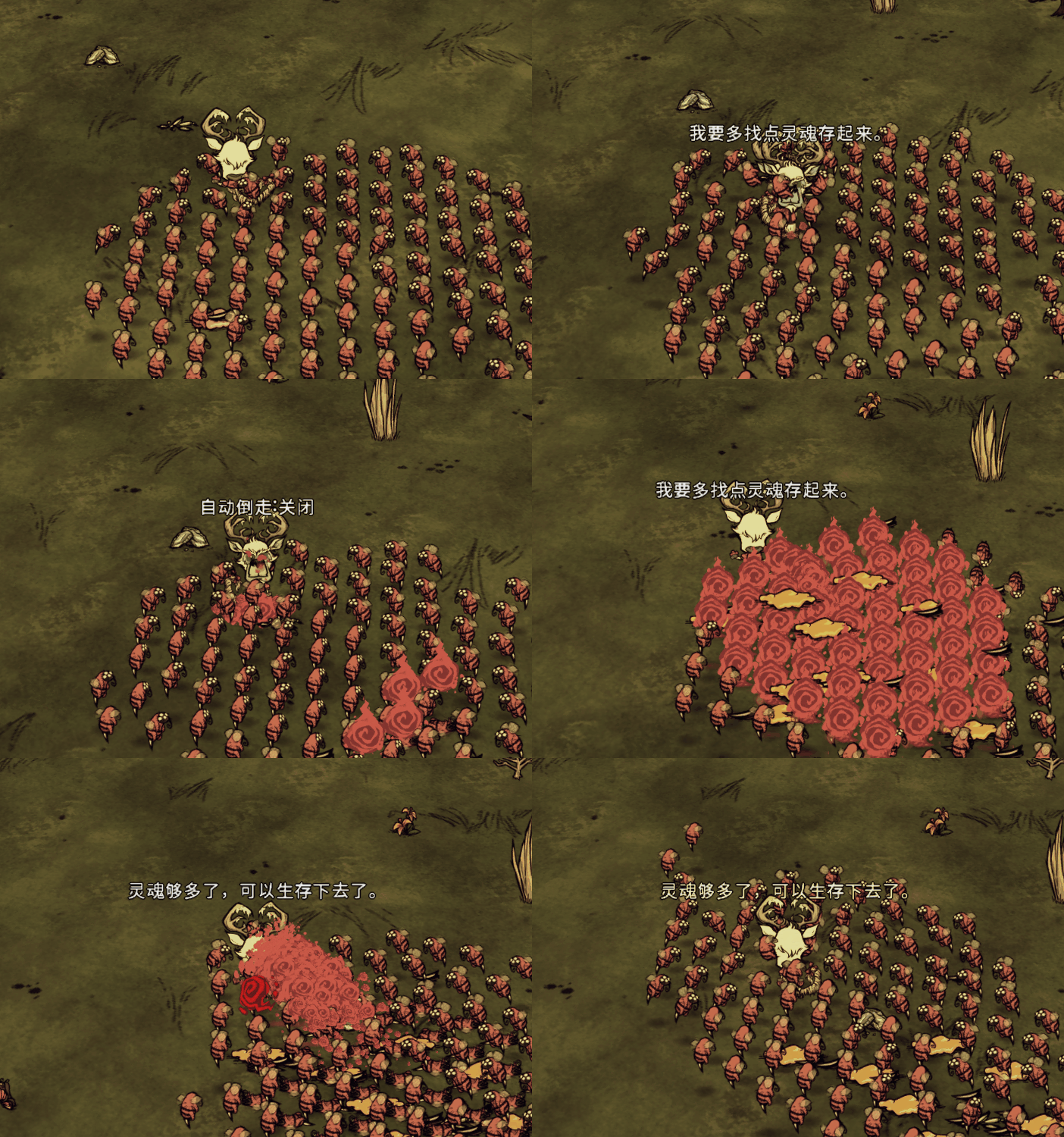
[hr][/hr]
༺ Soul Jar ༻
- Smart Jar System
- [list]
- Default X key (customizable): One-click open fullest jar
- Default V key (customizable): One-click collect specific amount from jar
- Auto-collection mode: Auto-collects below 15 souls, customizable hotkey and collection amount
[/list] 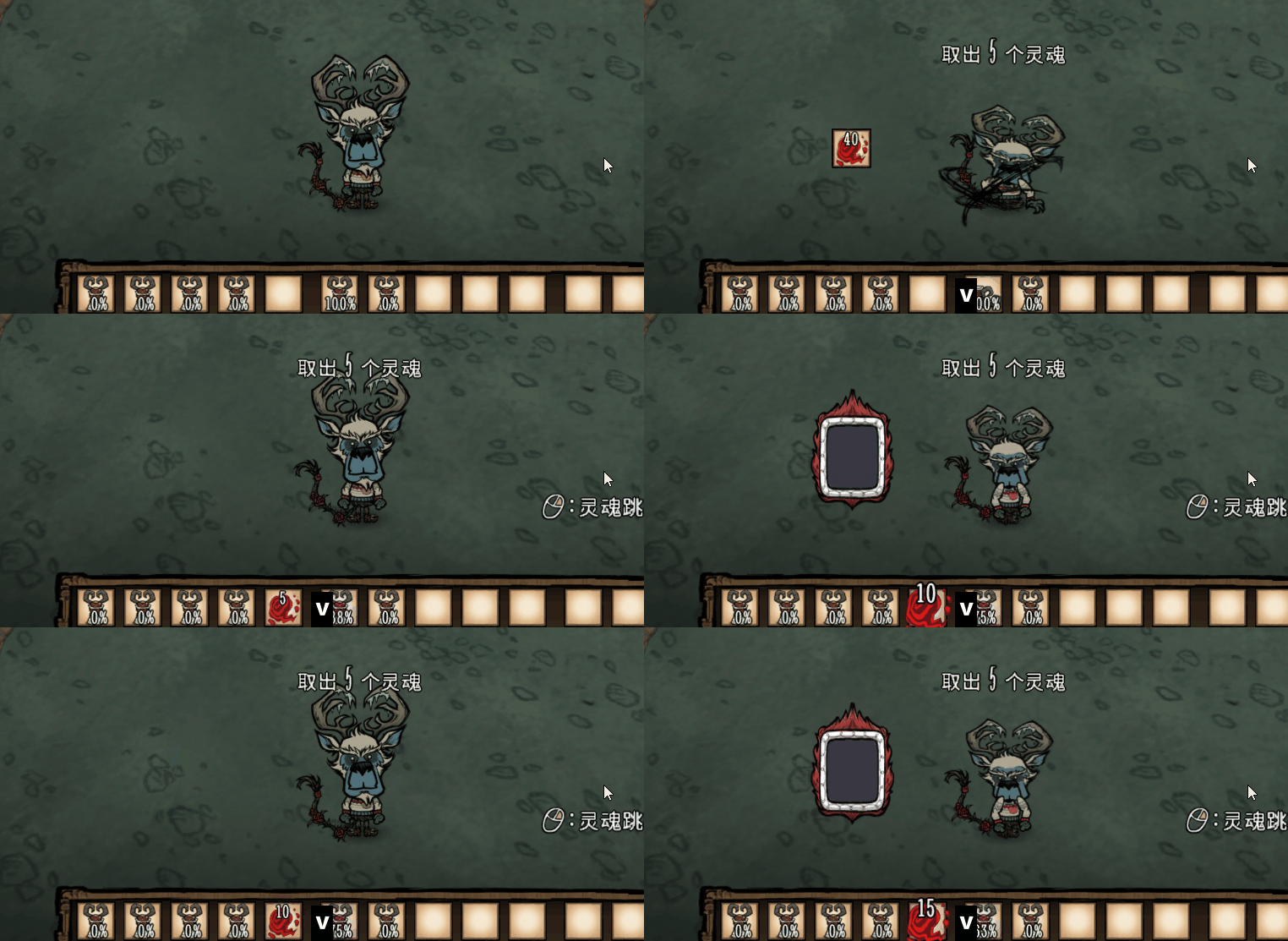
[hr][/hr]
༺ In-Game Configuration ༻
- Brand New Key Binding Experience
- [list]
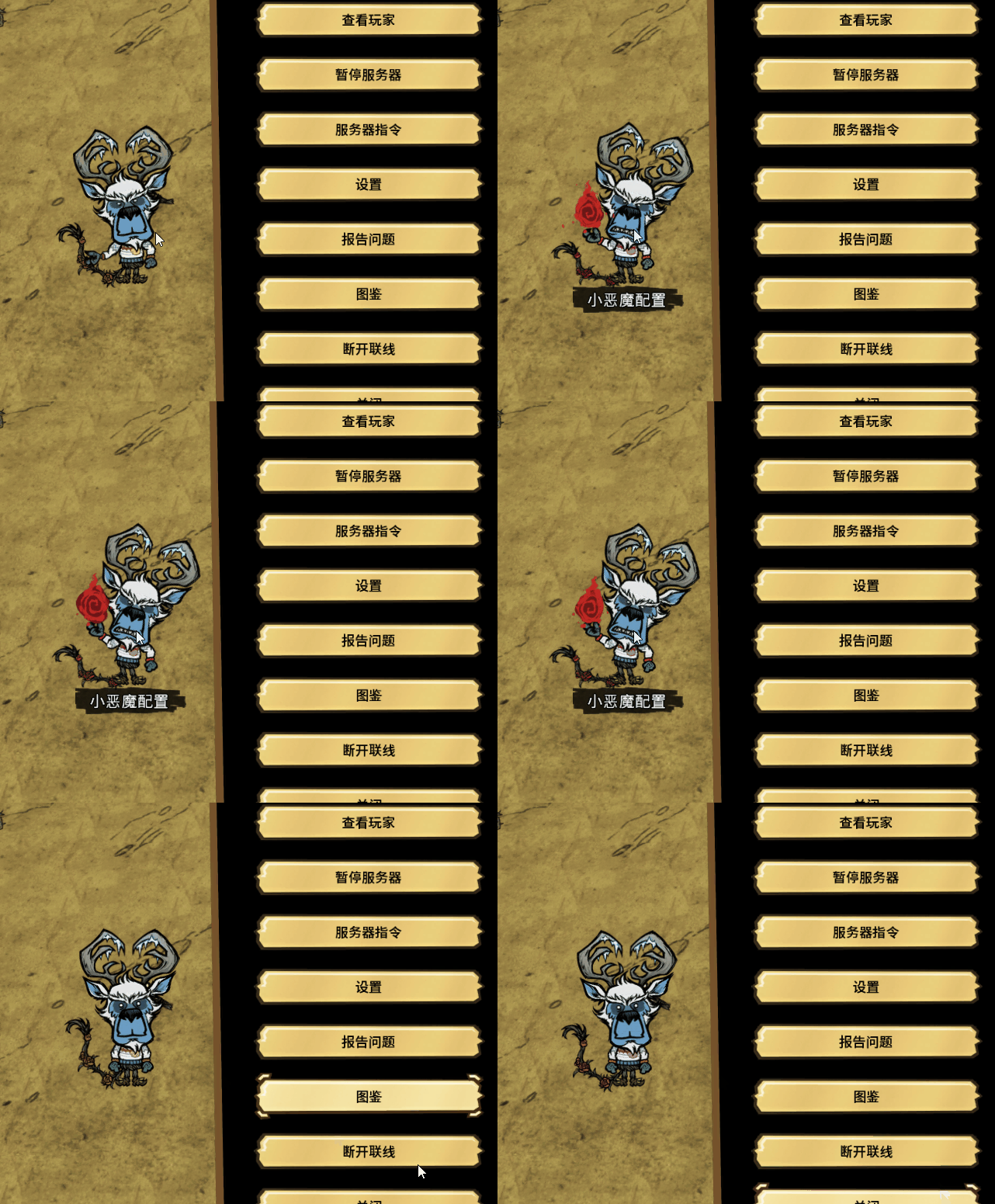
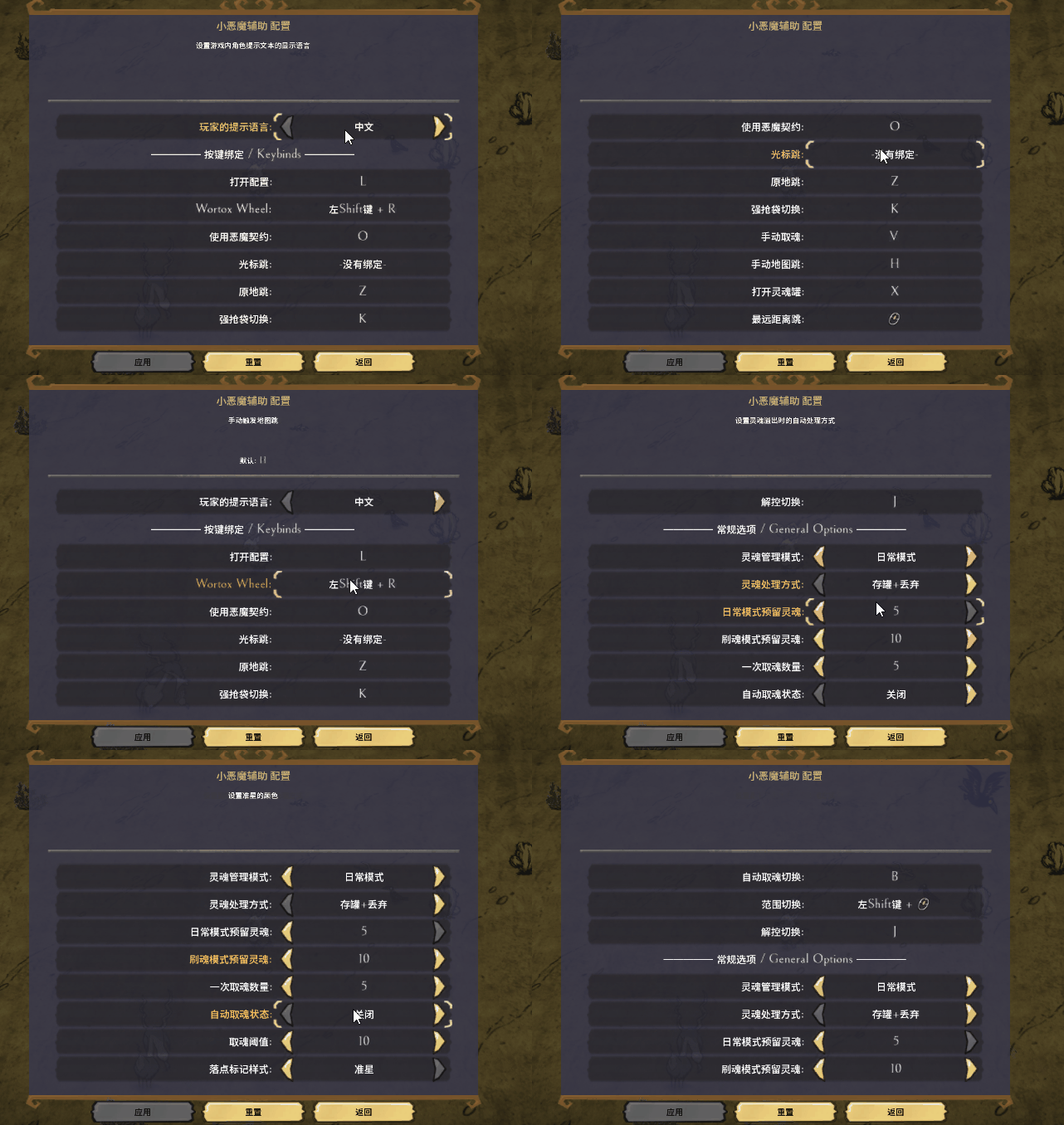
- Default L key to open config interface, or click Wortox puppet in ESC menu
- Supports all keyboard keys, middle/side mouse buttons, and combinations like Shift+L
- Real-time modification of hotkeys and settings in-game, no restart required
 Convenient settings, personalized experience [/list] [hr][/hr]
༺ Exclusive Item Optimization ༻
- Collection System Optimization
- [list]
- Toggle Soul Pouch's area collection on/off to prevent unnecessary durability loss
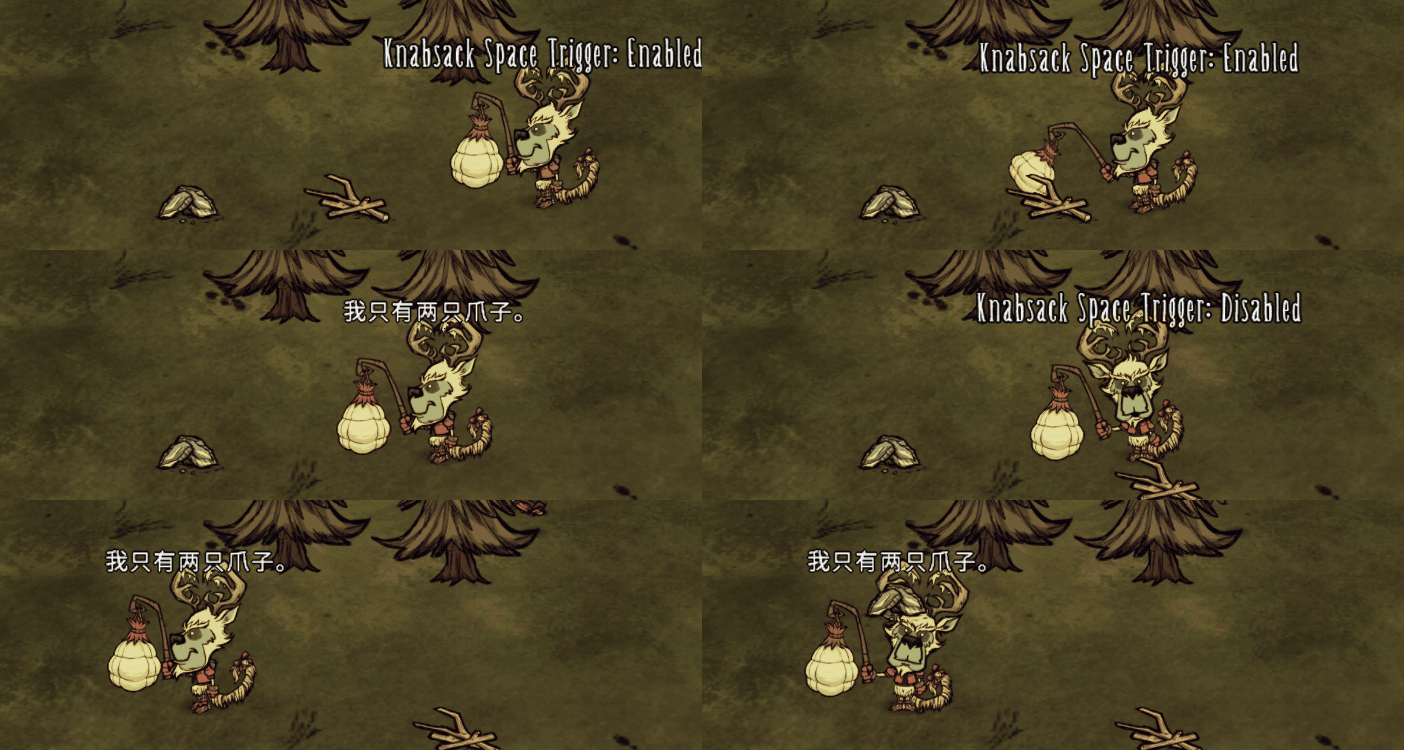 K key to toggle collection mode, effectively preserving durability [/list]
༺ Additional Usage Tips ༻
- Right-click health icon to toggle soul management
- Supports map jump for crowd control break, default J key to toggle
- Default L key opens config page, settings saved in-game thereafter
- Use with caves enabled or Alone Journey disabled
- Recommend disabling lag compensation
༺ Feedback ༻
Found a bug or have a new idea? Feel free to share in the comments! 
Highlights
From source dataFootprint
Rated a light load on a server.
Last update
Its author last shipped an update 3 mo ago.
wortox script on Nxeon
From our catalogue- One-click install
- Supported on Nxeon Don't Starve Together servers. We download it from Steam Workshop, place it, and restart the server.
- Server load
- light
- Smallest plan we suggest
- Don't Starve Together — 2 GB (2 GB RAM). This follows our own load rating above, not a benchmark.
- Latest build
- 2026-08-14, released 2026-08-14
Game versions by loader
| Loader | Game versions | Newest |
|---|---|---|
| Workshop |
From 1 recorded build of wortox script.
Run wortox script on a Don't Starve Together server
Pick a server or deploy a new one above; it is installed in one click.
What kind of mod it is
From the catalogTechnology & automation
Machines, power, logistics and automation.
Compatibility
- Game
- Don't Starve Together
Verified at the source
- ✓Steam WorkshopOfficial listing, checked 2026-11-01Open ↗
- ✓AuthorMitTo Trón, as published on Steam Workshop
- ✓LicenseNot published by the sourceFree