About Alias Multirole SV [T2] [Warp] [Level 10]
From Steam WorkshopAlias Multirole SV is an open cockpit multirole vehicle that can be upgraded in many different ways, and to Tier 3. It has 24 upgrade points outside, as well as 3 turrent mounting spots. Even in tier…
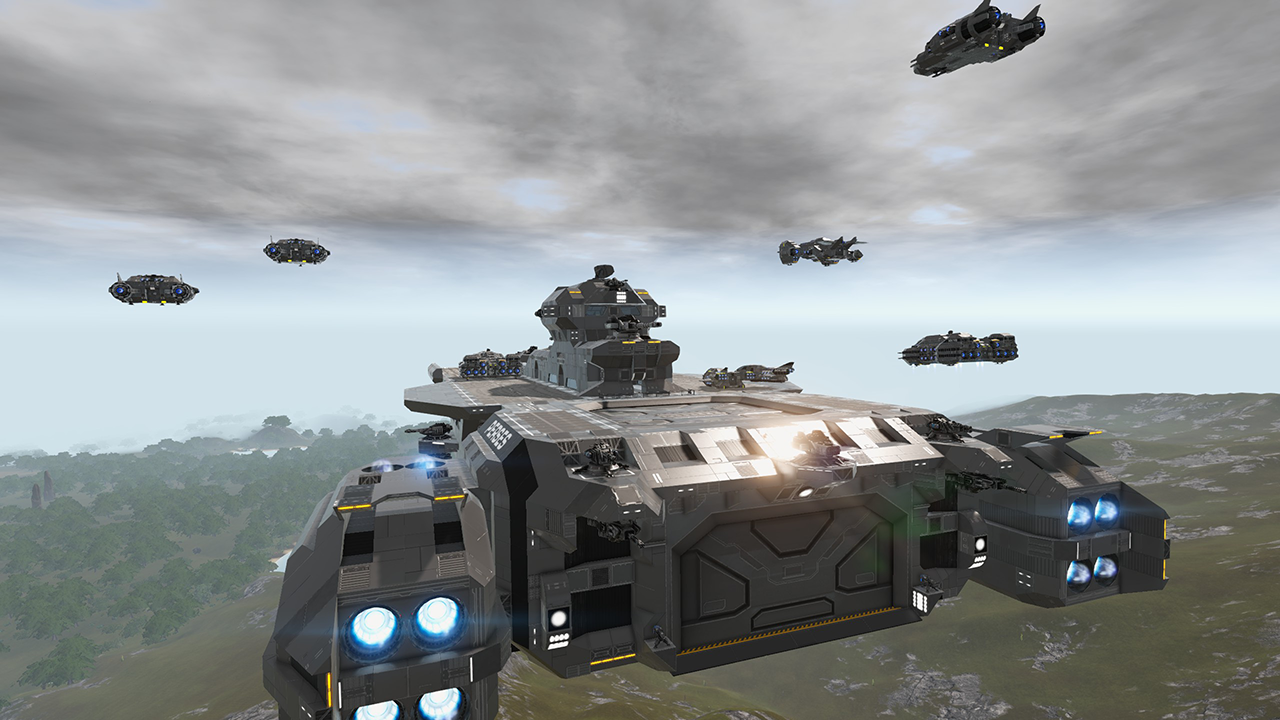
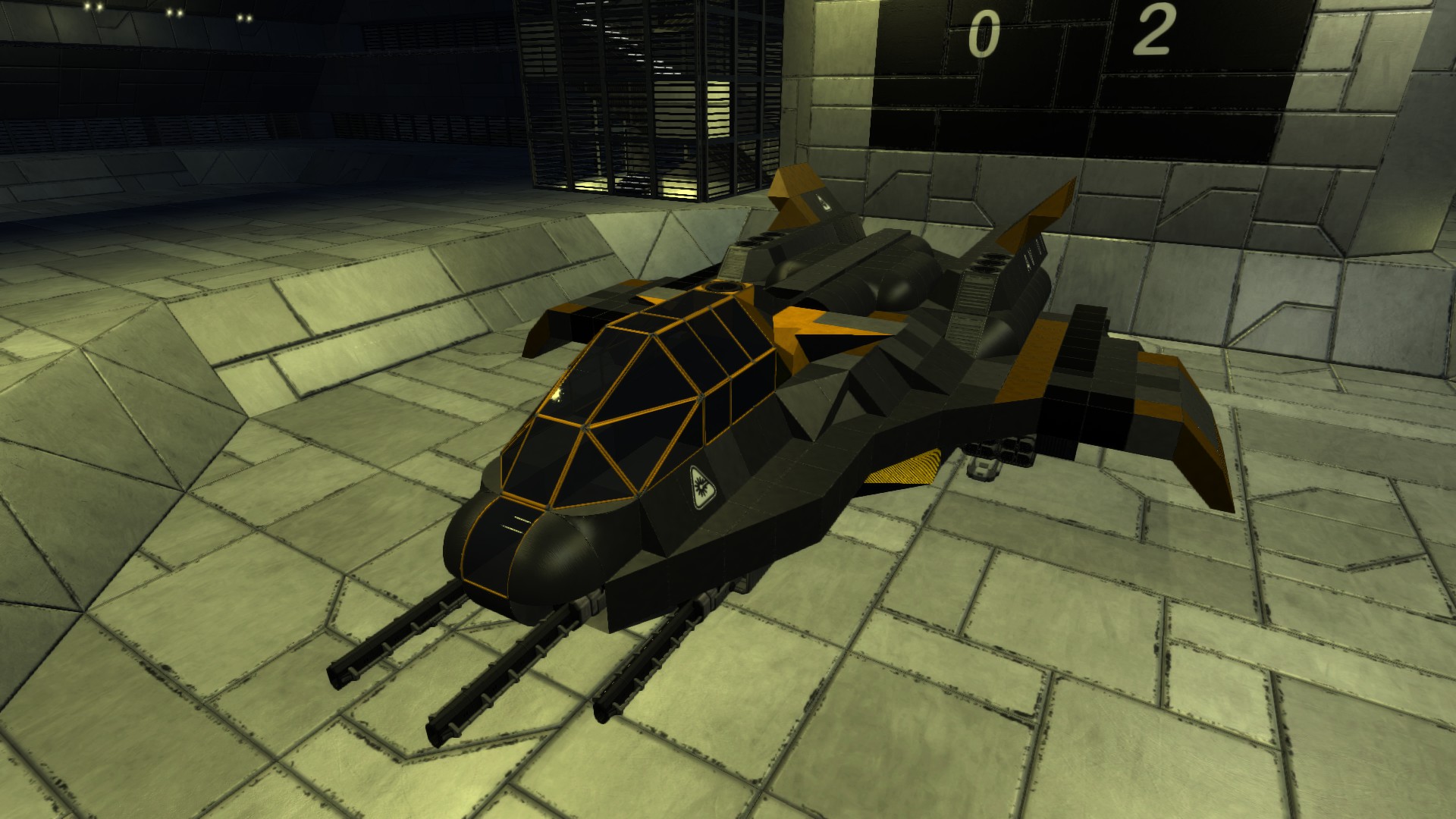
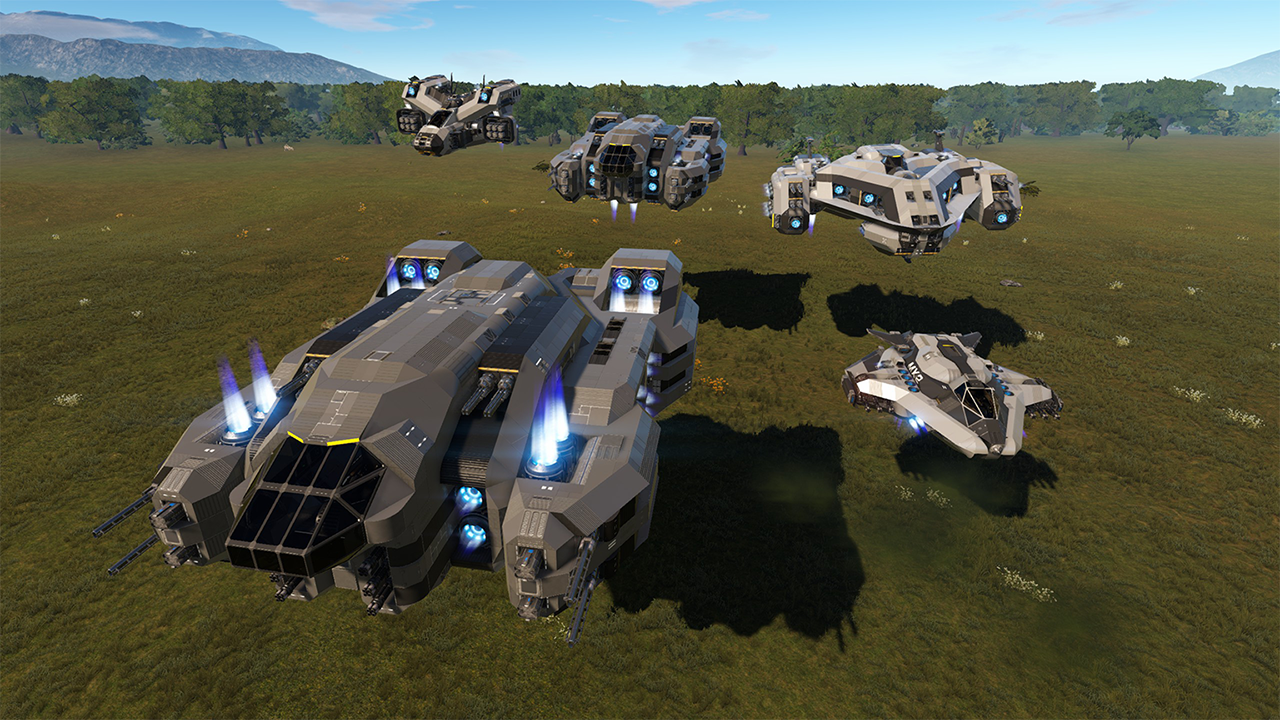
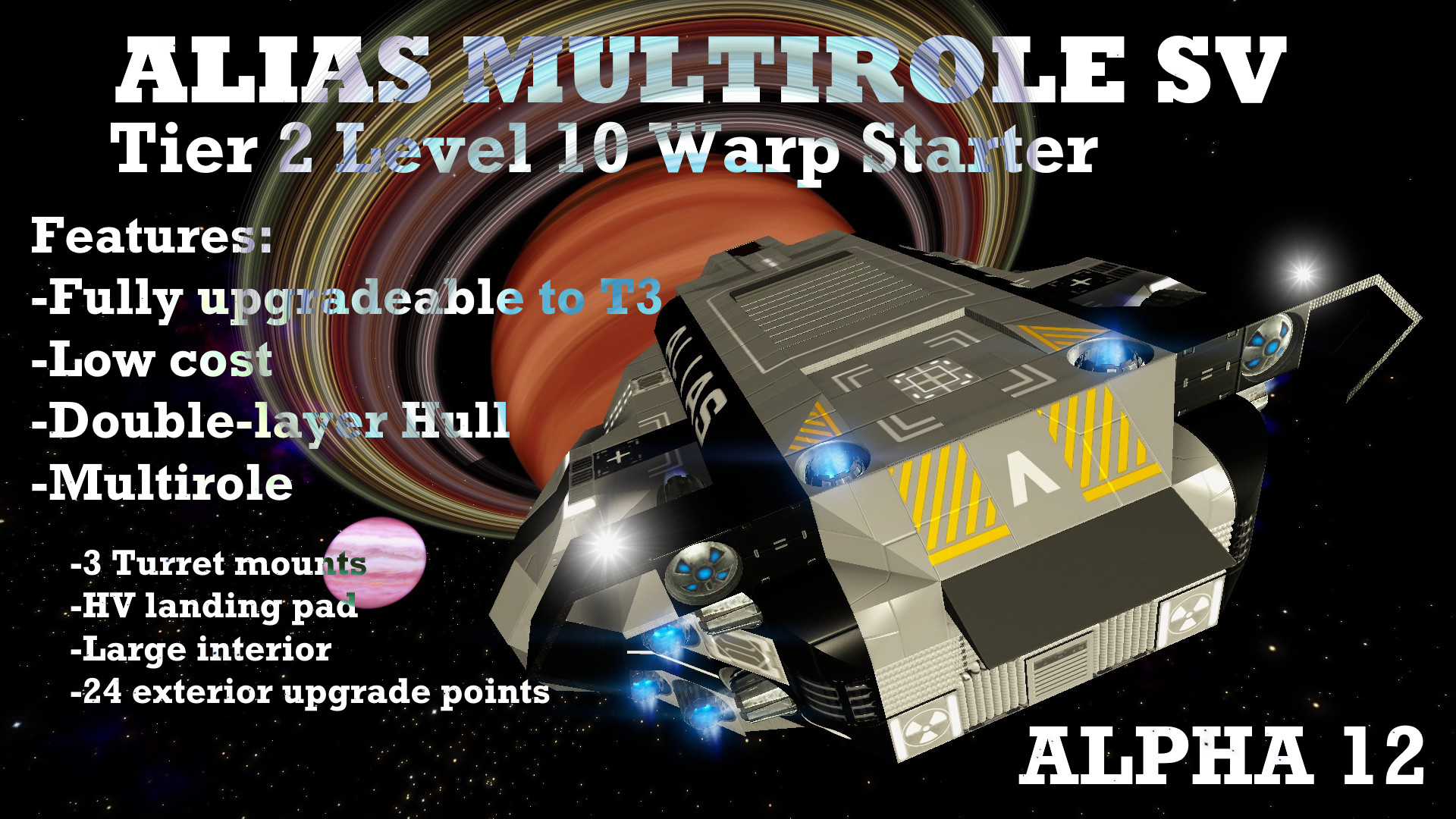
Alias Multirole SV is an open cockpit multirole vehicle that can be upgraded in many different ways, and to Tier 3. It has 24 upgrade points outside, as well as 3 turrent mounting spots. Even in tier 2, it can be oriented as a combat, cargo or utility craft, or a mix and match of all. It's meant to be crafted as a follow up SV to your starter SV/HV, and give you access to the interplanetary space.
**Minor update (06/08/2020) Upgrade info panel added.
Alias starts with warp drive, 2 gatling guns, 14000 SU main cargo space, 2 cargo boxes, 1000 ammo cargo space, and a constructor. Fridge, armor locker, detector, wireless are all present on all Alias models. It's price is comperable to a starter SV, yet it packs so much more.
This is the introduction and inside look video for Alias Series Craft. https://www.youtube.com/watch?v=jJW7CmireUM I haven't added it to the video list, so it doesn't play automatically for everyone, without asking.
I wanted a vehicle that would get the most out of the awesome station repair and restock services. And facing the new PoI defenses, I see that plasma and rocket turrets can splash their damage to 2 blocks deep. So Alias has been designed to have two layers of blocks in bow, stern and underbelly area of the craft to prevent internal explosion damage and protect hull integrity. All the necessary avionics, warp drive, cargo and thrusters are stationed at the back of the craft, except the cockpit. Alias is robust and meant to receive damage without being decommisioned, complete the mission, get repairs and repeat again.
In an attempt to make a 2 layer glass open cockpit design (it obstructs vision, a lot, and that attempt failed), I found that projecting LCD's into glass panels looks really cool on open cockpits, so Alias features these info LCD panels. They double as protection for the user from incoming fire from engaged ground targets, as an added bonus.
Alias has 3 hull points that can mount a minigun turret, and middle one is backed up with a ramp and can be used to dock hover vehicles. The small step on the front of the craft gives you the needed step to get on top of the Alias to access your HV, without risking a burn or radiation from the thruster system. To use it, just run towards the nose of the craft where the step is, jump and hold space to wall-jump above the craft. But once you have a jetpack, you can just remove it if you don't like it's looks :)
Levers tend to cause problems in crafts receiving damage, and they give 0 signal when destroyed. This can mess up with signal circuitry. Alias uses the control panel custom switches and still gives you a lot of control on how your craft behaves. Still, the drone hatch lever and side entrance door remains, as Alias was designed to be the true successor of Hubble series and fast exploration is always a priority.
I didn't retexture the most container extensions inside and left them with vanilla texture, because ALIAS encourages players to upgrade it however they want, and it becomes tricky to see the extensions at first look and upgrade them further as needed, if you retexture them.
Landing or opening drone hatch will automatically activate side and back spotlights, landing will automatically activate main door motion sensor. Drone hatch lever on/auto position only opens the drone hatch if somebody is inside the craft, so you can set it ON/AUTO, and hatch opens when you leave pilot seat but closes when you resume your flying.
IRPCS Flare (International Regulations for Preventing Collisions at Space, kidding, it's actually sea, not space) system is installed on Alias, and it can be turned on or off with the control panel. It gives the craft an authentic look imo, and it's a good practice for all spacepeople to activate their IRPCS' in proximity for safe entry to stations and CV's.
UPGRADE notes;
Alias has upgrade spots inside for a set of 2 generators, 2 T3 Cpu units, and 2 more spots for generator / fuel tank, depending on your needs. For T3 upgrades, all back, below, upper, and side thruster upgrade points should fit with a medium thruster. To access, simply remove their covers with multi/survival tool. They are distinctively marked. All newly added thrusters should either follow signal "PrimaryTHR", to keep them always on. Or, "SecondaryTHR", to keep them only on when max thrust is activated. All newly added weapons systems should follow signal "Weaponfollow", so they get deactivated when you toggle Weapon systems switch and main power custom switch. All newly added Turrets should follow Turrets signal. Main power custom switch does not deactivate turrets (so they give protection during your raid into a poi).
Recoloring ALIAS is quite easy. All exterior is 2 colors, light grey and black. Interior is default grey. Just replace the colors however you want.
If upgrading to T3 feels complicated, please feel free to watch this video I've already recorded upgrading mine in my Eden Survival run. https://www.youtube.com/watch?v=IfaSlHCorlA
Tip for armoring up the underlying blocks easily in a double layer craft: Go to a station, (remember to pack your titanium sheets) remove all the outer layer blocks with your multitool. Then, upgrade all the pyramidal interior blocks with your multitool. Hit station repair. There will be a low cost (since all outer plates were made of regular iron), pay it. The station repair services replaces all the outer hull, but the interior hull will remain upgraded. Upgrade outer hull as you like, and remember to save your template in control panel for next visit repairs.
Highlights
From source dataFootprint
Rated a light load on a server.
Last update
Its author last shipped an update 6 yr ago.
Alias Multirole SV [T2] [Warp] [Level 10] on Nxeon
From our catalogue- One-click install
- Supported on Nxeon Empyrion: Galactic Survival servers. We download it from Steam Workshop, place it, and restart the server.
- Server load
- light
- Smallest plan we suggest
- Empyrion — 8 GB (8 GB RAM). This follows our own load rating above, not a benchmark.
- Latest build
- 2020-08-06, released 2020-08-06
Game versions by loader
| Loader | Game versions | Newest |
|---|---|---|
| Workshop |
From 1 recorded build of Alias Multirole SV [T2] [Warp] [Level 10].
Run Alias Multirole SV [T2] [Warp] [Level 10] on a Empyrion: Galactic Survival server
Pick a server or deploy a new one above; it is installed in one click.
What kind of mod it is
From the catalogGameplay & overhauls
New mechanics, content and overhauls that change how the game plays.
Compatibility
- Game
- Empyrion: Galactic Survival
Verified at the source
- ✓Steam WorkshopOfficial listing, checked 2026-11-01Open ↗
- ✓AuthorNightsinger, as published on Steam Workshop
- ✓LicenseNot published by the sourceFree